
If you want AI automation projects for business owners that teach real capability without risking live customer data, start with small builds you can finish in free time. The goal is not a fancy demo. The goal is to learn how Claude Code and Codex handle files, scripts, drafts, and review gates inside one business process.
These five projects use synthetic or sample data on purpose. They show where coding agents help most: reading messy inputs, turning them into structure, drafting the next step, and leaving a clear human checkpoint. That is how most useful business automation actually works.
If you are new to terminal agents, first read what AI CLIs are and how Codex, Claude Code, and Gemini CLI differ. If you want the no-code side first, compare that path in how to build AI workflows without code.
Key Takeaways
- Pick one repetitive business task, not a full company rebrand.
- Use sample data first, then decide what you would trust in production.
- Claude Code and Codex can both help you explore files, write scripts, and draft outputs.
- Human review is part of the design, not an afterthought.
- Finish each project with a checklist you could hand to a teammate.
Table of Contents
- Why free-time projects beat another AI course
- What Claude Code and Codex actually add
- The 5 projects at a glance
- Project 1: Customer enquiry triage sandbox
- Project 2: Meeting notes to action items
- Project 3: Weekly report builder from a messy spreadsheet
- Project 4: Invoice follow-up email pack
- Project 5: Internal SOP builder
- Claude Code vs Codex for each project
- Safety checklist before any live use
- Mini FAQ
Why Free-Time Projects Beat Another AI Course
Courses explain tools. Projects show whether the tools fit your work. A business owner learns more from one half-finished enquiry triage script than from another hour of generic prompt tricks.
A good free-time project has four traits:
- One clear business question.
- Inputs you can replace with samples.
- An output you can inspect in under five minutes.
- A review step a non-technical teammate could follow.
That is why the list below stays practical. Each project teaches a different AI capability: classification, extraction, cleanup, drafting, and documentation.
What Claude Code and Codex Actually Add
Browser chat is fine for explanations. Coding agents change the shape of the work because they can open a folder, read files, propose edits, run commands, and keep multi-step context inside a project.
Anthropic describes Claude Code as an agentic coding tool that reads a codebase, edits files, runs commands, and integrates with development tools across terminal, IDE, desktop, and browser surfaces. OpenAI positions Codex around goal-driven work: gather context, take action, and produce something useful, with surfaces that include Codex CLI, IDE, cloud, and ChatGPT.
That matters for automation projects because you are not only writing text. You are handling files. You are checking that a script produced a clean CSV. You are comparing a draft reply against a written policy.
For install paths and first steps, use the current vendor docs for Claude Code and Codex rather than an old screenshot. Product surfaces change; the learning pattern does not.
The 5 Projects at a Glance
| Project | Capability you practice | Safe first output | Best first tool shape |
|---|---|---|---|
| Enquiry triage sandbox | Classification + drafting | Tagged inbox + reply drafts | Either agent; Claude Code for file structure, Codex for repo-style setup |
| Meeting notes to action items | Extraction + assignment | Action CSV with owners | Either; strong for local file workflows |
| Weekly report builder | Cleanup + summarization | Draft weekly summary | Codex or Claude Code once the data folder exists |
| Invoice follow-up pack | Structured drafting | Draft emails from sample invoices | Claude Code for policy file + templates |
| Internal SOP builder | Documentation + structure | SOP drafts from messy notes | Claude Code for multi-file documentation work |
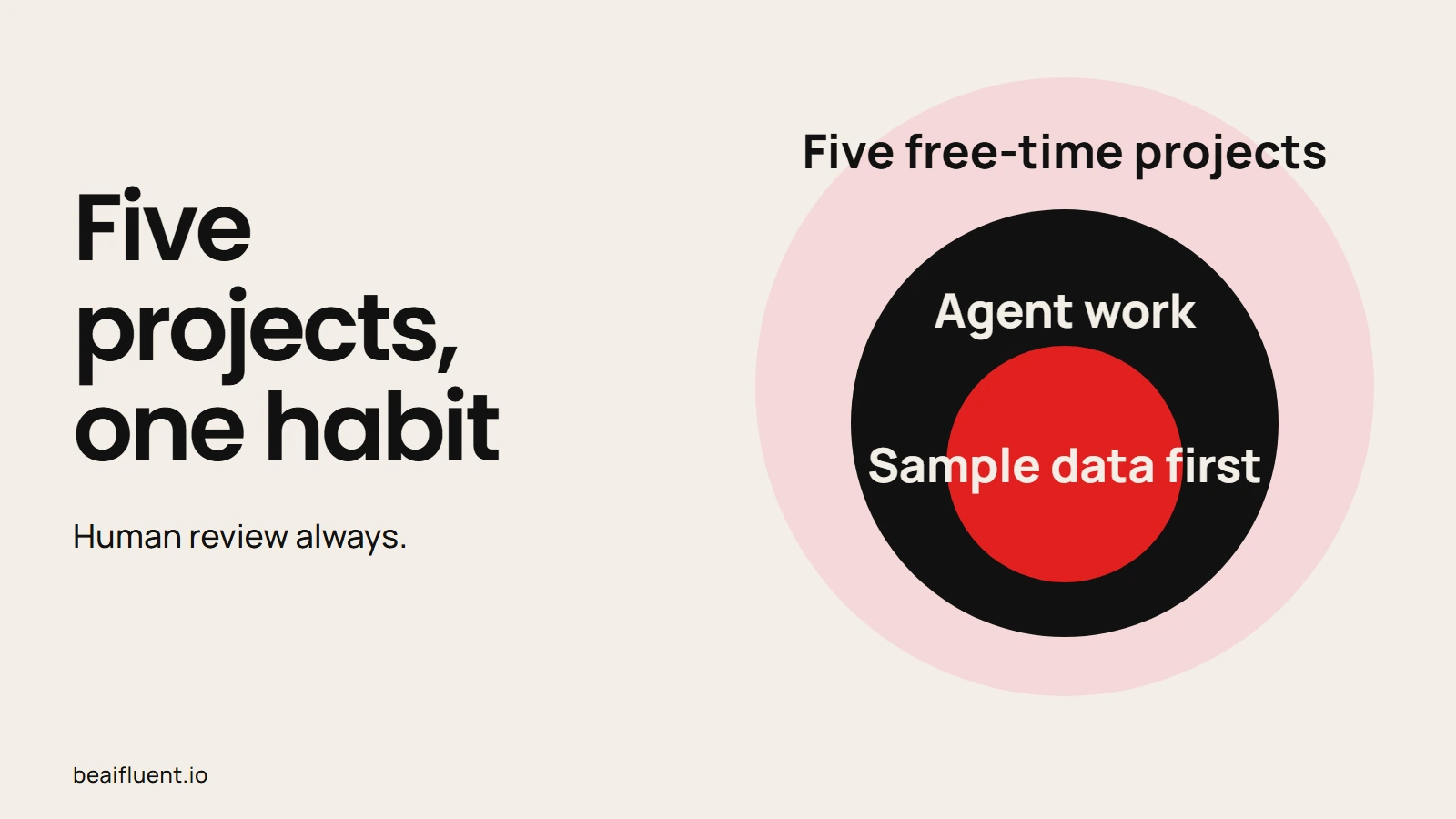
All five projects stay inside one habit: sample data first, human review always.
That pattern repeats across the five projects. Each one trains a different capability while staying small enough to finish in free time.
Project 1: Customer Enquiry Triage Sandbox
What you are building
A local folder of synthetic customer enquiries. You classify each message, extract key fields, and draft a reply that a human would still send.
Why this teaches AI capability
Enquiry triage shows classification, tone control, structured output, and policy boundaries in one project. It also exposes the biggest automation risk: a confident draft that is wrong about a refund, price, or delivery promise.
How to run it in free time
- Create
enquiries/with 15 to 20 sample messages. Include messy subjects, typos, and one urgent case. - Add
policies.mdwith the rules your draft replies must follow. - Open the folder in Claude Code or Codex and ask for a triage table: category, urgency, missing info, suggested next step.
- Ask for reply drafts that follow
policies.mdonly. - Review every draft. Mark anything invented as a failure, not a feature.
What success looks like
You get a repeatable structure, not magic. The agent should tell you what it is unsure about. If it invents a delivery date, your project has taught you something important about review gates.
Callout: Never paste live customer messages into a training or experiment workflow unless you have checked privacy, retention, and vendor data-handling rules first. Start synthetic.
Project 2: Meeting Notes to Action Items
What you are building
A converter that turns rough meeting notes into a structured action list with owners, due dates, and open questions.
Why this teaches AI capability
This project is about extraction under ambiguity. Notes are messy. AI can help you find decisions and tasks, but it also loves to invent deadlines that nobody agreed to.
How to run it in free time
- Save three sample transcripts or notes files in
meetings/. - Create a simple output schema:
task,owner,due,source line,confidence. - Ask Claude Code or Codex to extract actions only when the notes support them.
- Require a
sourcefield for every action so you can check the original wording. - Keep an
unknown ownerbucket. Empty ownership is better than fake ownership.
What success looks like
Your output file is useful in a Monday huddle and boringly honest about uncertainty. For a broader workflow lens, see how to use AI workflows for research, notes, meetings, and planning.
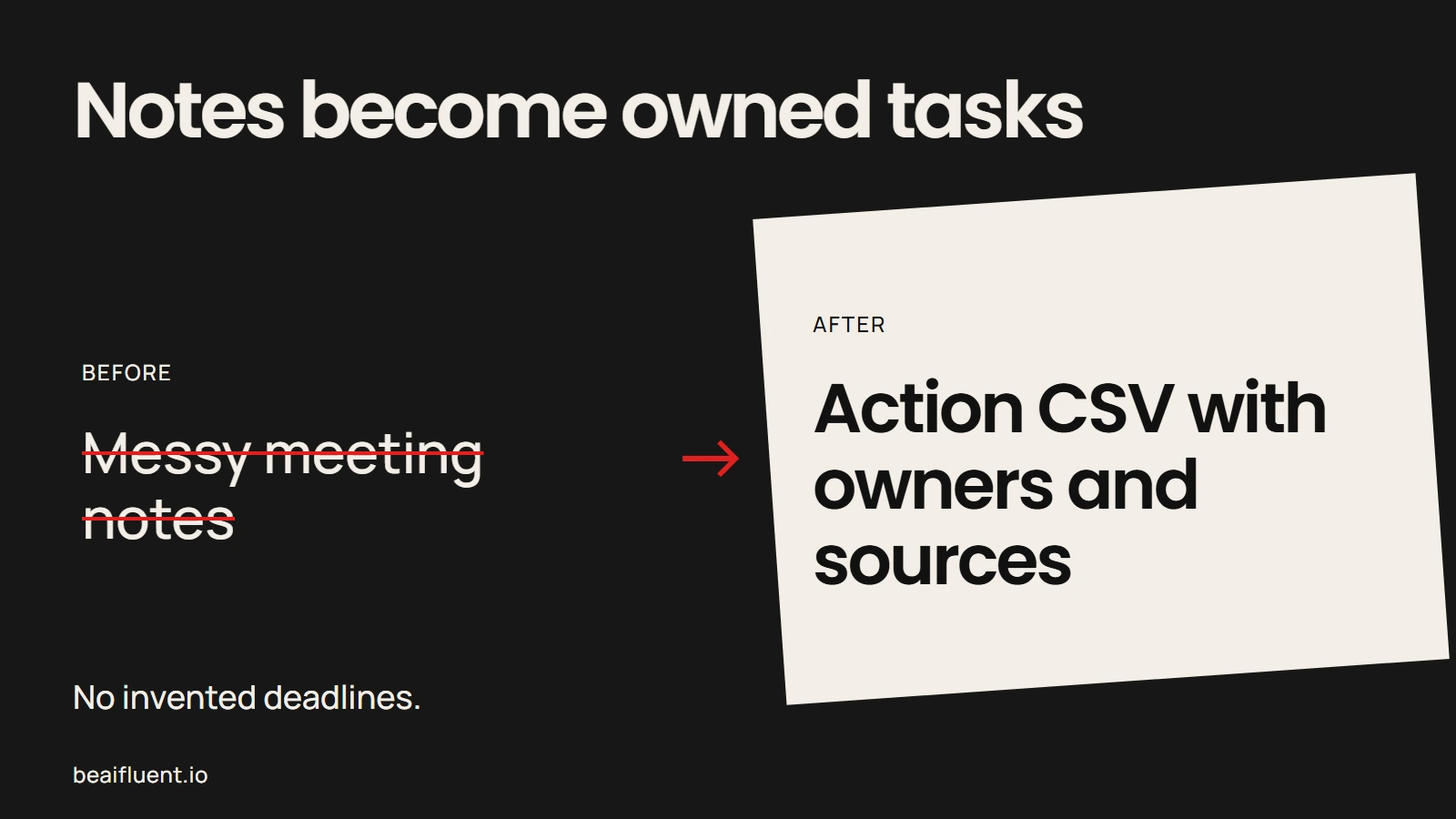
Extraction works only when every action keeps a source and an honest unknown-owner bucket.
Project 3: Weekly Report Builder From a Messy Spreadsheet
What you are building
A folder of rough CSV exports. The project cleans columns, flags missing rows, and drafts a one-page weekly summary for a non-technical owner.
Why this teaches AI capability
This is the project most owners recognize immediately. It shows data cleanup, aggregation limits, and the difference between a draft narrative and a verified metric.
How to run it in free time
- Export sample sales or enquiry data into
data/raw/. - Keep one file intentionally messy: duplicate headers, blank rows, inconsistent names.
- Ask the agent to document cleaning rules before it writes any summary.
- Produce
data/clean/plusweekly-summary.md. - Spot-check three numbers against the raw file before you trust the summary.
What success looks like
You can explain how each number was made. If the agent cannot show its work, treat the metric as unverified. That habit protects you more than any model comparison. For how often AI accuracy varies by task, read are AI tools accurate.
Project 4: Invoice Follow-Up Email Pack
What you are building
A drafting system that turns sample invoice rows into polite, policy-safe follow-up emails for different stages: friendly reminder, second notice, and escalation draft.
Why this teaches AI capability
This project teaches conditional drafting. The output must change when the invoice age, amount, or customer segment changes. It also forces you to separate drafting from sending.
How to run it in free time
- Create
invoices/sample.csvwith fictional companies and balances. - Write
tone-rules.md: what your business can and cannot promise. - Ask for three draft variants per invoice stage.
- Require that every draft cites the invoice number and due date from the CSV.
- Export drafts only. Do not wire the project to email send tools yet.
What success looks like
A human can approve or rewrite every message in minutes. The automation reduced typing, not accountability. If you later want a broader tool map for everyday work, start with top AI tools for everyday work.
Project 5: Internal SOP Builder
What you are building
A process library that turns scattered notes into short standard operating procedures: trigger, steps, owner, exceptions, and review point.
Why this teaches AI capability
SOP writing is where agents shine at structure and where owners often over-trust polish. The agent can make weak process language look finished. Your job is to keep the steps true.
How to run it in free time
- Collect messy notes for one repeatable process, such as onboarding a contractor or answering a common support request.
- Ask Claude Code or Codex to draft an SOP template first, before rewriting your notes.
- Fill each SOP from source notes only. Flag claims that need a person to confirm.
- Keep files in a simple folder such as
sops/. - Share one SOP with a teammate and watch where they get stuck.
What success looks like
A new teammate can follow the steps without calling you for every detail. That is automation in the most durable sense: clearer work, not only faster typing.
For a beginner-friendly companion on personal AI use, see how a regular person can use AI.
Claude Code vs Codex for Each Project
Both tools can support these projects. The better choice often depends on how you want to work, not which brand you prefer.
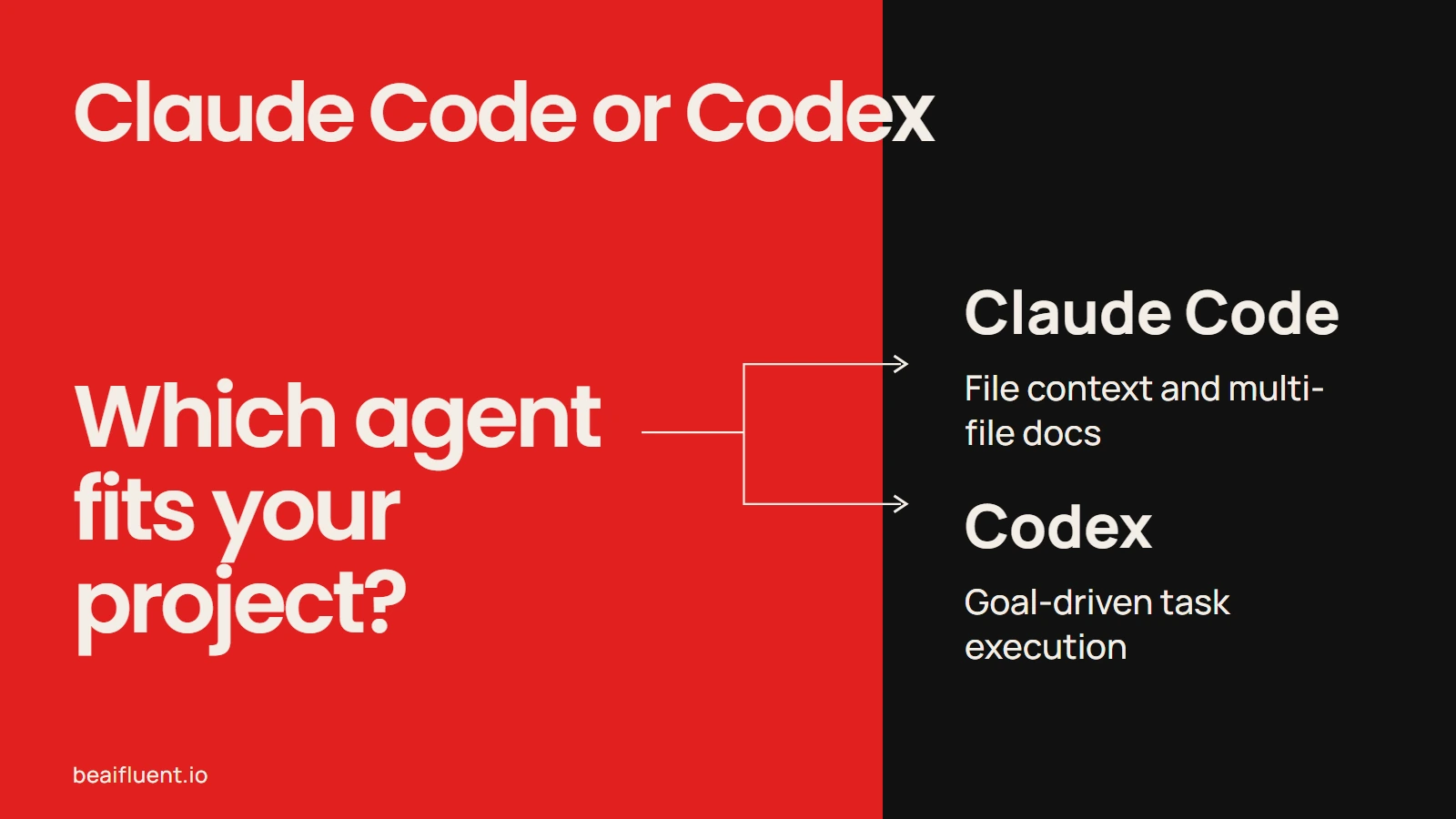
Choose by workflow shape and account access, then finish one project end to end.
| Need | Claude Code tends to help when | Codex tends to help when |
|---|---|---|
| Explore a messy folder | You want strong codebase-style exploration and file context | You want goal-driven task execution from a clear outcome |
| Write helper scripts | You want iterative edits inside one project | You want to ship a small tool from a stated task |
| Keep policies close | You already use project instruction files such as CLAUDE.md |
You already use agent configuration patterns such as AGENTS.md |
| Multi-file documentation | You are producing SOPs, templates, and notes together | You are packaging a finished repo or report generator |
| First learning session | You want a guided developer-style workflow | You want to practice with OpenAI tooling you may already know |
If you only install one tool this month, pick the account you already pay for and can access safely. Then finish project 1 and project 2 before buying anything else. For tool education on the broader CLI category, use AI CLIs explained again as your install and comparison reference.
Callout: Product names, pricing, plans, and feature availability move quickly. Before a real rollout, re-check current vendor documentation for Claude Code and Codex. Operational memory is not product research.
Safety Checklist Before Any Live Use
Run this checklist on every project before you connect it to live systems.
- Data: Start with synthetic samples. Confirm privacy rules before any real customer or employee data.
- Permissions: Keep agents inside a test folder. Do not grant broad access on day one.
- Outputs: Separate drafts from sends. Separate summaries from published reports.
- Verification: Spot-check numbers, names, and policy claims against sources.
- Fallback: Keep the old manual process until the new one survives a week of normal use.
- Ownership: Name the human who approves each output type.
Every project separates drafts from sends until the review habit is real.
No-code automation still matters for some teams. Compare the alternatives in AI automation for beginners: Zapier, Make, and n8n explained. If your project later grows into a custom app, use how to vibe code an app from idea to deployment as a separate learning track.
Mini FAQ
What are good AI automation projects for business owners?
Good projects start from one repetitive task: enquiry triage, meeting notes, weekly reporting, invoice follow-ups, or SOP writing. Keep the first version local, sample-data based, and human-reviewed.
Do I need to code to learn with Claude Code or Codex?
You do not need to become a software engineer first. You do need enough comfort with files and a terminal to inspect what the agent changed. If the terminal feels like a wall, begin with browser or app-based AI use and return later.
Should I automate customer replies?
Not as the first project. Use drafts and review. Automation without review is how businesses create confident mistakes.
How long should each free-time project take?
Aim for one focused evening to finish a sample version, then another session to tighten review rules. If a project cannot finish in a few sittings, cut its scope.
What is the difference between learning AI and learning Claude Code or Codex?
Learning AI means understanding where models help, where they fail, and what review you need. Learning a specific coding agent means learning how one tool reads files, proposes changes, and runs tasks. You need both, but only one tool at a time.