
AI workflows without code start with a work problem, not a software plan. Choose one repeated task, map what happens now, then decide whether an app connection or an AI step would help. You can build a first version with a visual automation tool, but someone still needs to check the output and own what happens next.
This guide shows how to choose a suitable platform, build a small workflow and test it before expanding. It avoids promises about time saved: measure your own task, including setup, review, corrections and maintenance.
What is a no-code AI workflow?
A workflow is a series of steps that moves information from an event to a useful result. First, a trigger starts it. Actions move or change the information. A person may review the result before the next step.
AI belongs in the workflow only when a task needs language or pattern recognition, such as classifying a message or drafting a reply. In contrast, a fixed rule is easier to check when the job is simply to copy a date or move a form response.
For example, a new enquiry could start a workflow that checks whether required details are present, prepares a reply draft and sends it to a staff member for review. The workflow should not promise a price, make a commitment or send the message until a person approves it.
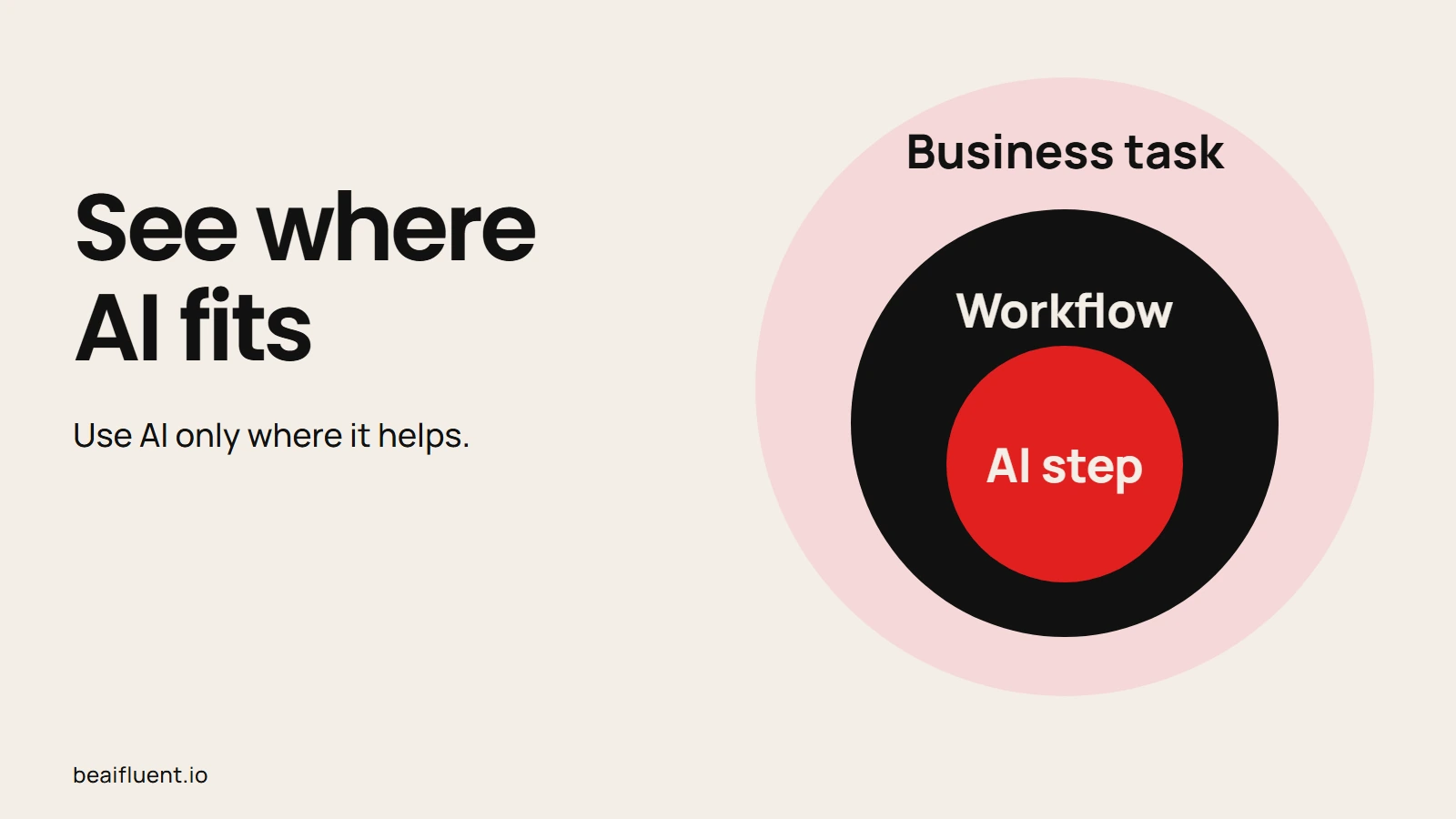
Treat AI as one part of a task workflow, not the whole process.
Choose a platform by how your team works
Zapier, Make and n8n can connect apps and automate steps, but their plans, terminology and operating responsibilities differ. However, their integration directories also count and describe connections differently, so a headline app count does not show whether your exact trigger and action are supported.
| Platform | What to examine | Questions to answer |
|---|---|---|
| Zapier | Hosted workflows, app directory and task usage | Are your apps supported, and how will each step use tasks on your plan? |
| Make | Visual scenarios, module actions and credits | Which actions run, and do AI features add token-based or variable credit use? |
| n8n | Cloud or self-hosting, workflow features and license terms | Who will maintain the instance, and does your intended commercial use fit the license? |
Zapier publishes a directory of connected apps and explains plans and task usage. Check the exact trigger, action, account requirements and pricing before building. Availability and usage can change by plan.
Make uses credits as its billing unit. Its documentation explains that usage can depend on operations, tokens, the AI connection and the feature used. Read its current credits guide and plans before estimating a workflow’s cost.
n8n offers hosted and self-hosted options. Self-hosting puts updates, backups, access controls and monitoring in the operator’s hands; it does not make a workflow private by itself. Its repository license places relevant code under the Sustainable Use License, with separate terms for enterprise files. Check the current licensing FAQ for your intended use. Consulting, hosting and reselling are different arrangements.
Compare workflow fit and operating effort, not app-count headlines.
Map a first workflow
Before opening a builder, write down the start, the steps and the result. Then mark where a person must check information or approve an action.
- Choose one repeated task. Pick work with a clear input and a result someone can inspect.
- Record the current steps. Note who handles the task, what tools they use, where information comes from and what exceptions occur.
- Set the trigger and finish. Name the event that starts the workflow and the result that counts as complete.
- Use the simplest suitable action. Connect apps with ordinary rules first. Add an AI step only where text, classification or extraction needs interpretation.
- Add a review point. Decide who checks the output, what they verify and what should happen when information is missing or uncertain.
- Test with sample information. Include an ordinary case, a missing field, an unusual input and a failure. Keep customer or confidential data out until the business has approved the tool and data settings.
Choose a task with a clear result and a named reviewer.
A worked example: draft a reply to an enquiry
Imagine a service business receives enquiries through a form. A workflow can check that the message includes a name, contact method and description of the request. If those fields are present, an AI step can draft a reply using approved business information. The draft then goes to a staff member, who checks the facts and decides whether to send it.
If a field is missing, send the enquiry to a person without asking AI to guess. If the request asks for a quote or promises a delivery date, keep that decision with someone who knows the business. This example is a design pattern, not a tested customer result; adapt it to the actual form, policies and tools.
Before connecting real apps, check the routing with fictional inputs. The table gives expected behavior for the design; it does not demonstrate a completed Zapier, Make or n8n integration.
| Fictional input | Expected route | What a person checks |
|---|---|---|
| A complete enquiry asks which services are available | Prepare a draft and hold it for review | Match the reply to the approved service list; do not send automatically |
| The contact field is empty | Put the enquiry in an exception queue | Find an approved contact route; do not invent an address |
| A customer asks for a price and a guaranteed appointment | Escalate to the responsible staff member | Confirm price, availability and authority before making a commitment |
| The AI step fails or returns no usable draft | Retain the original enquiry and alert a reviewer | Handle the request manually and investigate the failed step |
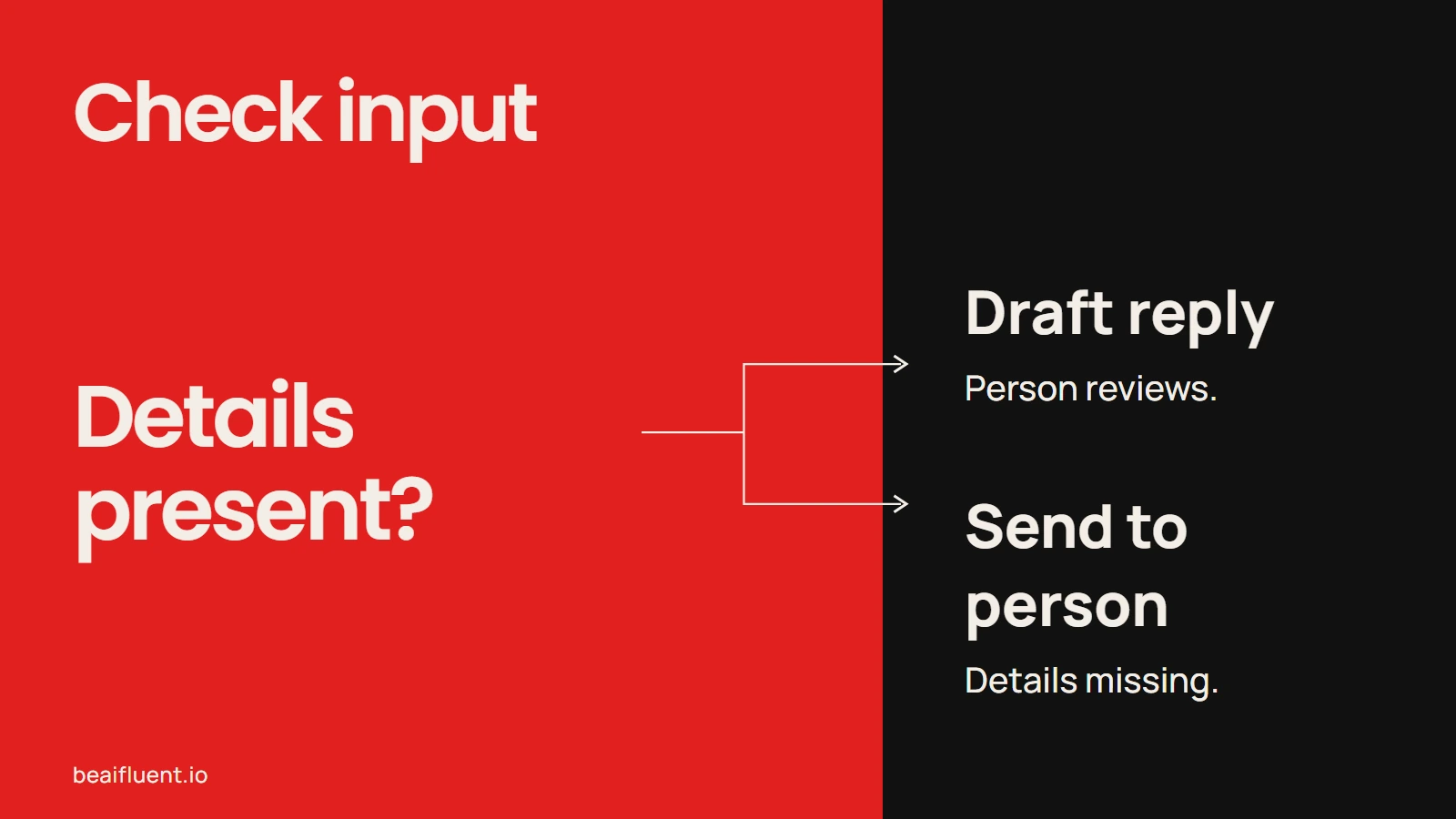
Route uncertainty to a person instead of letting the workflow fill in gaps.
Check the full cost and effort
Do not compare the time an AI model takes to produce a first draft with the time needed to complete a human-reviewed task. Record the full process on both sides: preparation, tool use, review, corrections, exceptions and maintenance. Also check the platform’s usage rules and any separate AI-provider charges.
After a small test, compare similar tasks against the same quality standard. If review takes longer or the result needs more corrections, include that effort. A workflow may still make work easier to track, but record that separately from time or money saved.
Keep the workflow safe to operate
Use information the business is allowed to share with each tool. Confirm account settings, access permissions, retention terms and who can view workflow logs. Keep a person responsible for customer-facing messages, financial decisions and other actions where an error could cause harm.
A risk-management framework such as the NIST Generative AI Profile can help teams organize review questions. Finally, decide how the team will notice a failed run and correct it. Check logs, failed steps and changed app permissions on a schedule that fits the work. A workflow is ready when people know what it does, how to review it and what to do when it stops.
For a broader starting point, use the business automation guide to identify a task, or follow the AI workflow guide for research, notes and meetings. If this is your first experiment, the Start Here guide lays out a manageable first step.
Frequently asked questions
Do I need to know how to code?
Many visual builders let you connect supported apps without writing code. However, you still need to understand the task, permissions, exceptions and review process. Some setups, custom connections and self-hosted tools require technical help.
Is n8n open source?
n8n uses its Sustainable Use License. Check n8n’s current license and licensing FAQ rather than assuming the term “open source” means every commercial use is permitted.
How much does an AI workflow cost?
It depends on the platform, plan, actions, AI provider and usage. For example, a self-hosted community edition can still require hosting, model fees and maintenance. Check n8n’s current plans, including currency and billing period, and measure usage before estimating ongoing cost.
Will a no-code workflow save time?
It may, but the result depends on the task and review burden. Measure the complete process before and after a small test; do not count a faster first draft as a finished task.