
A small business does not need fifty new AI-written posts to improve its website. Start with one page that answers a real customer question. Then use AI to organize the work, check the evidence and help readers find the answer.
These AI SEO best practices cover two jobs: using AI during search engine optimization, and preparing content for AI search answers. Both need useful pages, reliable facts and clear ownership. Neither comes with a ranking or citation guarantee.
What does AI SEO mean?
AI-assisted SEO uses an AI tool to help with tasks such as outlining, grouping queries or reviewing a draft. SEO for AI search concerns whether useful pages can appear in experiences such as AI Overviews and AI Mode.
Although the tasks overlap, they need different checks. Keep the distinction clear before choosing software or measuring success.
| Job | Useful starting point | Evidence to check |
|---|---|---|
| Improve a page with AI assistance | Supply a brief, source material and existing copy | Accurate claims and a useful final page |
| Prepare for AI search visibility | Check search access and answer the reader’s question | Indexing, applicable controls and platform reports |
| Measure business value | Define the next useful reader action | Relevant visits, enquiries or completed tasks |
Google’s AI features guidance connects AI search visibility to established SEO fundamentals. It also warns that eligibility does not guarantee inclusion. Therefore, treat access and quality as work you can control; treat selection as an outcome to observe.
1. Start with an actual customer question
Before asking AI for keywords, collect questions from customer conversations, support requests and your search reports. Remove personal details before sharing that material with a tool. Then choose a question your business can answer with useful specifics.
For example, a repair company might explain what customers should photograph before requesting a quote. That creates a clear reader task. In contrast, a broad article about the future of repairs has a less obvious purpose.
Ask AI to group the questions by intent. However, keep its proposed groups separate from measured search demand. A model’s suggested keyword list does not establish search volume, competition or customer interest.
Before creating another URL, inspect existing pages. If one already answers the same question, consider improving it. Record what the new page would add before deciding to publish separately.
2. Build an evidence pack before drafting
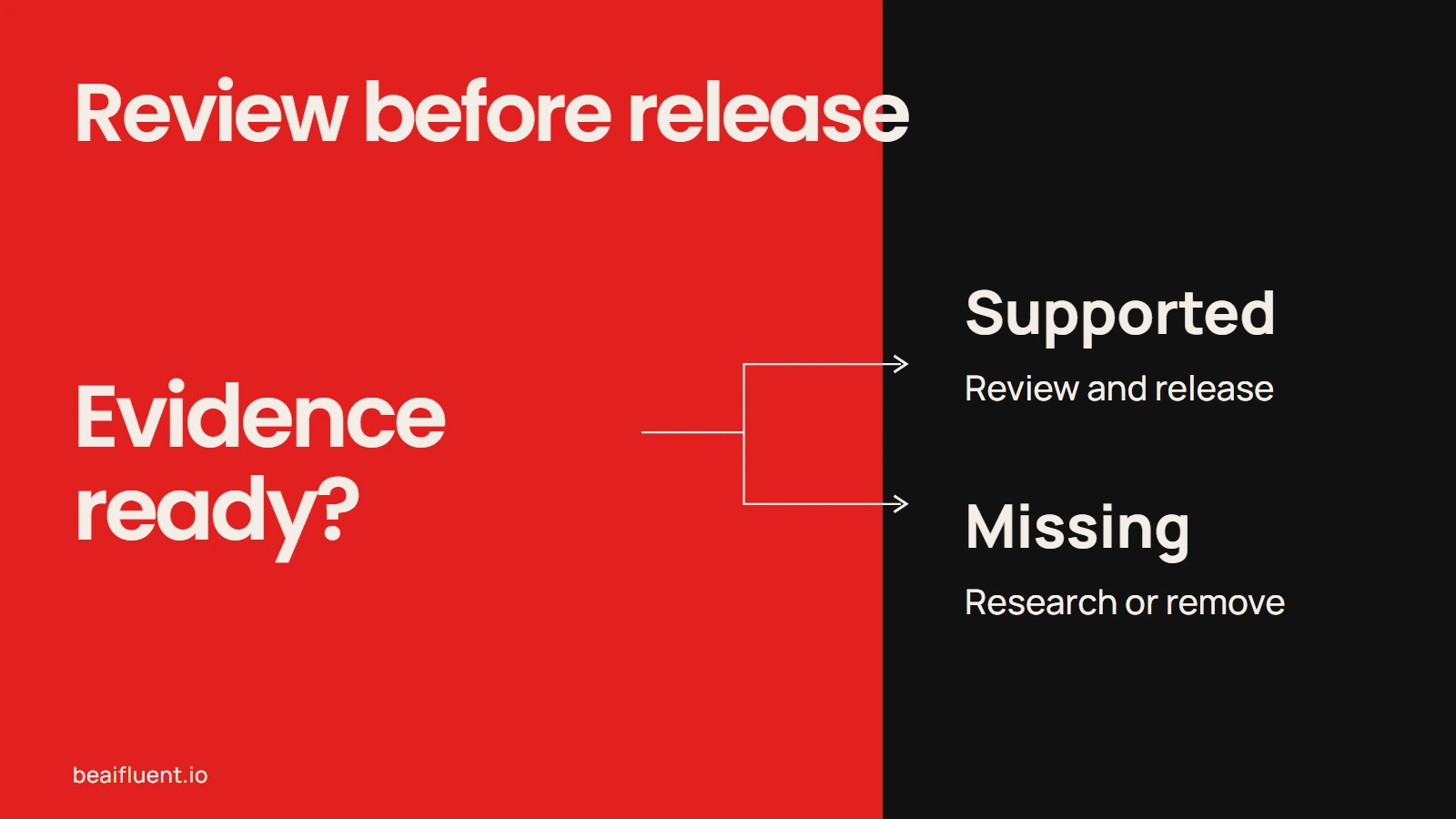
Although AI can help organize research, fluent wording is not evidence. Google’s guidance on AI-generated content calls for manual fact-checking before publication. That review includes titles, descriptions, structured data and image alt text.
For each important claim, save the source URL, check date and relevant detail. Use official documentation for product features and policies. Before including a result from your own work, retain the inputs and method that support it.
Because software changes, review volatile claims again before release. If you cannot verify a price, feature or promised outcome, remove it or explain the uncertainty.
This is the same review habit covered in our guide to setting realistic expectations for AI accuracy. It matters most when a polished draft makes unsupported claims sound settled.
3. Give AI a bounded editorial task
Instead of asking for an entire ranking strategy, assign a task you can inspect. For example, ask for an outline from an approved brief, or a list of claims needing evidence.
Before using this prompt, confirm you have permission to share the material:
Review the draft and source notes below for a small business audience. Identify unanswered reader questions, unsupported claims and unclear instructions. For each finding, give the exact passage and a proposed correction. Use only the supplied evidence. Mark missing information as unknown. Do not invent results, quotations, prices or experience.
After receiving the response, check each finding against the draft. After checking its evidence, accept a suggestion that improves accuracy or helps the reader complete the task. However, reject changes that add unsupported certainty or remove an important exception.
For a reusable structure, see our guide to writing better AI prompts for everyday work. While AI handles preparation steps, keep a person responsible for the release decision.
Keep unsupported claims out of the release.
4. Add something readers can use
A page can become more useful because it explains a real decision, constraint or procedure. Google’s people-first content guidance asks publishers to consider originality, first-hand knowledge and whether readers leave satisfied.
For example, include a tested checklist, an annotated screenshot or a clearly labeled teaching example. Explain what the evidence covers and where it stops. If you have not run the process, say so.
Similarly, do not invent an author qualification, customer testimonial or business result. When AI substantially helps create an article, consider a short explanation of that process where it helps readers assess the work.
Google’s spam policies address producing many pages primarily to manipulate rankings without helping users. This can apply regardless of how the pages were made. Therefore, review each page’s contribution before increasing publishing volume.
5. Check discovery and presentation
Before working on AI visibility, make sure the page functions as a normal website page. Google’s SEO Starter Guide covers descriptive titles, helpful links, readable content and images.
Use this practical release sequence:
- Open the public URL. Confirm the intended page loads without requiring an editor login.
- Check search access. Inspect the URL in Search Console and review unintended indexing or crawl restrictions.
- Check the preferred URL. Confirm the canonical identifies the version you intend search engines to use.
- Connect the page. Add relevant internal links with anchors that explain the destination.
- Inspect the experience. Read on a phone, test links and check that images clarify the text.
Keep essential instructions in readable page text, even when an image illustrates them. Also check metadata against the finished article rather than an early outline.
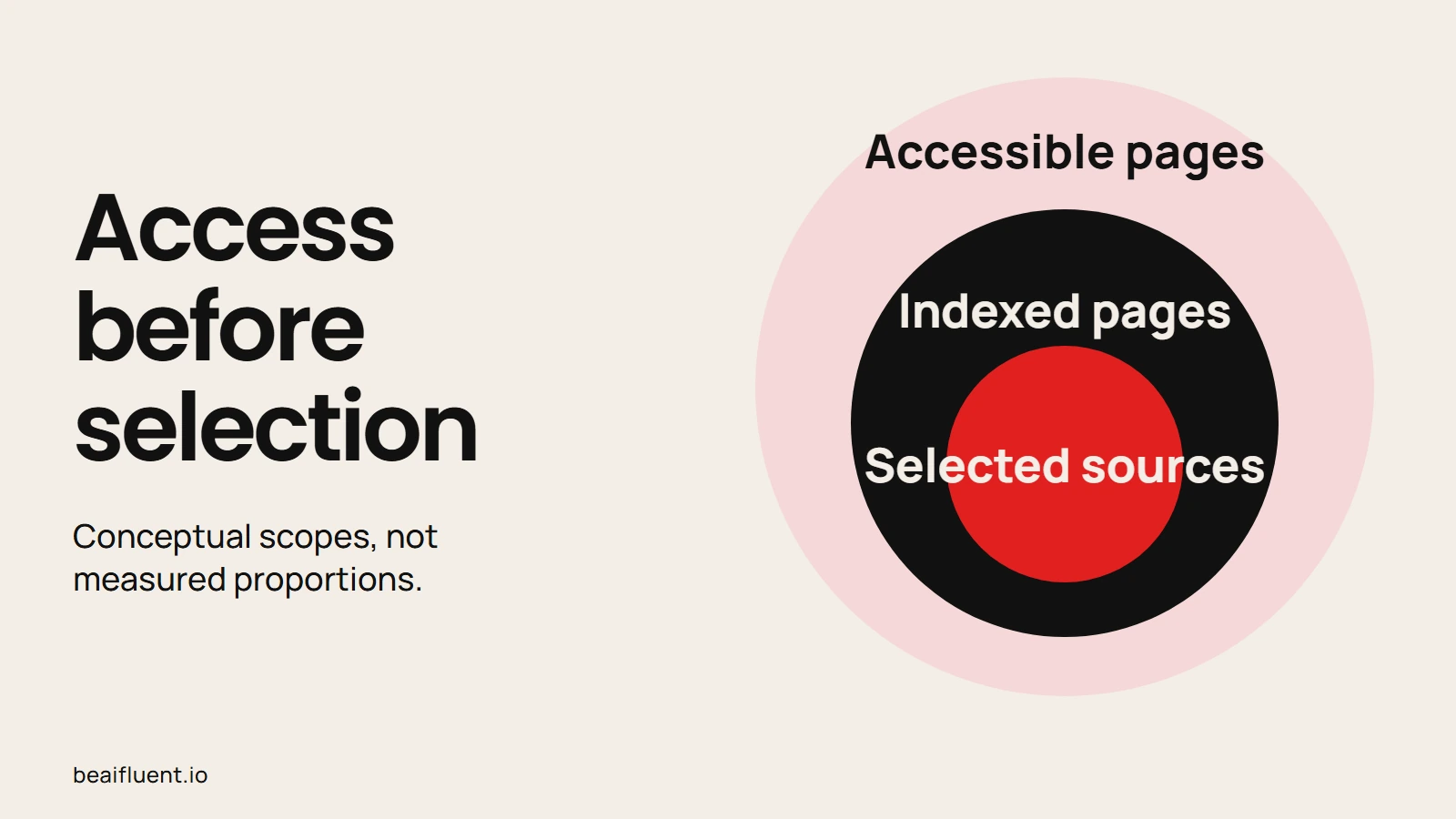
Access and indexing create eligibility; selection remains uncertain.
For Google AI search, review the Search generative AI control in Search Console settings. Inclusion is the default for properties without an inherited setting. However, a parent property can supply the effective choice, so inspect the setting that applies to your site. This participation control is separate from AI training controls.
6. Avoid unsupported AI search shortcuts
Google’s generative AI optimization guide says Google Search ignores llms.txt for visibility and rankings. It also says there is no special schema required for generative AI search. Do not treat either as an admission ticket.
Use headings and tables when they help readers. However, Google does not require chopping content into tiny sections or rewriting it in a special AI style. A complete explanation can be more useful than several pages covering minor wording variations.
If you add structured data, keep it consistent with the visible page. Similarly, evaluate a tool’s advice against current platform documentation before applying it across your site.
Source: Google Search Central, Optimizing for generative AI search; checked 16 October 2026.
7. Measure visibility and outcomes separately
After release, record the page URL, change date and intended reader action. Then compare consistent reporting periods. Before comparing results, keep the country, device and date filters stable.
Google’s Generative AI performance report reports impressions from supported AI search features. It includes AI Overviews and AI Mode. If the report is absent, check for insufficient impressions or exclusion from those features. Its documentation also notes that these data are included in the broader Web performance data; do not add the two as independent totals.
Bing’s AI Performance announcement describes citation counts, cited pages and sampled grounding queries. However, those citation measures do not establish ranking, authority or placement within an answer.
While visibility matters, track useful visits and business outcomes alongside it. For example, an enquiry is different from an impression. If several changes happen together, record them; a traffic increase alone cannot identify which change caused it.
Worked example: improve one service FAQ
This is a hypothetical editorial example, not a tested ranking experiment or a client result.
Suppose a repair business has a page that says, “We provide fast, reliable service.” Customers still ask what to send before requesting a quote.
Before using AI, the owner confirms the actual intake requirements. These might include a fault description, equipment model and photos that avoid personal details. Then AI helps turn those approved notes into a clear FAQ.
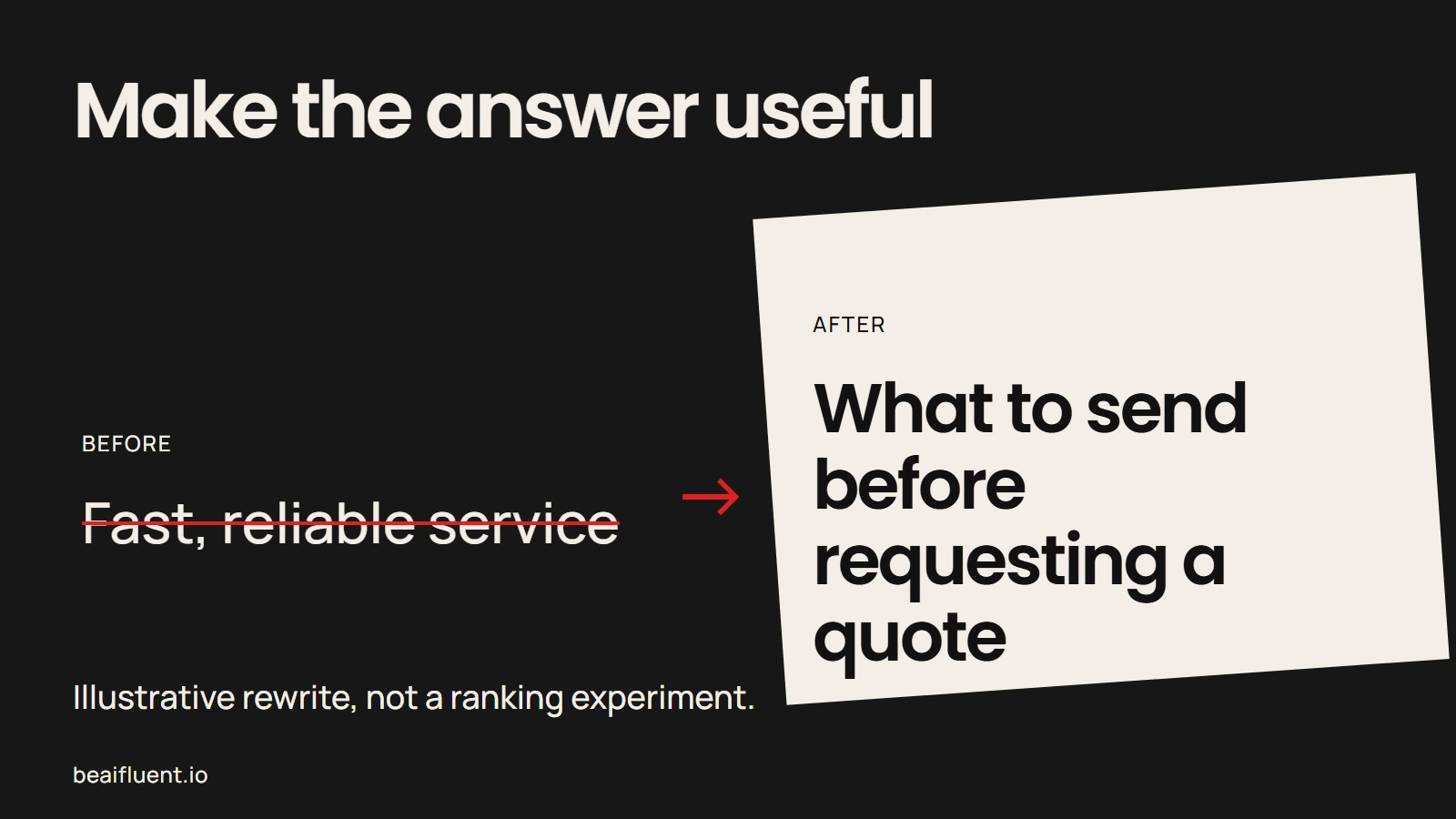
Hypothetical editorial example; no ranking or customer result.
Before release, the editor checks every requirement against the business process. If photos cannot establish a final price, the page says that inspection may still be necessary. Similarly, omit response-time promises unless the business can support them.
After publication, the team can track whether the form receives the requested information. That measures a useful operational outcome. It does not prove the page gained rankings or appeared in AI answers.
Your AI SEO release checklist
Before publishing your next page, use these checks to keep the work accountable:
- The page answers a specific reader question and adds something useful.
- Important claims have current evidence, and examples state their limits.
- A responsible person checks the AI-assisted draft and metadata.
- Internal links reach the intended public pages.
- Search access, canonical URL and relevant participation controls match your intent.
- The page reads well on mobile, with useful images and descriptive alt text.
- Visibility reports and business outcomes have separate measures.
- After publication, someone owns updates when the underlying facts change.
Start with one page whose weaknesses you can name. Improve the answer, verify the saved result and record what happens next.
Production note: This guide was drafted with AI assistance and checked against the linked official documentation on 16 October 2026. Its workflow example is illustrative; no ranking uplift or AI citation result is claimed.
Sources
- Google: AI features and your website
- Google: Using generative AI content
- Google: Creating helpful, reliable, people-first content
- Google: Spam policies
- Google: SEO Starter Guide
- Google: Search generative AI control
- Google: Optimizing for generative AI search
- Google: Generative AI performance report
- Bing: AI Performance in Webmaster Tools