
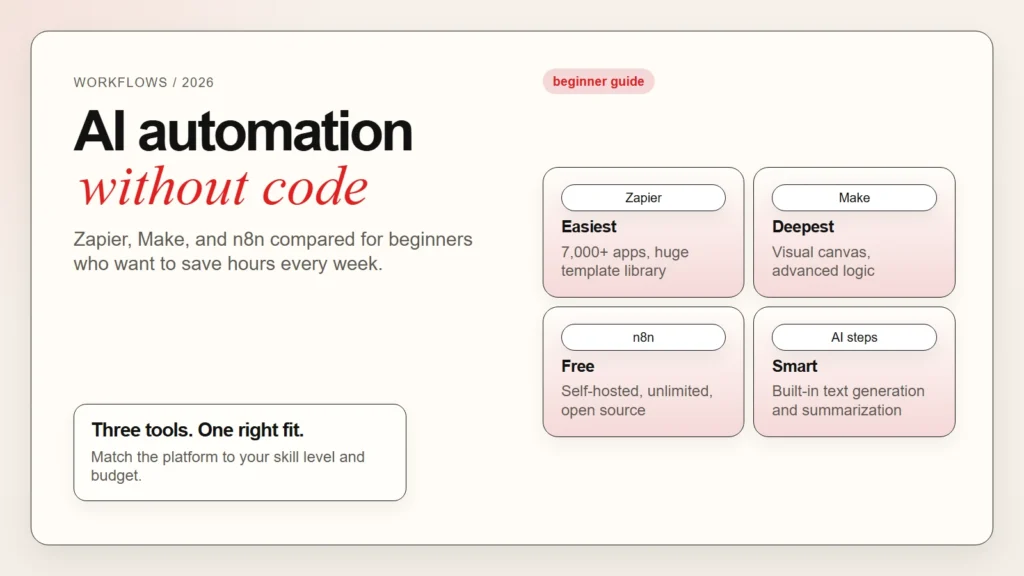
AI automation turns repetitive tasks into hands-free workflows. Instead of copying data between apps, sending the same emails, or updating spreadsheets by hand, you build a simple rule once and let software handle it forever.
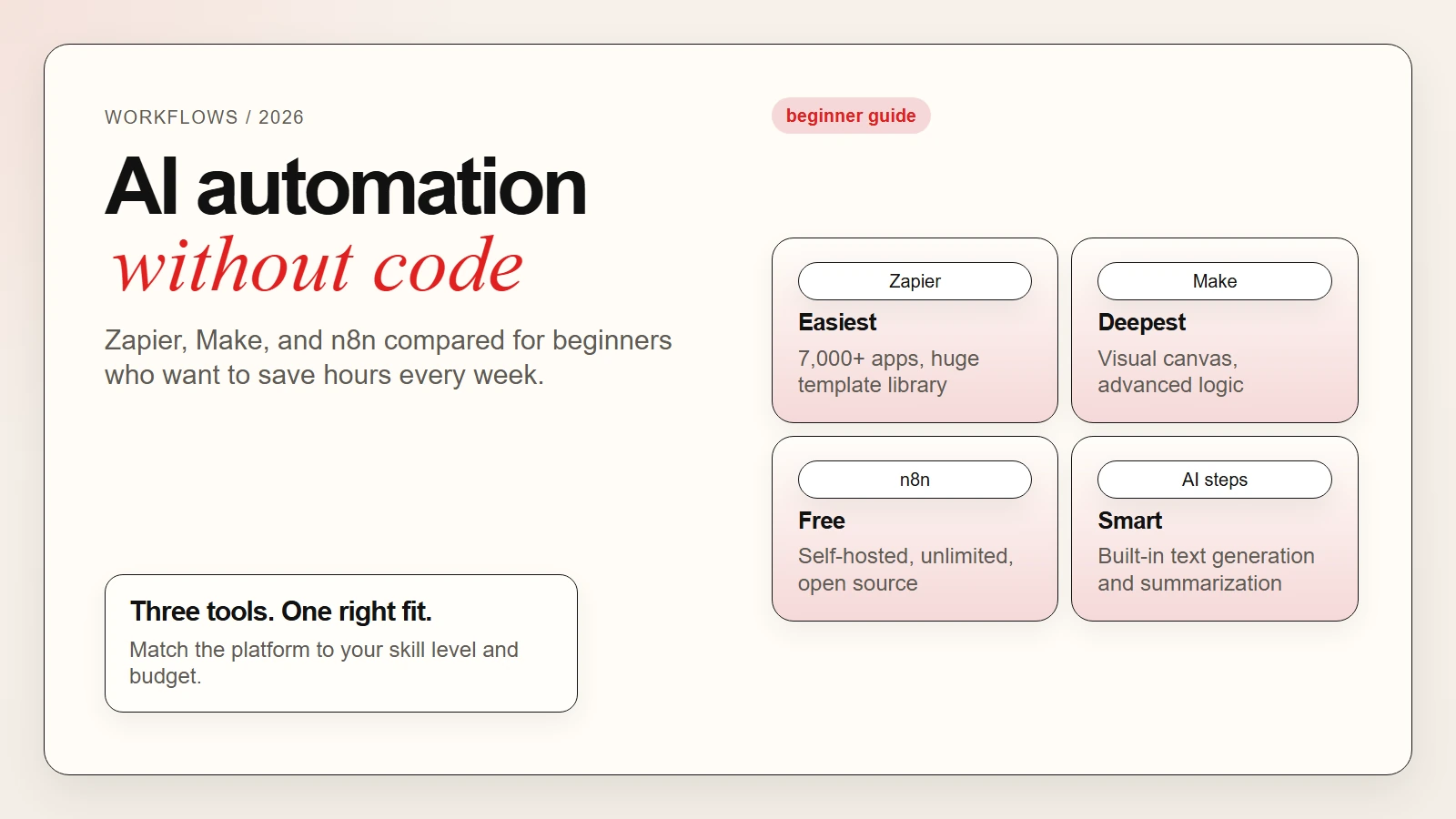
This guide explains what AI automation means for beginners, compares the three most popular no-code automation tools, and shows you how to build your first workflow this week. If you are completely new to AI tools, start with our guide on how to start using AI as a complete beginner first.
Key Takeaways
- AI automation for beginners starts with connecting apps you already use. You do not need to write code.
- Zapier is the easiest to learn but costs the most at scale.
- Make offers deeper visual logic and costs less than Zapier for complex workflows.
- n8n is free to self-host but has a steeper learning curve.
- Most beginners should start with a free plan, build one simple automation, and expand from there.
- AI-enhanced automation is now built into all three platforms, helping you generate text, summarize data, and make decisions within your workflows.
What AI Automation Actually Means
AI automation combines two ideas: automation and artificial intelligence.
Automation means connecting apps and services so they pass information to each other automatically. For example, when someone fills out a form on your website, automation can add their email to your mailing list, send them a welcome message, and create a task in your project manager. All of this happens without you touching a keyboard.
AI-enhanced automation adds intelligent steps to those workflows. Instead of just moving data, the workflow can now read, summarize, classify, or generate content. You might automatically summarize long emails, classify customer feedback by sentiment, or generate personalized replies based on a template.
Key takeaway: Automation moves data between apps. AI automation adds smart decisions, summaries, and content generation inside those same workflows.
For a broader look at how AI fits into everyday tasks, read our guide on top AI tools for everyday work and how they are being used.
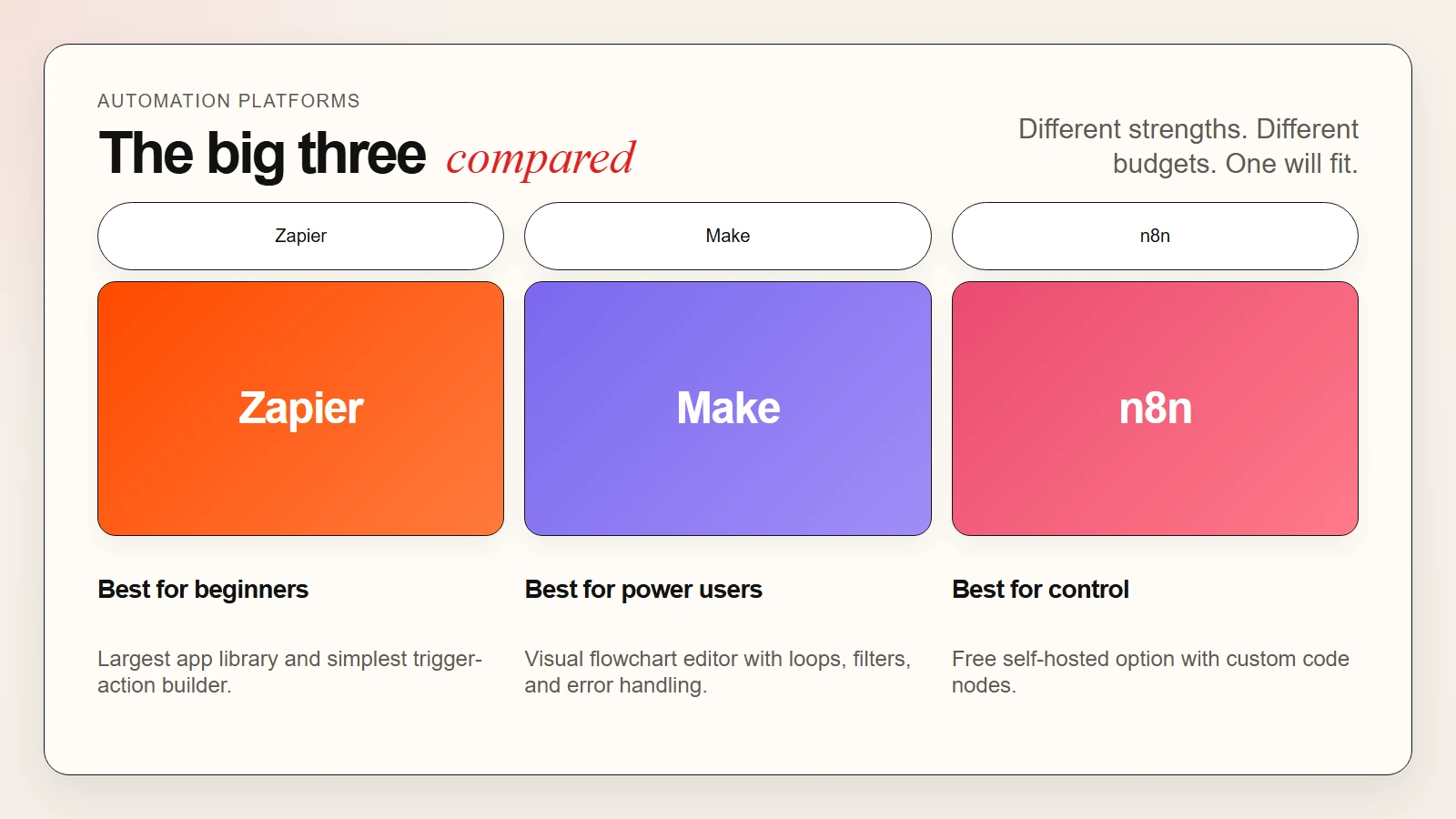 Caption: Zapier leads on ease of use. Make offers deeper logic. n8n gives full control for technical users.
The Best AI Automation Tools in 2026
These three platforms dominate the beginner and intermediate automation space. Each one connects hundreds of apps, but they differ in price, complexity, and how much control you get.
1. Zapier
Zapier is the best-known no-code automation tool. It connects over 7,000 apps and uses a simple trigger-and-action model. When something happens in one app, Zapier does something in another.
What you get:
- A vast library of app integrations, including Gmail, Slack, Notion, and Salesforce
- AI-powered Zap builder that suggests workflows based on your description
- Built-in AI steps for text generation, summarization, and data extraction
- Easy-to-use linear workflow editor
- Strong template library so you can start with pre-built automations
- Reliable cloud hosting with no server maintenance
Where it falls short:
- Paid plans become expensive as task volume grows
- Complex logic like loops and conditional branching requires higher-tier plans
- Less visual than Make for understanding multi-step workflows
- Self-hosting is not an option
Best for: Small business owners, marketers, and teams who want the fastest setup and widest app support without touching code.
2. Make
Make, formerly Integromat, uses a visual scenario builder that looks like a flowchart. You drag modules onto a canvas, connect them, and watch data flow through your workflow in real time.
What you get:
- A visual canvas that makes complex logic easier to understand
- Advanced features like iterators, aggregators, and error handling built into every plan
- More operations per dollar than Zapier on most plans
- Real-time execution logs so you can debug workflows visually
- Strong API and webhook support for custom connections
- AI modules for text generation and data transformation
Where it falls short:
- The visual interface has a steeper learning curve than Zapier
- Fewer total app integrations than Zapier, though the core set is comprehensive
- Mobile experience is weaker
- Customer support can be slower on lower-tier plans
Best for: Power users, agencies, and teams who build complex workflows and want more control without writing code.
For a deeper look at building workflows, see our guide on how to use AI workflows for research, notes, meetings, and planning.
3. n8n
n8n is an open-source automation tool that you can self-host for free or run in the cloud. It combines a visual workflow editor with the freedom to add custom code when you need it.
What you get:
- A completely free self-hosted option with no usage limits
- A visual node-based editor similar to Make
- The ability to add JavaScript or Python code inside any workflow
- Strong community and hundreds of community-built integrations
- AI agent nodes that let you build autonomous workflows with LLMs
- Full data privacy because self-hosted instances keep everything on your servers
Where it falls short:
- Self-hosting requires technical setup and server maintenance
- The cloud version is newer and less mature than Zapier or Make
- Some integrations are community-built and may lack polish
- Debugging can be harder for non-technical users
Best for: Developers, privacy-focused teams, and cost-conscious users who are comfortable with a small learning curve in exchange for unlimited free usage.
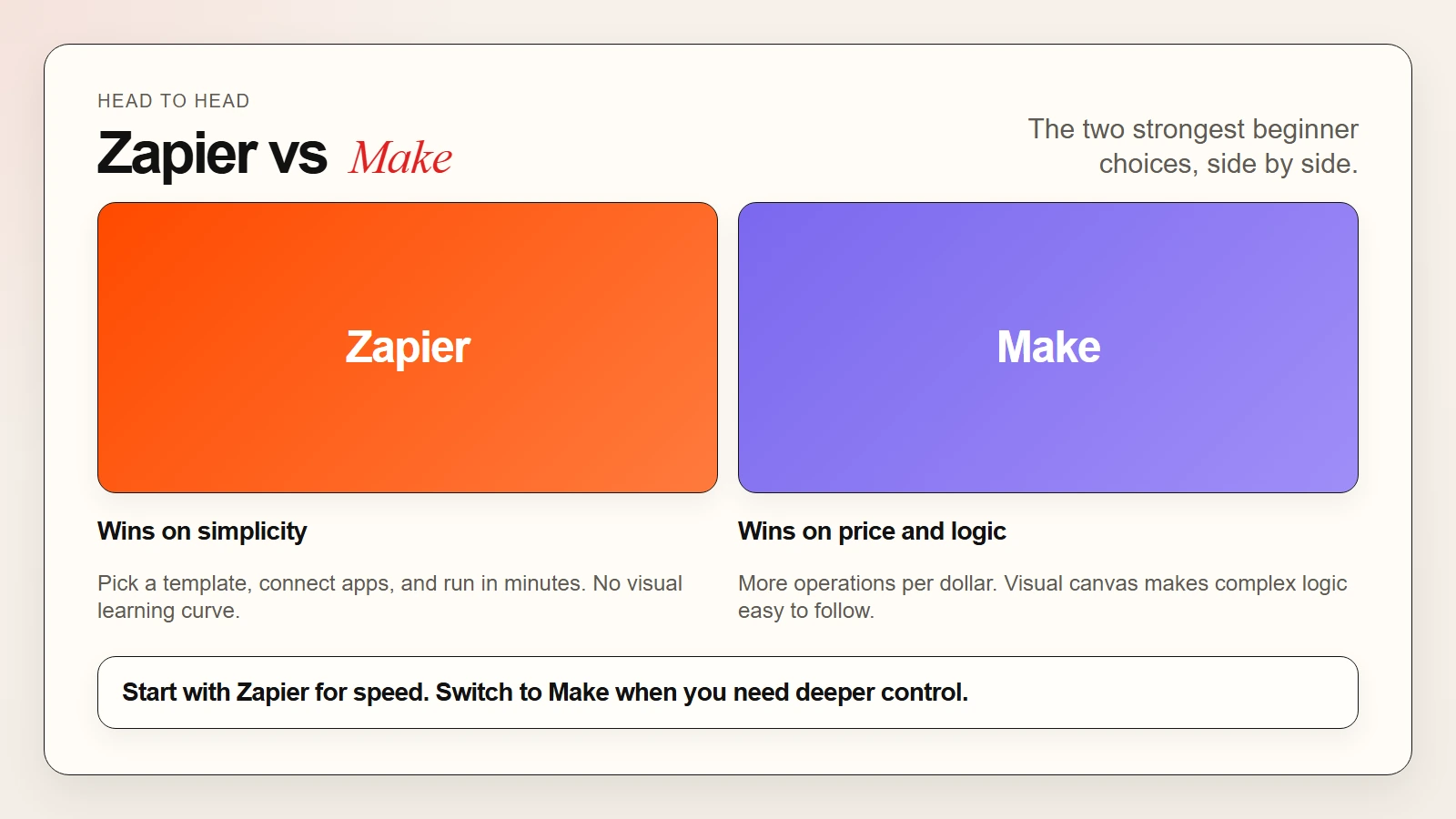 Caption: Zapier wins on simplicity. Make wins on visual logic. n8n wins on price and flexibility.
Use-Case Matching Table
| Your Goal | Best Tool | Why It Fits |
|---|---|---|
| Connect apps with zero learning curve | Zapier | Largest template library and simplest editor |
| Build complex multi-branch workflows | Make | Visual canvas with iterators, filters, and error handling |
| Automate on a tight budget | n8n | Free self-hosted option with no task limits |
| Add AI text generation to workflows | Any of the three | All now offer built-in AI steps or OpenAI integrations |
| Keep data fully private | n8n | Self-hosting keeps all workflow data on your own servers |
| Integrate with enterprise CRMs | Zapier | Deepest native Salesforce, HubSpot, and Microsoft integrations |
| Build client automations as an agency | Make | Lower per-operation cost and stronger visual debugging |
| Mix no-code with custom code | n8n | JavaScript and Python code nodes inside visual workflows |
Pricing Comparison
| Tool | Free Tier | Paid Start | Best For |
|---|---|---|---|
| Zapier | 100 tasks/month | ~$20/month | Ease of use and app variety |
| Make | 1,000 operations/month | ~$9/month | Complex logic at lower cost |
| n8n | Unlimited (self-hosted) | ~$20/month (cloud) | Full control and privacy |
Zapier prices scale quickly as your task count grows. Make generally offers more operations per dollar. n8n is free forever if you host it yourself, though you will need a server or use a platform like Railway or Render.
Prices change frequently, so check each tool’s website for current rates. Most paid plans unlock higher limits, faster syncing, premium apps, and priority support.
How to Choose the Right Tool
Start with your technical comfort level. If you have never built an automation before, Zapier is the safest first choice. Its template library means you can clone a working workflow in minutes, then tweak it to match your needs.
If you enjoy visual tools and want to build workflows with loops, filters, and multiple paths, Make gives you more power for less money. The canvas view makes it easier to understand what your automation is doing at a glance.
If you are technical, care about privacy, or want to avoid subscription costs, n8n is hard to beat. The self-hosted option is genuinely free, and the ability to drop into code when you need it makes n8n the most flexible of the three.
Next, test the free tier. All three tools offer enough free usage to build real workflows. Pick one small repetitive task from your week, build an automation for it, and measure the time you save.
Finally, think about scaling. Zapier becomes expensive at high volume. Make stays affordable longer. n8n stays free if you self-host, but you trade subscription costs for server management time.
Warning: Do not automate sensitive decisions without a human review step. AI automation is powerful, but a misconfigured workflow can send the wrong email, update the wrong record, or expose private data. Always test with sample data first.
For a broader comparison of free AI tools, see our guide on best free AI tools and top AI tools for writing, research, coding, and data analysis.
A Simple Starter Workflow
Here is a practical workflow you can build this week:
- Pick one repetitive task. Common examples include saving email attachments to cloud storage, posting new blog articles to social media, or adding form entries to a spreadsheet.
- Choose your tool. Start with Zapier if you want speed, Make if you want visual control, or n8n if you want a free self-hosted option.
- Find a template or build from scratch. Search the tool’s template library for your apps. Most popular combinations already exist.
- Connect your accounts. Authorize the apps you want to use. This usually takes one or two clicks per app.
- Map the data. Tell the automation which information to pass between apps. For example, map the form email field to your mailing list.
- Add an AI step if helpful. Use a built-in AI module to summarize, classify, or generate a response based on the incoming data.
- Test with sample data. Run the workflow manually and check the output before turning on automatic execution.
- Turn it on and monitor. Enable the automation and check the logs for the first few real runs.
This workflow takes about thirty minutes to set up the first time. After that, each new automation becomes faster because you already understand the logic.
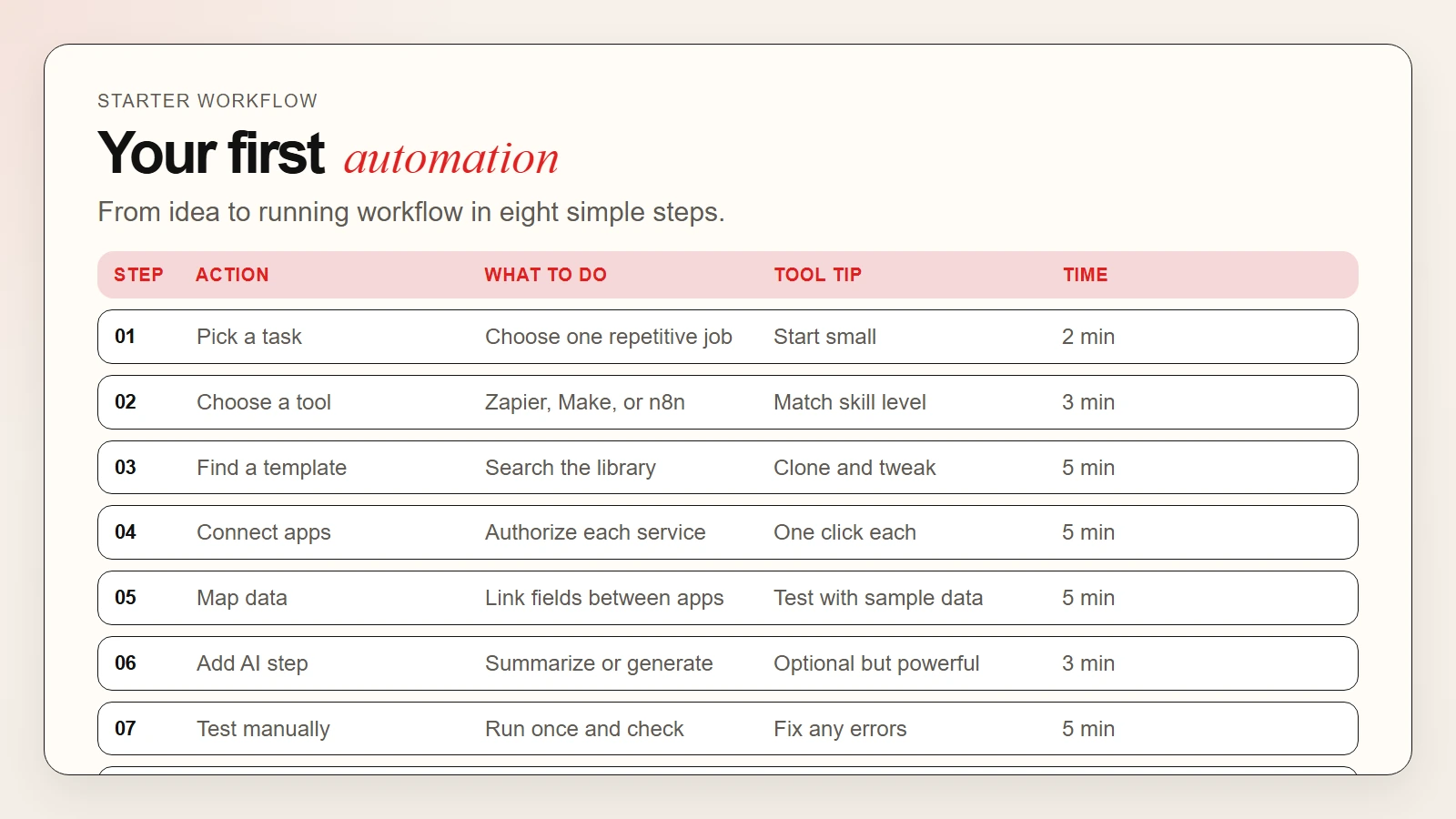 Caption: An 8-step path from choosing a task to running your first automated workflow.
FAQ
Do I need to know how to code?
No. Zapier and Make are entirely no-code. n8n can also be used without code, though coding unlocks extra flexibility.
Which is better: Zapier or Make?
Zapier is better for beginners who want speed and simplicity. Make is better for users who need complex logic and want to save money at scale.
Is n8n really free?
Yes, the self-hosted version is free and open-source. You only pay for the server you run it on, which can be as little as a few dollars per month.
Can I switch tools later?
Yes, but rebuilding workflows takes time. Start with the tool that fits your current skills and budget, then migrate if your needs change significantly.
How does AI fit into automation?
Modern automation platforms include AI steps that can read, summarize, generate, or classify content inside your workflows. For example, you can automatically summarize a long support ticket and route it to the right team based on sentiment.
What is the best automation tool for a small business?
Zapier is usually the best starting point for small businesses because of its app variety and template library. Make is a strong alternative if you need more complex logic and want lower ongoing costs.