
Choosing between ChatGPT, Claude, and Gemini is harder than ever. All three are powerful AI assistants that can write, code, analyze data, and answer complex questions. But each one has distinct strengths, weaknesses, and ideal use cases. The right choice depends on what you actually do day to day.
This article breaks down the key differences between ChatGPT, Claude, and Gemini. You will learn where each assistant excels, where it falls short, and how much it costs. If you are new to AI tools, start with our guide on how to start using AI as a complete beginner first.
Key Takeaways
- ChatGPT is the most versatile AI assistant, with the largest ecosystem of plugins, integrations, and custom GPTs.
- Claude excels at long-form writing, deep reasoning, and understanding large documents with its massive context window.
- Gemini integrates tightly with Google Workspace and shines at research tasks that pull from live web data.
- All three offer free tiers, but paid plans unlock faster responses, better models, and higher usage limits.
- No single AI is best at everything. Most power users keep two or three assistants in rotation.
What These AI Assistants Actually Do
An AI assistant is a conversational interface powered by a large language model. You type a prompt in plain English, and the AI generates a response. The underlying model determines how well the AI writes, reasons, codes, and follows instructions.
ChatGPT runs on OpenAI’s GPT models. It is the most established assistant, with a huge user base, extensive third-party integrations, and support for custom GPTs, image generation, and voice conversations.
Claude is built by Anthropic and runs on the Claude family of models. It is known for its thoughtful, nuanced responses and an exceptionally large context window that lets you paste entire books or codebases into a single conversation.
Gemini is Google’s AI assistant, powered by the Gemini model family. It is deeply integrated with Google Search, Workspace, and Android, making it a natural choice for anyone already living in the Google ecosystem.
Key takeaway: All three assistants can handle writing, coding, analysis, and brainstorming. The difference lies in how they do it, what they connect to, and how much context they can remember at once.
For a broader look at AI tools for everyday tasks, read our guide on top AI tools for everyday work and how they are being used.
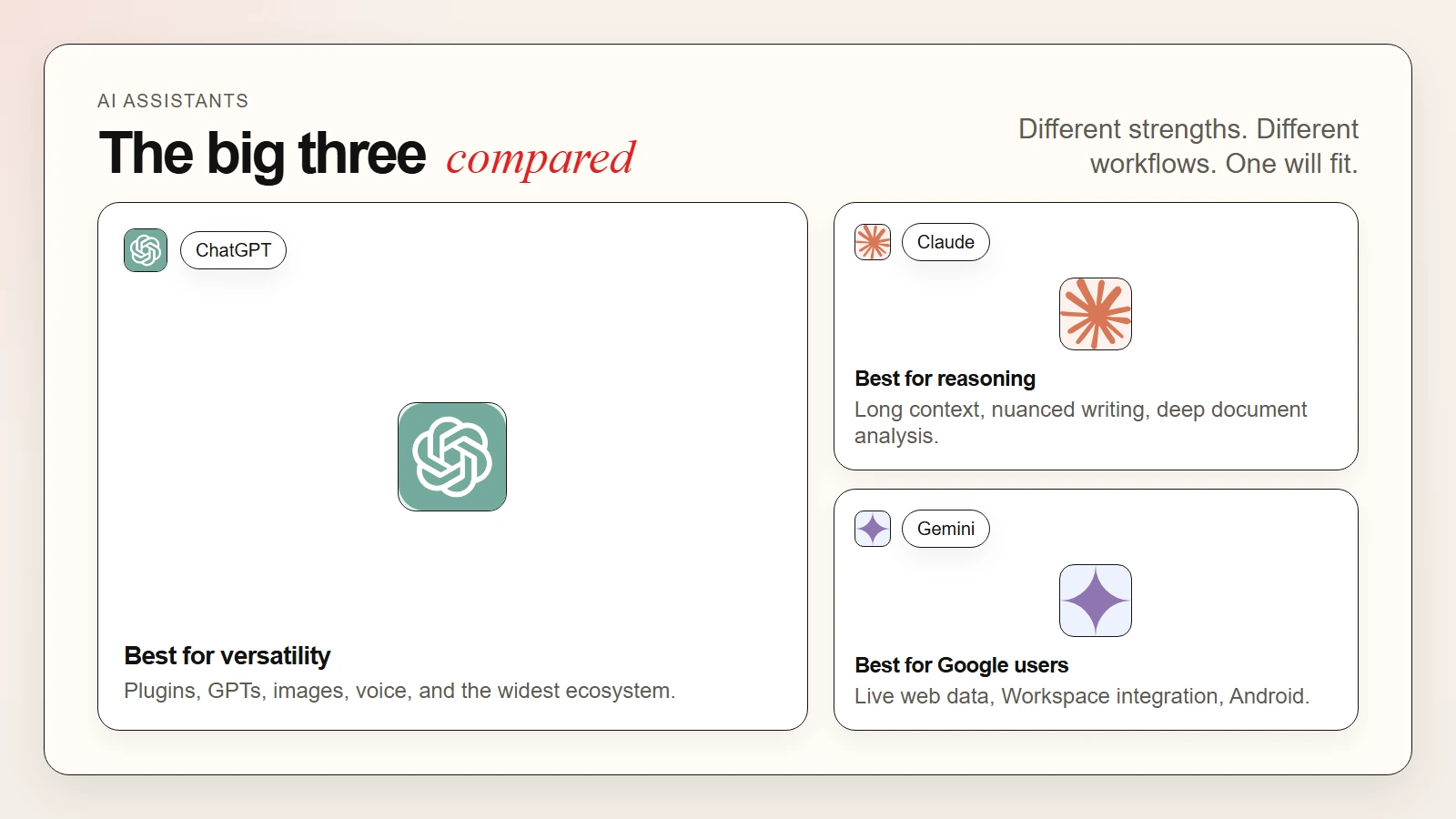 Caption: ChatGPT leads on versatility and ecosystem. Claude leads on reasoning and context. Gemini leads on Google integration and live research.
The Best AI Assistants in 2026
These are the three leading AI assistants for professionals, students, and creators. Each one takes a different approach, so the right choice depends on your workflow, budget, and priorities.
1. ChatGPT
ChatGPT is the most popular AI assistant for good reason. It handles an enormous range of tasks, from drafting emails to writing Python scripts to generating images. OpenAI has built the largest ecosystem around ChatGPT, including plugins, custom GPTs, and API access for developers.
What you get:
- The widest range of capabilities, including text, image generation, voice, and code interpretation
- Custom GPTs that let you build specialized assistants for specific workflows
- A massive plugin and integration ecosystem
- Strong performance on coding tasks, math, and structured reasoning
- Mobile and desktop apps with sync across devices
- Voice mode for hands-free conversations
Where it falls short:
- The context window, while large, is smaller than Claude’s for massive documents
- Responses can sometimes feel generic or overly agreeable
- The free tier uses an older model; the best experience requires a paid subscription
- Data privacy policies have changed over time, raising concerns for sensitive work
Best for: Generalists, developers, marketers, and anyone who wants one AI that can handle almost any task.
2. Claude
Claude is Anthropic’s AI assistant, and it has earned a devoted following among writers, researchers, and developers who value depth over breadth. Claude’s standout feature is its enormous context window, which can hold hundreds of thousands of words in a single conversation.
What you get:
- The largest context window of any major consumer AI assistant
- Exceptional long-form writing quality with natural, nuanced tone
- Strong reasoning and willingness to say “I don’t know” rather than hallucinate
- Excellent document analysis; paste an entire PDF and ask questions about it
- A clean, minimalist interface with Projects for organizing conversations
- Artifacts feature for generating and editing documents, code, and designs inline
Where it falls short:
- No native image generation or voice mode
- Smaller integration ecosystem than ChatGPT
- No live web browsing in the standard interface
- The free tier is more limited than ChatGPT’s
Best for: Writers, researchers, lawyers, analysts, and anyone who works with long documents or needs deeply reasoned answers.
For a deeper look at using Claude for professional work, see our guide on Claude Cowork for beginners.
3. Gemini
Gemini is Google’s flagship AI assistant, built on the Gemini model family. It is the best choice if you live in Google Workspace, use Android, or need an AI that can pull real-time information from the web and your Google account.
What you get:
- Deep integration with Google Search, Gmail, Docs, Sheets, and Drive
- Live web browsing and real-time information retrieval
- Strong multimodal capabilities, including image understanding and video analysis
- Native integration with Android and Google Assistant
- Competitive pricing, with a generous free tier
- Good performance on coding, math, and research tasks
Where it falls short:
- Writing quality can feel less natural than Claude’s for long-form content
- The interface and feature set change frequently as Google experiments
- Privacy concerns for users who do not want Google analyzing their data
- Less mature third-party ecosystem compared to ChatGPT
Best for: Google Workspace users, Android owners, researchers who need live data, and anyone who wants tight integration with their existing Google workflow.
For more on AI tools that integrate with your existing workflow, read our guide on how to use AI workflows for research, notes, meetings, and planning.
4. Other Notable Options
Microsoft Copilot brings GPT-4-powered assistance directly into Windows, Edge, and Microsoft 365. It is ideal if you live in Word, Excel, Outlook, and Teams. Copilot can draft emails, summarize meetings, and generate spreadsheet formulas without leaving your apps.
Perplexity AI is a research-focused assistant that combines language models with live web search. It cites sources for every answer, making it a favorite among journalists, academics, and fact-checkers. Perplexity is less of a generalist than ChatGPT or Claude but unbeatable for research.
Meta AI is a free assistant built into Instagram, WhatsApp, and Facebook. It runs on Meta’s Llama models and is best for casual use, quick questions, and image generation inside social apps.
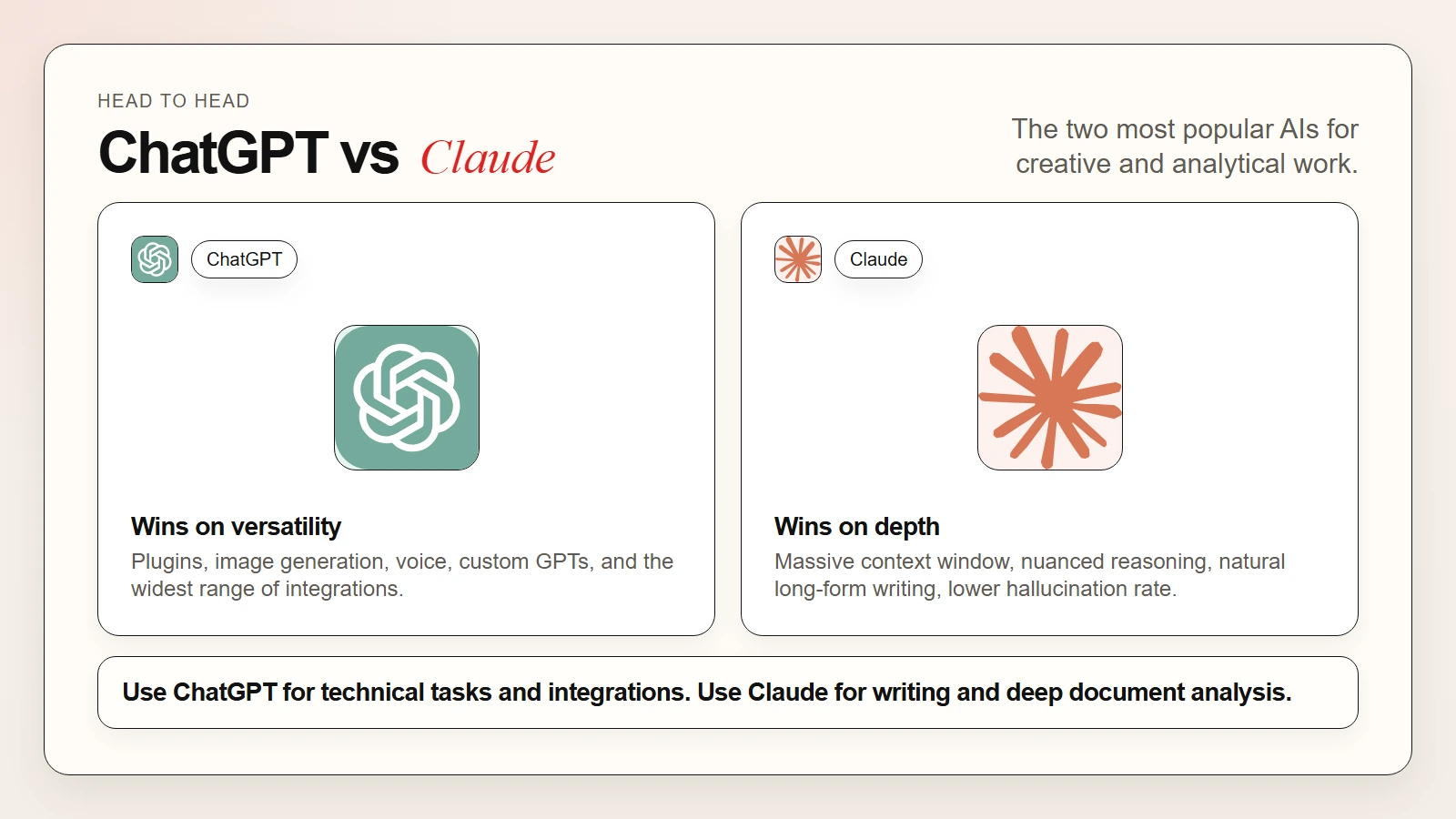 Caption: ChatGPT wins on versatility and integrations. Claude wins on reasoning depth and long-context handling. Gemini wins on live data and Google ecosystem integration.
Use-Case Matching Table
| Your Goal | Best Choice | Why It Fits |
|---|---|---|
| General writing and brainstorming | Claude | Natural tone, nuanced reasoning, large context window |
| Coding and technical tasks | ChatGPT | Best plugin ecosystem, strong code interpreter, Copilot integration |
| Research with live web data | Gemini or Perplexity | Real-time search, source citations, Google integration |
| Working with long documents | Claude | Massive context window handles entire books and reports |
| Image generation and analysis | ChatGPT or Gemini | DALL-E 3 integration, strong multimodal capabilities |
| Google Workspace productivity | Gemini | Native integration with Docs, Sheets, Gmail, and Drive |
| Building custom AI workflows | ChatGPT | Custom GPTs and the largest third-party ecosystem |
| Accurate, cautious answers | Claude | Lower hallucination rate, more willing to express uncertainty |
| Free, casual use | Gemini or Meta AI | Generous free tiers, built into apps you already use |
| Enterprise security and compliance | Claude or Microsoft Copilot | Stronger privacy commitments, enterprise controls |
Pricing Comparison
| Assistant | Free Tier | Paid Plan | Best For |
|---|---|---|---|
| ChatGPT | GPT-4o mini, limited GPT-4o | $20/month (Plus) | Power users who want the full feature set |
| Claude | Limited messages on Claude 3.5 Sonnet | $20/month (Pro) | Writers and researchers who need deep reasoning |
| Gemini | Gemini Pro, limited advanced features | $20/month (Advanced) | Google users who want Workspace integration |
| Microsoft Copilot | Basic features in Windows/Edge | $20/month (Pro) or part of Microsoft 365 | Office 365 power users |
| Perplexity AI | Standard search | $20/month (Pro) | Researchers who need cited, live answers |
Prices change frequently, so check each service’s website for current rates. Most paid plans unlock higher message limits, faster response times, access to the best models, and advanced features like image generation or code interpretation.
How to Choose the Right AI Assistant
Start with your primary use case. If you spend most of your day in Google Docs and Gmail, Gemini is the obvious first choice. If you are a developer who needs plugins, code interpreters, and API access, ChatGPT is hard to beat. If you write long reports, analyze legal documents, or need deeply reasoned answers, Claude is the clear winner.
Next, test the free tier. All three assistants offer generous free plans. Run the same prompt through each one and compare the quality, tone, and usefulness of the responses. Pay attention to how each AI handles follow-up questions, corrections, and complex instructions.
Finally, consider your privacy needs. If you work with sensitive client data, proprietary code, or confidential documents, review each company’s data handling policies. Some assistants offer enterprise plans with stronger privacy guarantees, data retention controls, and compliance certifications.
Tip: Many power users subscribe to two assistants. ChatGPT Plus and Claude Pro together cover almost every use case for $40 per month, less than most software subscriptions.
A Simple Starter Workflow
Here is a practical workflow you can use this week to find your best AI match:
- Pick three tasks you do regularly. These might be drafting emails, summarizing articles, writing code, or analyzing data.
- Run the same prompt in all three assistants. Use identical instructions and compare the outputs side by side.
- Evaluate for tone, accuracy, and usefulness. Which response needed the least editing? Which understood your intent best?
- Test follow-up questions. A good assistant remembers context and builds on previous answers.
- Check integrations. Can the AI connect to tools you already use, like Google Drive, Slack, or your code editor?
- Pick your primary assistant. Subscribe to the paid plan if the free tier feels limiting.
This workflow takes about thirty minutes and saves you from paying for the wrong tool. Once you know your primary assistant, you can always add a second one for specialized tasks.
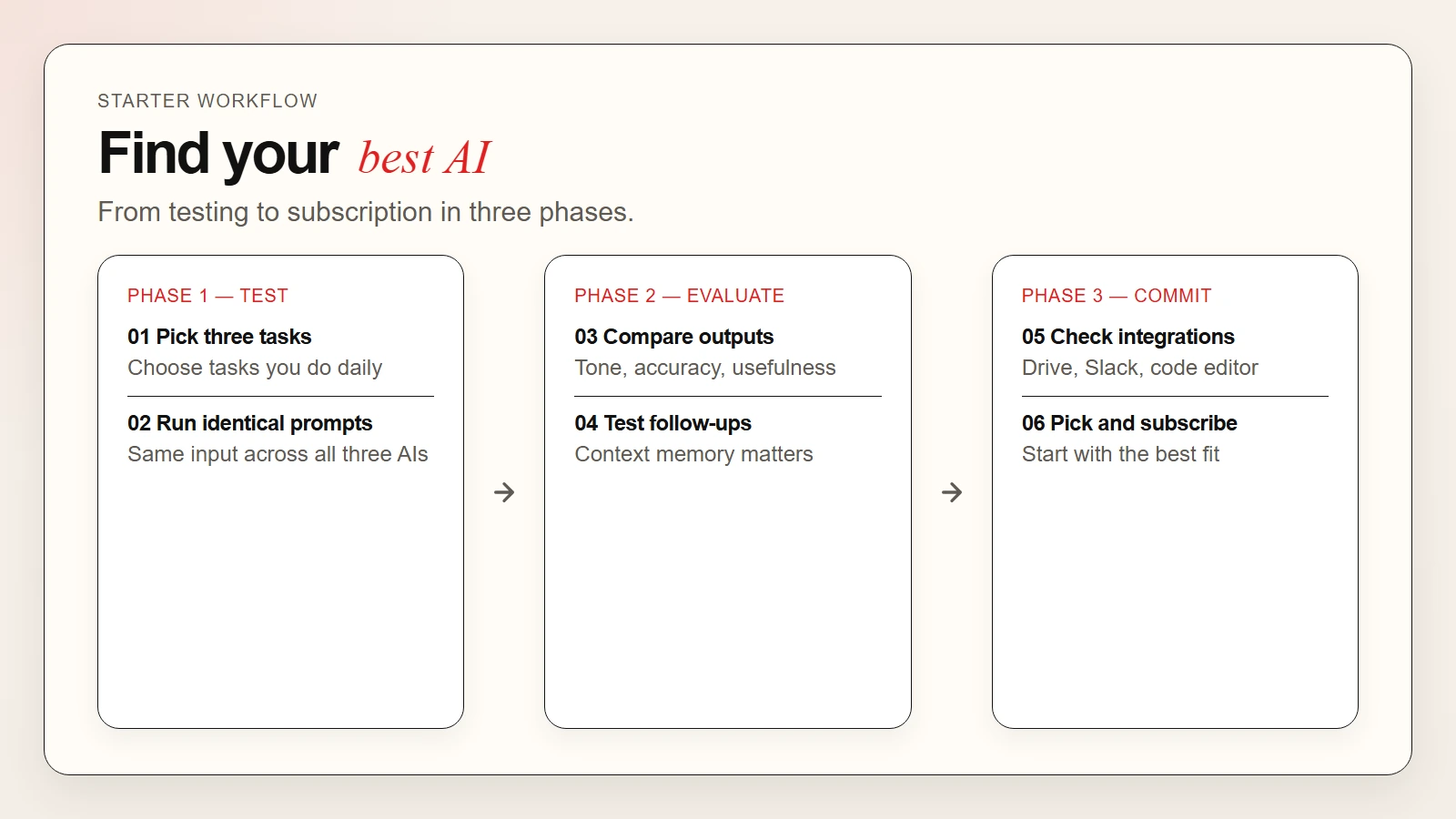 Caption: A simple 6-step workflow for testing and choosing between ChatGPT, Claude, and Gemini.
FAQ
Is ChatGPT better than Claude?
It depends on what you need. ChatGPT is better for coding, integrations, and general versatility. Claude is better for long-form writing, deep reasoning, and working with large documents. Many users prefer Claude for creative and analytical work and ChatGPT for technical tasks.
Is Gemini as good as ChatGPT?
Gemini matches or exceeds ChatGPT on some tasks, especially research that requires live web data and Google Workspace integration. For coding and general reasoning, ChatGPT still holds an edge. For writing quality, Claude is generally preferred over both.
Can I use these AI assistants for free?
Yes. All three offer free tiers with meaningful capabilities. The free versions are slower, have usage limits, and may use older models. Paid plans start at around $20 per month and unlock the best models and features.
Which AI is best for writing?
Most writers and editors prefer Claude for its natural tone, nuanced reasoning, and large context window. ChatGPT is a close second and offers more formatting and integration options. Gemini is improving but generally ranks third for pure writing quality.
Which AI is best for coding?
ChatGPT leads for coding due to its code interpreter, plugin ecosystem, and strong performance on technical benchmarks. Claude is excellent for reading and understanding large codebases. Gemini is competent but less mature for software development workflows.
Is my data private with these AI assistants?
Data privacy varies by provider and plan. Free tiers may use conversation data to improve models. Paid and enterprise plans often offer stronger privacy protections. Never upload sensitive personal data, passwords, or proprietary information without reviewing the provider’s data handling policy.