
Running a small business means wearing many hats. You write emails, design social posts, manage customers, and track finances. AI tools can help with all of this, but most small business owners cannot afford expensive software subscriptions.
The good news is that many of the best AI tools offer genuinely useful free plans. This guide shows you which free AI tools are worth using for writing, design, marketing, and operations. Every tool on this list has a free tier that a real small business owner can use today without a credit card.
If you are completely new to AI tools, start with our guide on how to start using AI as a complete beginner. For a broader look at AI assistants, see our comparison of the best free AI assistants in 2026.
Key Takeaways
- AI tools for small business do not have to cost money. Many top platforms offer strong free tiers.
- ChatGPT, Claude, and Gemini all have free plans that handle writing, research, and customer replies.
- Canva Free includes AI design features that replace expensive graphic software for most social media work.
- Notion Free and Grammarly Free improve productivity and writing quality without paid upgrades.
- HubSpot Free CRM and Buffer Free add AI-powered marketing features to small business workflows.
- The best strategy is to pick one tool per job, master it, and upgrade only when the free limits actually slow you down.
What “Free AI Tools for Small Business” Actually Means
A free AI tool is not the same as a free trial. A free trial expires. A free tier stays free forever with usage limits.
Most free AI tiers work like this:
- Usage caps: A limited number of AI generations, queries, or words per month.
- Feature restrictions: Advanced features like team sharing, custom branding, or API access require paid plans.
- Watermarking or branding: Some tools add their logo to free outputs.
- Slower speed: Free users sometimes wait longer during busy periods.
Key takeaway: Free tiers are real tools, not demos. Most small business owners can operate for months before hitting a free limit.
For a broader look at what AI can and cannot do reliably, read our guide on are AI tools accurate.
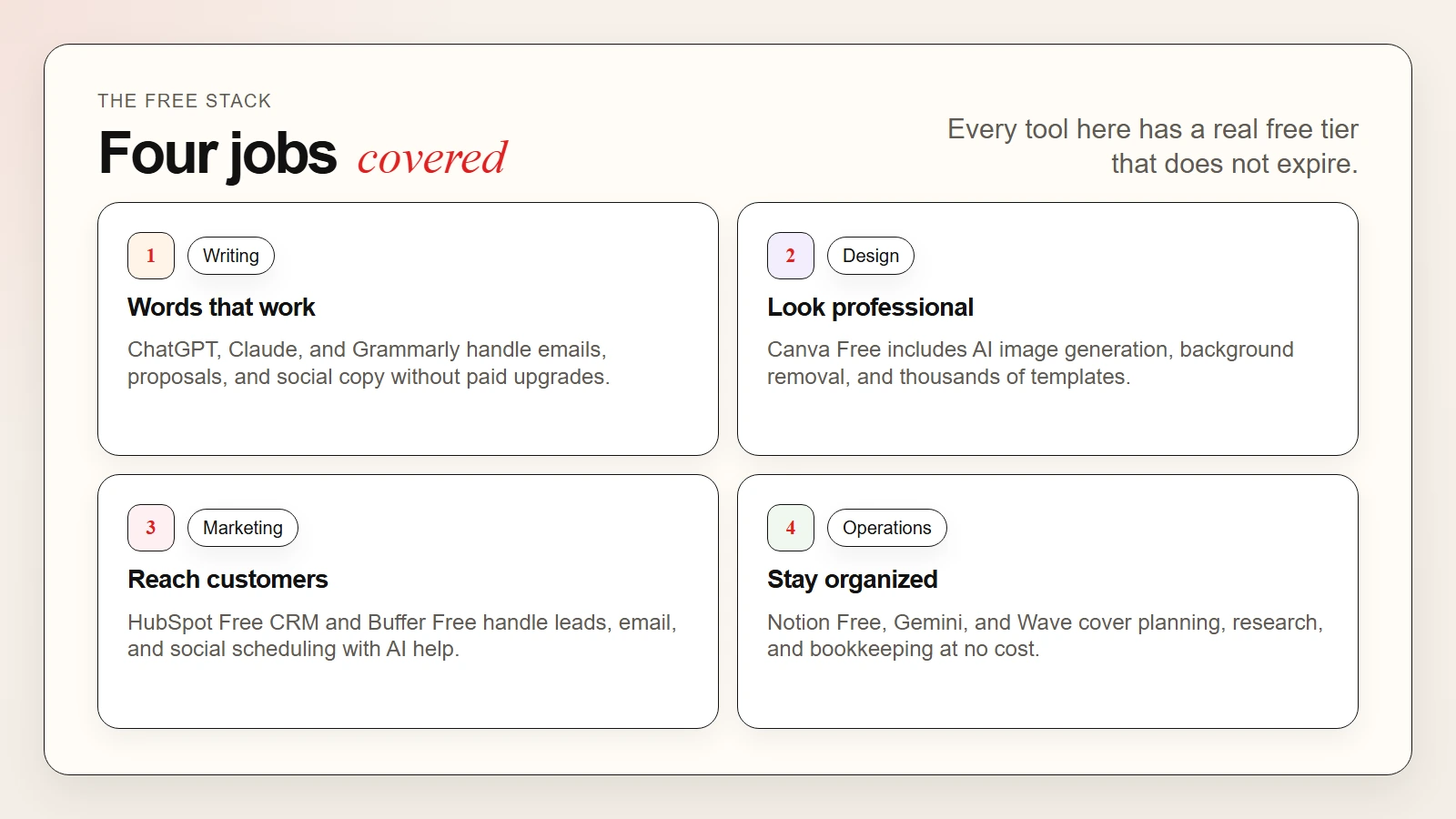 Caption: The best free AI tools cover writing, design, marketing, and operations without requiring a paid subscription.
The Best Free AI Tools by Category
Writing and Communication
1. ChatGPT Free
ChatGPT offers a free plan with access to GPT-4o mini. You can use it to draft emails, write social posts, brainstorm product names, summarize long documents, and answer customer questions.
What you get for free:
- Unlimited messages on GPT-4o mini
- Web browsing for research
- File uploads and image analysis
- Memory across conversations
Free limits: GPT-4o full model has a message cap that resets every few hours. GPT-4o mini is unlimited.
Best for: Email drafts, blog outlines, customer reply templates, and quick research.
2. Claude Free
Claude is Anthropic’s AI assistant. The free plan includes Claude 3.5 Sonnet, which excels at long-form writing, analysis, and thoughtful responses.
What you get for free:
- Generous daily message quota on Claude 3.5 Sonnet
- Long context window for large documents
- Strong reasoning and editing capabilities
Free limits: Message quota resets daily but is not unlimited.
Best for: Editing long documents, writing proposals, and analyzing business reports.
For a deeper look at using Claude for business, see our guide on how to use Claude for personalized marketing.
3. Grammarly Free
Grammarly checks spelling, grammar, and tone in real time. The free plan works in browsers, email, documents, and social platforms.
What you get for free:
- Grammar and spelling correction
- Basic tone detection
- Browser extension for Gmail, LinkedIn, and social media
Free limits: Advanced tone suggestions, full-sentence rewrites, and brand style guides require Grammarly Premium.
Best for: Polishing emails, social posts, and website copy before sending.
Design and Media
4. Canva Free
Canva includes Magic Write, AI image generation, and background removal in its free plan. It is the best free AI design tool for small businesses.
What you get for free:
- Magic Write for social captions and blog drafts
- AI image generation (limited credits monthly)
- Background remover on photos
- Thousands of free templates
Free limits: AI image generation is capped. Premium templates and brand kits require Pro.
Best for: Social media graphics, flyers, presentations, and quick logo concepts.
Productivity and Operations
5. Notion Free
Notion includes AI Q&A, writing assistance, and database features in its free personal plan. Small teams can use the free plan with AI add-ons.
What you get for free:
- Unlimited pages and blocks
- AI writing assistant (limited monthly usage)
- Database views for project tracking
- Template gallery
Free limits: AI features have a monthly usage cap. Team collaboration beyond two people requires a paid plan.
Best for: Business documentation, SOPs, project planning, and note-taking.
6. Google Gemini
Google Gemini is free and integrates with Google Workspace. You can use it inside Gmail, Docs, and Sheets if you have a Google account.
What you get for free:
- Unlimited queries on Gemini 2.5 Flash
- Image generation and analysis
- Integration with Google Search
- Workspace sidebar in Docs and Sheets (for personal accounts)
Free limits: The most advanced model (Gemini 2.5 Pro) has usage caps.
Best for: Research, spreadsheet formulas, and drafting inside Google Docs.
Marketing and Sales
7. HubSpot Free CRM
HubSpot offers a free CRM with AI-powered email drafting, meeting scheduling, and contact management. It is one of the most generous free business tools available.
What you get for free:
- Contact and deal management
- AI email draft suggestions
- Meeting scheduler
- Email tracking and notifications
- Basic reporting dashboard
Free limits: Marketing automation, custom reporting, and advanced sequences require paid plans.
Best for: Customer relationship management, sales pipeline tracking, and email outreach.
8. Buffer Free
Buffer is a social media management tool with an AI assistant that suggests post ideas, rewrites captions, and optimizes timing.
What you get for free:
- Connect up to three social channels
- AI assistant for post ideas and rewrites
- Basic publishing calendar
- Landing page builder
Free limits: Only three channels. Advanced analytics and team features require paid plans.
Best for: Small businesses that post regularly on Instagram, Facebook, or LinkedIn.
Accounting and Finance
9. Wave
Wave offers free accounting, invoicing, and receipt scanning. While not an AI-heavy platform, it uses automation to categorize transactions and track cash flow.
What you get for free:
- Invoicing and payment tracking
- Receipt scanning and expense categorization
- Basic financial reporting
- Bank connection for automated imports
Free limits: Payroll and advanced payment processing have fees.
Best for: Freelancers and very small businesses that need free bookkeeping.
For more on using AI for finance work, see our guide on how to use Claude as an accountant.
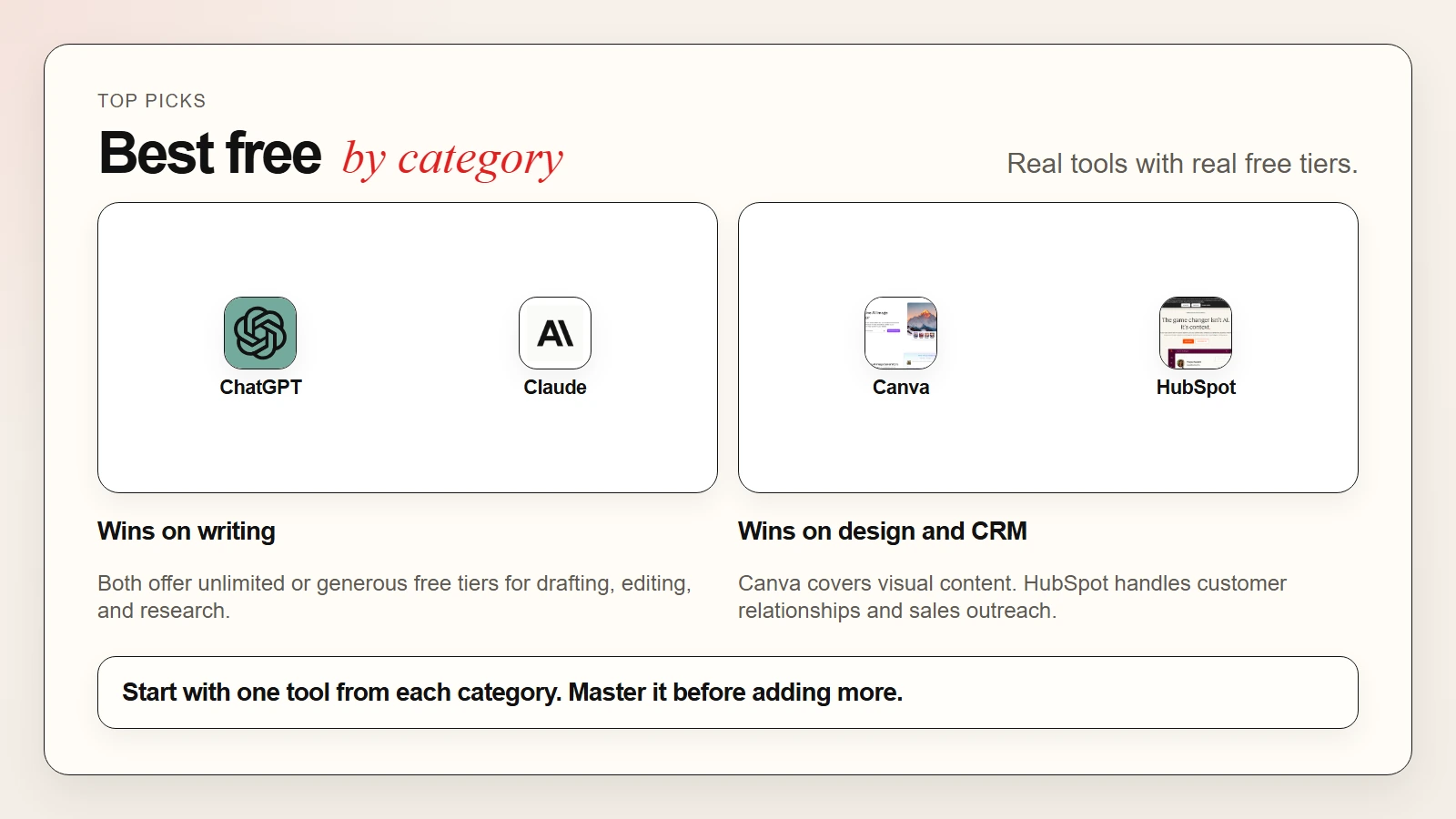 Caption: Free tiers from ChatGPT, Canva, HubSpot, and Notion cover the four jobs every small business does daily.
Free Tier Comparison Table
| Tool | Category | Free Tier Strength | Best For | Free Limit to Know |
|---|---|---|---|---|
| ChatGPT | Writing | Unlimited GPT-4o mini | Emails, drafts, research | GPT-4o has message caps |
| Claude | Writing | Strong long-form editing | Proposals, reports, analysis | Daily message quota |
| Grammarly | Writing | Real-time grammar fix | Polish before sending | Advanced tone is paid |
| Canva | Design | AI images + templates | Social posts, graphics | AI generation capped |
| Notion | Productivity | AI writing + databases | SOPs, planning, docs | AI usage monthly cap |
| Gemini | Productivity | Google Workspace integration | Docs, Sheets, research | Pro model usage caps |
| HubSpot | Marketing | CRM + AI email drafts | Sales, contacts, outreach | Automation is paid |
| Buffer | Marketing | 3 channels + AI assistant | Social media scheduling | Channel limit |
| Wave | Accounting | Invoicing + bookkeeping | Freelancer finances | Payroll is paid |
Use-Case Matching Table
| Your Need | Best Free Tool | Why It Fits |
|---|---|---|
| Write customer emails faster | ChatGPT or Claude | Draft replies in seconds with your tone |
| Design Instagram posts | Canva Free | Templates plus AI image generation |
| Fix grammar in proposals | Grammarly Free | Catches errors in real time across apps |
| Organize business docs | Notion Free | Databases plus AI writing in one place |
| Draft inside Google Docs | Gemini | Native sidebar integration |
| Track sales leads | HubSpot Free CRM | Contact management with AI email help |
| Schedule social content | Buffer Free | Three channels plus AI caption help |
| Send invoices for free | Wave | Free invoicing and expense tracking |
| Research competitors | ChatGPT or Gemini | Web browsing and long document analysis |
| Build a simple website | Canva or Buffer | Free landing pages and link-in-bio tools |
How to Choose the Right Stack
Start with your biggest time drain. Most small business owners lose the most time to one of these four jobs:
- Writing and communication. If you spend hours on emails, social posts, and proposals, start with ChatGPT or Claude plus Grammarly.
- Design and branding. If you make your own graphics, start with Canva Free.
- Customer management. If you track leads in a spreadsheet, move to HubSpot Free CRM.
- Operations and planning. If your notes are scattered, consolidate in Notion Free.
Pick one tool from the category that matches your biggest pain point. Use it daily for two weeks. Only add a second tool after the first one feels natural.
Warning: Do not sign up for ten free tools at once. Tool overload creates more work than it saves. Master one, then expand.
For a broader guide to building workflows, see our article on how to use AI workflows for research, notes, meetings, and planning.
A Simple Starter Workflow
Here is a practical workflow you can use this week:
- Pick one job that takes too much time. Email writing, social design, or lead tracking are common starting points.
- Choose one free tool from this guide. Match the tool to the job using the use-case table above.
- Do the real task with the tool. Do not run test prompts. Use it for actual work.
- Compare the output to your old method. Note the time saved and the quality difference.
- Refine your approach. Adjust how you prompt or organize the tool based on what was clunky.
- Log what worked. Keep a simple note of your best prompts, templates, or settings.
This workflow takes about thirty minutes a day for one week. After that, you will know whether the free tier is enough or if a paid upgrade is worth the cost.
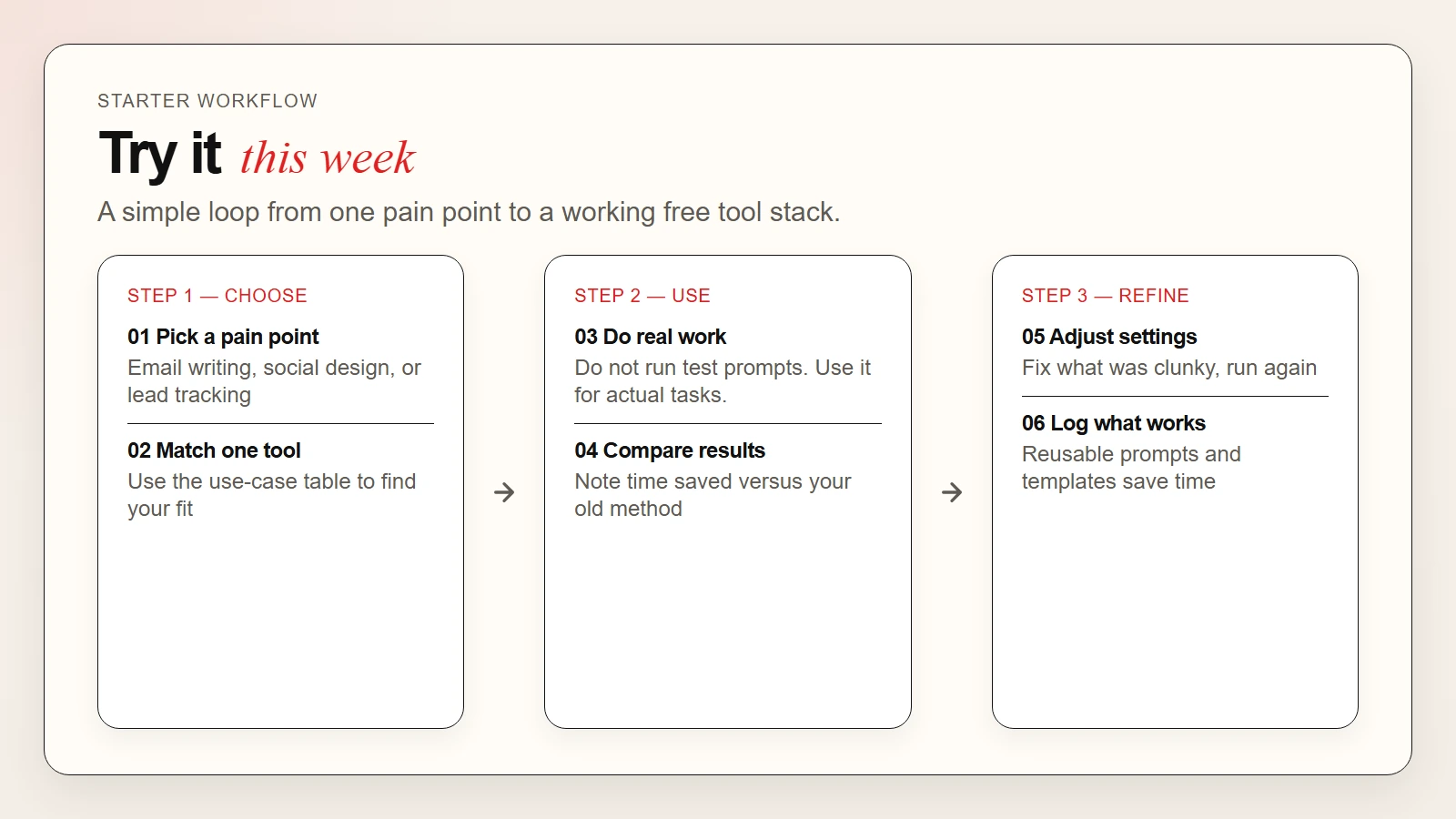 Caption: A six-step workflow from picking a pain point to logging what works.
When to Upgrade from Free to Paid
Free tiers are powerful, but there are clear signals that it is time to upgrade:
- You hit usage caps every week. If you are constantly waiting for resets, the tool has proven its value.
- You need team sharing. Most free plans are for individuals only.
- You want brand consistency. Custom fonts, colors, and style guides require paid plans.
- You need automation. Scheduling, auto-responses, and pipeline triggers are usually paid features.
- The time savings exceed the cost. If a $20 tool saves you five hours per month, it pays for itself.
Common Mistakes to Avoid
Chasing every new tool. The best stack is the one you actually use. Two tools used daily beat ten tools used once.
Ignoring free limits. Know the cap before you depend on the tool for a critical deadline.
Skipping the human review step. AI drafts are fast, but they still need your eyes before they go to a customer.
Forgetting about data privacy. Free tools may use your inputs to improve their models. Do not paste sensitive customer data or financial records into public AI chatbots without checking the privacy policy first.
FAQ
Are free AI tools really free?
Yes. The tools in this guide offer free tiers that do not expire. They are funded by paid users, so the free plan is a real product, not a trial.
Which free AI tool should I start with?
Start with ChatGPT Free or Claude Free for writing. Add Canva Free if you design social media content. Most small business owners get the most value from those two.
Can I run a business using only free AI tools?
For a solo business or very small team, yes. Many founders run for months on free tiers alone. You will eventually want paid features for automation, team sharing, and higher usage limits.
Do free AI tools steal my data?
Most reputable tools do not steal data, but they may use your inputs to train models. Read the privacy policy before entering sensitive customer or financial information.
What is the best free AI tool for marketing?
HubSpot Free CRM is the best free tool for sales and email outreach. Buffer Free is the best free tool for social media scheduling.
Can I use AI to do my bookkeeping for free?
Wave offers free invoicing and expense tracking. For AI-powered bookkeeping analysis, you can upload spreadsheets to ChatGPT or Claude for help spotting trends.