
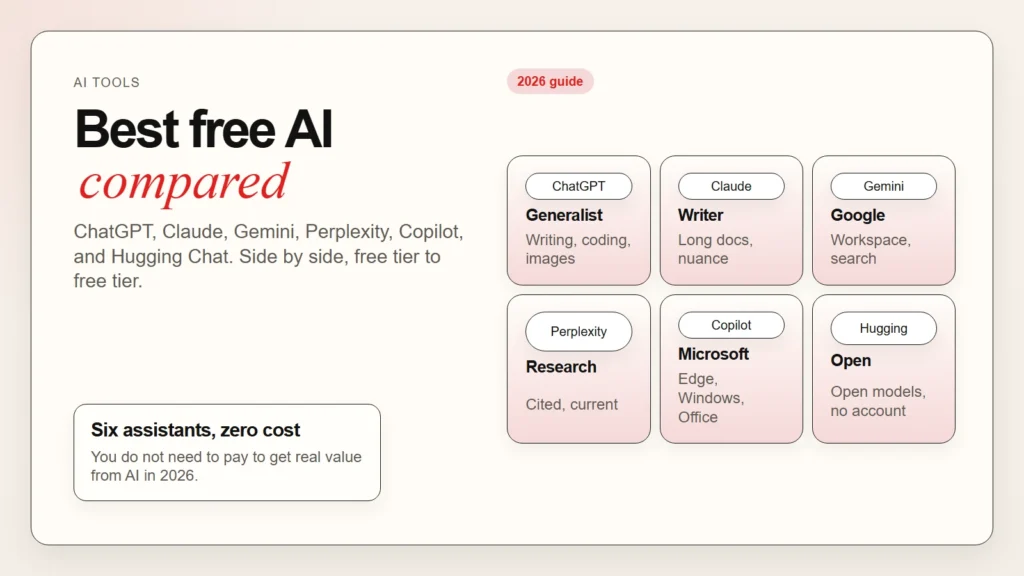
You do not need to pay to get real value from AI. In 2026, the best free AI assistants can write, research, code, brainstorm, and summarize without costing a dollar. The problem is choosing the right one.
This guide compares the top free AI assistants side by side. You will learn what each free plan includes, where the limits kick in, and how to match an assistant to your actual work. If you are just starting out, read our beginner’s guide to using AI first.
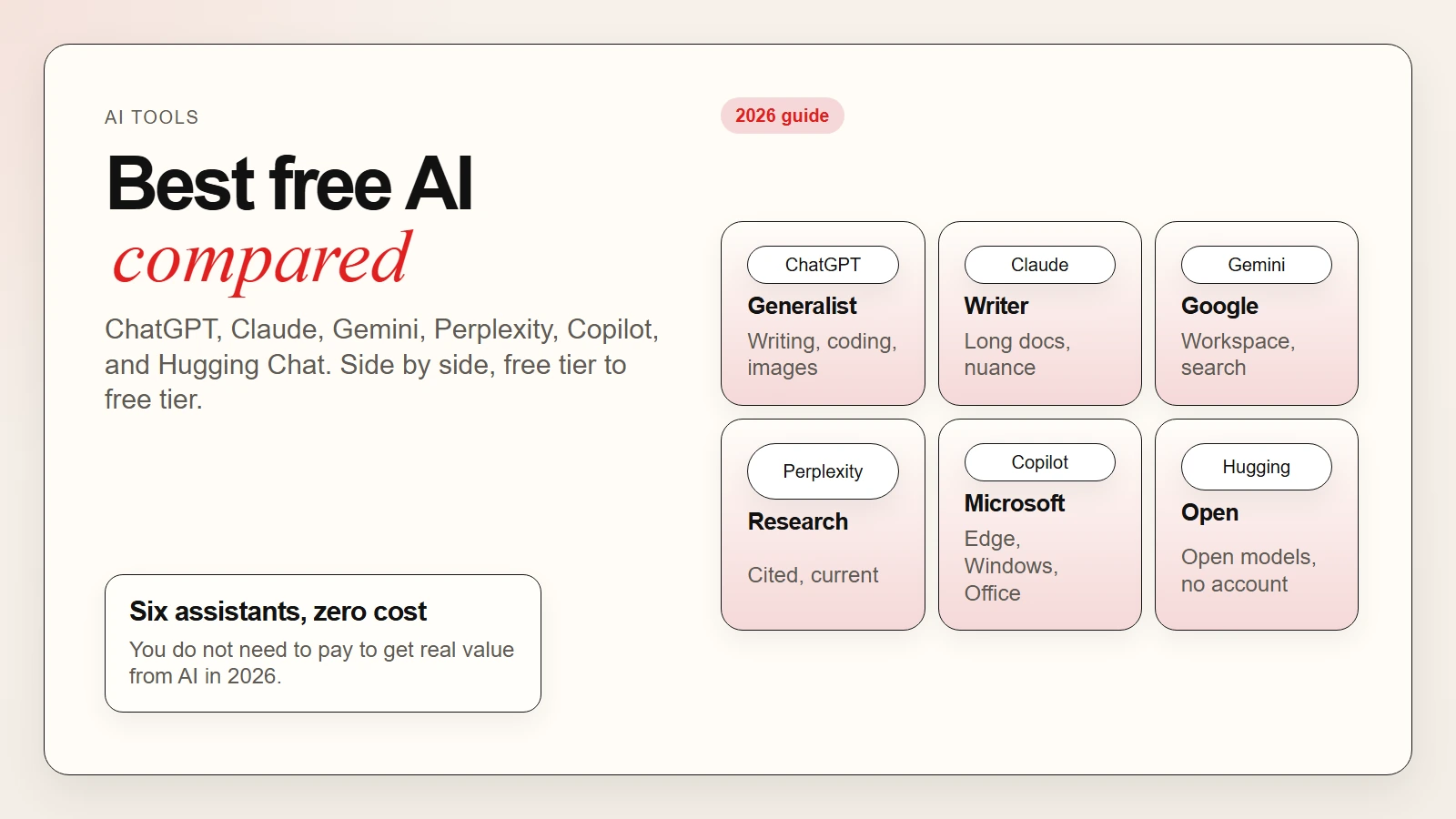 Caption: The top free AI assistants compared so you can choose the right one for your work.
AI Assistant vs AI Chatbot: What Is the Difference?
Before comparing tools, it helps to know what you are looking at. The terms AI assistant and AI chatbot are often used interchangeably, but they describe slightly different things.
An AI chatbot is a program that holds a conversation. It reads your message and generates a reply. Early chatbots followed scripts. Modern ones use large language models to sound natural and handle open-ended questions.
An AI assistant does more than chat. It can browse the web, analyze files, write code, create images, and connect to other apps. The assistant label implies broader utility, not just back-and-forth messaging.
Key takeaway: Every AI assistant is a chatbot, but not every chatbot is an assistant. When a tool can research, summarize documents, or generate images, it crosses the line into assistant territory.
For this article, we compare full AI assistants with generous free tiers.
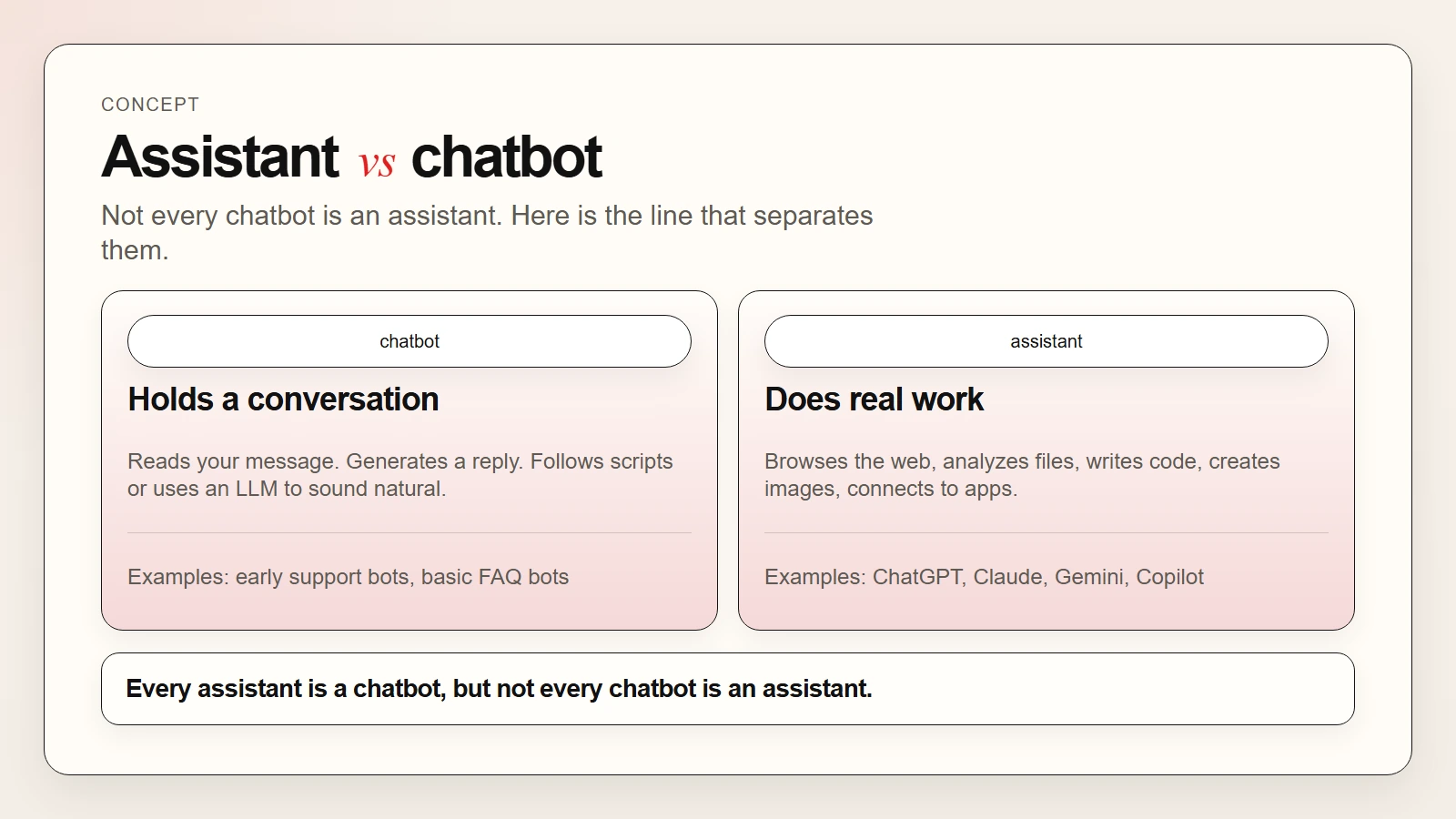 Caption: An AI assistant can browse, analyze files, and create images. A chatbot mainly holds conversations.
The Best Free AI Assistants in 2026
Here are the six strongest free AI assistants available right now. Each section covers what the free plan gives you, where it falls short, and who it fits best.
1. ChatGPT (Free)
ChatGPT is the most widely known AI assistant. The free tier gives you access to GPT-4o mini, a fast and capable model that handles writing, coding, math, and general questions well.
What the free plan includes:
- Unlimited messages with GPT-4o mini
- Limited access to GPT-4o (the stronger model) with usage caps
- Web browsing for current information
- File uploads for analysis and summarization
- Image generation with DALL-E
- Memory across conversations
- Voice mode for spoken interaction
Where the free plan falls short:
- You hit rate limits on GPT-4o during busy periods
- No access to custom GPTs or the GPT Store
- No advanced data analysis with Python
- Image generation is limited per day
Best for: General users who want one assistant that does a little of everything.
2. Claude (Free)
Claude by Anthropic is known for nuanced writing, long context handling, and a more cautious approach to sensitive topics. The free tier uses Claude 3.5 Sonnet.
What the free plan includes:
- Access to Claude 3.5 Sonnet, a strong general-purpose model
- Very large context window for long documents
- File uploads for PDFs, code, and spreadsheets
- Projects for organizing conversations
- Artifacts for creating and editing documents, code, and visuals
Where the free plan falls short:
- Daily message limits that vary with demand
- No access to Claude 3 Opus (the strongest model)
- No web browsing in the free tier
- No image generation
Best for: Writers, researchers, and professionals who work with long documents and value careful, well-structured responses.
If you want to go deeper into Claude’s features, see our guide on Claude Cowork for beginners.
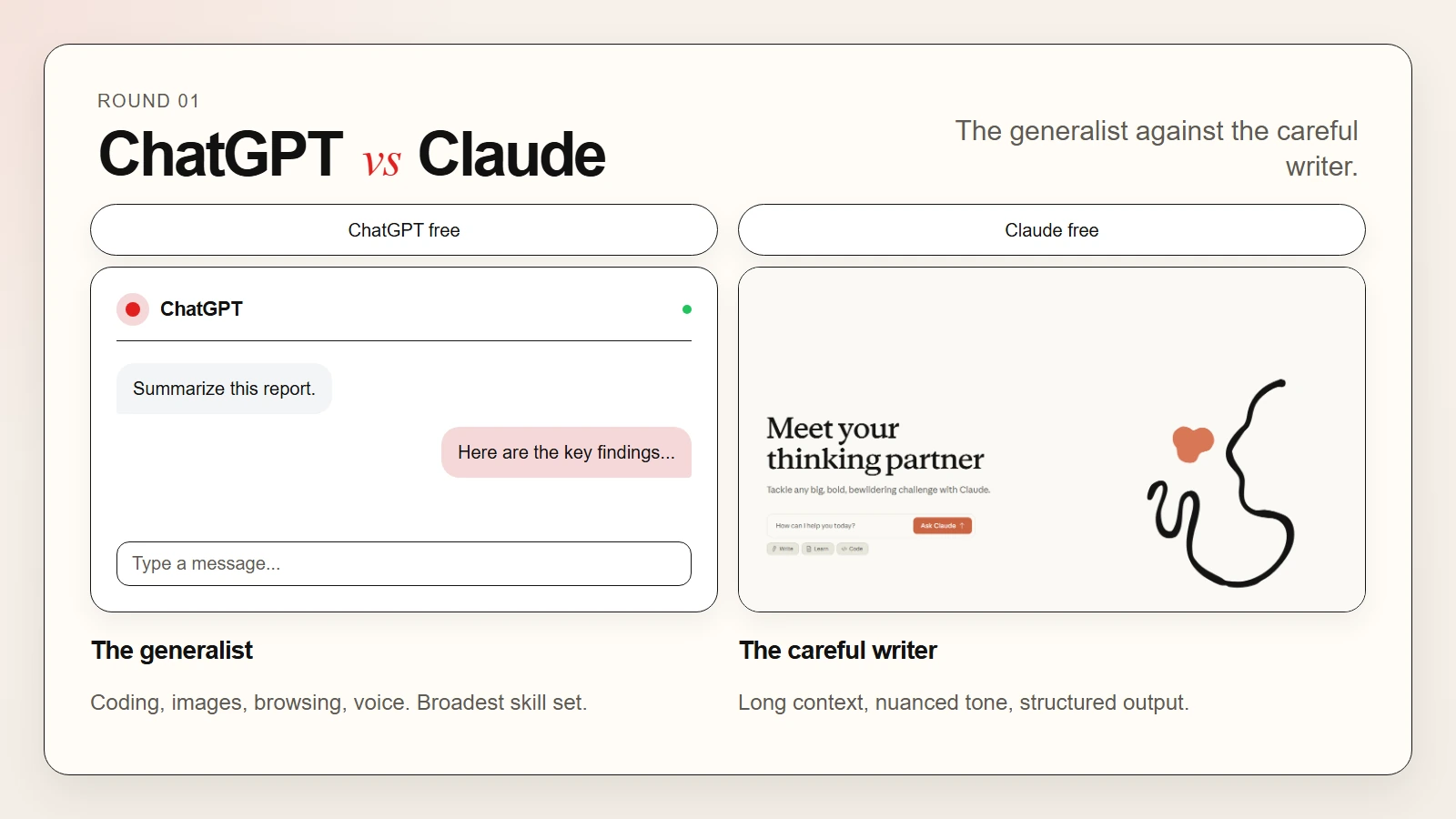 Caption: ChatGPT free is the generalist. Claude free excels at writing and long documents.
3. Gemini (Free)
Gemini by Google integrates tightly with Google Workspace. The free tier uses Gemini 1.5 Flash and offers generous limits.
What the free plan includes:
- Access to Gemini 1.5 Flash and limited Gemini 1.5 Pro usage
- Integration with Gmail, Docs, Drive, and Maps
- Very large context window for long documents and video
- Image generation with Imagen 3
- Double-check feature that verifies responses with Google Search
- Extensions for YouTube, Hotels, Flights, and Maps
Where the free plan falls short:
- Fewer daily queries for Gemini 1.5 Pro than Flash
- Workspace integration is deeper on paid plans
- Some advanced reasoning features are paywalled
Best for: Google Workspace users who want AI embedded in their existing tools.
4. Perplexity (Free)
Perplexity is an AI assistant built for research. It answers questions by searching the web and citing sources in real time.
What the free plan includes:
- Unlimited quick searches with source citations
- Access to multiple AI models including GPT-4o mini and Claude 3.5 Sonnet
- Focus modes for academic, Reddit, YouTube, and news searches
- Thread history and follow-up questions
- Basic image generation
Where the free plan falls short:
- Limited Pro searches per day (the deeper research mode)
- No access to Perplexity’s own stronger model
- Limited file upload size and count
- No API access
Best for: Students, journalists, and anyone who needs cited, up-to-date information rather than creative writing.
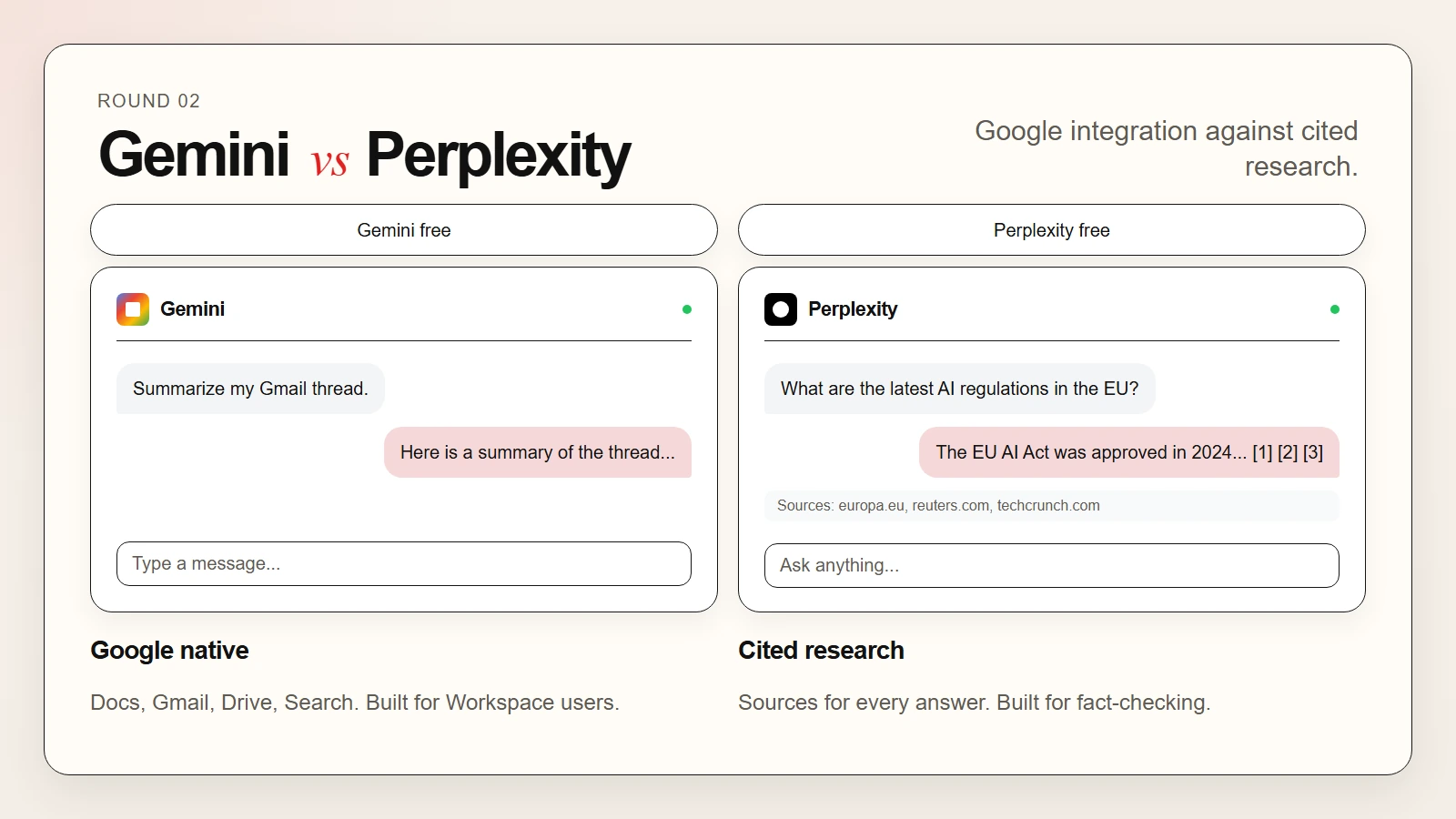 Caption: Gemini integrates with Google Workspace. Perplexity cites sources for every answer.
5. Microsoft Copilot (Free)
Microsoft Copilot brings AI into the Microsoft ecosystem. The free tier works in Edge, Windows, and the standalone Copilot app.
What the free plan includes:
- Access to GPT-4o through the Copilot interface
- Web browsing with Bing integration
- Image generation with DALL-E 3
- Copilot in Edge for summarizing web pages
- Basic integration with Word, Excel, and PowerPoint online
- Voice interaction on mobile and desktop
Where the free plan falls short:
- No Copilot inside the desktop Office apps without a Microsoft 365 subscription
- Commercial data protection requires a paid plan
- Limited conversation turns per session
- Priority access goes to paying users during peak times
Best for: Microsoft 365 web users and Windows users who want AI baked into their browser and operating system.
6. Hugging Chat (Free)
Hugging Chat by Hugging Face is an open-source-friendly assistant that lets you try different open models in one place.
What the free plan includes:
- Access to multiple open-source models like Llama, Mistral, and Qwen
- No account required for basic use
- File uploads for document analysis
- Web search capability
- Open-source tooling and transparency about models
Where the free plan falls short:
- Model availability changes as Hugging Face rotates partnerships
- Performance can vary by model and load
- Less polished than commercial assistants
- No native mobile app
Best for: Developers, researchers, and privacy-conscious users who want to experiment with open models.
If you are curious about open-source AI, read our guide on open source AI models vs closed source models.
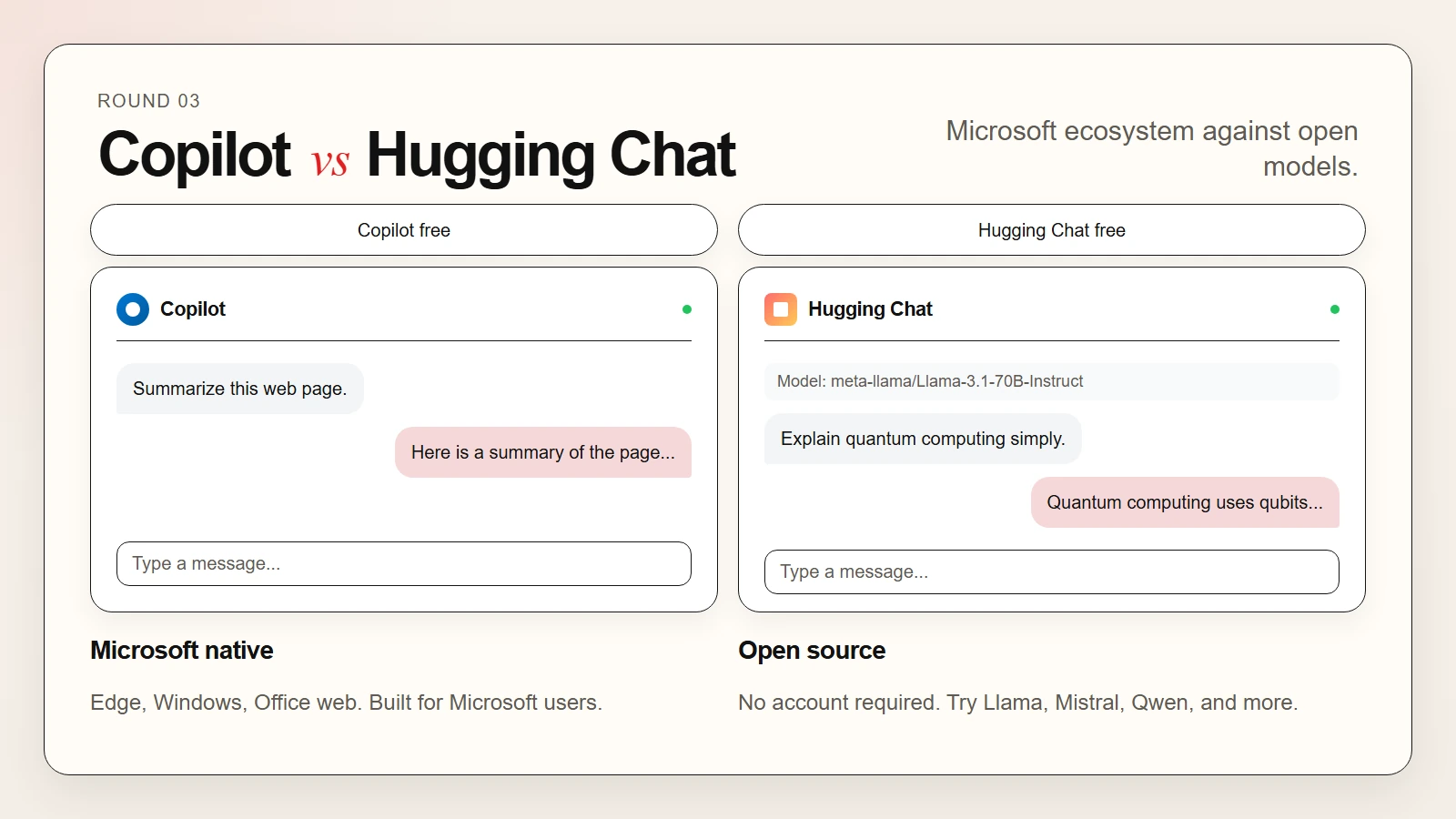 Caption: Copilot fits Microsoft users. Hugging Chat is for open-source experimentation.
Side-by-Side Comparison
Use this table to compare the free plans at a glance.
| Feature | ChatGPT Free | Claude Free | Gemini Free | Perplexity Free | Copilot Free | Hugging Chat Free |
|---|---|---|---|---|---|---|
| Core model | GPT-4o mini | Claude 3.5 Sonnet | Gemini 1.5 Flash | GPT-4o mini / Claude 3.5 Sonnet | GPT-4o | Multiple open models |
| Web browsing | Yes | No | Yes | Yes | Yes | Yes |
| File uploads | Yes | Yes | Yes | Limited | Limited | Yes |
| Image generation | Yes (DALL-E) | No | Yes (Imagen 3) | Limited | Yes (DALL-E 3) | No |
| Context window | Large | Very large | Very large | Large | Large | Varies by model |
| Source citations | Limited | No | Via double-check | Yes | Limited | No |
| Best for | General use | Writing, long docs | Google users | Research | Microsoft users | Open-source fans |
| Account required | Yes | Yes | Yes | Yes | Yes | No |
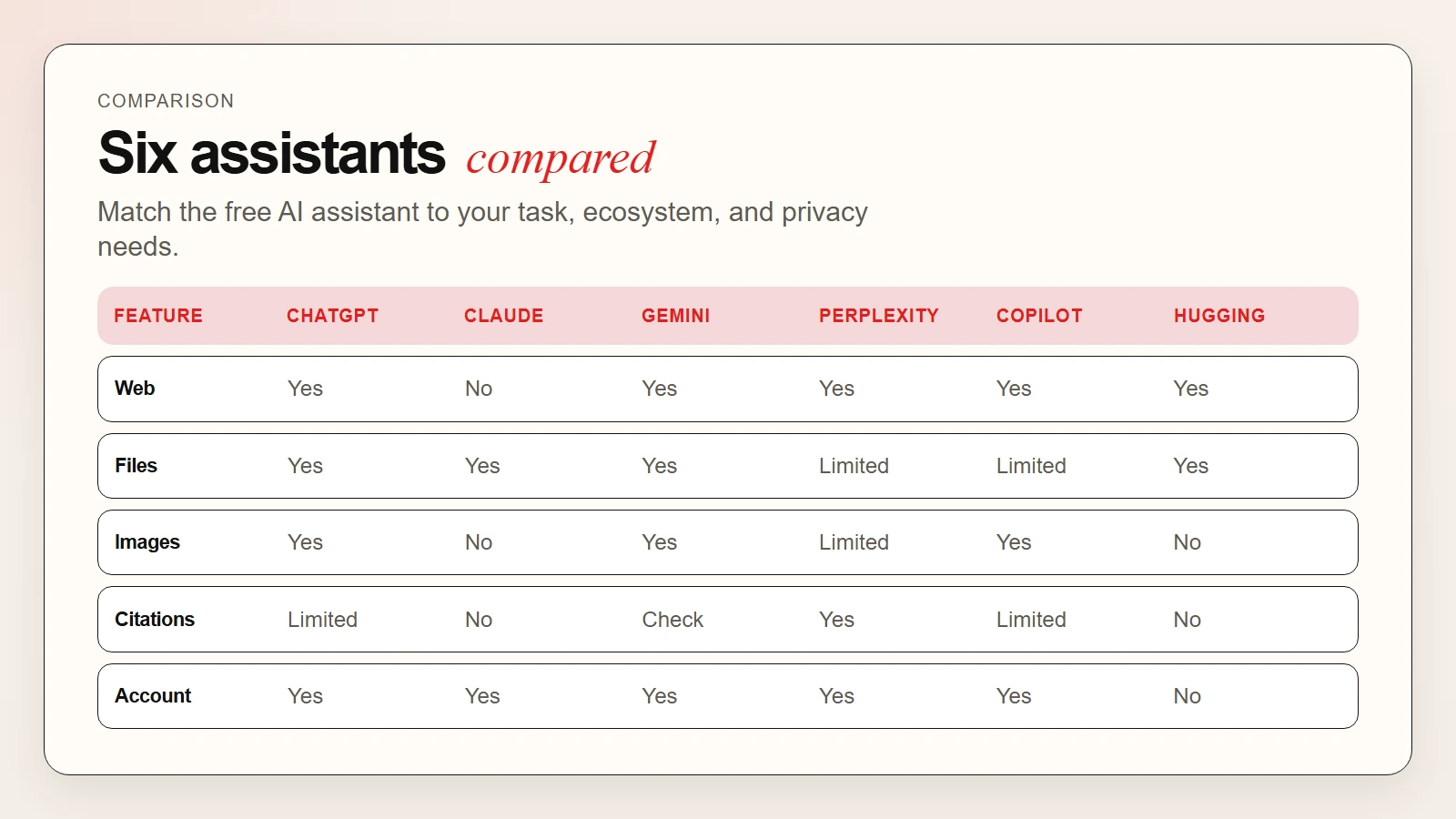 Caption: Match the free AI assistant to your task, ecosystem, and privacy needs.
How to Choose the Right Free AI Assistant
Picking one tool depends on three factors: your primary task, your existing software, and your privacy tolerance.
Match the assistant to your task
- Writing and editing: Claude handles tone and structure best. ChatGPT is a close second.
- Research with citations: Perplexity is built for this. Gemini’s double-check feature is useful too.
- Coding: ChatGPT and Claude both code well. Copilot is strong if you use Visual Studio Code.
- Image generation: ChatGPT and Copilot use DALL-E 3. Gemini uses Imagen 3.
- Long document analysis: Claude and Gemini have the largest context windows.
Match the assistant to your software
- Google Workspace: Gemini integrates directly with Docs, Gmail, and Drive.
- Microsoft 365: Copilot works best if you are already in Edge or Windows.
- No ecosystem preference: ChatGPT and Claude are ecosystem-agnostic.
Match the assistant to your privacy needs
- Highest privacy: Hugging Chat requires no account. Claude and ChatGPT allow you to opt out of training data use in settings.
- Enterprise protection: Perplexity and Copilot offer commercial data protection on paid tiers only.
- Read the policy: Before uploading sensitive files, check each service’s privacy policy. Pew Research found that many users skip this step.
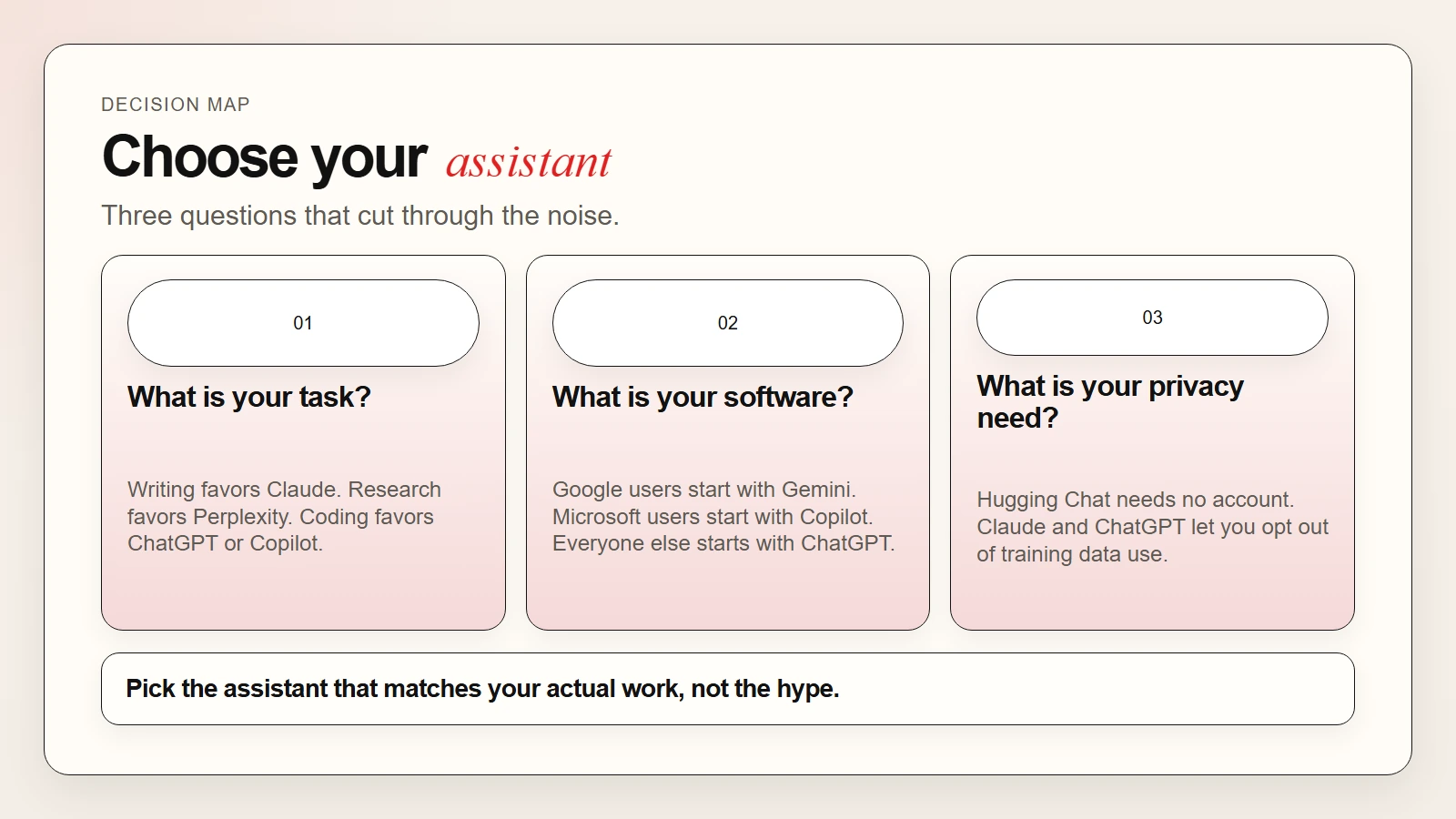 Caption: Pick the free AI assistant that matches your actual work, not the hype.
Free Plan Limitations to Know
Free plans are generous in 2026, but they all have boundaries. Here is what to expect.
Rate limits. Every free tier throttles usage during peak hours or after a certain number of messages. ChatGPT, Claude, and Gemini all slow down or switch to weaker models when demand is high.
Feature gates. Advanced features like custom GPTs, desktop app integrations, API access, and priority support require paid plans.
Data retention. Free plans may use your conversations to improve models unless you opt out. Paid plans often offer stricter data handling.
No offline access. All the assistants in this comparison require an internet connection. For fully offline AI, you need a local model through LM Studio or GPT4All. See our guide on AI CLI tools for more technical options.
Warning: Do not paste passwords, client data, or personal health information into any free AI assistant unless you have verified the provider’s data policy and training opt-out settings.
A Simple First-Week Plan
If you are unsure where to start, try this.
Day 1: Sign up for ChatGPT free. Ask it to summarize an article and draft an email.
Day 2: Try Claude free. Upload a PDF and ask for a bullet summary. Notice the difference in tone.
Day 3: Test Perplexity free. Ask a factual question and check the sources it provides.
Day 4: Open Gemini if you use Google. Ask it to summarize a long email thread.
Day 5: Try Copilot in Edge. Visit a news article and ask for a summary.
Day 6: Visit Hugging Chat. Test the same prompt across two different open models.
Day 7: Pick the one that saved you the most time. Stick with it for a month before adding a second.
Frequently Asked Questions
Can I use multiple free AI assistants at once?
Yes. Many advanced users keep ChatGPT for coding, Claude for writing, and Perplexity for research. Just remember that free plans have limits, so spreading your usage can help you stay under caps.
Will my free AI assistant data be used to train models?
It depends on the provider and your settings. OpenAI, Anthropic, and Google all allow you to opt out of training data use in your account settings. Hugging Chat does not require an account at all. Always check the current privacy policy.
Which free AI assistant is the most private?
Hugging Chat is the most private because it requires no account and runs open models. For commercial assistants, Claude and ChatGPT let you disable training data use. For maximum privacy, run a local model on your own machine.
Do free AI assistants work offline?
No. All the assistants in this comparison need an internet connection. For offline use, download a local model with LM Studio or similar software.
Key Takeaways
- ChatGPT free is the safest starting point for most beginners.
- Claude free excels at writing and long document analysis.
- Gemini free is best for Google Workspace users.
- Perplexity free is the top choice for research with citations.
- Copilot free fits Microsoft and Windows users best.
- Hugging Chat free is ideal for experimenting with open-source models.
You do not need to pay to get started. Pick one free assistant, use it for a real task this week, and build from there. For a broader look at AI tools beyond assistants, see our guide to the best free AI tools for writing, research, coding, and data analysis.