
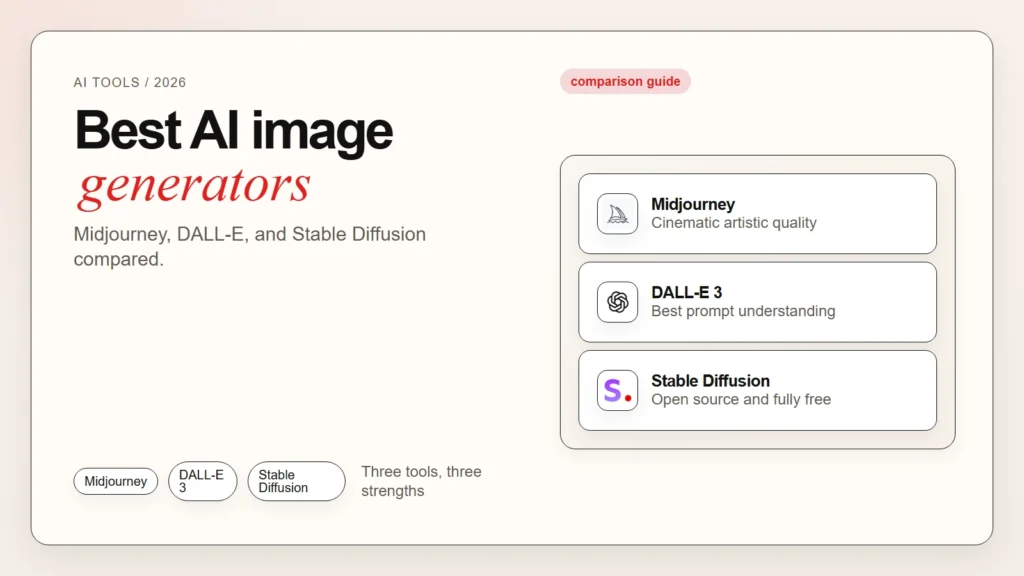
Choosing the best AI image generator is harder than it looks. Every tool promises stunning results, but the real differences show up in style control, ease of use, and price.
Midjourney produces cinematic images that feel like finished artwork. DALL-E 3 understands long prompts with remarkable accuracy. Stable Diffusion offers the most control and runs on your own hardware for free. However, each tool also has clear weaknesses. Midjourney requires Discord. DALL-E 3 can feel restrictive. Stable Diffusion has a steep learning curve.
This guide compares the three most popular AI image generators side by side. You will see what each tool does best, how much it costs, and which one matches your skill level and project needs.
If you are new to AI image generation, start with our guide on how to write better image prompts. For a broader look at AI tools, see our overview of top AI tools for everyday work.
Key Takeaways
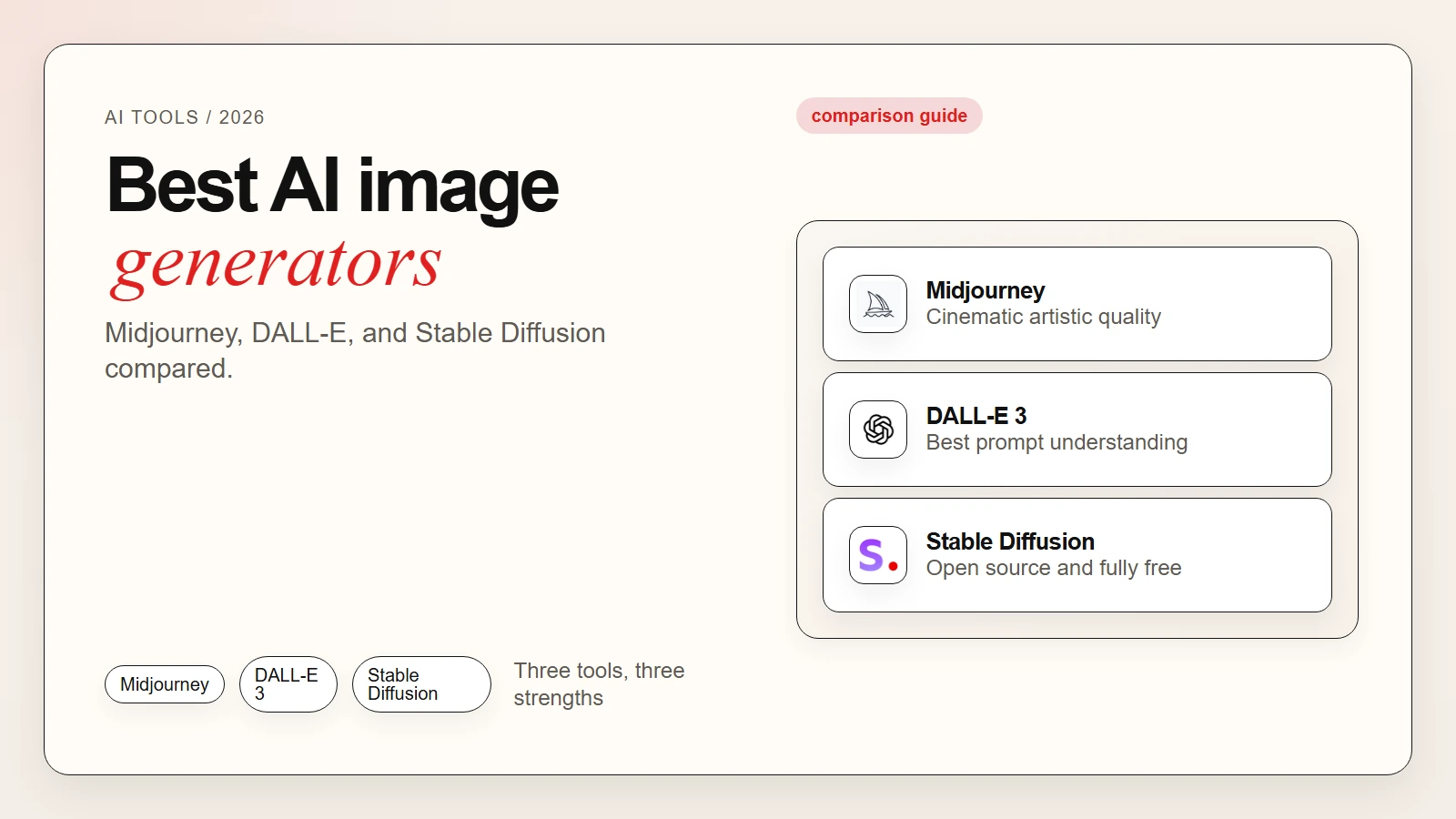
- Midjourney wins on artistic quality and cinematic style but runs inside Discord and starts at $10 per month.
- DALL-E 3 wins on prompt understanding and text-in-image accuracy but offers less control over style and composition.
- Stable Diffusion wins on customization and cost because it is free to run locally, though it requires more technical setup.
- The best AI image generator for beginners is usually DALL-E 3 inside ChatGPT Plus because it is simple and conversational.
- The best AI image generator for professional artists and designers is usually Midjourney because of its superior aesthetic output.
- The best AI image generator for tinkerers and privacy-conscious users is Stable Diffusion because it runs offline and costs nothing.
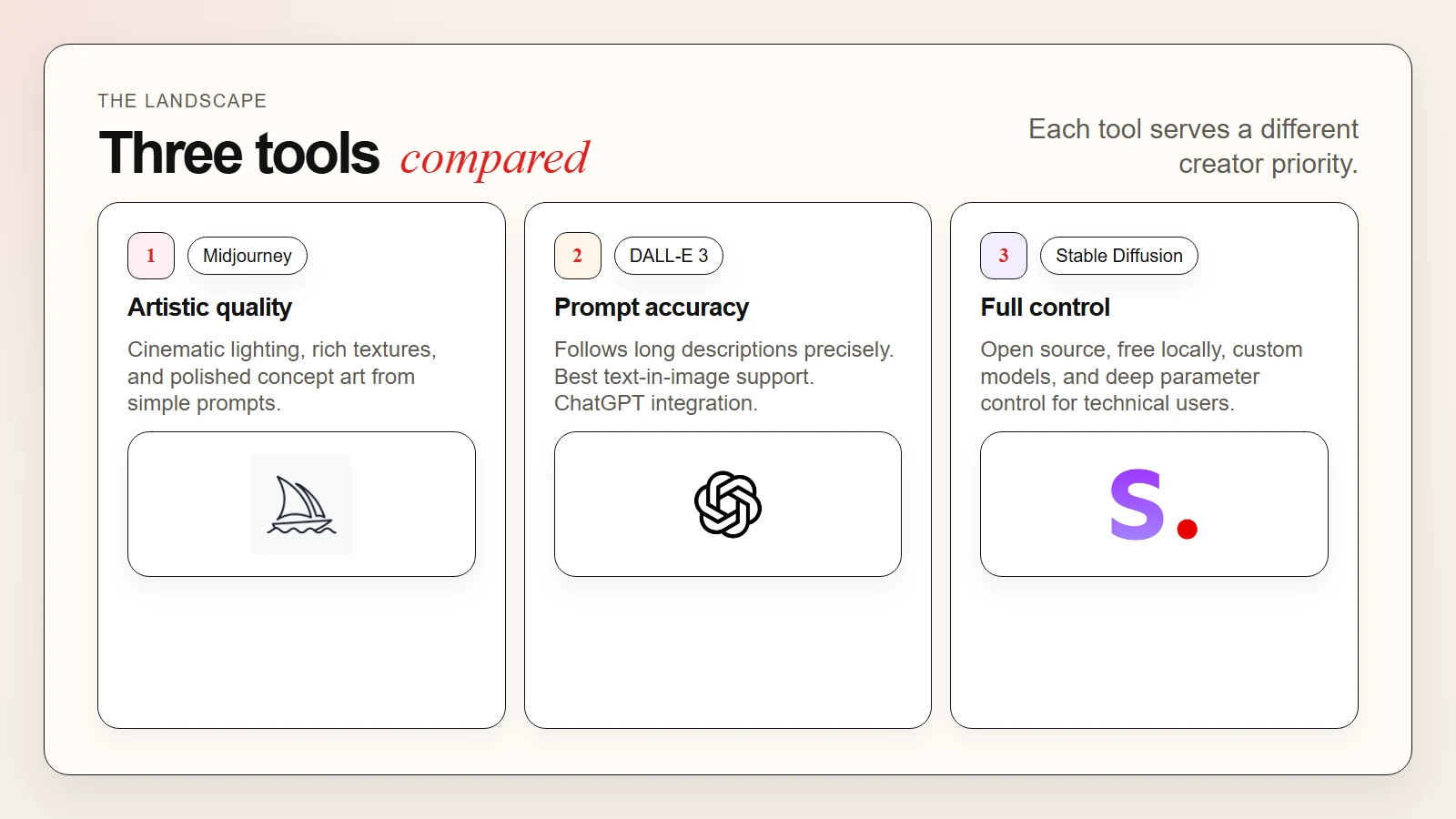 Caption: Midjourney, DALL-E 3, and Stable Diffusion each serve a different kind of user.
What Makes an AI Image Generator Good
Not all AI image generators work the same way. Before comparing specific tools, it helps to know what separates a great generator from an average one.
Prompt accuracy. The best tools turn your words into images that match your description. DALL-E 3 is particularly strong here because it parses long, detailed prompts without dropping key details OpenAI, 2024.
Image quality. This includes resolution, texture, lighting, and overall polish. Midjourney consistently ranks highest for aesthetic quality in industry benchmarks Everypixel Journal, 2025.
Style control. Some tools let you adjust mood, camera angle, aspect ratio, and artistic style. Stable Diffusion offers the deepest control through custom models and LoRAs.
Ease of use. A clean interface matters, especially for beginners. DALL-E 3 inside ChatGPT feels like chatting. Midjourney requires Discord commands. Stable Diffusion needs installation or a technical web interface.
Cost. Free tiers exist, but paid plans unlock higher resolution, faster generation, and commercial rights. We cover pricing in detail below.
For a reality check on what AI can and cannot do well, read our article on are AI tools accurate.
Midjourney: Best for Artistic Quality
Midjourney is an independent research lab that built one of the most visually impressive AI image generators available. Its output often looks like finished concept art, photography, or illustration.
What Midjourney Does Best
Midjourney excels at cinematic lighting, rich textures, and cohesive compositions. The images feel intentional and polished, even from simple prompts. Many professional concept artists, marketers, and designers use Midjourney as a starting point for visual projects.
The tool also supports advanced parameters. You can control aspect ratio, stylization strength, chaos level, and image weight. Version 7, released in early 2026, improved skin texture, hand anatomy, and environmental coherence Midjourney, 2026.
How to Use Midjourney
Midjourney operates entirely inside Discord. You join the Midjourney server, type commands in a channel, and the bot generates images in public or private threads.
The basic command looks like this:
/imagine prompt: a futuristic city at sunset, cyberpunk style, neon lights reflecting on wet streets
After generation, you can upscale, vary, or remix the result using numbered buttons below the image grid.
Midjourney Pricing
| Plan | Price | What You Get |
|---|---|---|
| Basic | $10/month | 3.3 hours GPU time, standard speed |
| Standard | $30/month | 15 hours GPU time, unlimited relax mode |
| Pro | $60/month | 30 hours GPU time, stealth mode, 12 concurrent jobs |
| Mega | $120/month | 60 hours GPU time, highest priority |
GPU time measures how long the server spends generating your images. One hour of GPU time produces roughly 200 to 300 images depending on resolution and upscaling.
Midjourney Limitations
Midjourney requires Discord, which feels unusual for non-gamers. The interface is command-based, not visual. Free trials are currently paused, so you must pay to try it. Additionally, images generated on the Basic plan are public unless you upgrade to Pro or higher.
DALL-E 3: Best for Prompt Understanding
DALL-E 3 is OpenAI’s image generation model. It integrates directly into ChatGPT Plus, Microsoft Copilot, and the OpenAI API. The standout feature is its ability to follow long, complex prompts with high accuracy.
What DALL-E 3 Does Best
DALL-E 3 understands nuance. If you describe a scene with multiple objects, specific colors, and spatial relationships, it usually places everything correctly. It also handles text inside images better than most competitors, though it is not perfect.
The integration with ChatGPT is a major advantage. You can describe what you want in plain English, and ChatGPT rewrites it into an optimized DALL-E 3 prompt automatically. This removes the learning curve for prompt engineering OpenAI, 2024.
How to Use DALL-E 3
The easiest path is through ChatGPT Plus. Start a new chat, describe the image you want, and ChatGPT generates it. You can ask for revisions conversationally.
Microsoft Copilot offers free DALL-E 3 generation with a Microsoft account. The free tier includes a limited number of boosts per day. After that, generation slows down.
Developers can access DALL-E 3 through the OpenAI API. Pricing is per image based on resolution:
| Resolution | Price Per Image |
|---|---|
| 1024×1024 | $0.040 |
| 1024×1792 | $0.080 |
| 1792×1024 | $0.080 |
DALL-E 3 Limitations
DALL-E 3 prioritizes safety and accuracy over artistic flair. The images can look clean but slightly generic compared to Midjourney. Style control is limited. You cannot fine-tune the model or use custom checkpoints like you can with Stable Diffusion.
Content policies are also strict. Some prompts that are allowed in Midjourney or Stable Diffusion are blocked in DALL-E 3.
Stable Diffusion: Best for Control and Cost
Stable Diffusion is an open-source image generation model developed by Stability AI. It powers many free and paid tools, including Stable Diffusion WebUI, ComfyUI, and services like DreamStudio.
What Stable Diffusion Does Best
Stable Diffusion offers the deepest control of any major image generator. You can:
- Run it locally on your own computer for free
- Use custom models trained on specific art styles
- Adjust sampling steps, CFG scale, and seed values
- Apply LoRAs and ControlNet for pose, depth, and edge guidance
This makes Stable Diffusion the favorite among technical users, artists who need precise control, and teams that want to keep data private Stability AI, 2025.
How to Use Stable Diffusion
The simplest option is DreamStudio, Stability AI’s hosted web interface. You create an account, buy credits, and generate images in your browser.
For local installation, popular options include:
- Stable Diffusion WebUI (AUTOMATIC1111) — The most popular interface with extensions and community support.
- ComfyUI — A node-based interface for advanced workflows and fine-grained control.
- Forge — A faster fork of WebUI optimized for newer hardware.
Local installation requires a modern NVIDIA GPU with at least 8GB of VRAM. However, CPU-only modes exist for experimentation, though they are much slower.
Stable Diffusion Pricing
| Option | Price | Notes |
|---|---|---|
| Local (self-hosted) | Free | Requires GPU and technical setup |
| DreamStudio | $10 per 1000 credits | Roughly 500 images at default settings |
| Third-party APIs | Varies | Replicate, RunPod, and others charge per job |
Stable Diffusion Limitations
The learning curve is steep. Beginners often feel overwhelmed by settings like sampling method, CFG scale, and prompt weighting. Image quality out of the box is lower than Midjourney or DALL-E 3. You need practice and the right model checkpoints to match the polish of paid competitors.
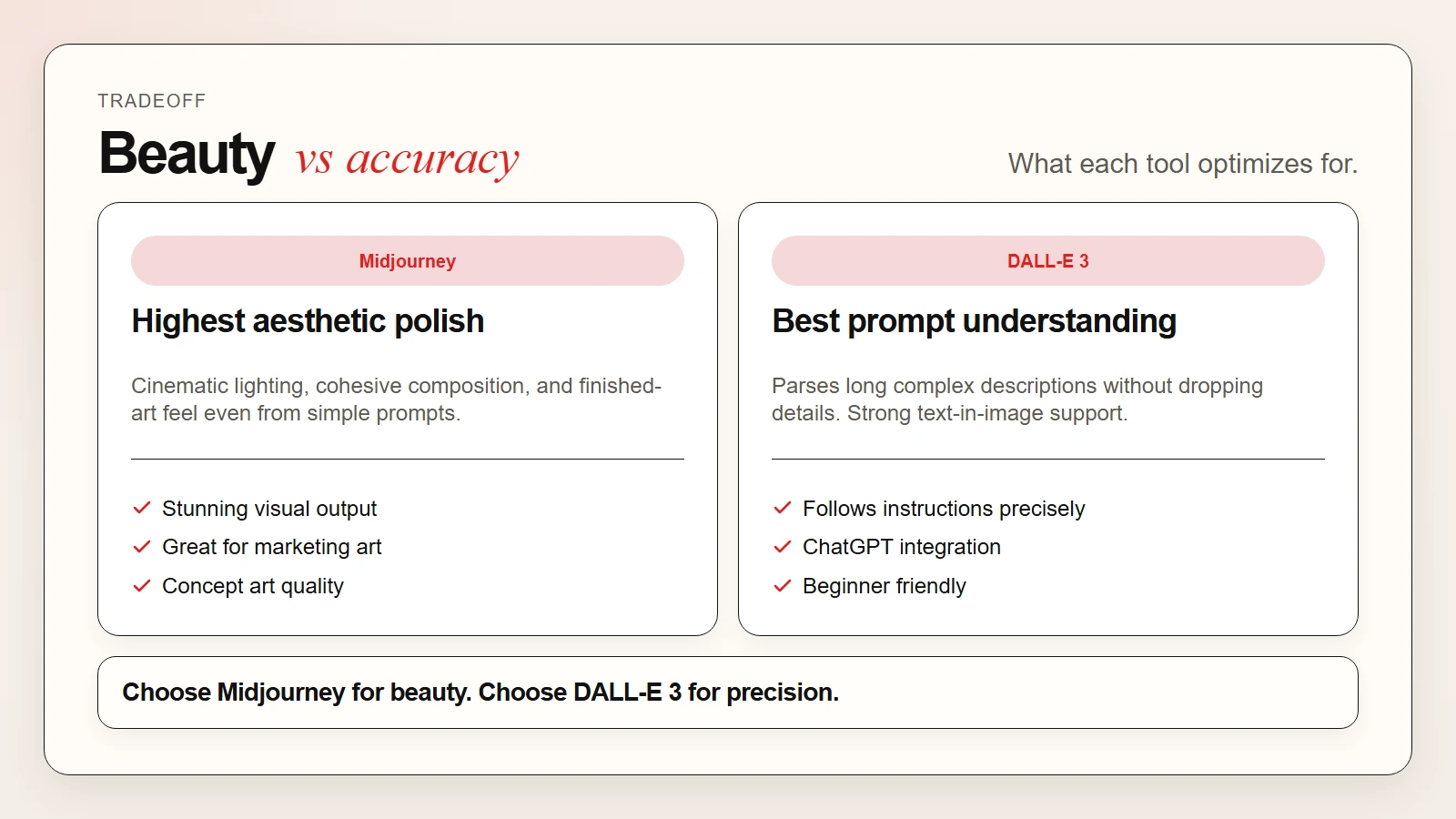 Caption: Midjourney prioritizes visual polish. DALL-E 3 prioritizes prompt precision.
Side-by-Side Comparison
| Feature | Midjourney | DALL-E 3 | Stable Diffusion |
|---|---|---|---|
| Best for | Artistic, cinematic images | Prompt accuracy, ease of use | Control, customization, privacy |
| Image quality | Highest aesthetic polish | Clean, accurate, slightly generic | Depends on model and skill |
| Prompt understanding | Good | Excellent | Good with prompt weighting |
| Ease of use | Medium (requires Discord) | Very easy (ChatGPT integration) | Hard (local setup or technical UI) |
| Style control | Moderate (parameters) | Low (preset styles only) | Very high (custom models, LoRAs) |
| Text in images | Poor | Best of the three | Moderate (depends on model) |
| Free tier | None currently | Limited (Microsoft Copilot) | Fully free if self-hosted |
| Starting price | $10/month | $20/month (ChatGPT Plus) | Free (local) or ~$10 credits |
| Privacy | Images public on Basic plan | Stored by OpenAI | Fully private if local |
| Commercial use | Allowed on all paid plans | Allowed with API or Plus | Allowed, check model license |
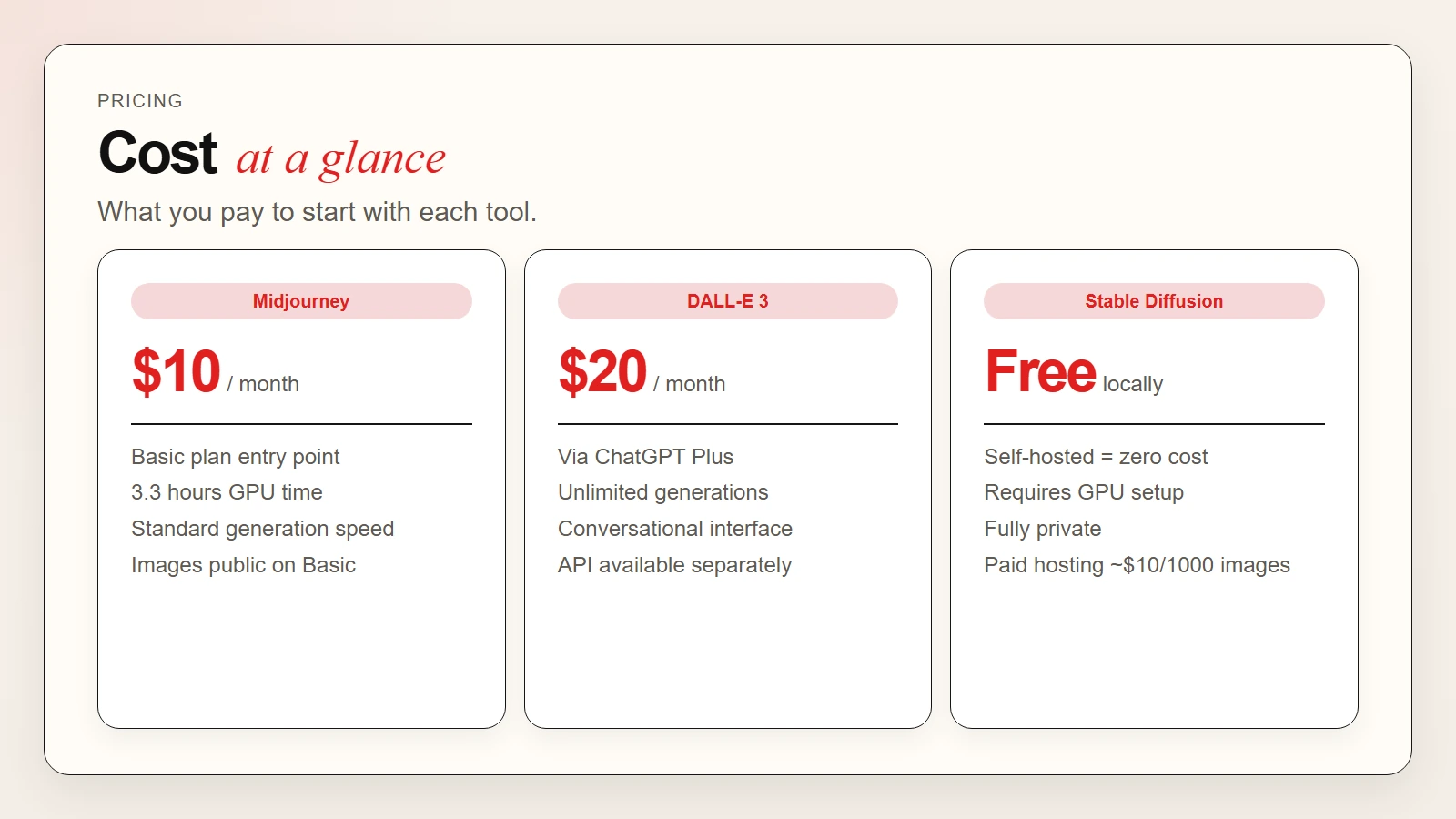 Caption: Stable Diffusion is free locally. Midjourney starts at $10. DALL-E 3 is bundled with ChatGPT Plus.
Which AI Image Generator Should You Choose
The right tool depends on your goals, budget, and technical comfort.
Choose Midjourney if you want the most beautiful images with minimal prompt engineering. It is ideal for marketing visuals, concept art, social media content, and any project where aesthetic impact matters most.
Choose DALL-E 3 if you want the simplest experience and the best prompt accuracy. It is ideal for beginners, educators, and anyone who already uses ChatGPT Plus. The conversational interface removes friction.
Choose Stable Diffusion if you want maximum control, zero ongoing cost, or full privacy. It is ideal for technical artists, developers, and teams that need custom models or cannot send data to third-party servers.
Quick Decision Table
| Your Situation | Best Choice |
|---|---|
| You want stunning art without learning prompts | Midjourney |
| You want the easiest start | DALL-E 3 via ChatGPT |
| You need total control over style | Stable Diffusion |
| You cannot spend money | Stable Diffusion (local) or Microsoft Copilot |
| You need to keep images private | Stable Diffusion (local) |
| You want to generate images from long descriptions | DALL-E 3 |
| You need commercial rights on a budget | Stable Diffusion or Midjourney Basic |
Common Mistakes to Avoid
Expecting photorealism from every prompt. Even the best AI image generators struggle with hands, teeth, and complex reflections. Always plan for a few retries.
Ignoring licensing terms. Midjourney, DALL-E 3, and Stable Diffusion all allow commercial use on paid tiers, but the exact terms differ. Read the license before selling AI-generated art.
Skipping the human review step. AI images can contain artifacts, distortions, or unintended patterns. A quick manual check saves embarrassment later.
Using the wrong tool for the job. Do not force Stable Diffusion if you need results in five minutes. Do not pay for Midjourney if you only need simple diagrams.
How to Improve Your Results
No matter which tool you choose, better prompts produce better images. Here are three quick rules:
- Be specific. Instead of “a cat,” try “a fluffy orange tabby cat sitting on a windowsill, morning light, shallow depth of field.”
- Name the style. Adding terms like “cinematic,” “anime,” “oil painting,” or “product photography” guides the model toward the look you want.
- Iterate. First drafts are rarely perfect. Adjust one detail at a time and compare results.
For a deeper guide, read our article on how to write better image prompts.
FAQ
What is the best AI image generator for beginners?
DALL-E 3 through ChatGPT Plus or Microsoft Copilot is the easiest starting point. You describe what you want in normal language, and the model handles the rest.
Is Midjourney better than DALL-E 3?
Midjourney produces more visually striking images. DALL-E 3 follows prompts more accurately. The “better” tool depends on whether you prioritize beauty or precision.
Can I use AI-generated images commercially?
Yes, on all three tools under their standard paid terms. Midjourney grants commercial rights on all paid plans. DALL-E 3 allows commercial use through ChatGPT Plus and the API. Stable Diffusion is generally open for commercial use, but check the license of any custom model you download.
Is Stable Diffusion really free?
The base model is free and open source. If you run it on your own computer, you pay nothing. Hosted services like DreamStudio charge per image.
Why do AI image generators struggle with hands?
Hands have complex geometry and many possible configurations. Training data also contains fewer clear hand images than faces or objects. All three tools have improved, but hands remain a common weakness Everypixel Journal, 2025.
Can I run Stable Diffusion without a GPU?
Yes, but slowly. CPU mode works for small images and experimentation. For production work, an NVIDIA GPU with 8GB or more VRAM is strongly recommended.
Which tool has the fastest generation speed?
DALL-E 3 via ChatGPT Plus is usually fastest for casual use. Midjourney speed depends on your plan tier. Local Stable Diffusion speed depends entirely on your hardware.