

A new enquiry can arrive while you are serving a customer. An order can sit untouched while the team is busy. A useful business agent keeps an eye on agreed work, then brings you the next alert, draft, or decision.
An always-on AI agent is an assistant with a continuing job, access to selected tools, and a way to wake up between conversations. It can remember relevant context, check an inbox or work queue on a schedule, research across connected sources, and prepare a result for you. Products such as Meta Muse, OpenAI dots, and Grok Bot describe background or recurring work in their official documentation.
“Always on” describes availability and scheduled or triggered runs. It usually does not mean the model is thinking every second. A task may wait until its next scheduled check, a new event, or your message. That difference matters when you set a deadline or calculate cost.
What makes an agent different from a chatbot or automation?
A chatbot waits for a question. A standard automation follows a fixed recipe, such as “when a form arrives, add a row to a sheet.” An always-on agent can keep a broader goal and choose among several steps: inspect a record, research a detail, summarize what changed, and ask for help when the answer is uncertain.
That flexibility is useful when the work varies. It also makes the result less predictable than a fixed workflow. If every enquiry follows the same steps, a conventional automation may be easier to test and maintain. Our guide to no-code AI workflows explains when a fixed workflow is enough.
The useful business pattern is often a mix: let existing software remain the source of truth, use ordinary automation for repeatable handoffs, and give an agent the research, monitoring, or exception-handling work that needs judgment.
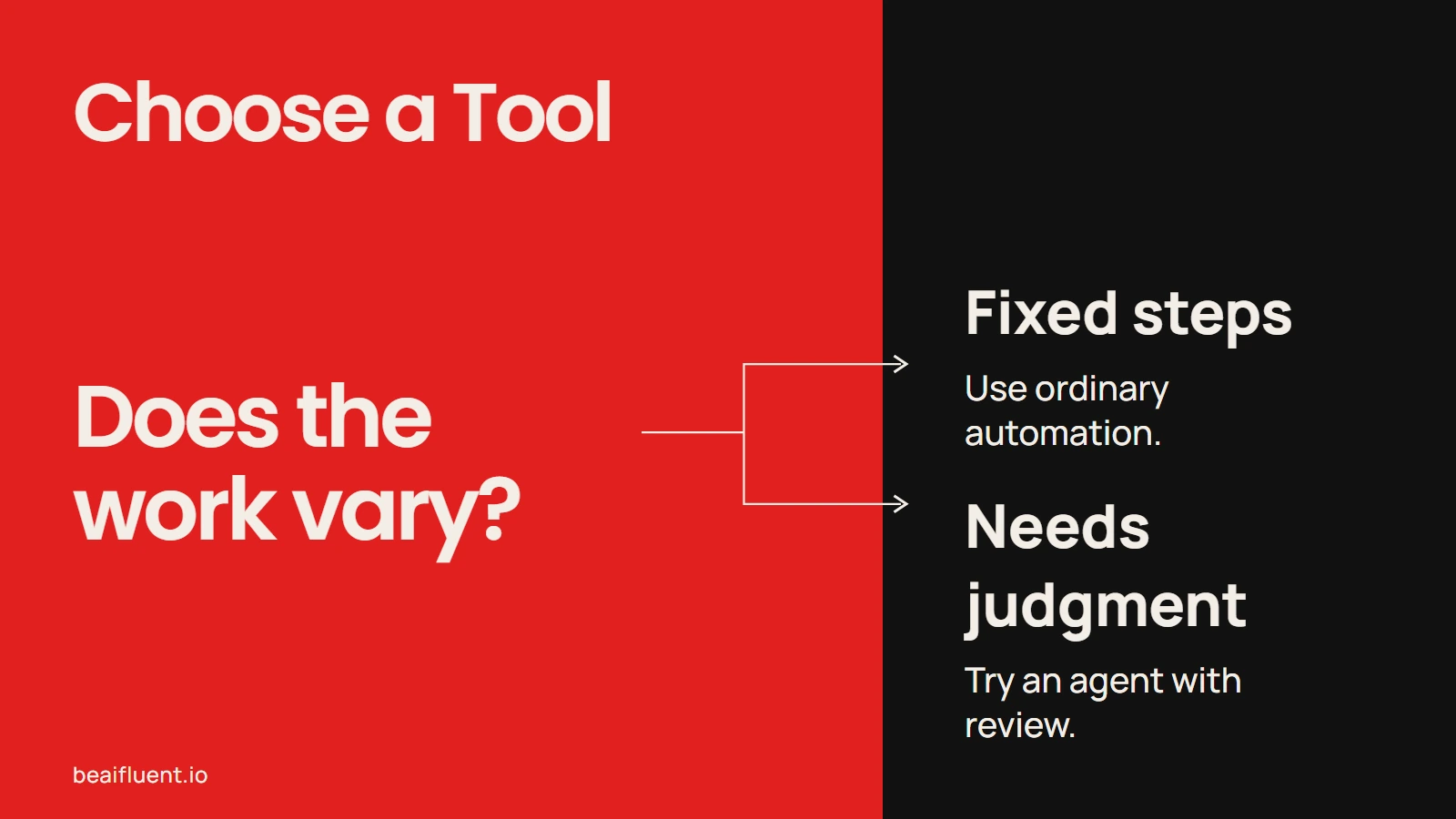
Choose a tool that fits how much the work varies.
Six tools to compare
This is a practical shortlist, not a ranking or benchmark. The hosted products are easier to try, while Hermes Agent and OpenClaw give technical owners more control and more operating work. Features and eligibility change quickly; the notes below reflect official documentation checked on October 22, 2026.
| Tool | Where it runs and what it does | Check before choosing |
|---|---|---|
| Meta Muse | A hosted personal agent that can work across the web, files, browser tabs, and connected services. Meta’s small-business announcement describes its business use. | Check which connectors and actions are available to your account and region. Review permissions for actions such as sending or buying. |
| OpenAI dots | A persistent agent in ChatGPT with its own cloud computer, memory, connected apps, and scheduled tasks. It can continue projects between conversations and return work for review. | Access is rolling out by plan and region. Read the privacy and safety FAQ; permissions and available app actions vary. |
| Claude Duet | A hosted agent for ongoing work through connected apps. Anthropic describes morning briefings, task follow-through, and drafts that wait for your review. | It is a research preview with a US waitlist for eligible Pro and Max users. Anthropic says it can misread a thread or urgency. See the preview help page for current eligibility. |
| Grok Bot | Named agents use a persistent cloud computer with browser, files, and terminal. Bots can retain context, coordinate, and turn a demonstrated process into a scheduled routine. | Access is tied to eligible paid Cursor plans or a linked SuperGrok plan. A site can block automation or require you to step in. |
| Hermes Agent | An open-source agent you run yourself, with memory, messaging gateways, tools, and scheduled jobs such as cron tasks. | Someone must host and maintain the gateway, model access, integrations, updates, and permissions. |
| OpenClaw | A self-hosted assistant gateway that connects messaging apps to agents, tools, memory, and scheduled work. The gateway is the always-running control point. | You own setup, uptime, access control, and security. Follow the project’s security guidance before connecting business accounts. |
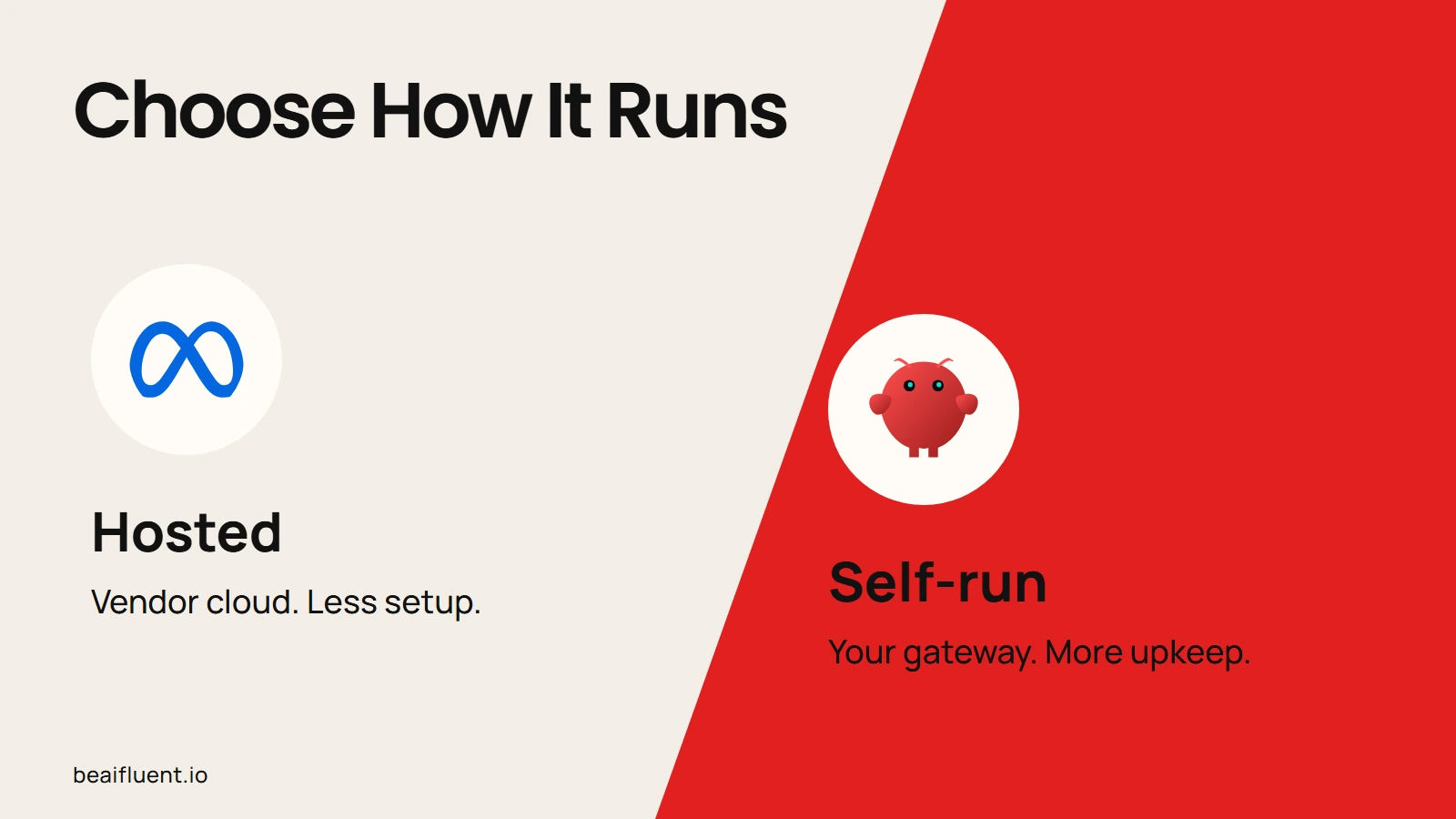
Compare the operating model before connecting business accounts.
A simple choice rule: start with a hosted agent if you want to test a personal workflow without operating infrastructure. Consider Hermes or OpenClaw when you need more control, have someone responsible for maintenance, and can scope access carefully. For all six, confirm current availability and permissions before connecting real business data.
What published business deployments show
Public case studies give a clearer view of real deployments, although vendor-published results are not independent evaluations and often come from larger organizations.
A retailer offered shopping help around the clock
Japanese retailer Yamada Denki worked with avatarin on a voice and text shopping agent grounded in product information and store service knowledge. In a two-week public campaign, OpenAI reports that about 30,000 people used the agent and 92% of survey responses were positive. Those figures describe that campaign, not a typical result for a small business. (OpenAI’s case study)
A support platform automated routine questions
Tidio says its Claude-powered Lyro agent helped automate 71% of its own support across live chat and email, while its customer product handled more than two million conversations. This is a vendor case study, so treat the results as company-reported; it does show how an agent can take repeat questions while staff focus on harder cases. (Anthropic’s Tidio case study)
An airline scaled customer service across channels
AWS reports Ryanair’s AI assistant handles about 120,000 customer answers a day across seven languages. The company says the system reached 94% accuracy and reduced service contacts per passenger by 70%. This is an enterprise customer-service deployment, not evidence that a general-purpose assistant can safely run a small company unattended. (AWS’s Ryanair case study)
The common thread is a defined job, access to relevant business information, and a way to judge the output. These examples also involve dedicated product teams and larger operating budgets. A small business should start with a much narrower task, keep consequential actions under human review, and measure its own error rate and maintenance cost.
How to try one in a real business
Start with one recurring task that already has a clear owner and a visible finish line. Do not begin with “run my sales” or “manage customer support.” Pick a small part, such as spotting orders close to a dispatch deadline or preparing a morning list of customer issues.
- Describe the trigger. Choose a schedule or event: every morning, every 20 minutes, or when a new record arrives.
- Name the sources. List the exact inbox, sheet, CRM, or shared folder it may read. Keep the first test read-only.
- Define a useful result. Specify what belongs in an alert or draft. Ask for the original source, the reason it was flagged, a timestamp, and a confidence note.
- Set the boundary. State what it must never send, change, buy, delete, approve, or promise. Require your approval for customer messages, money, pricing, payroll, and other consequential actions.
- Run a pilot and keep score. Compare it with the current process. Track minutes spent, missed cases, false alerts, corrections, follow-up delays, and the full model and hosting cost. Stop if maintaining the agent costs more than the task it removes.
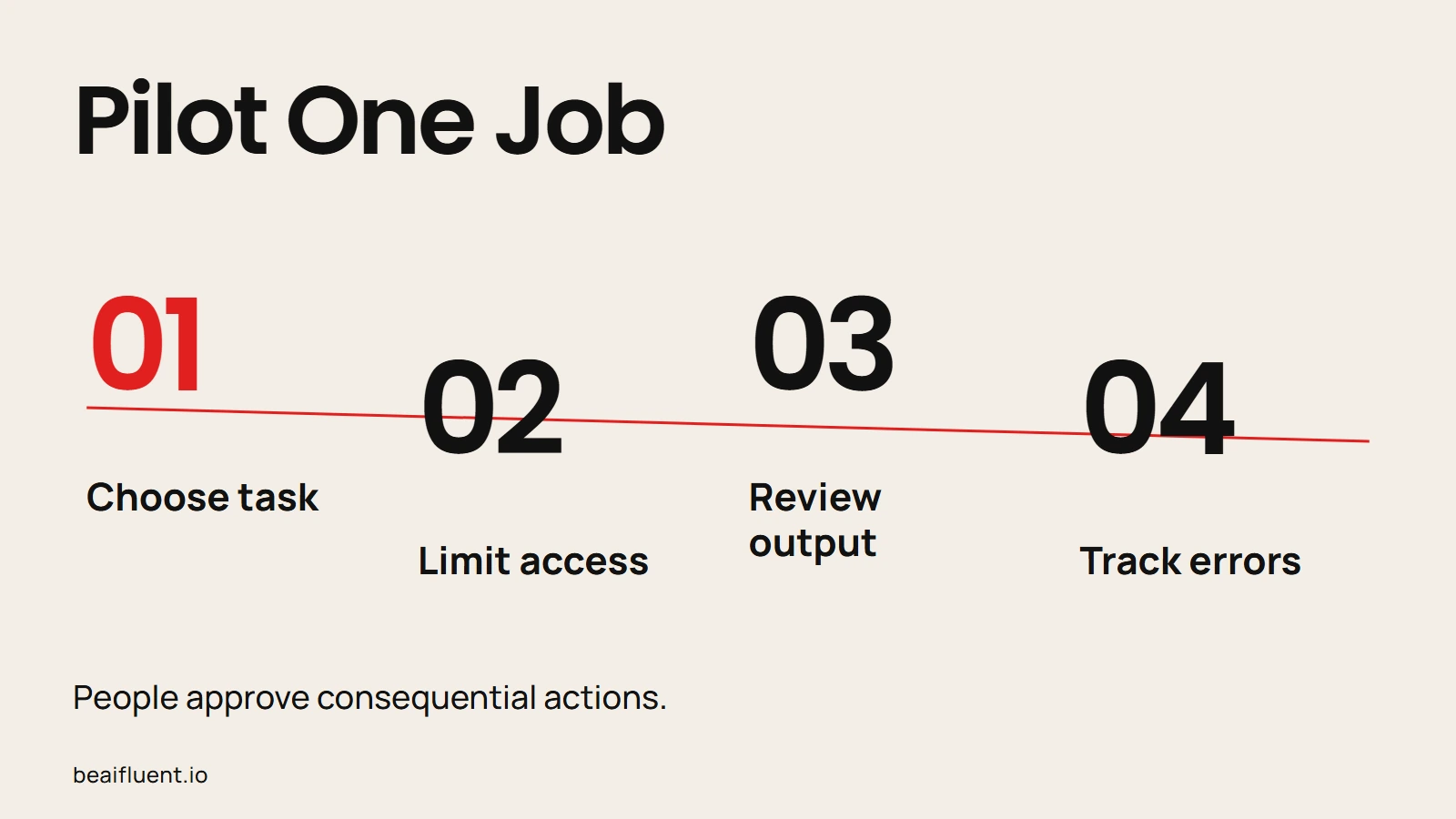
Keep the first run small enough to compare with your current process.
Here is a narrow starting brief for an online seller. Adapt the timing to the actual shipping promise and order volume.
Check the open-order queue every 20 minutes.
Flag an order when its dispatch deadline is within 45 minutes
and the order is not marked packed.
Send a private alert to the shipping lead with the order ID,
deadline, and source link.
Do not edit orders, buy labels, contact customers, or mark
anything complete. If the queue is unavailable or a deadline
is unclear, report the problem and wait.
Log each check and alert so a person can compare the result
with the order system.
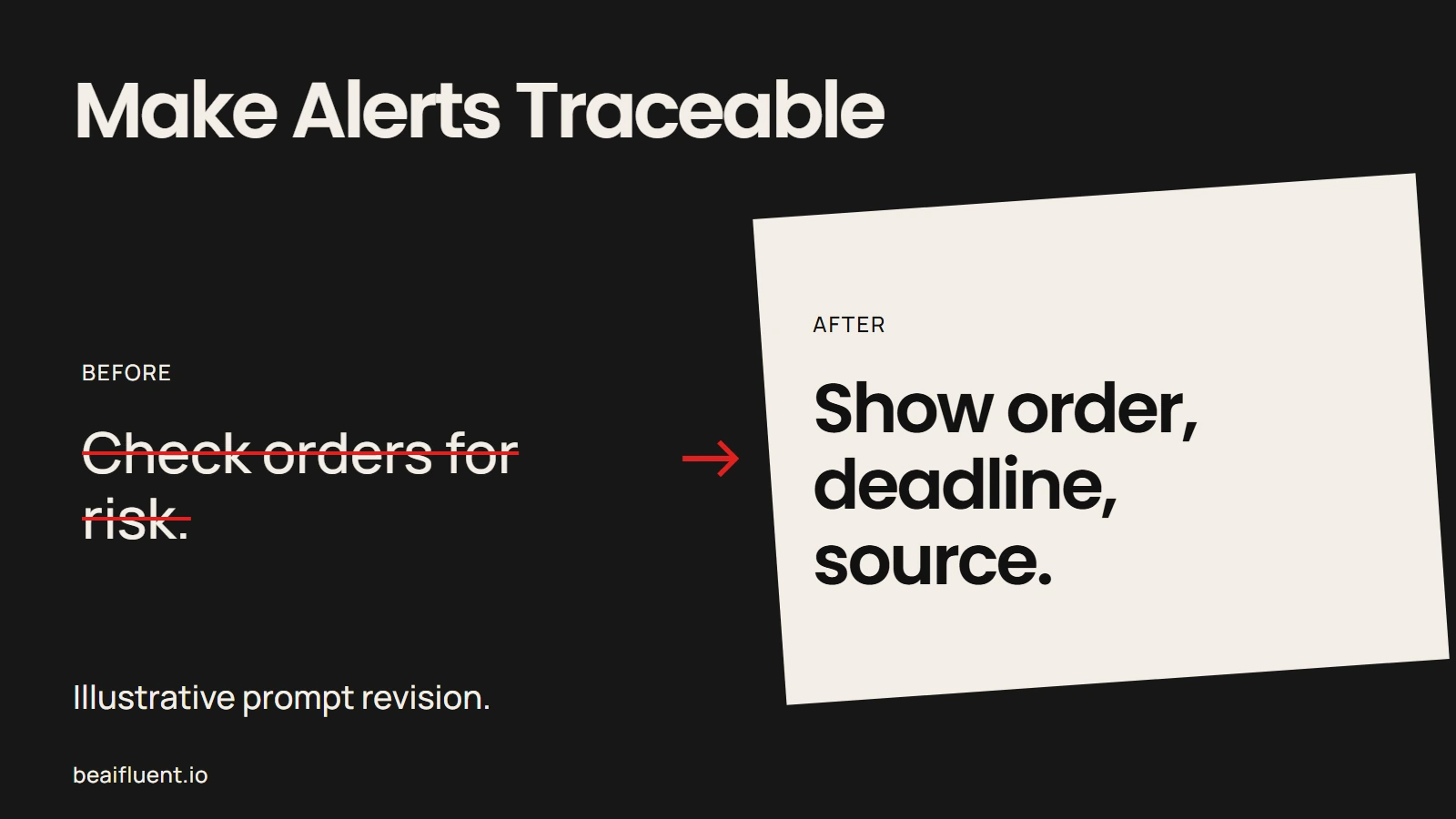
A useful agent brief says what to check and what to include in the alert.
This is an illustrative starting brief, not a reported customer result or a tested configuration. Adjust the timing to the actual shipping promise and order volume.
Before giving an agent live access, write down the process and exception rules. Our SOP guide shows how to capture a real process and test a handoff. If the first need is moving website enquiries into a shared sheet, start with a reviewable form-to-Sheets workflow; that may solve the problem without a persistent agent.
A useful first boundary
Let an agent read, compare, summarize, and draft. Keep the CRM, order platform, accounting package, and customer database as the source of truth. Give the agent the narrowest permissions it needs, restrict who can message it, and keep a log of what it checked and changed.
Self-hosted tools need particular care because an agent may use shell commands, files, browsers, or messaging accounts. OpenClaw’s documentation warns that connected tools can perform real actions and recommends limiting access. Hosted services also need a review: the provider’s data retention, app permissions, account eligibility, and approval controls matter.
For recurring work that has already proved reliable, automation can handle the fixed steps while the agent monitors exceptions and explains what needs a person. That separation keeps the agent’s judgment where it helps and makes the routine easier to maintain.
Sources
Official product documentation
- Meta Muse
- Meta Muse for Small Business
- OpenAI: Getting started with your dot
- OpenAI: Dots privacy, security, and safety
- Claude Duet
- Getting started with Claude Duet
- Grok Bot overview
- Grok Bot skills and routines
- Hermes Agent
- Hermes scheduled tasks
- OpenClaw overview
- Anthropic: Tidio automates customer support with Claude
- AWS: Ryanair’s agentic AI customer service