

An analyst shares a chart. A colleague asks which filters produced it, while a manager wants to change the date range. If nobody can find the query or rerun the notebook, a shared link has not created a shared analysis process.
Collaborative AI data analysis needs shared logic, clear access and a named reviewer. SQL can select and group records; Python can handle further checks and analysis. AI can help draft that code, but a person still owns the result.
This guide uses Hex as a documented example of a platform that combines those parts. We executed the synthetic analysis locally with SQLite and Python. However, we did not run Hex, test concurrent editing or connect a production database.
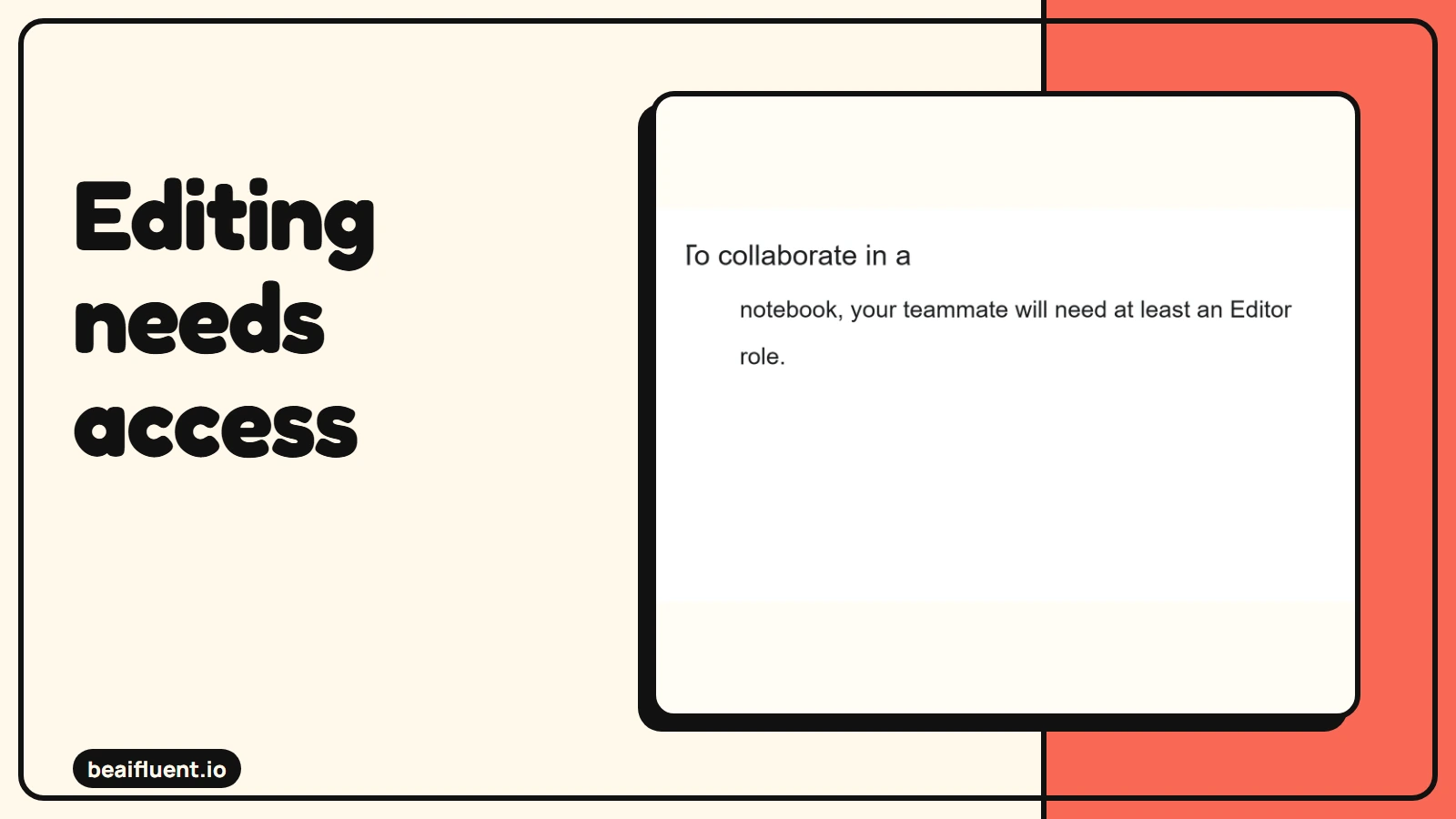
Focused excerpt from Hex Quickstart documentation. The line breaks are reflowed for readability; the complete Editor-role requirement is preserved.
Distinguish three kinds of collaboration
Before choosing a tool, decide what colleagues need to do together. Viewing an app, editing a notebook and reviewing a query require different permissions.
| Need | What to verify | Common failure |
|---|---|---|
| Work on the same analysis | Shared notebook access and editing roles | Only the author can inspect the logic |
| Review a result | Visible inputs, filters, code and run state | A chart hides an outdated calculation |
| Use an approved report | Published view with suitable access | Viewers receive unnecessary edit rights |
Hex’s quickstart documentation describes projects with SQL, Python and other cell types. It also describes sharing projects and publishing apps. Teammates need at least Editor access to collaborate in a notebook.
However, do not assume the word “shared” settles every real-time requirement. Test concurrent editing, changes to variables and visible run state with two accounts before buying around that promise. Your team’s working pattern matters more than a collaboration label.
Match the AI interface to the reviewer
Hex’s AI overview says its Notebook Agent can create and edit SQL, Python, Markdown, Pivot and Chart cells. The intended user can audit the suggested code. Therefore, assign a technical owner to notebook changes.
The same documentation positions Threads for nontechnical questions over curated data. Therefore, start there when a manager needs answers rather than notebook-editing rights. Choose the interface that fits the person’s task and review ability.
If you are new to the tools, start with our guide to using AI as a beginner. For a team workflow, the next question is who can explain each important calculation.
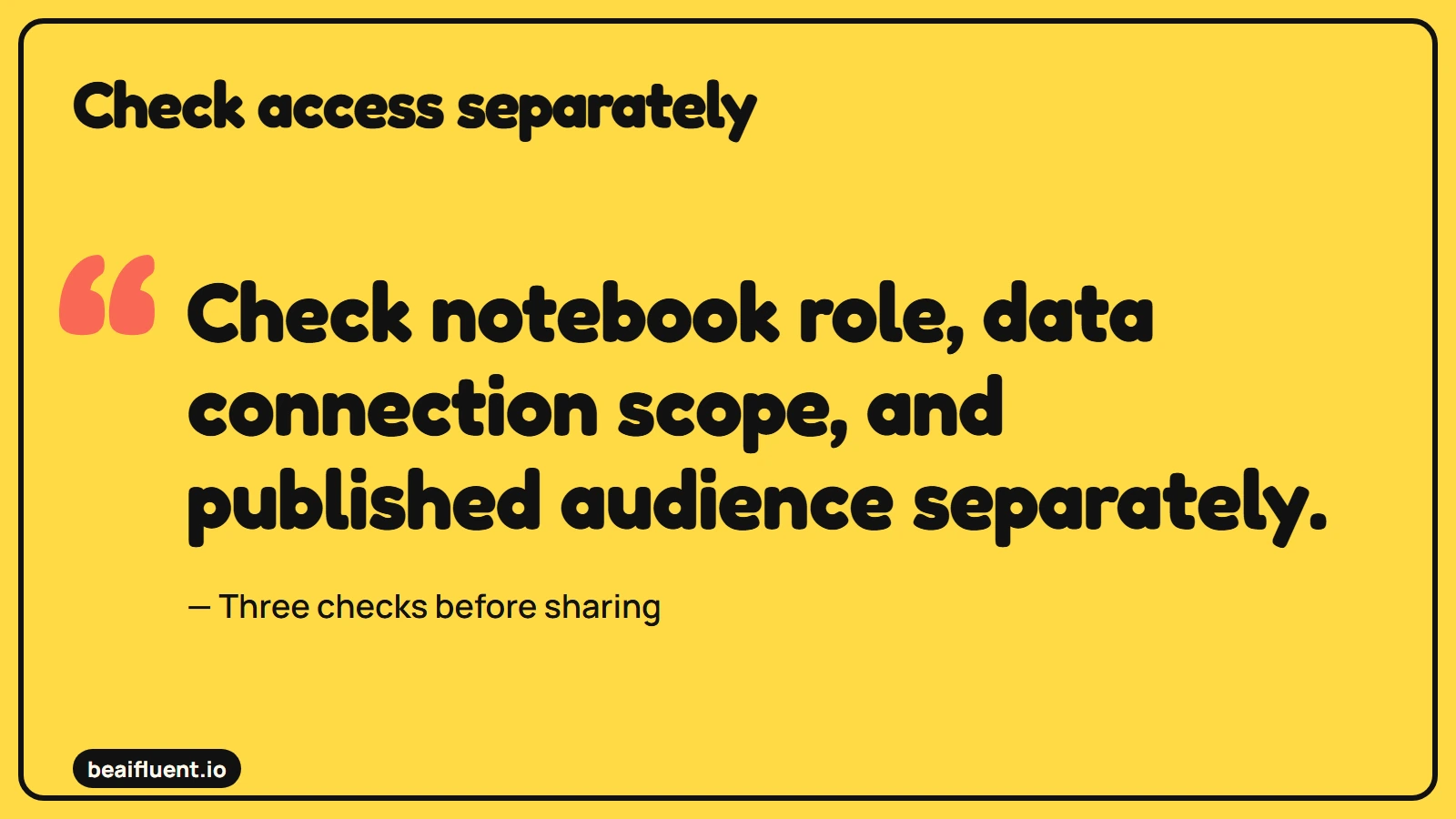
These are separate permission checks, not one shared access setting.
Set data access before asking for code
Connections can expose more data than a single uploaded file. According to Hex’s connection documentation, workspace connections are reusable across projects, while project connections have a narrower scope. Administrators and access controls shape what users can reach.
For a pilot, use synthetic data or an approved restricted dataset. Then check who can query it, edit the project and view published results. A notebook role and database access are separate things to verify.
Do not give an AI-generated query production write access just to make a demonstration easier. Use the smallest approved access scope and review the code before execution.
Run a shared analysis in five stages
Give the team one business question before opening a blank notebook. For example: “What is the weekly value of completed orders, and which records need review?”
- Agree on definitions. Specify the week, currency, completed status and treatment of missing amounts. Otherwise, two correct queries can answer different questions.
- Draft the SQL. Ask for an explicit date filter and named columns. Then inspect joins and row counts before trusting a total.
- Check with Python. Count missing values and duplicate order IDs before calculating summaries. Keep a visible exception table alongside the chart.
- Review together. Have a second person trace one total back to source rows. Then rerun the notebook from the start to expose hidden state.
- Share the reviewed view. Record the period, source, update time and reviewer. Publish only the information the audience needs.
Use AI to explain unfamiliar code, but check the explanation against the code itself. Our guide to AI accuracy checks describes the wider habit: verify the claim where an error would change a decision.
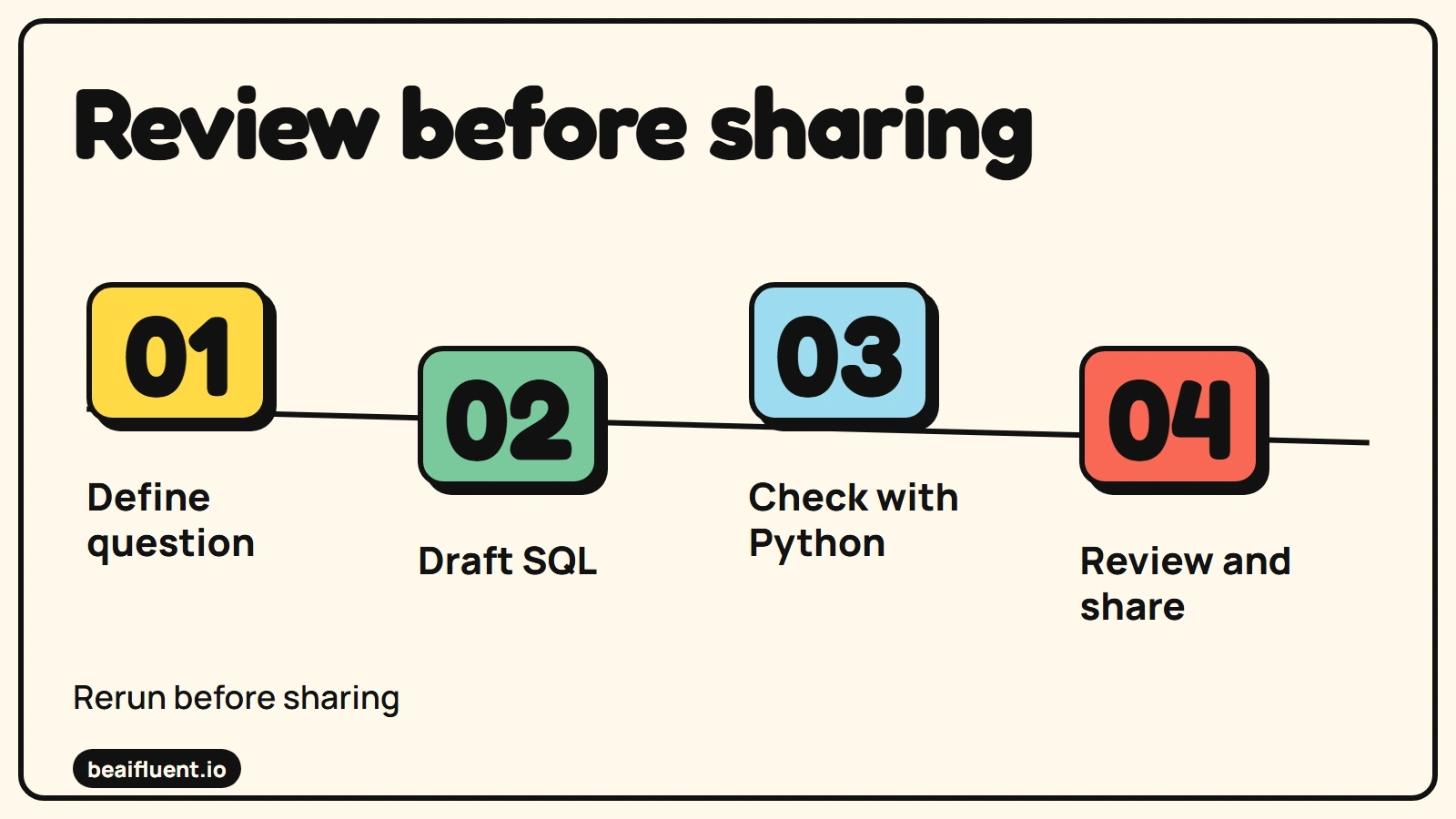
A proposed review workflow, not an executed Hex integration.
A synthetic example with a missing value
The following synthetic records were the inputs to our local SQLite and Python check. All belong to one reporting week and use the same invented currency. They are not records from a Hex account or a production system.
| Order | Status | Amount |
|---|---|---|
| A101 | Completed | 120 |
| A102 | Completed | 80 |
| A103 | Cancelled | 50 |
| A104 | Completed | Not supplied |
The known completed-order amount is 200. There are three completed orders, but only two have known amounts. Therefore, label 200 as the known-value subtotal and flag one missing completed amount.
However, the full completed-order total remains unknown. Converting the missing amount to zero would hide that limitation. Similarly, including the cancelled order would answer a different question from the one the team agreed.
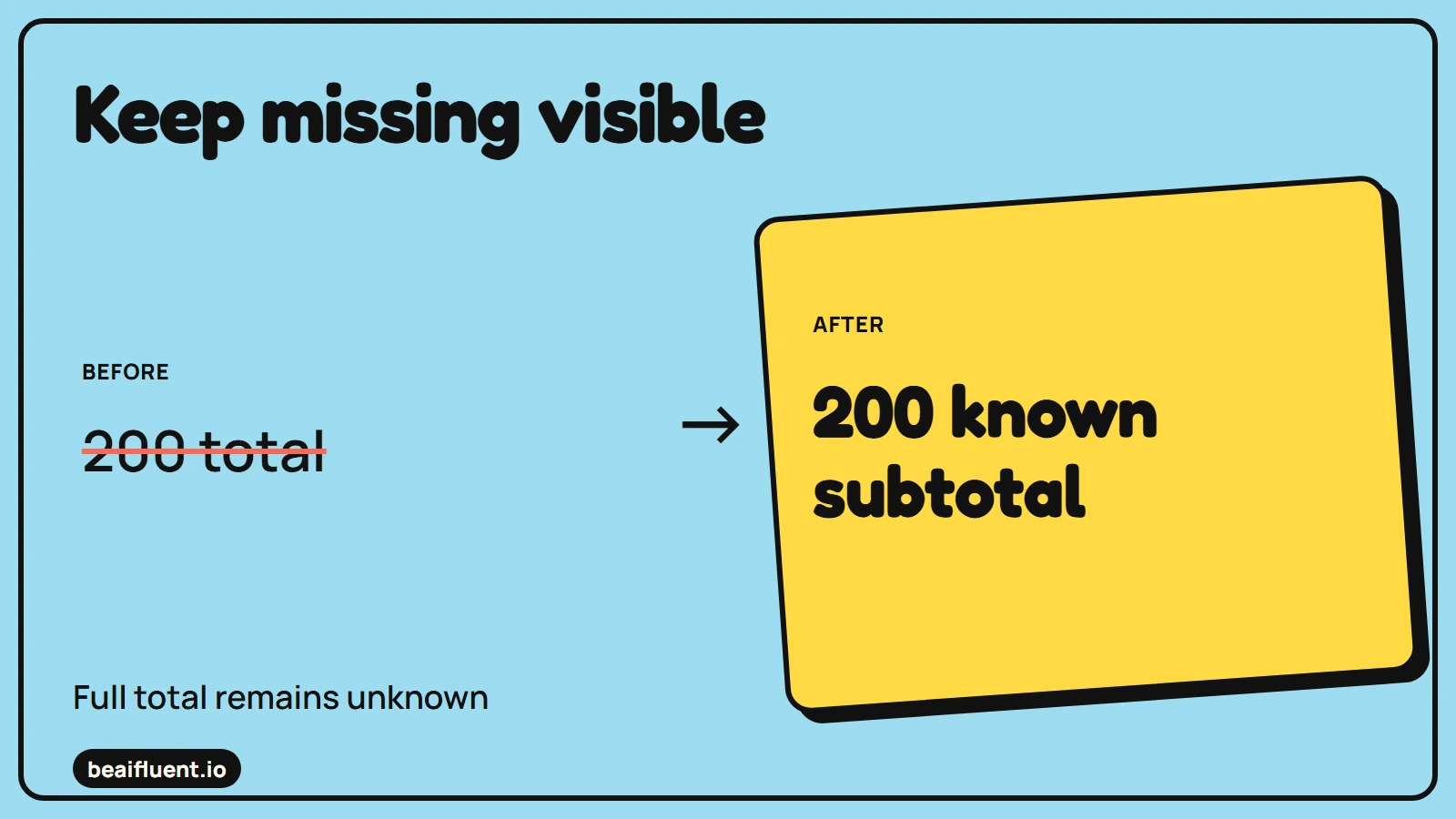
Synthetic reference: a missing amount stays unknown rather than being treated as zero.
A prompt that makes the review visible
Ask for both analysis and exceptions, because a clean chart can conceal messy inputs. A suitable starting prompt for the prepared example is:
Draft SQL and Python steps for the approved orders dataset. Limit the analysis to the agreed reporting week. Count completed orders and calculate the known-value subtotal. Keep missing amounts as missing. List duplicate IDs and missing amounts separately. Explain the filters and do not modify source data. Stop if duplicate IDs conflict.
After generating code, compare its behavior with the four-row example. For instance, confirm that it counts A104 without assigning it an invented amount. Also test the empty-period case before relying on a weekly report.
What our local demonstration tested
We loaded the four rows into an in-memory SQLite table, selected completed orders with a parameterized SQL query and checked the selected rows in Python. The run returned three completed orders, a known subtotal of 200 and one missing amount. Therefore, it left the complete total unknown.
We also repeated an identical order and confirmed that it did not inflate the result. A conflicting amount under the same ID stopped the run for review. An empty input returned zero orders and a zero total, rather than pretending a missing amount existed.
To reproduce the check, create the four-row table above, run the completed-status filter and inspect each selected amount before summing. Then add an identical row, a conflicting row and an empty dataset as separate cases. A reviewer should verify the count and exception list against those inputs.
The demonstration made no AI or service calls and incurred no API charge; machine costs and review time were unmeasured. Because it tests local data logic, it does not establish Hex permissions, collaboration behavior or AI-generated code quality. Test those separately with the intended accounts before rollout.
What practitioner experience adds
In a first-person data-engineering discussion, an author describes friction when analysts cannot access a teammate’s transformation notebooks. The setting involves Databricks, rather than Hex. It illustrates an access problem, not evidence about Hex’s performance.
The practical lesson is to test the handoff. If the second analyst cannot inspect, rerun and explain the work, the team has not finished sharing it.
Check the workflow before rollout
Have one analyst and one reviewer complete the same small exercise. Before expanding access, confirm these points:
- Both can find the project and the source definitions.
- Each person’s role matches the actions they need.
- A fresh run reproduces the reviewed reference values.
- Missing values and conflicting IDs remain visible.
- Published viewers see the intended data and no extra detail.
- A named person approves changes to important calculations.
Keep the working notebook as the explanation behind the report. Then make the shared view simple enough for its audience to use without guessing what the numbers mean.