
Suppose you hand a teammate this instruction: “Check the blog post, add the images, and get it ready.” Ten minutes later, they ask which draft to use. Then they find a broken link. Can they replace it? Does a thumbs-up from last week count as approval?
You know the answers because you do the work. The instruction leaves them guessing.
To create an SOP with AI, capture one real task, let the assistant question missing details, and draft from confirmed answers. Then check whether someone else can follow the procedure. A standard operating procedure should explain the decisions between the steps, including when to stop and ask.
This guide uses a fictional blog-preparation task. It includes a copyable interview prompt, a worked SOP and exception cases you can adapt to your own work.
Start with a task you can hand over
Choose a recurring task with a clear start and finish. “Run our marketing” has too many moving parts. “Prepare one approved blog draft for the owner’s final review” gives you a boundary you can inspect.
Before drafting, decide what authority the person will have. They might correct a typo, but a new claim or changed price may need approval. Those limits belong in the procedure because access to a tool does not settle who may decide.
Also agree to respect those limits yourself. If you authorize a decision and then take it back each time, a longer document will not settle the handover. Sometimes the missing piece is an agreement about responsibility.
The EPA’s 2007 SOP-writing guide recommends involving people who perform the work. It also distinguishes a full procedure from its checklist. We use that older document for writing principles, not current compliance advice.
For this example, the assistant may prepare a draft and report problems. The owner keeps the decision to publish. If your task starts from an unclear customer request, first agree the scope using a reviewed project brief.
Capture what happens while you do it
Work through one recent example before you open the chat. Use rough notes, a narrated screen recording or a short conversation with the person doing the task. While capturing, explain the small choices you normally skip when teaching.
For example: “I use the revision named in the approval record. If someone changes the article afterwards, I request approval again.” That tells a newcomer how to select the right file and why the filename alone is insufficient.
Capture these details before asking AI to organize them:
| Detail | Question worth answering |
|---|---|
| Start | What event makes this task ready to begin? |
| Inputs | Where are the current files, records and instructions? |
| Decisions | What can the person change without permission? |
| Exceptions | What makes you pause, reject or ask for help? |
| Finish | What evidence shows the task is complete? |
Keep private customer records, passwords and confidential screens out of a general example. Use approved tools and your organization’s data rules for real work. NIST’s generative AI risk profile describes both privacy risks and confidently wrong output. Clean prose does not prove that a step is true.
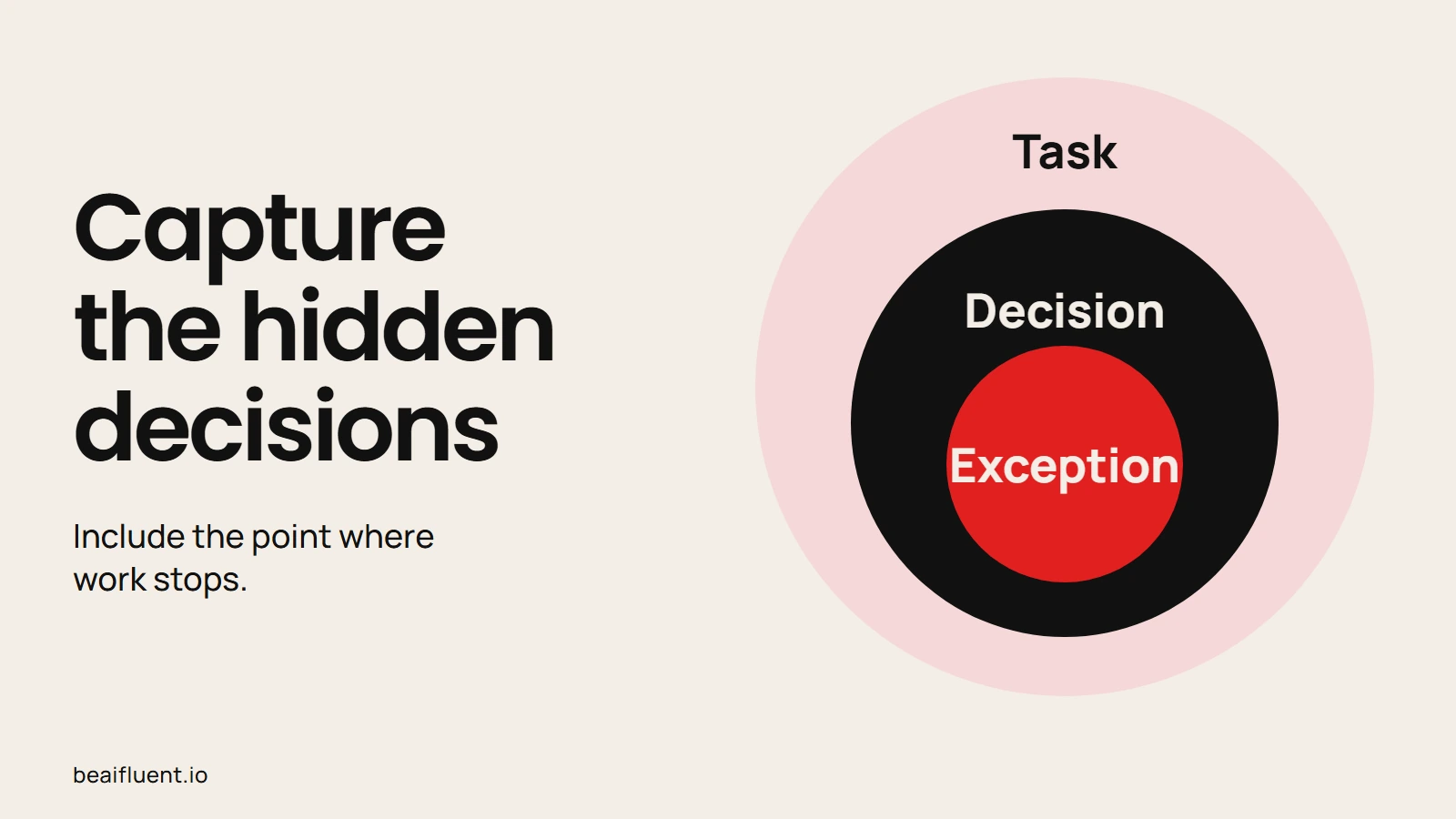
Record what happens between the obvious steps.
Have AI interview you before drafting
Give the assistant your rough notes and ask it to find missing decisions. Avoid asking for the finished SOP immediately, since a neat template can hide unanswered questions.
Anthropic’s prompting guidance recommends clear instructions, enough context and follow-up feedback. The interview below applies those principles. Review the answers with the person doing the work before turning them into instructions.
Copy this prompt into an approved chat assistant:
Help me document one recurring task for a teammate.
First interview me. Ask one question at a time and wait.
Do not draft the SOP until I confirm your summary.

Task: [name the task]
Who will use it: [role and prior skills]
Rough notes: [paste your notes]

Ask about the trigger, current inputs, decision rights,
exceptions, escalation contact and evidence of completion.
Ask where files live and how to identify the current version.
Do not invent missing steps, deadlines, policies or tool features.
Record unresolved details as questions for the process owner.

After I confirm the facts, draft a short SOP with numbered
steps, stop conditions, owner, version and completion checks.
Keep proposed improvements separate from the current process.
After each answer, check whether the next question changes what someone would do. If it merely asks for another description of the same step, redirect it. The aim is a usable handover, not a long interview.
A worked example: the questions behind “check it”
Our fictional owner starts with these notes: “Use the approved draft. Add the supplied images. Check links. Leave it ready for me.” The notes sound clear until a second person needs to act.
The following answers are prepared examples. They show the facts a process owner must supply; they are not a transcript from an employee interview.
| Follow-up question | Confirmed rule for this example |
|---|---|
| Which approval counts? | An explicit approval record naming the exact current revision. |
| Can the assistant rewrite text? | No. Return content changes to the owner before preparation continues. |
| What if an image or alt text is missing? | Hold the task and request the missing item. |
| What if an internal link fails? | Record the URL and failed check; ask the owner for a correction. |
| Does “ready” mean publish it? | No. Save a draft and send the owner the preview and check record. |
The last answer matters as much as the first. Otherwise, an assistant may follow every preparation step and still take an action the owner never intended.
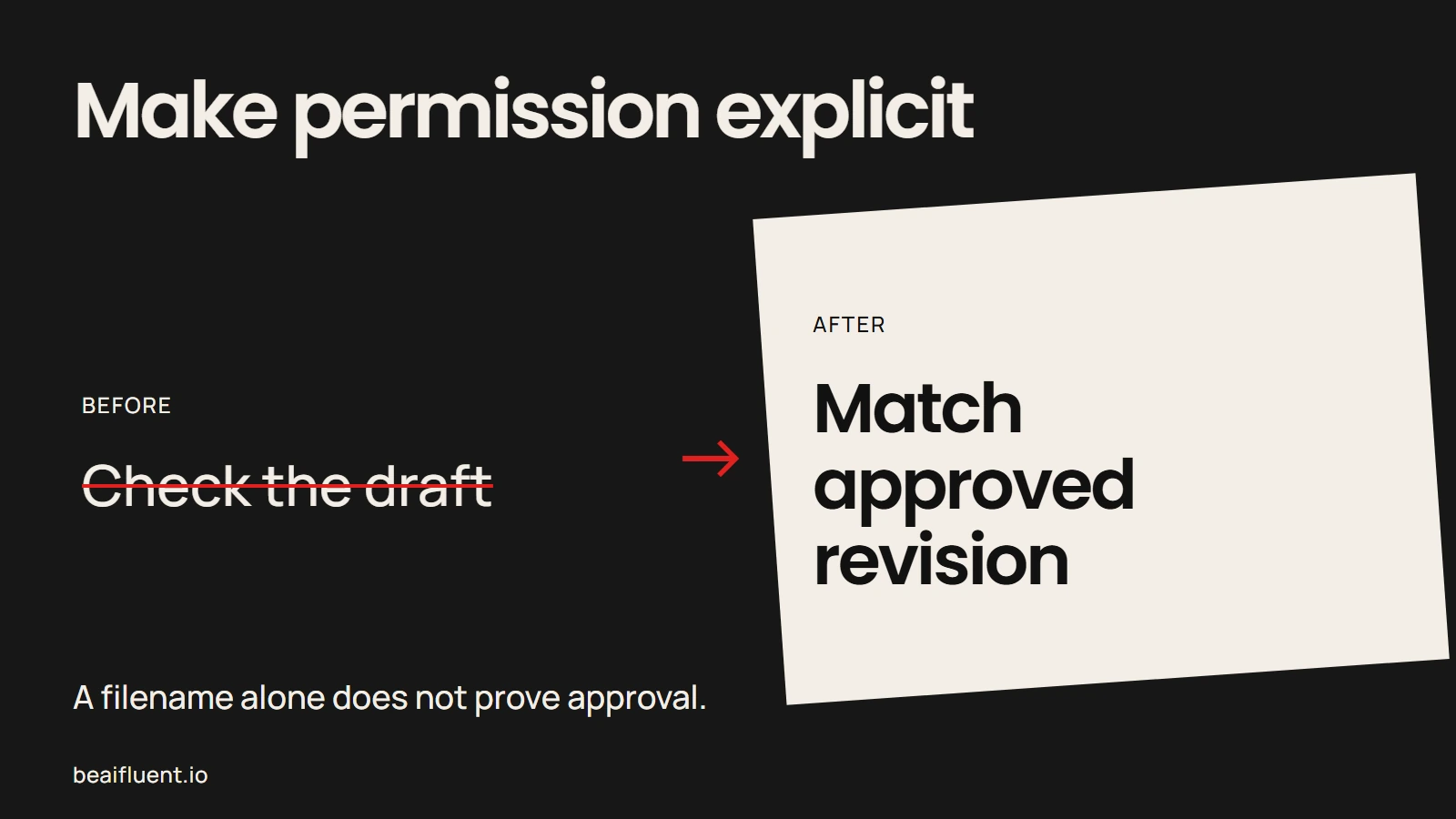
A useful step explains how to choose the right input.
The resulting SOP: prepare a blog draft
This is a compact fictional procedure for a trained site assistant. Replace its roles, file locations and approval rules with your own confirmed details before use.
Owner: Editorial owner. Operator: Site assistant. Version: 1.0, 22 October 2026. Trigger: The owner assigns a draft packet. Finish: A saved draft and a preparation record, or a clear hold report. This procedure never authorizes publication.
1. Confirm the packet and approval
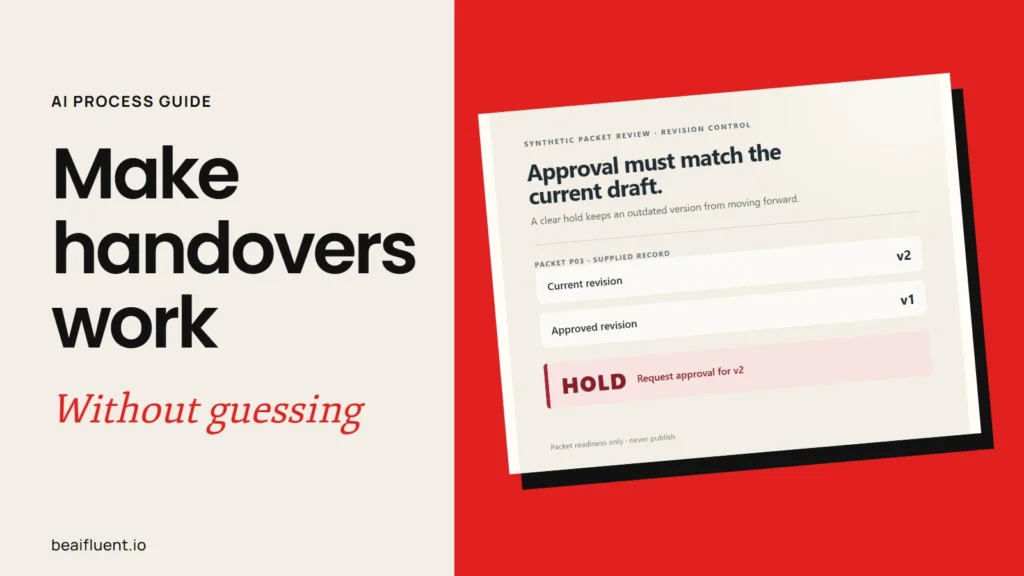
Open the assigned packet. It must contain the current revision, approval record, image list with alt text, and link-check record. Before proceeding, confirm that approval explicitly names that current revision. If approval is absent, unclear or for an older revision, mark the task Hold and notify the owner.
2. Check the supplied assets and links
Confirm that every required image exists and has supplied alt text. Then inspect the link-check record. In this teaching example, each required internal link must have a recorded HTTP 200 result. A missing check or failed result means Hold. Report the issue and ask the owner to correct the packet.
During preparation, open each exact URL in the current text and check that it still reaches the intended page. An old result or the wrong page returning 200 is insufficient. If a destination fails or is unclear, hold and ask. Do not guess an image, invent alt text or substitute a destination.
3. Prepare and return the draft
When all checks pass, use the approved revision and supplied assets to prepare a draft. Keep the wording and links unchanged. Before marking it ready, inspect the saved preview and confirm that the text, images and links match the packet. Keep the post in draft status, then send the preview and check record to the owner. The result is Ready for owner review, never “published.”
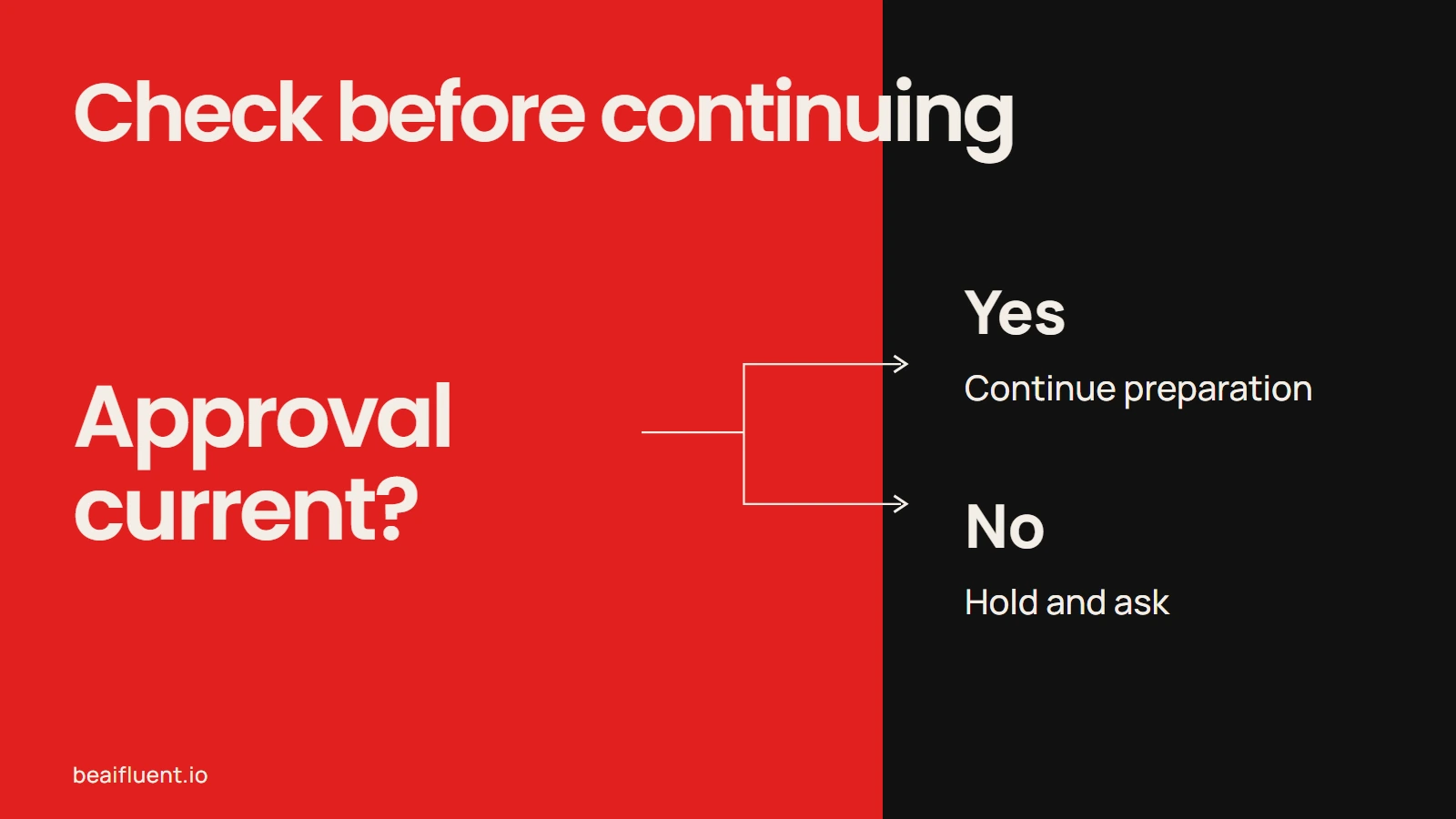
Preparation and publication are separate decisions.
Check exceptions before calling it usable
A normal example only checks the normal path. Try the cases that would otherwise bring the task back to you: missing approval, a changed revision, a broken link and absent alt text.
We ran an AI-assisted desk check on five fictional packets using the initial packet rules. One packet passed those initial checks; four needed a hold. The passing packet still needs live destination and saved-preview checks before owner review. Our desk check used supplied records; we did not test a live site or a new employee.
| Fictional packet | Required decision | Reason |
|---|---|---|
| Complete, current approval | Continue with live checks | Initial packet checks pass; destination and preview checks still follow. |
| No approval record | Hold | The assistant cannot establish permission. |
| Approval for revision 1; current revision 2 | Hold | Approval does not cover the current text. |
| Required link reports HTTP 404 | Hold | A known failed link needs correction. |
| Required image has blank alt text | Hold | A required input is incomplete. |
After this desk check, ask an intended user to follow the SOP in a safe test environment. Provide the normal inputs, then observe without coaching them through each step. Record hesitation, incorrect actions and places where they stop. Revise the unclear instructions, then repeat the affected steps before adopting the SOP. Those questions reveal knowledge that still lives in your head. The EPA guide also recommends testing drafts with someone other than their writer.
If a person stops correctly, the SOP may be doing its job. A clear hold with the missing item and next contact is better than an invented answer.
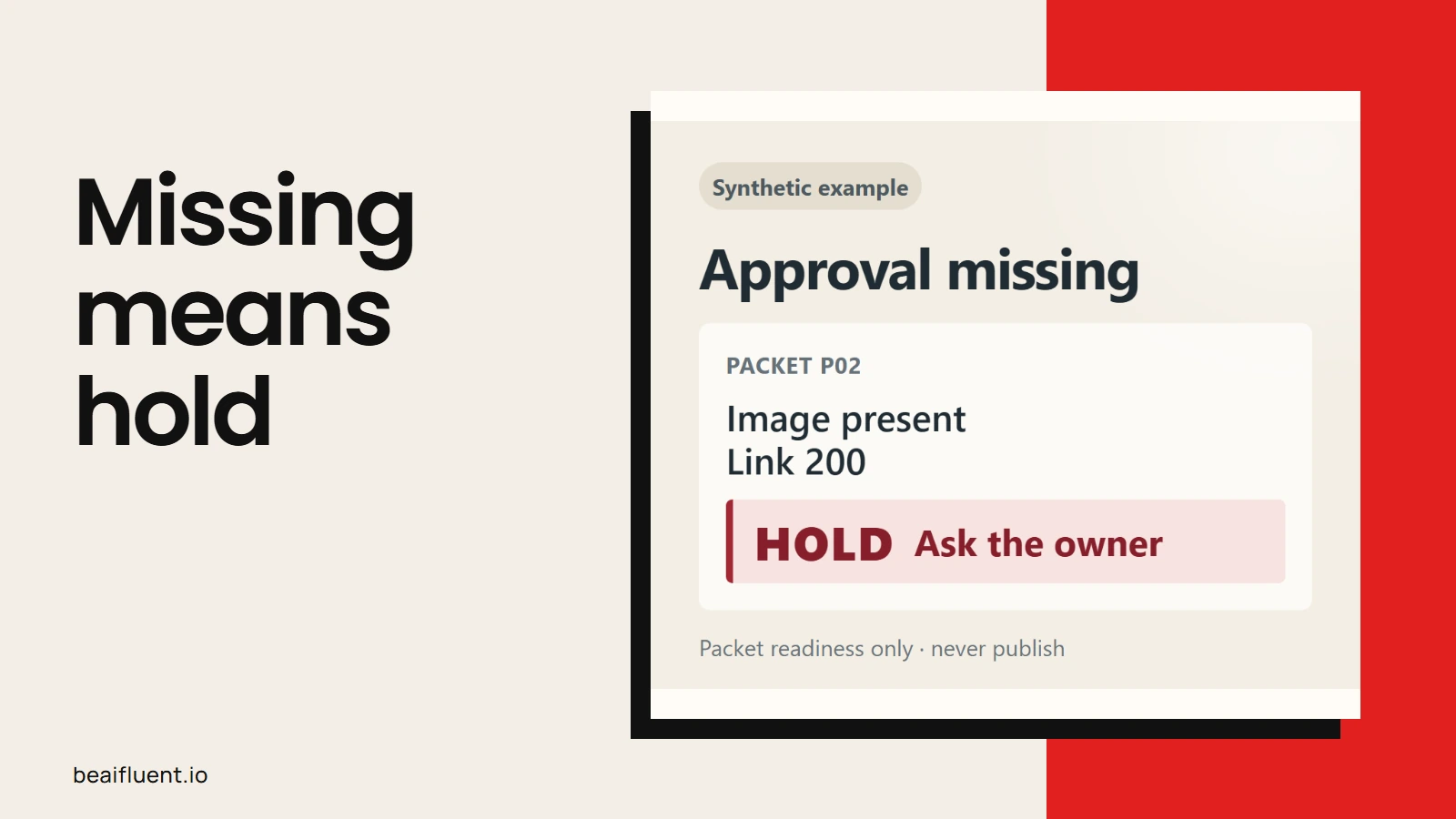
An absent approval remains a hold even when other packet checks pass.
Keep the current procedure easy to find
Store one current SOP beside the place people start the task. Include its owner, version, approval and last review date. After a tool, role or rule changes, update the affected steps and check them again.
Keep an improvement list separate from the approved procedure. Otherwise, AI suggestions can quietly turn into instructions your team never agreed to follow.
The same habit helps with customer enquiry replies: preserve a visible review point before a draft becomes an external action. For an SOP, the review point belongs both before adoption and after a meaningful change.
Before handing it over, check:
- [ ] The intended user can find the current inputs and version.
- [ ] Each decision has a rule or a named person to ask.
- [ ] Missing information leads to a clear stopping point.
- [ ] The completion check describes something observable.
- [ ] A process owner has checked the draft against actual work.
- [ ] Someone other than the writer has tried the procedure.
A finished document is only the first handover. The useful question is whether the next person can act without guessing.
Questions before you start
These are common choices to settle before building a large SOP library.
Should I start with a template or a recording?
Start with the real task. A template helps organize the result, while a recording or rough notes capture what happened. You still need to explain decisions that a screen recording cannot show.
Can AI decide the best process for us?
Ask it to suggest improvements separately. Before adopting them, have the owner check the costs, permissions and effects. The current process and a proposed redesign should remain distinct.
How much detail belongs in an SOP?
Include enough for the intended user to act and recognize exceptions. If they already know the tool, every click may be unnecessary. However, a new user may need screenshots and basic training as well as the procedure.
What should I document first?
Choose the recurring task that brings you the same clarification questions. Start with one real example and one exception. Then use the next person’s questions to decide what the document needs.
Sources
- Anthropic: My prompt isn’t giving me a helpful answer — context, substeps and feedback; accessed 22 October 2026.
- NIST AI 600-1: Generative Artificial Intelligence Profile — confabulation and privacy risks, July 2024.
- EPA QA/G-6: Guidance for Preparing Standard Operating Procedures — historical preparation, testing and document-control principles, April 2007.