
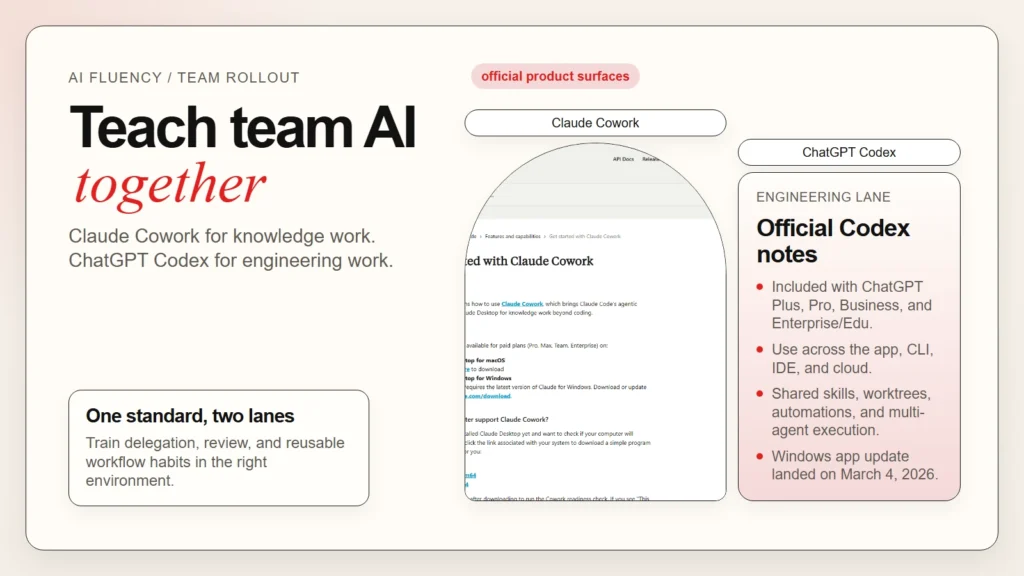
If you want to teach your team AI fluency, do not start with a giant prompt library or a vague order to “use AI more.” Start by teaching people where AI fits into real work, which review habits are non-negotiable, and which tool belongs to which kind of task. For many teams, Claude Cowork and ChatGPT Codex make a strong pair because they cover different lanes: Cowork is built for long-running knowledge work on a local desktop, while Codex is built for software work across the app, terminal, IDE, and cloud.
As of April 22, 2026, Anthropic says Claude Cowork is generally available on macOS and Windows through Claude Desktop, and OpenAI says Codex is included with ChatGPT Plus, Pro, Business, and Enterprise/Edu plans and works across the Codex app, CLI, IDE extension, and cloud workflows. That makes this pairing useful for teams that need both operational fluency and engineering fluency, not just one or the other (Anthropic release notes, Anthropic Cowork guide, OpenAI Codex in ChatGPT help).
What this means: teach AI fluency as a workflow skill. Use Claude Cowork to train people on file-based research, synthesis, recurring tasks, and role-specific plugins. Use ChatGPT Codex to train engineers on repo-aware work, code review, parallel agents, shared skills, and safe delegation. If your team still needs a shared baseline definition, start with what AI fluency means in practice.
Key Takeaways
- Teach AI fluency by job type, not by hype or vendor loyalty.
- Claude Cowork is the stronger teaching environment for desktop knowledge work, document workflows, and role-based plugin use.
- ChatGPT Codex is the stronger teaching environment for repo-aware engineering work, code review, skills, and multi-agent execution.
- A team rollout works best when you start with one recurring task, one review gate, and one visible owner per workflow.
- Human verification still matters because useful AI output is not the same as trustworthy final output.
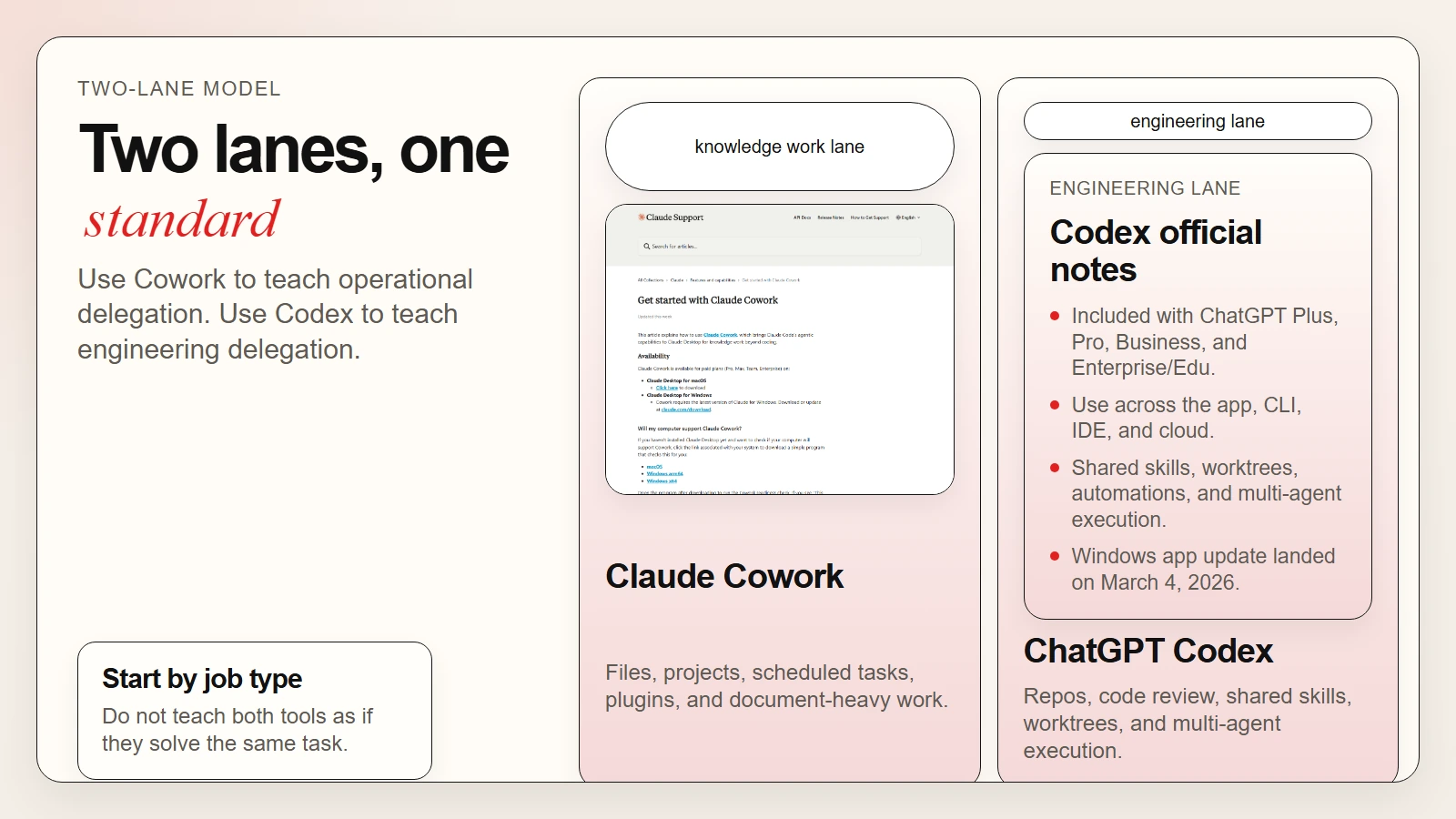 Caption: Claude Cowork teaches operational delegation. ChatGPT Codex teaches engineering delegation.
Why This Pairing Works for Team AI Fluency
Most teams fail at AI adoption because they try to force one interface to do everything. That usually creates two problems at once: non-technical staff get pushed into tools built for developers, and developers get asked to do serious repo work in tools that are better for chat than execution. A better model is to teach two clear work lanes and show where they meet.
Claude Cowork gives non-technical and cross-functional teams a way to learn agentic work without opening a terminal. Anthropic describes it as bringing Claude Code’s agentic architecture into Claude Desktop for knowledge work beyond coding, with direct local file access, sub-agent coordination, scheduled tasks, and projects (Anthropic Cowork guide). ChatGPT Codex, by contrast, is an AI agent for writing, reviewing, and shipping code, with OpenAI positioning it across the Codex app, CLI, IDE extension, and cloud, plus support for multi-agent work, worktrees, skills, and automations (OpenAI Codex in ChatGPT help, Introducing the Codex app).
| Team teaching goal | Claude Cowork | ChatGPT Codex |
|---|---|---|
| Help non-technical staff work with files, folders, and long-running tasks | Strong fit | Weak fit |
| Teach repeatable document, research, and reporting workflows | Strong fit | Limited fit |
| Train engineers on repo-aware edits, tests, and reviews | Limited fit | Strong fit |
| Build shared team skills and reusable execution patterns | Strong fit through plugins and instructions | Strong fit through skills and team config |
| Run multi-step background work with human supervision | Strong fit | Strong fit |
| Make safe human review part of the workflow | Strong fit | Strong fit |
Why it matters: the tools are complementary, not interchangeable. Cowork teaches your team how to delegate structured knowledge work and keep context attached to folders, projects, and recurring tasks. Codex teaches your team how to delegate technical work while preserving branch safety, review, and shared engineering standards. If you already use repeatable prompts or SOPs, the next step is to turn them into AI workflows for research, notes, meetings, and planning instead of leaving them as one-off chats.
Do not announce an “AI-first” policy before you can explain which work should stay in chat, which work belongs in Cowork, which work belongs in Codex, and where the human approval step lives.
What Claude Cowork Should Teach and What Codex Should Teach
The fastest way to teach a team is to attach each tool to a visible learning objective. People do better when they know what a tool is supposed to make them better at, not just what menu it has.
Use Claude Cowork to teach operational AI fluency
Claude Cowork is best when the output lives in documents, folders, spreadsheets, decks, and recurring business work. Anthropic says Cowork runs directly on the user’s computer, can access selected local files, coordinates subtasks in parallel, and can deliver finished outputs back to the file system (Anthropic Cowork guide).
What your team should learn in Cowork:
- How to describe an outcome instead of micromanaging every step
- How to add folder instructions and global instructions for recurring work
- How to use projects to separate workspaces by team or function
- How to use plugins so role-specific workflows are easier to standardize
- How to monitor long-running tasks and step in when direction changes
This is why the existing Claude Cowork beginner guide is a useful companion for training sessions. It gives people a clearer picture of the environment before you ask them to use it on live work.
Use ChatGPT Codex to teach engineering AI fluency
Codex is a better teaching environment when the unit of work is a repository, branch, test suite, code review, or automation. OpenAI says Codex can pair with you in local tools or complete work in the cloud, and the Codex app is designed to manage multiple agents in parallel with built-in worktree support. OpenAI also says skills can be shared across how your team works, and automations can run repetitive work in the background (OpenAI Codex in ChatGPT help, Introducing the Codex app).
What your engineering team should learn in Codex:
- How to hand off a spec instead of a vague coding prompt
- How to review diffs, tests, and execution logs before accepting work
- How to use isolated worktrees and parallel agents without creating chaos
- How to package team standards as shared skills
- How to reserve automations for repetitive but reviewable work
If your developers need more background before adopting Codex, use this guide to AI CLIs including Codex, Claude Code, and Gemini CLI as the prerequisite reading.
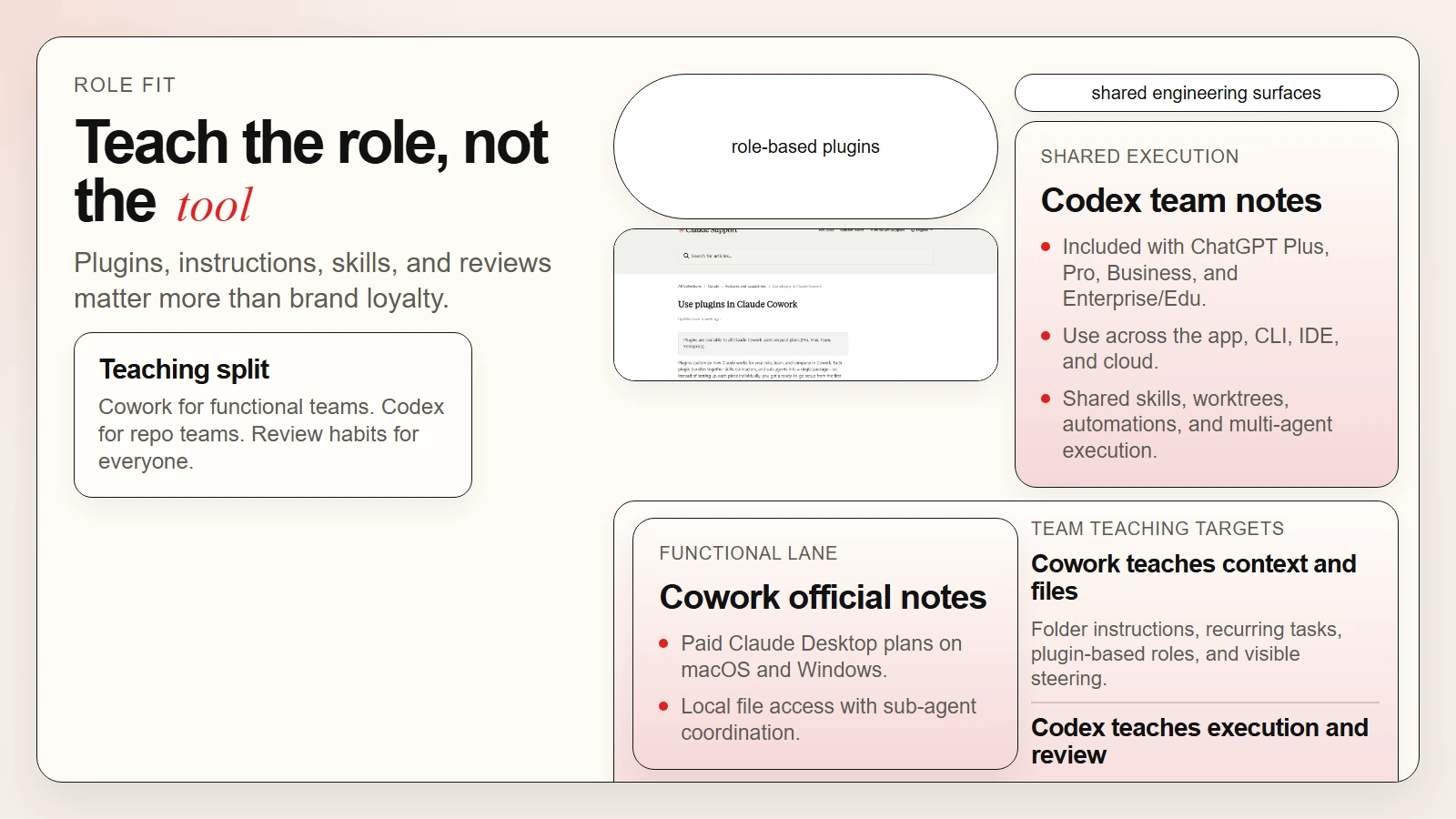 Caption: Do not teach both tools as if they solve the same problem. Teach the role each one plays.
A 6-Step Rollout Plan for Teaching Team AI Fluency
You do not need a quarter-long transformation program to get useful results. You need a small teaching loop that people can repeat until the skill feels normal. This is the rollout structure I would use for most mixed teams.
1. Pick one recurring workflow in each lane
Start with one knowledge-work workflow and one engineering workflow.
Examples:
- Cowork lane: weekly research brief, meeting-note synthesis, document cleanup, or reporting pack
- Codex lane: bug fix, test generation, code review, or small refactor
Do not start with the hardest workflow in the company. Start with one that appears every week and already has a human owner.
2. Define what “good” looks like before anyone runs the tool
Write down:
- the input materials
- the expected output format
- what must be checked by a human
- who approves the result
- what data should never be shared with the tool
This is where many teams skip ahead and pay for it later. AI fluency grows faster when quality is visible.
3. Teach the handoff pattern, not just prompting
Show people how to give context, constraints, and a clear finish line. In Cowork, that may mean folder instructions plus a concrete deliverable. In Codex, that may mean a spec, repo context, and a test expectation.
What this means: Your team should practice saying “produce this outcome under these constraints” instead of “see what you can do.”
4. Run the workflow live and narrate the review step
Do one live example in front of the team. Narrate where the AI is helping, where the tool is guessing, and where the human still decides. That teaches judgment better than a polished demo.
5. Save the working pattern as a reusable team asset
Once something works, save it in a durable form:
- a Cowork project with clear instructions
- a Cowork plugin configuration for a role or function
- a Codex skill checked into the repo
- a short review checklist attached to the workflow
This is the moment when experimentation becomes team fluency.
6. Measure by quality and reuse, not by message count
Track questions like these:
- Did the workflow reduce editing time?
- Did output quality stay acceptable after human review?
- Did multiple teammates reuse the same pattern?
- Did error rates go down after adding clearer instructions?
If the answer is no, the fix is usually workflow design, not more hype.
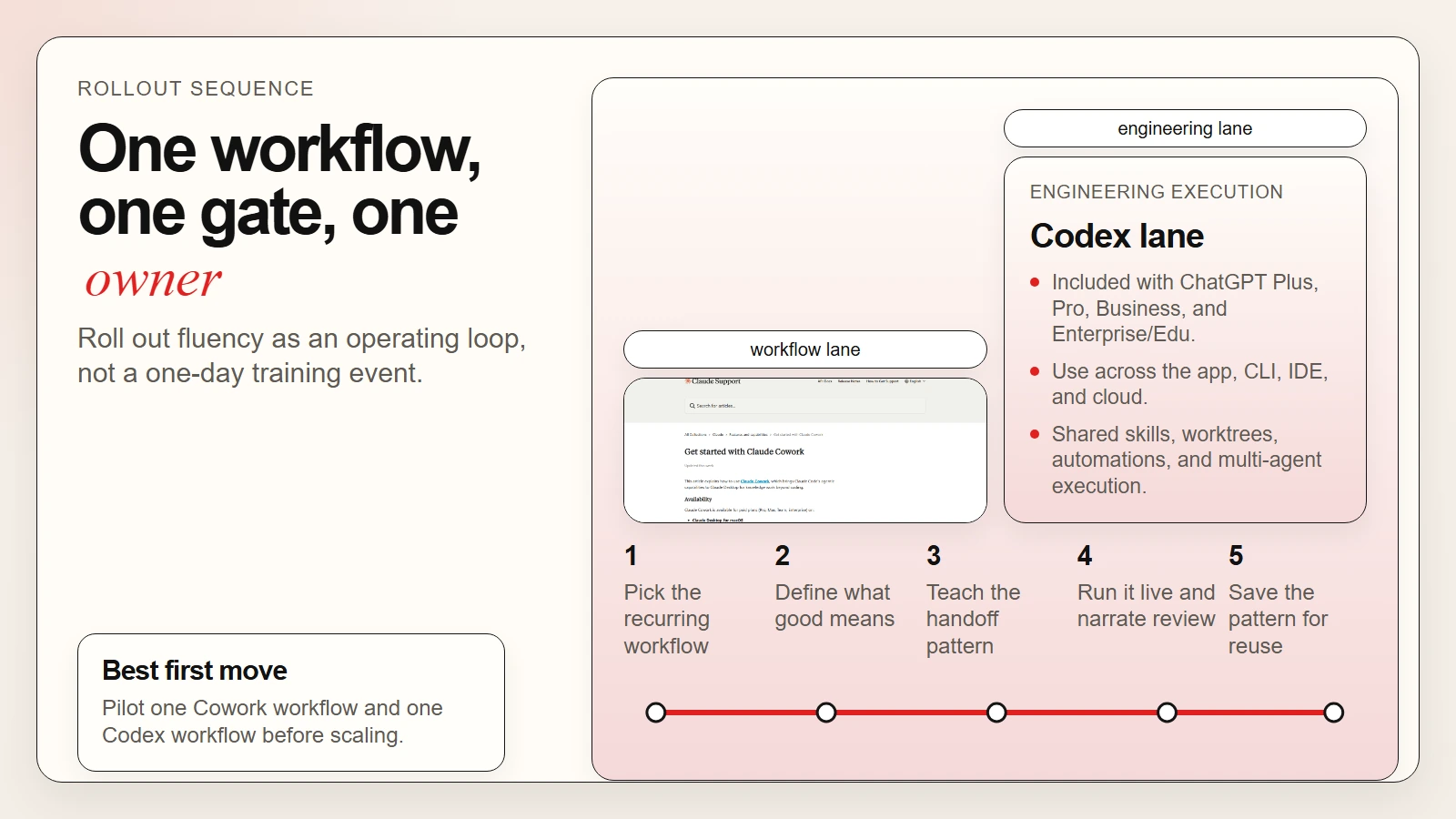 Caption: A useful rollout starts with one workflow, one review gate, and one reusable pattern.
Worked Example: A Small Team Training Loop Using Both Tools
Here is what this looks like in practice for a 10-person product team with operations, product, and engineering functions.
Week 1: Teach the Cowork lane. The operations lead and product manager use Claude Cowork to turn meeting notes, customer feedback files, and internal docs into a weekly decision brief. They learn how to attach folder context, run a long task, and review the final output before sharing it.
Week 2: Teach the Codex lane. The engineering lead uses Codex to turn a scoped bug or small enhancement into a reviewable branch. The team watches how the agent reads the repo, edits files, runs tests, and returns changes for review.
Week 3: Connect the lanes. Product uses Cowork to produce a better spec pack. Engineering feeds that spec into Codex for implementation work. This teaches the team that AI fluency is not one prompt in one chat. It is a handoff system.
Week 4: Standardize the winning pattern. The team captures:
- one Cowork template for research and briefing
- one Codex skill or instruction set for issue execution
- one shared review checklist
- one escalation rule for when AI output should be rejected
What this example shows: team AI fluency improves when people see how one AI workflow hands off into another without removing accountability. That is also why you should keep a verification culture in place. If your team still treats fluent output as proof, revisit why AI tools are not automatically accurate.
Manager Checklist Before You Scale
Before you expand beyond a pilot team, make sure the operating rules are actually clear. This is where many rollouts become noisy instead of useful.
- [ ] Each workflow has a named owner.
- [ ] Each workflow has a defined review step before output is shared.
- [ ] Your team knows which work belongs in Cowork and which belongs in Codex.
- [ ] Sensitive or regulated data rules are written down, not implied.
- [ ] At least one successful workflow has been reused by more than one person.
- [ ] Instructions, skills, or templates are stored where the team can find them.
- [ ] Managers are measuring quality, reuse, and review outcomes instead of vanity usage metrics.
- [ ] People know when to stop the tool and do the work manually.
Anthropic says Cowork activity is not captured in Audit Logs, Compliance API, or Data Exports and explicitly says not to use Cowork for regulated workloads. Teach that boundary early, not after a policy problem appears (Anthropic Cowork guide, Anthropic OpenTelemetry guide).
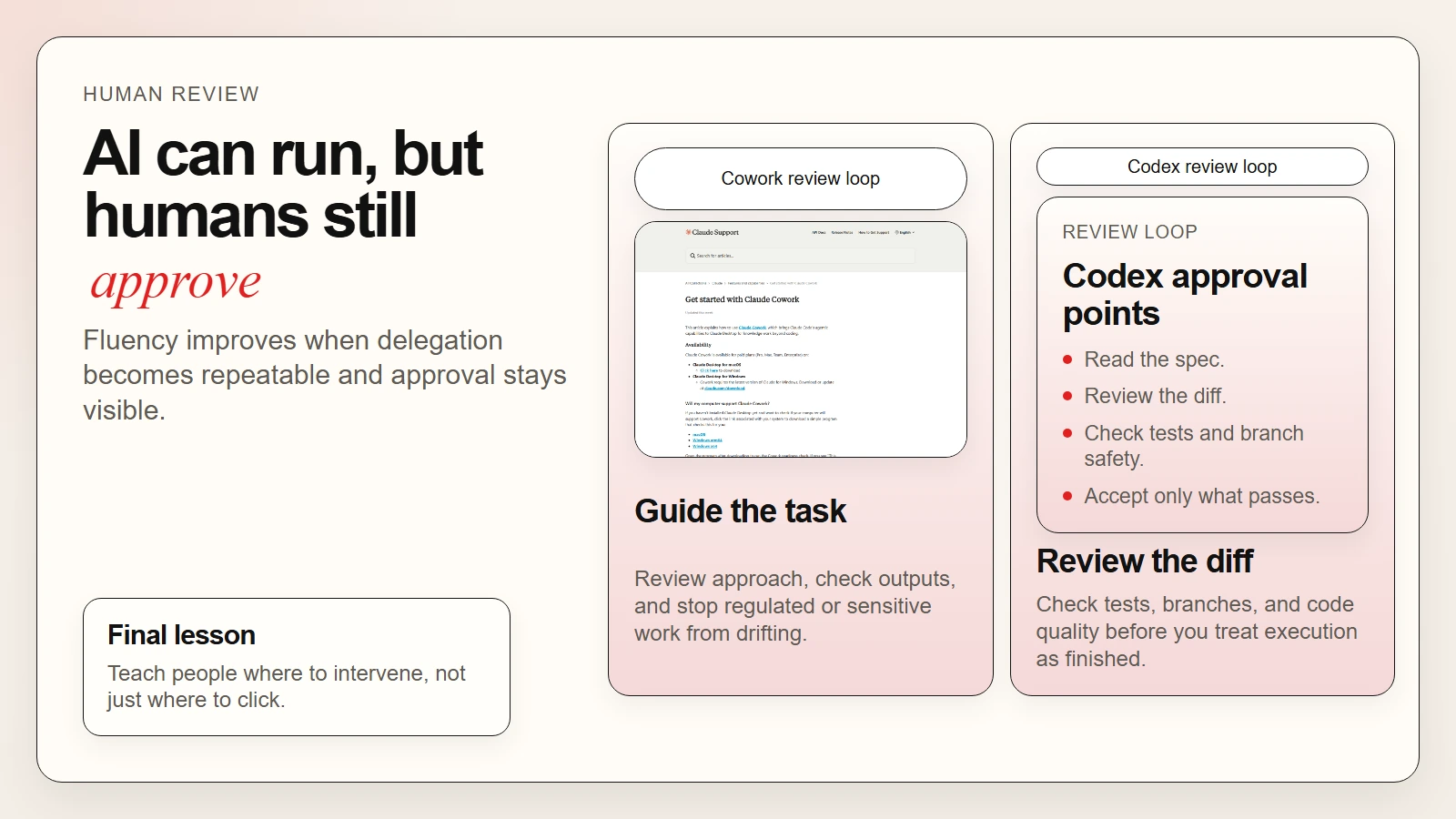 Caption: AI fluency grows when delegation becomes repeatable and review stays visible.
FAQ
Should every team member use both Claude Cowork and ChatGPT Codex?
No. Most non-technical staff do not need Codex for daily work, and many engineers do not need Cowork for every task. The better approach is shared fluency with role-specific depth.
Is Claude Cowork basically the same thing as Claude Code?
No. Anthropic says Cowork uses the same agentic architecture that powers Claude Code, but it is positioned inside Claude Desktop for knowledge work beyond coding. That is a meaningful difference in how you teach it and who should use it.
Is ChatGPT Codex only useful for senior engineers?
No, but it is most useful when users can evaluate code quality, repo context, and test results. Junior engineers can still learn with it, but they need more review support and narrower task scopes.
What is the biggest mistake when teaching team AI fluency?
Treating tool adoption as the goal. The goal is better work with preserved judgment. If the team cannot explain the workflow, the review gate, and the boundary conditions, fluency has not been taught yet.
Should I roll this out to the whole company at once?
Usually no. Start with one team, two or three recurring workflows, and a visible review discipline. Expand after the patterns are stable.
Conclusion
Teaching your team AI fluency with Claude Cowork and ChatGPT Codex works when you treat the tools as operating environments for different kinds of work. Cowork is where many teams learn to delegate file-based, cross-functional, long-running knowledge work. Codex is where engineering teams learn to delegate scoped technical work without losing control of review, branches, or standards.
Do this next: pick one Cowork workflow, one Codex workflow, and one shared review checklist. Run both in public with the team watching. Then save the winning pattern so the skill becomes repeatable instead of personal.