
Good notes turn scattered thoughts into useful knowledge. However, traditional note apps only store what you type. The best AI note-taking apps in 2026 actually help you think. They summarize long lectures, transcribe meetings, find connections between old ideas, and even draft your next paragraph.
In this guide, we compare the top AI note apps for students and professionals. Every tool on this list has a real AI feature that changes how you capture and use information. We will cover what each app does best, how much it costs, and which one fits your daily workflow.
What to Look for in an AI Note-Taking App
Before you choose a tool, think about how you actually take notes. Students often need fast capture, flashcard generation, and study aids. Professionals usually need meeting transcription, task integration, and shared workspaces. Researchers want linkable ideas, citations, and deep search.
Here are the key features that separate a true AI note app from a basic notebook with a chatbot bolted on:
- Smart summaries. The app should condense long notes or transcripts into short, readable summaries without losing the main point.
- Semantic search. You should be able to search with natural language instead of exact keywords. For example, “notes about budget approval” should find relevant pages even if you never wrote that exact phrase.
- Meeting transcription. If you attend calls or lectures, real-time transcription saves hours of manual typing.
- Idea linking. The best tools suggest connections between notes you wrote weeks apart.
- Cross-platform sync. Your notes must stay available on phone, tablet, and desktop.
Additionally, privacy matters. Some apps send your notes to cloud AI models. Others keep everything local. We will flag the privacy model for each tool below.
The Top 5 AI Note-Taking Apps Compared
1. Notion AI — Best All-Rounder for Teams and Students
Notion started as a flexible workspace. After adding Notion AI, it became one of the most complete note-taking platforms available. You can write docs, manage databases, build wikis, and now ask AI to summarize pages, draft content, or extract action items.
Why it stands out:
- Notion AI lives inside your existing workspace. You do not need a separate app.
- It can summarize long pages in one click.
- It writes first drafts from bullet points.
- It extracts tasks from meeting notes automatically.
Pricing: Notion offers a generous free personal plan. Notion AI costs approximately $10 per user per month when added to a free or paid workspace. Student plans include free upgrades through the GitHub Student Developer Pack.
Best for: Students who want one app for notes, tasks, and project planning. Professionals who collaborate in shared workspaces.
Privacy note: Notion processes AI requests through cloud partners. Therefore, sensitive data should stay in manual pages unless your team approves the AI integration.
If you want to build a full AI workflow for research and planning, Notion is a solid central hub.
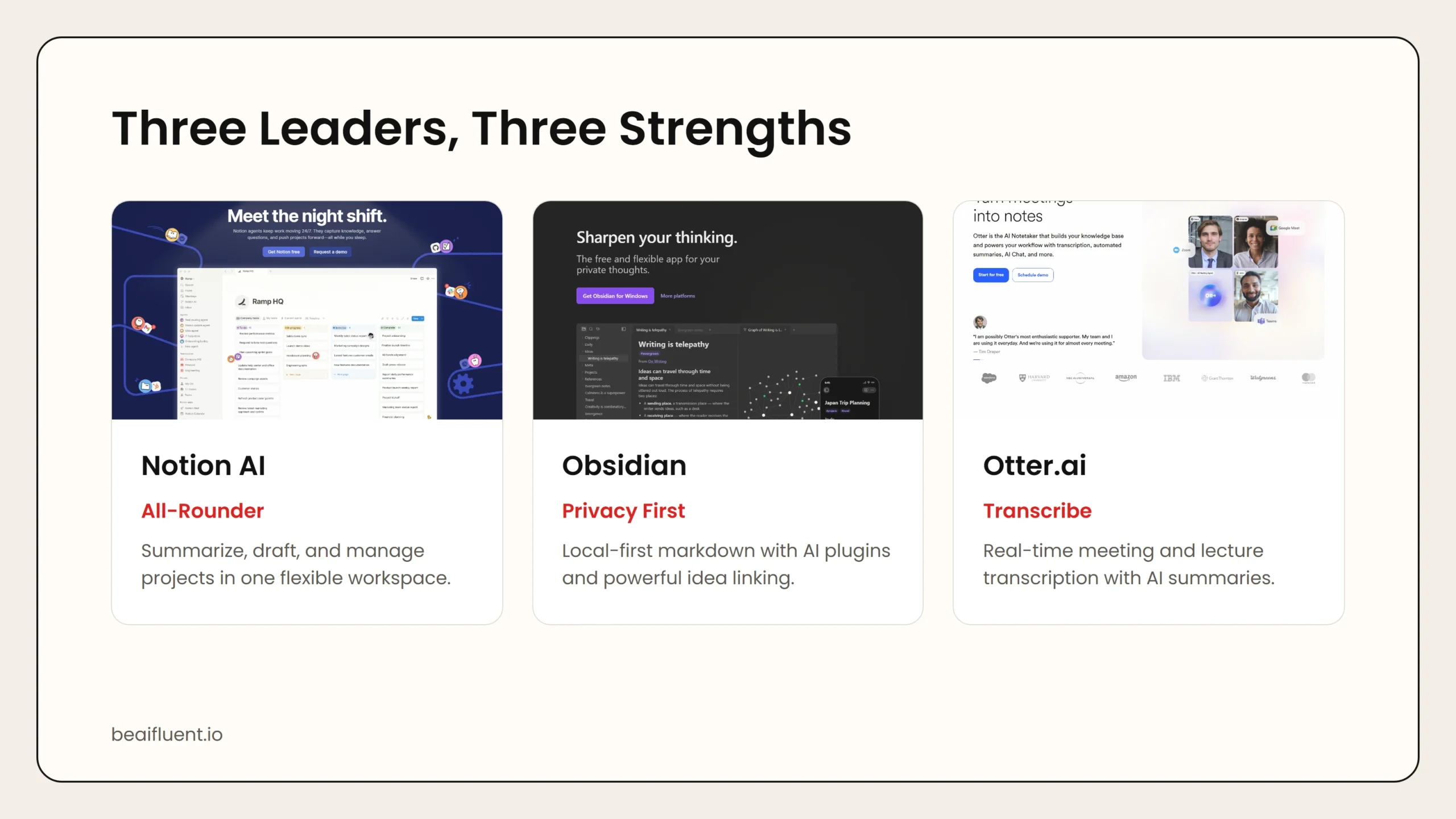 Caption: Notion AI leads on workspace flexibility. Obsidian wins on privacy and linking. Otter.ai dominates live transcription.
2. Obsidian with AI Plugins — Best for Researchers and Power Users
Obsidian is a local-first markdown notes app. It stores files on your computer, not in the cloud. That alone makes it attractive for privacy-conscious users. However, the real power comes from its plugin ecosystem. Several community and official plugins bring AI features into Obsidian without forcing you to upload notes to a remote server.
Why it stands out:
- Your notes stay offline by default. You own the data.
- Plugins like Copilot and Smart Connections let you chat with your notes using local or API-based models.
- Graph view shows links between ideas visually.
- It supports custom AI prompts for any note or selection.
Pricing: Obsidian is free for personal use. Commercial use requires a one-time $50 license per user. Some AI plugins are free, while others charge a small subscription. You also bring your own API key for cloud models if you choose to use them.
Best for: Researchers, writers, and developers who want maximum control and privacy.
Privacy note: Because Obsidian is local-first, you decide whether AI runs on your machine or through an API. Local models keep everything private, but they require more technical setup.
3. Otter.ai — Best for Meeting and Lecture Transcription
Otter.ai is not a traditional note app. It is a transcription specialist that turns spoken words into searchable text. After a meeting or lecture, you get a full transcript, a summary, and highlighted action items. You can also ask Otter questions about what was said.
Why it stands out:
- Real-time transcription for Zoom, Google Meet, and in-person conversations.
- Speaker identification labels who said what.
- AI chat lets you query a meeting transcript without reading the whole thing.
- Shareable highlights make it easy to send key moments to teammates.
Pricing: Otter offers a free plan with 300 minutes of transcription per month. Paid plans start around $10 per month and raise the limit to 6,000 minutes or more. Team plans add shared workspaces and admin controls.
Best for: Professionals who live in meetings. Students who record lectures and need searchable transcripts.
Privacy note: Otter stores recordings and transcripts in the cloud. If your meetings contain confidential information, check your company policy before using it.
If you need an AI meeting notes app that actually transcribes conversations, Otter is the market leader.
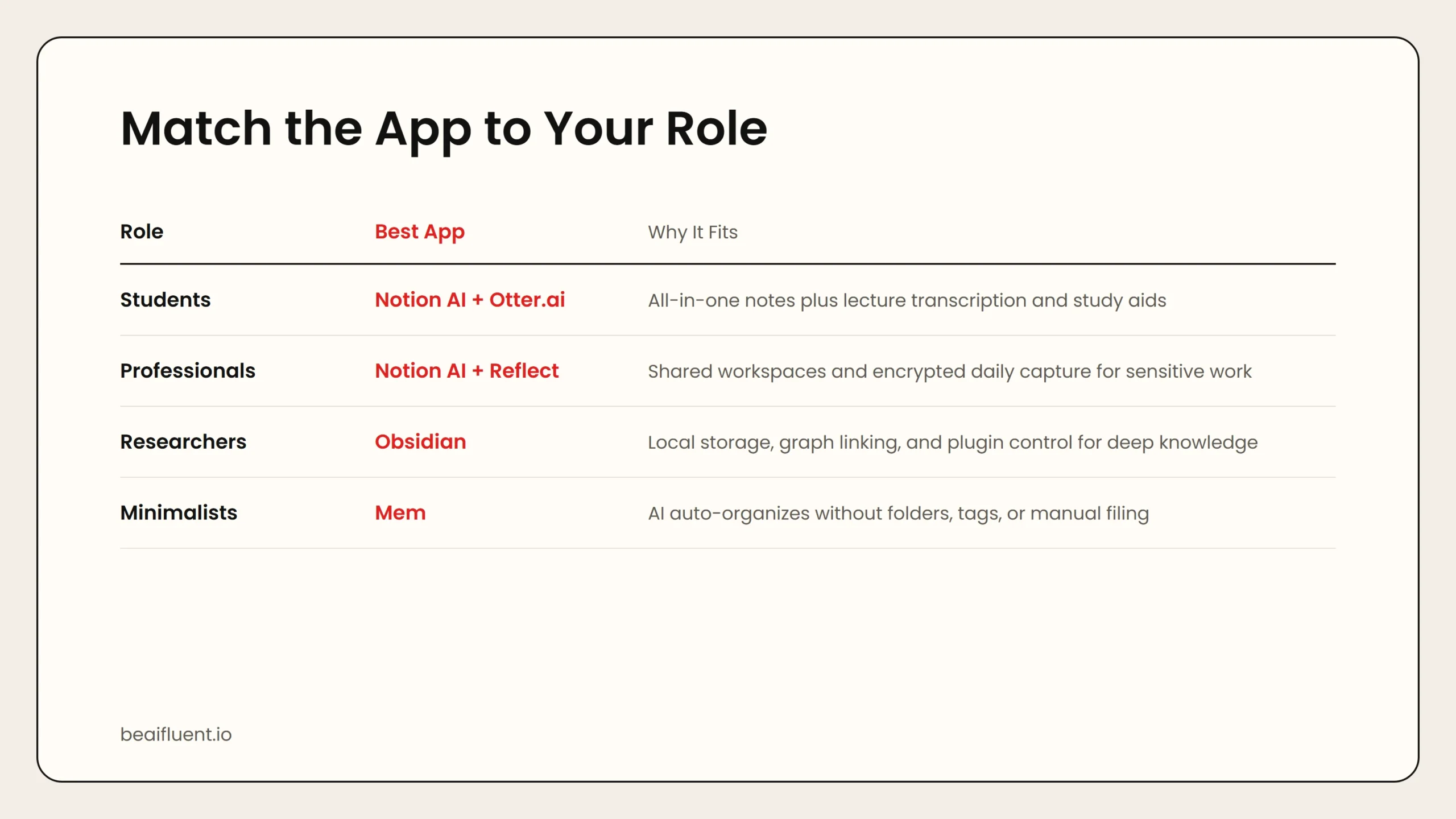 Caption: Students gravitate toward Notion AI and Otter.ai. Professionals need Notion AI and Reflect. Researchers prefer Obsidian.
4. Mem — Best AI-Native Note Experience
Mem was built around AI from day one. Instead of folders, you capture notes quickly and let AI organize them. Mem’s assistant, Mem X, surfaces related notes, writes summaries, and even drafts emails based on your knowledge base.
Why it stands out:
- No folders or tags required. AI organizes by content and context.
- Mem X suggests connections between notes automatically.
- It drafts content using your existing knowledge.
- Import from Notion, Evernote, and Apple Notes is supported.
Pricing: Mem offers a free plan with core capture and limited AI features. Mem X starts around $8 per month. Team plans add shared spaces and collaboration.
Best for: People who hate manual organization and want AI to do the filing.
Privacy note: Mem processes notes through cloud AI services. Therefore, it works best for general knowledge rather than regulated or confidential data.
5. Reflect — Best for Quick Capture and Daily Notes
Reflect focuses on speed. It opens fast, captures frictionlessly, and uses AI to summarize, search, and link your daily notes. The interface is minimal, and the AI features feel natural rather than bolted on.
Why it stands out:
- Instant capture with keyboard shortcuts.
- AI summarizes long threads of daily notes into weekly or monthly reviews.
- Backlinking is automatic and fast.
- End-to-end encryption keeps notes private.
Pricing: Reflect starts around $10 per month after a free trial. There is no permanent free tier, but the paid plan includes all AI features.
Best for: Writers, founders, and journalers who value speed and privacy.
Privacy note: Reflect offers end-to-end encryption. Even the Reflect team cannot read your notes, which makes it one of the safer choices for sensitive material.
Side-by-Side Comparison
| App | Best For | Top AI Feature | Free Plan | Paid Start |
|---|---|---|---|---|
| Notion AI | Teams and students | Summarize and draft from notes | Yes | ~$10/mo |
| Obsidian + plugins | Researchers and power users | Local AI chat with your notes | Yes | $50 one-time |
| Otter.ai | Meeting-heavy roles | Real-time transcription + AI chat | 300 min/mo | ~$10/mo |
| Mem | Organization minimalists | Auto-linking and knowledge drafting | Yes | ~$8/mo |
| Reflect | Speed-focused writers | Encrypted AI summaries | Trial only | ~$10/mo |
This table gives a quick snapshot, but your choice should also depend on workflow fit. For example, a student who records lectures will get more value from Otter.ai than from Reflect. A consultant who manages shared project docs will prefer Notion AI.
How to Choose the Right App for Your Role
For Students
Students need three things: fast capture, study help, and low cost. Notion AI covers the widest range because it handles notes, tasks, and flashcards in one place. If your classes involve long lectures, add Otter.ai for transcription. For deep research projects, Obsidian gives you the best linking and citation control.
Recommended stack: Notion AI for daily notes and projects. Otter.ai for recorded lectures.
For Professionals
Professionals usually work in teams and attend many meetings. Notion AI wins again for collaborative docs and project tracking. Otter.ai is essential if you need meeting transcripts. Reflect works well for personal daily notes and journaling when you want privacy.
Recommended stack: Notion AI for shared workspaces. Otter.ai for call transcription. Reflect for private daily capture.
For Researchers and Knowledge Workers
Researchers deal with large volumes of information and need to find connections over time. Obsidian is the clear winner here because of its local storage, graph view, and plugin ecosystem. Notion AI can serve as a secondary tool for collaborative drafts.
Recommended stack: Obsidian for primary research notes. Notion AI for shared outputs.
A Simple Workflow to Start
Switching note apps can feel overwhelming. Therefore, start small. Follow this three-step workflow instead of migrating everything at once:
- Pick one app from the list above based on your primary use case.
- Use it for one week for all new notes. Do not migrate old notes yet.
- Review and adjust. After seven days, ask yourself: Did the AI features save time? Did I actually use the summaries or transcription? If yes, keep going. If not, try the next tool on the list.
This method prevents wasted setup time. It also gives you real data about which AI features matter for your actual work.
If you are completely new to AI tools, you might want to read our guide on how to start using AI as a complete beginner first.
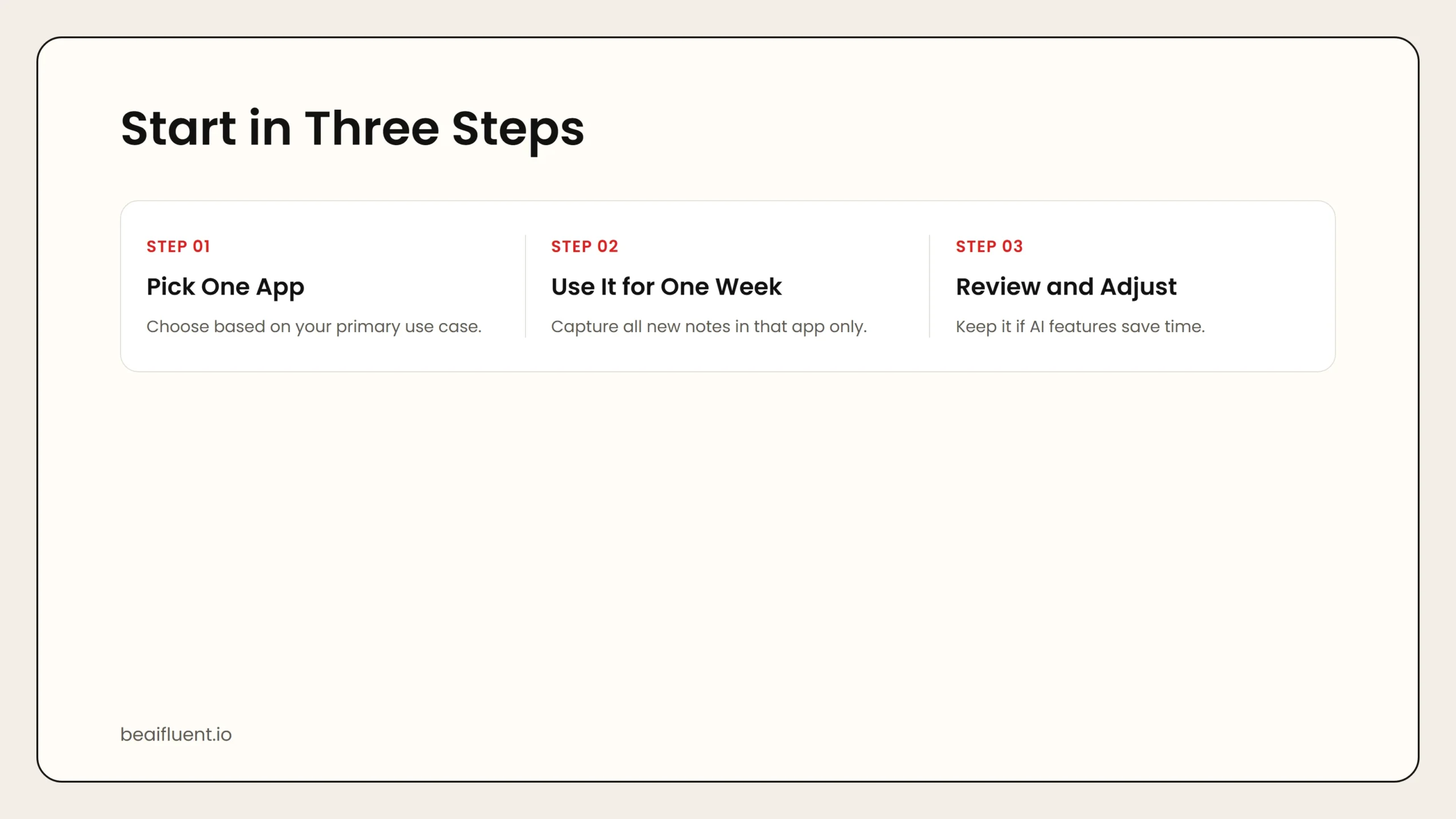 Caption: Pick one app, use it for one week, then review and adjust before committing.
Common Mistakes to Avoid
Even the best AI note app can become a mess if you use it poorly. Here are the most common traps:
- Over-collecting. Some users transcribe every meeting and dump every clip into their notes. AI cannot organize chaos. Capture what matters, then review it.
- Trusting summaries blindly. AI summaries are helpful, but they sometimes drop nuance. Always read the original transcript for critical decisions.
- Ignoring export options. Some AI note apps lock your data inside their ecosystem. Before committing, confirm you can export to Markdown, PDF, or plain text.
- Skipping the free trial. Every app on this list offers a free plan or trial. Test the AI features with your real notes before paying.
Frequently Asked Questions
Do AI note-taking apps work offline?
Some do, and some do not. Obsidian works fully offline. Reflect works offline after sync. Notion AI, Mem, and Otter.ai require an internet connection for AI features.
Can AI take notes for me during a meeting?
Yes. Otter.ai transcribes meetings in real time. Notion AI can summarize pasted transcripts. However, no tool fully replaces your judgment about what matters.
Are AI note apps safe for confidential work?
It depends. Obsidian and Reflect offer the strongest privacy because they are local-first or encrypted. Cloud-based tools like Notion AI and Otter.ai process data on remote servers. Check your company policy before using them for sensitive material.
Which is the best free AI note-taking app?
Notion AI and Obsidian both offer strong free plans. If you need transcription, Otter.ai gives 300 free minutes per month. For pure AI organization, Mem’s free tier is generous.