
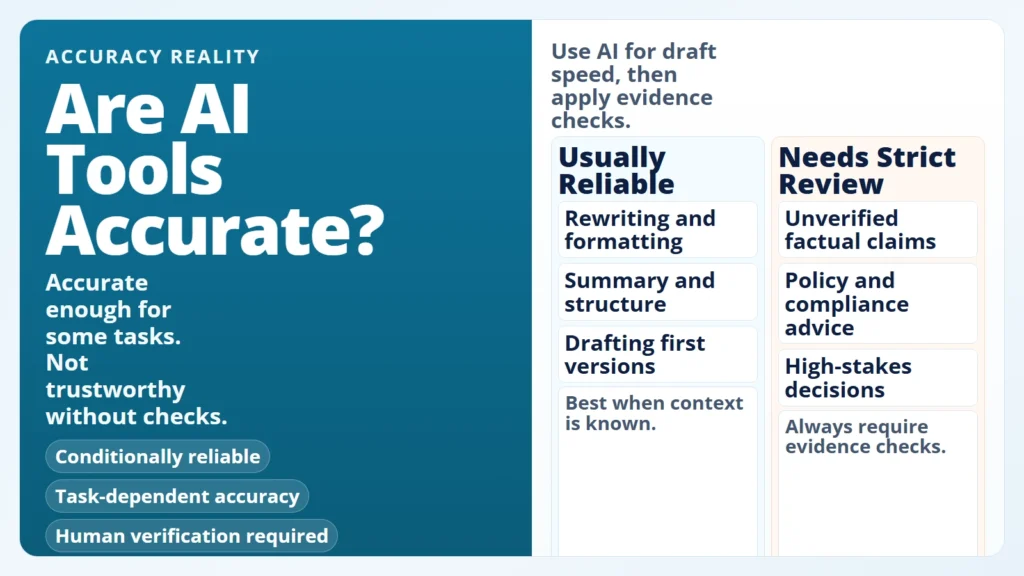
If you are asking whether AI tools are accurate, the practical answer is: they can be accurate for many tasks, but they are not reliably accurate by default for every task. AI is usually strongest when you ask it to transform or structure information. It is much riskier when you ask it for final truth without verification.
That is why this is a workflow problem, not just a model problem. The goal is not to find a “perfect” tool. The goal is to build a repeatable process that gives you speed from AI and reliability from review.
If you are still building fundamentals, start with what AI fluency means in practice and how AI literacy differs from AI fluency. That framing makes accuracy decisions much easier.
Key Takeaways
- AI tools are conditionally accurate, not universally accurate.
- Accuracy depends on task type, context quality, retrieval quality, and review process.
- The highest-risk mistake is treating fluent output as verified truth.
- For high-stakes decisions, human verification is mandatory.
- A short verification workflow catches most avoidable errors.
Table of Contents
- The Short Answer: How Accurate Are AI Tools?
- What Affects AI Accuracy the Most
- Where AI Tools Usually Perform Well
- Where AI Tools Commonly Fail
- A 7-Step Workflow to Improve Accuracy
- Worked Example: Turning a Risky AI Draft into a Reliable Output
- The Personal AI Accuracy Checklist
- FAQ
The Short Answer: How Accurate Are AI Tools?
The simplest way to think about this is by task category. AI tools do not have one global “accuracy score” that applies to everything. They behave differently depending on what you ask them to do.
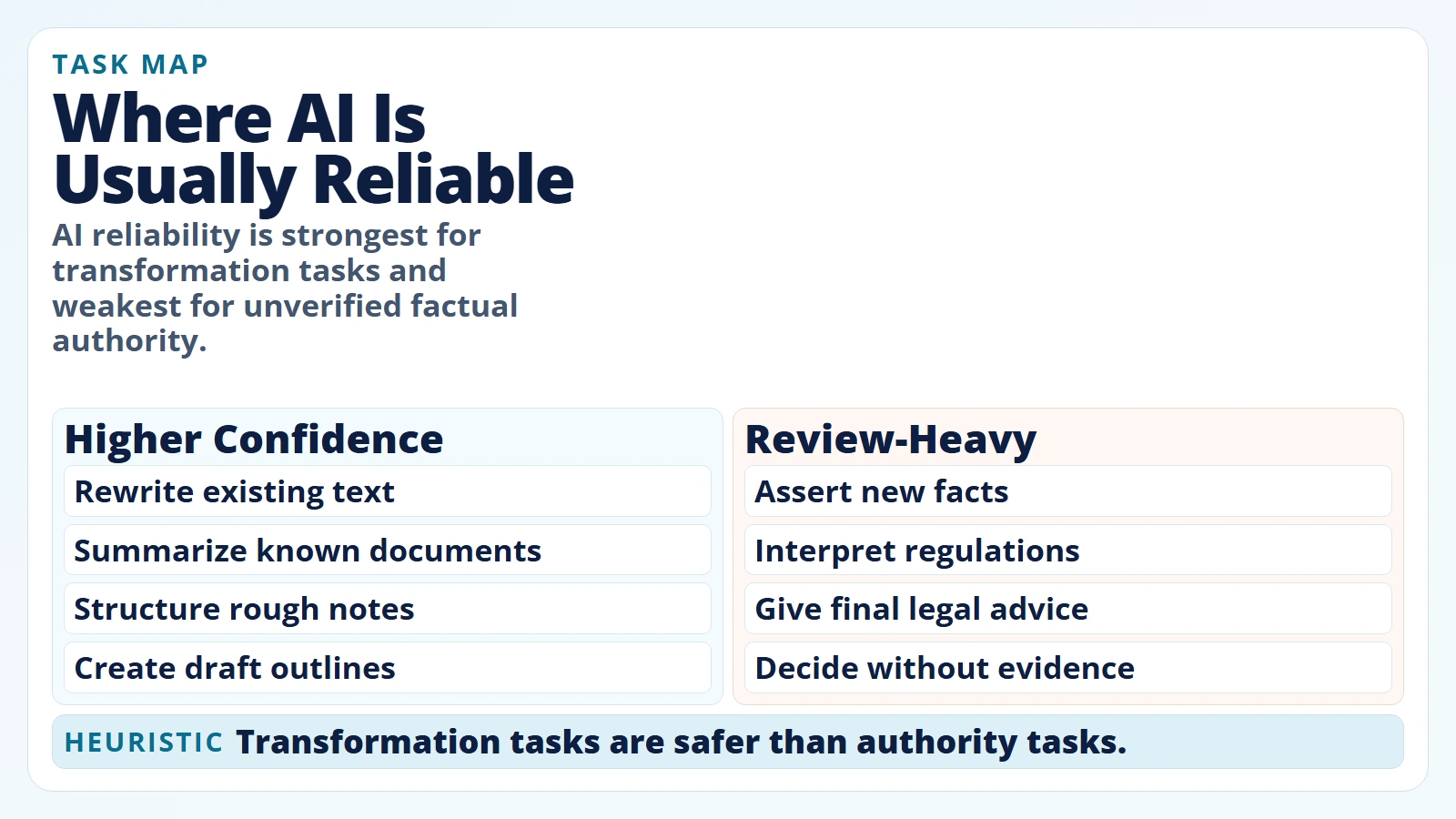 Caption: AI reliability is strongest for transformation tasks and weakest for unverified factual authority.
| Task Type | Typical Accuracy Pattern | Why | What You Should Do |
|---|---|---|---|
| Rewriting and formatting | Usually high | The model transforms provided text | Check tone and meaning drift |
| Summarizing known documents | Often good, sometimes lossy | Compression can drop nuance | Verify key details against the original |
| Brainstorming options | Good for breadth, mixed on quality | Output optimizes plausibility | Curate ideas manually |
| Factual Q&A without sources | Unstable | Model can “guess” plausible details | Require citations and verify claims |
| Policy, legal, medical, finance decisions | High risk | Context and consequences are strict | Use experts and source documents |
What this means: “Accurate enough” depends on consequence. A minor phrasing miss in an email draft is very different from a wrong claim in a compliance report.
What Affects AI Accuracy the Most
Most people focus only on model choice. In practice, reliability usually depends on five interacting factors.
1. Task design
If your prompt asks for vague output, you get vague output. Clear tasks with explicit format constraints tend to produce more consistent results.
2. Input quality
AI can only reason from what it sees. Missing context creates confident gaps.
3. Retrieval quality
When tools use retrieval, wrong or noisy context can directly cause wrong answers. OpenAI’s accuracy guide specifically calls out retrieval tuning and adding a fact-checking step to reduce hallucinations (Optimizing LLM Accuracy).
4. Model uncertainty behavior
Some systems guess when uncertain unless you explicitly permit abstention. OpenAI’s September 5, 2025 analysis argues that accuracy-only evaluation often rewards guessing over admitting uncertainty (Why language models hallucinate).
5. Human review discipline
No review process means no reliability guarantee. Better prompts help, but review is still the main control.
Better prompts increase quality. Verification controls reduce risk.
Where AI Tools Usually Perform Well
AI tools are often effective when the job is to restructure known information rather than discover ground truth from scratch.
For everyday users, this is why practical low-risk workflows create fast wins: drafts, summaries, outlines, and format conversions are easier to validate.
Good beginner-safe use cases:
- Turning rough notes into a clean summary.
- Rewriting text for a specific audience and tone.
- Converting a list of tasks into a weekly plan.
- Creating alternative headlines, outlines, or subject lines.
- Organizing meeting notes into action items.
Why it works: You already own the source context, and you can quickly spot obvious mistakes.
Where AI Tools Commonly Fail
Failure usually appears where certainty, traceability, or nuance matters most.
The NIST Generative AI Profile (NIST AI 600-1, approved July 25, 2024) defines “confabulation” as confidently stated but false content that can mislead users (NIST AI 600-1). Anthropic’s guardrail guidance similarly states that even advanced models can still produce factual errors and that critical information should always be validated (Anthropic: Reduce hallucinations).
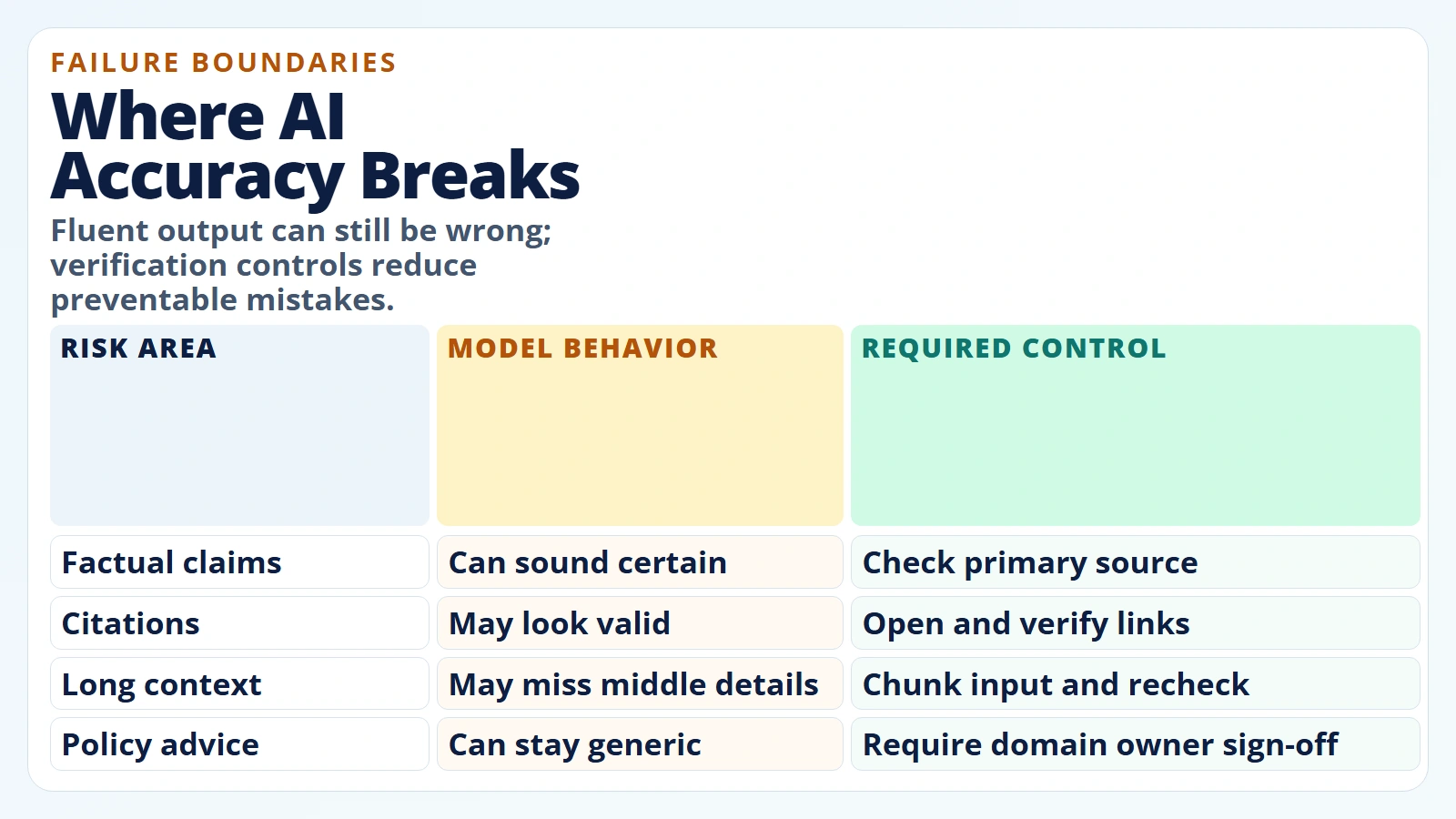 Caption: Fluent output can still be wrong; verification controls reduce preventable mistakes.
Common failure zones:
- Unsupported factual claims: believable details without trustworthy backing.
- Citation problems: references that are weak, mismatched, or not directly supportive.
- Long-context misses: relevant details are dropped when context is large or poorly structured.
- Overconfident wording: tone sounds certain even when evidence is thin.
- Domain nuance gaps: legal, medical, and policy specifics are flattened into generic advice.
A well-known long-context finding is Lost in the Middle (TACL, 2023), which showed that model performance can degrade when relevant information is placed in the middle of long context windows (Liu et al., 2023).
Fluent language is not proof. Traceable evidence is proof.
A 7-Step Workflow to Improve Accuracy
A reliable workflow matters more than chasing every new model release. Use this sequence before you trust important output.
1. Classify the task risk first
Label the task low, medium, or high consequence before prompting. This decides your verification depth.
2. Define output constraints
Specify audience, format, scope, and source expectations before generation.
3. Request uncertainty and source grounding
Tell the model to clearly separate known facts, assumptions, and unknowns. Require citations for factual claims.
4. Generate at least two candidate outputs
Compare outputs for agreement and clarity. Divergence is a signal to verify more deeply.
5. Verify critical claims against primary sources
Check names, numbers, dates, policy statements, and quoted language.
6. Run a contradiction pass
Ask: “Which claims in this draft are least certain or most likely wrong?” Then validate those first.
7. Apply human sign-off before external use
If output affects decisions, money, compliance, reputation, or safety, a human owner signs off.
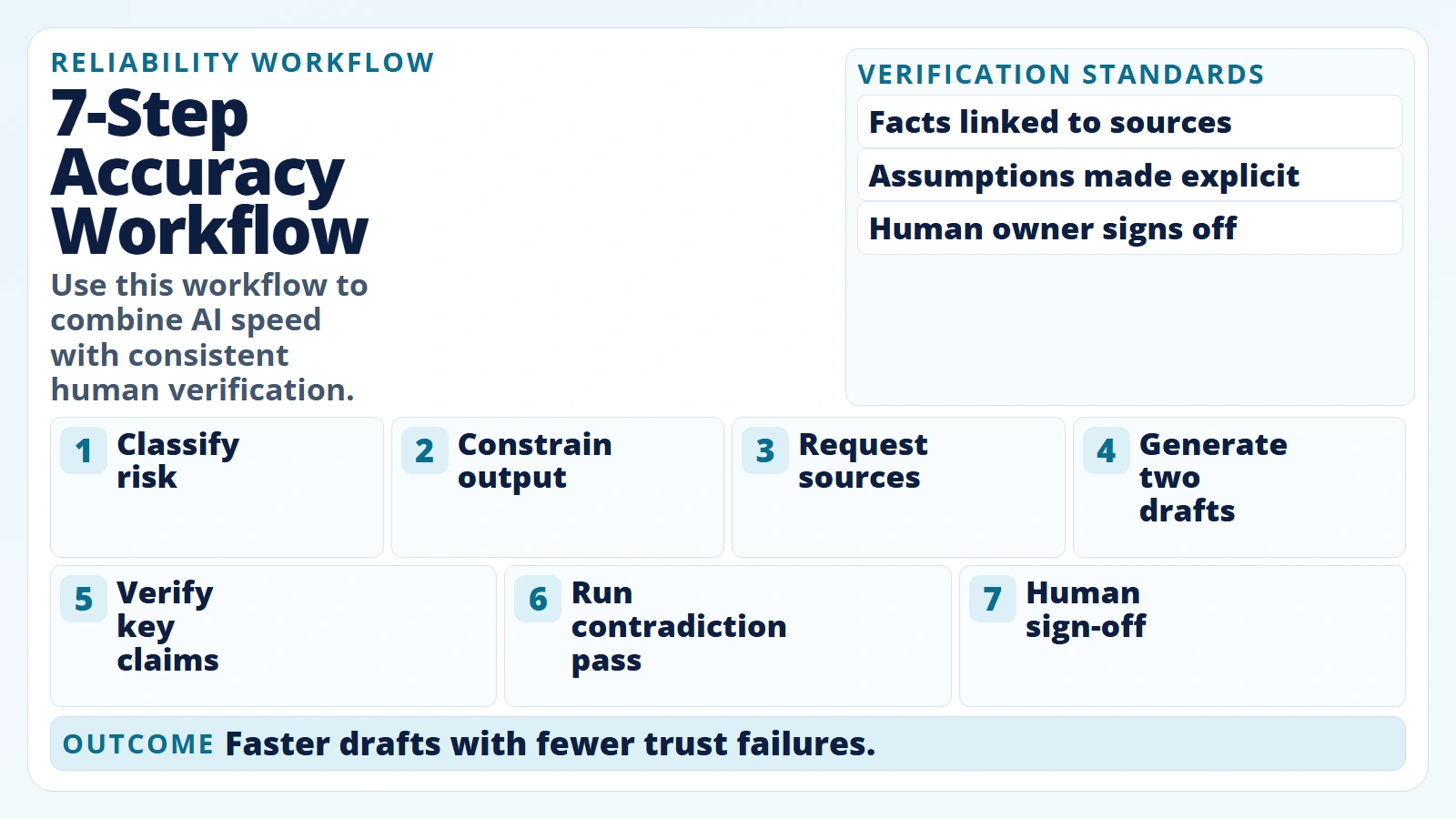 Caption: Use this workflow to combine AI speed with consistent human verification.
If you are new to this process, pair this workflow with how to start using AI as a complete beginner so you can build review habits early.
Worked Example: Turning a Risky AI Draft into a Reliable Output
Here is what realistic expectation-setting looks like in practice.
Scenario: You ask AI for a short brief on “new rules affecting customer-data retention in your industry” and get a polished answer with references.
At first glance it looks ready to share. But you run verification before sending it to stakeholders.
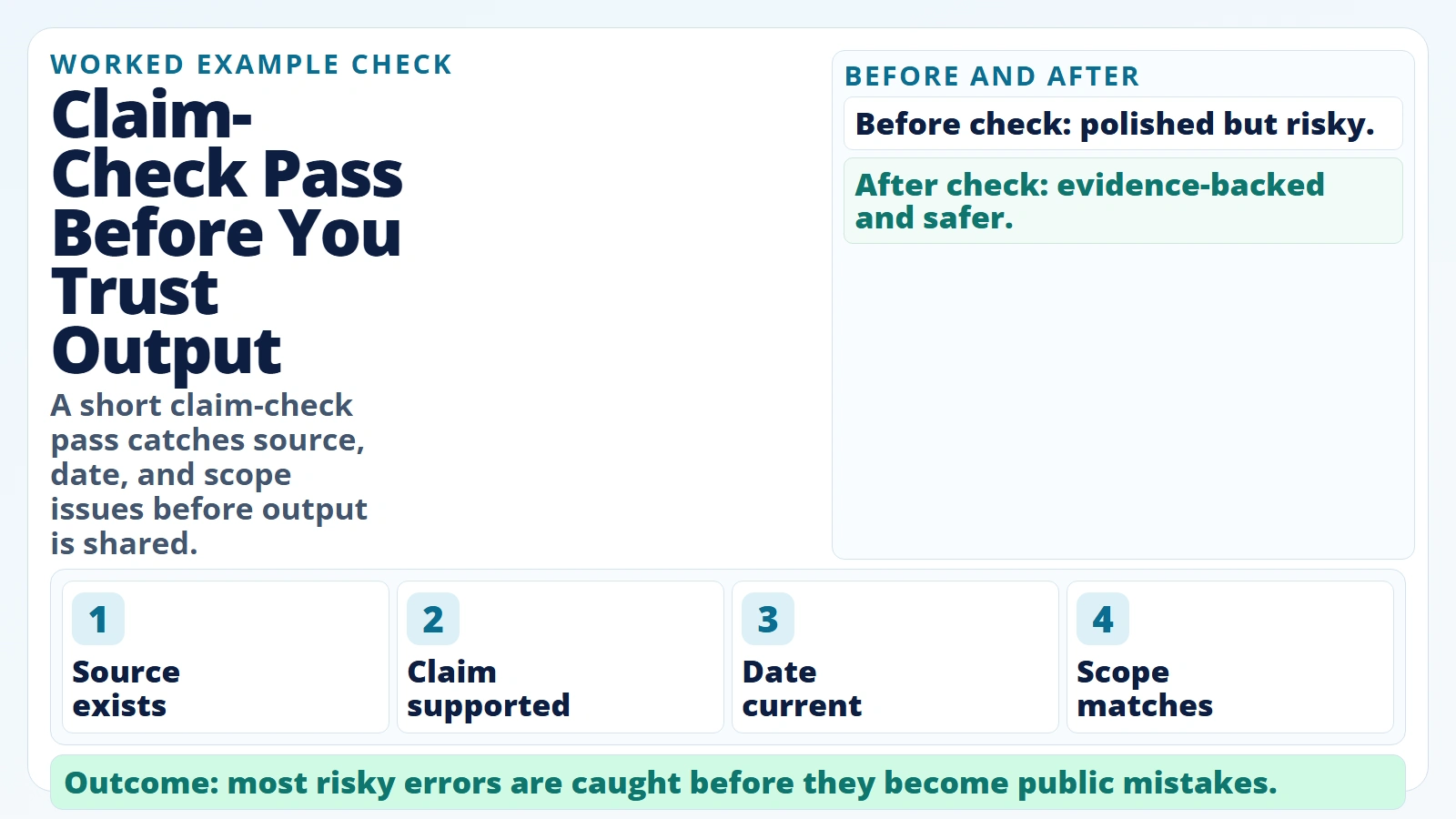 Caption: A short claim-check pass catches source, date, and scope issues before output is shared.
| Review Pass | What You Check | Result |
|---|---|---|
| Source existence | Are the cited sources real and reachable? | 1 citation is broken |
| Source relevance | Does each source support the exact claim? | 2 claims are overstated |
| Date validity | Are regulation dates current? | 1 date is outdated |
| Scope match | Is advice specific to your jurisdiction? | Jurisdiction is mixed |
| Stakeholder risk | Would an error create real consequences? | Yes, legal/compliance exposure |
Outcome after corrections
- You replace weak claims with verified wording.
- You remove one unsupported recommendation.
- You add jurisdiction-specific context.
- You keep the structure and readability AI provided.
Net effect: AI still saved time on drafting and structure, but review prevented costly errors.
The Personal AI Accuracy Checklist
Before using AI output externally, run this checklist.
- Yes: I can explain the output in my own words.
- Yes: Every critical claim has a source I actually checked.
- Yes: Dates, names, and numbers were manually verified.
- Yes: The output distinguishes facts from assumptions.
- Yes: I checked for contradictory statements.
- Yes: I removed advice outside my context or jurisdiction.
- Yes: Sensitive data was excluded or handled per policy.
- Yes: A human owner approved the final version.
If long prompts are part of your workflow, review AI tokens and context windows to avoid context overload and missed details.
Accuracy Expectation Matrix
Use this quick matrix when deciding how much trust to place in output.
| Consequence Level | Example Task | AI Output Role | Minimum Verification |
|---|---|---|---|
| Low | Rewrite an internal draft email | First draft + polish | Quick read-through |
| Medium | Customer-facing FAQ answer | Draft + structure | Source check for claims |
| High | Compliance guidance summary | Assistant only | Full source validation + human sign-off |
| Critical | Legal or medical recommendation | Research helper only | Expert review and formal process |
Do this next: Keep this matrix in your workflow notes so your team uses the same trust standard every time.
FAQ
Are AI tools accurate enough for daily work?
Often yes for low-risk drafting, summarizing, and planning tasks, especially when you can review quickly. They are not automatically reliable for final factual authority.
Can AI tools be 100% accurate?
Not in general real-world use. OpenAI’s September 2025 hallucination analysis argues that some real-world questions are inherently unanswerable, which is why uncertainty handling matters (OpenAI, 2025).
Why do AI tools sound confident when wrong?
Language fluency and factual correctness are different objectives. Systems can produce coherent wording even when underlying claims are weak or wrong.
Which tasks should I never trust AI to do alone?
High-stakes legal, medical, financial, safety, or compliance tasks should never be accepted without qualified human review and source verification.
What is the fastest way to improve AI accuracy in my own work?
Standardize your process: clear prompts, source requirements, contradiction checks, and a final human sign-off gate.
Conclusion
AI tools are not “accurate” or “inaccurate” in one absolute sense. They are conditionally reliable based on the task, the evidence you provide, and the verification discipline you apply.
Realistic expectations are simple:
- use AI for speed and structure
- use humans for accountability and truth checks
- treat verification as part of the workflow, not as optional cleanup
If you follow this model consistently, you can get real productivity gains without building fragile trust on unverified output.
Sources
- NIST AI 600-1: Artificial Intelligence Risk Management Framework – Generative AI Profile
- NIST AI Risk Management Framework (AI RMF 1.0)
- OpenAI: Why language models hallucinate (September 5, 2025)
- OpenAI API docs: Optimizing LLM accuracy
- Anthropic docs: Reduce hallucinations
- Lost in the Middle: How Language Models Use Long Contexts (Liu et al., 2023)