
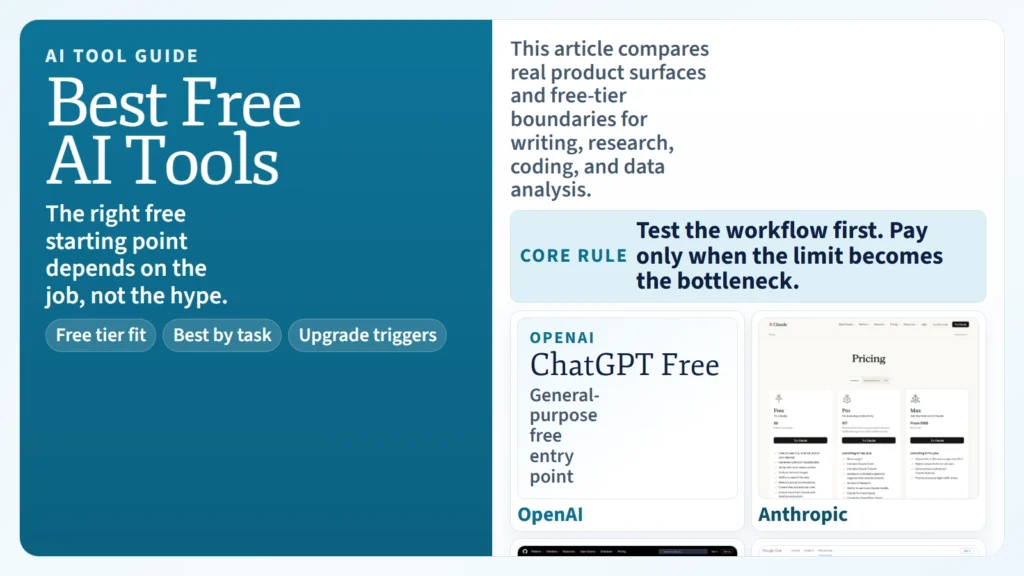
If you want the short answer, yes: you can use AI for free in 2026, but the best free AI tools are usually best for trying a workflow, not for running your whole workflow at scale. Free plans are good enough to start writing, researching, coding, and analyzing simple files. They are usually not generous enough for heavy usage, advanced models, deeper research, or team-grade privacy controls.
The better question is not “Which AI tool is 100% free forever?” The better question is which free tool gives you the best starting point for the job you actually need to do. As of April 19, 2026, the strongest beginner shortlist is: ChatGPT Free for flexible everyday work, Claude Free for strong writing and document work, Perplexity Standard for search-heavy research, GitHub Copilot Free for coding, and Microsoft Copilot (free) for web-grounded writing and summarization. For more advanced research workflows, NotebookLM and paid Google AI plans are increasingly important, especially when you work from your own sources rather than from open-web search alone.
If you are still building fundamentals, start with what AI fluency means in practice, how AI literacy differs from AI fluency, and how to start using AI as a complete beginner. Tool choice matters, but workflow judgment matters more.
Key Takeaways
- The best free AI tool overall for flexible everyday work is ChatGPT Free, but its advanced research and data features stay limited on the free tier.
- Claude Free is one of the strongest writing-focused free options because Anthropic officially includes writing, editing, web search, code generation, and data visualization in the free plan.
- Perplexity Standard is one of the cleanest free research tools because it is built around source-backed search, but advanced model access is limited.
- GitHub Copilot Free is the clearest free starting point for coding because GitHub openly lists its monthly limits: 50 agent or chat requests and 2,000 completions.
- Microsoft Copilot (free) is a strong browser-first option for summarizing, brainstorming, and web-grounded answers.
- Free plans are best for learning, testing, and light usage. Once your workflow depends on larger files, higher limits, or deeper research, you usually need a paid plan.
Table of Contents
- What “free” really means in AI tools
- The best free AI tools right now
- Top AI tools for writing
- Top AI tools for research
- Top AI tools for coding
- Top AI tools for data analysis
- How these AI tools are being used in practice
- How to choose the right AI tool for your workflow
- When to stay free and when to pay
- FAQ
What “Free” Really Means in AI Tools
Most readers asking about free AI tools are really asking one of three different questions:
- Can I start using AI without paying today?
- Can I do useful work on the free tier for a while?
- Can I run an ongoing professional workflow without upgrading?
The answer to the first two is usually yes. The answer to the third is usually no.
That is because “free” in AI almost always means one of these models:
| Free model | What it usually means | What to watch for |
|---|---|---|
| Permanent free tier | A real no-cost entry plan with hard usage caps | Limits on uploads, advanced models, or premium tools |
| Limited free access | Core chat works, but advanced features are restricted | Deep research, code agents, memory, or file analysis may be gated |
| Bundled free access | AI is included in a broader subscription or account | The AI is not separately free even if it feels included |
| Trial-shaped free access | Useful for testing, not for long-term heavy use | You may outgrow it quickly |
The most important free-tier rule is simple: do not choose a tool based on headline price alone. Choose it based on whether the free version lets you test the exact workflow you care about.
If you are still deciding what AI can and cannot do well, it helps to read how a regular person can use AI and are AI tools accurate before you commit to any one platform.
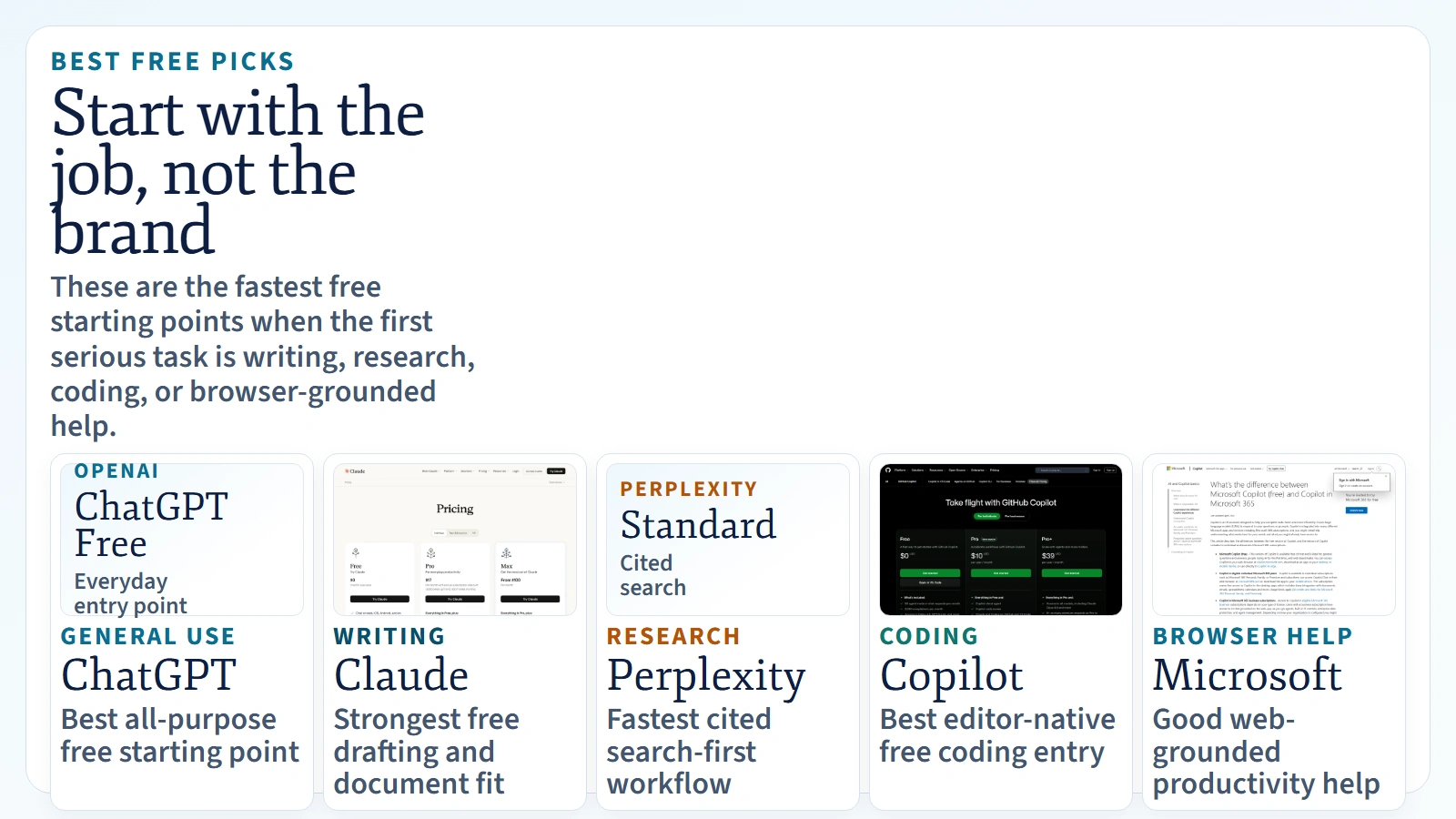 Caption: Use the tool that best matches the first serious job you need to do.
The Best Free AI Tools Right Now
The best free shortlist is not one universal ranking. It is a job-to-be-done ranking.
| Tool | Best free use case | What the official docs say | Best for |
|---|---|---|---|
| ChatGPT Free | Flexible everyday writing, brainstorming, light file work, light data analysis | OpenAI’s pricing page lists free access to Search, Apps, Codex, limited Data analysis, limited Deep research, and GPT discovery | People who want one general-purpose assistant |
| Claude Free | Writing, editing, document analysis, light coding, code execution | Anthropic’s pricing page lists free chat, writing, image and text analysis, web search, memory, file creation, code execution, and data visualization | People doing thoughtful writing and document work |
| Perplexity Standard | Fast source-backed research on the open web | Perplexity says free users get search history, practically unlimited basic searches, a very limited amount of Pro Searches, and limited file uploads | People who need citations and quick research loops |
| Microsoft Copilot (free) | Browser-based summarization, writing, and web-grounded answers | Microsoft says Copilot is available at no cost and supports writing help, summarizing, and real-time answers based on web search | People already living in Microsoft and Edge |
| GitHub Copilot Free | Trying AI coding assistance without paying | GitHub says Free includes 50 agent/chat requests, 2,000 completions, model access, and Copilot CLI | Developers and technical learners testing AI coding help |
This is the cleanest beginner interpretation:
- Use ChatGPT Free if you want the broadest general-purpose starting point.
- Use Claude Free if your work is mostly writing, editing, and document thinking.
- Use Perplexity Standard if your first question is usually “what sources say this?”
- Use Microsoft Copilot (free) if you want web-grounded help inside a Microsoft-shaped workflow.
- Use GitHub Copilot Free if your job is code, not prose.
Top AI Tools for Writing
Writing is the category where people often choose the wrong tool for the wrong reason. The best writing tool is not the one that sounds smartest in a benchmark. It is the one that best matches the kind of writing you actually do.
Best writing picks
| Tool | Best writing use | Why it stands out |
|---|---|---|
| Claude | Drafting, rewriting, editing, tone control, long document work | Anthropic positions Claude strongly around writing, editing, document analysis, and file creation, and the free tier is unusually capable for serious writing work |
| ChatGPT | Flexible drafting, outlining, brainstorming, interactive iteration | OpenAI’s free plan remains one of the most adaptable all-purpose writing environments |
| Microsoft Copilot | Summaries, browser-grounded drafts, office-style productivity writing | Microsoft explicitly frames free Copilot around writing help, summarization, and real-time web-grounded answers |
The practical ranking looks like this:
- Choose Claude if your work is closer to editing, tightening, restructuring, and thinking through long drafts.
- Choose ChatGPT if your work is closer to ideation, iteration, and mixed-format output.
- Choose Microsoft Copilot if your writing starts from webpages, browser context, or Microsoft workflows.
For beginners, the highest-leverage writing habit is not tool-switching. It is learning how to give clearer instructions, review the draft critically, and iterate on purpose. If you are still early, how to start using AI as a complete beginner and how a regular person can use AI are better first reads than another tool roundup. A good tool helps, but a repeatable prompt and review process helps more.
Best writing workflow for most people
- Use ChatGPT or Claude to turn a messy idea into an outline.
- Ask the tool for two or three draft directions instead of one.
- Rewrite weak sections yourself rather than accepting the first draft blindly.
- Run one final pass for factual claims, tone, and missing context.
If you skip step four, you are not using AI well. You are outsourcing judgment.
Top AI Tools for Research
Research is where free AI tools differ the most in shape.
Some tools are built like chat assistants. Some are built like answer engines. Some are strongest when you bring your own sources. That is why research workflows split into three lanes:
- open-web research
- source-grounded project research
- deep report generation
Best research picks
| Tool | Best research use | Why it stands out |
|---|---|---|
| Perplexity | Fast web research with visible sourcing | Perplexity’s product is built around search and cited answers, so it is usually the fastest option for “find and summarize the landscape” work |
| ChatGPT | Broad exploratory research plus follow-up reasoning | OpenAI’s pricing page shows Search and limited Deep research on Free, with higher capability on paid plans |
| NotebookLM | Working from your own materials | Google’s NotebookLM updates increasingly position it as a source-grounded research workspace, especially with Deep Research and wider file support |
| Claude | Researching and synthesizing long documents | Claude remains strong when the research job is less “search the web” and more “think through this material carefully” |
The biggest mistake beginners make is using one tool for every research job.
If you are comparing options across the open web, Perplexity is usually the cleanest first pass because citations are central to the experience. If you are reasoning through uploaded documents, transcripts, or notes, Claude and NotebookLM often make more sense. If you need a general-purpose assistant that can both search and help you shape the final output, ChatGPT is still one of the strongest all-around picks.
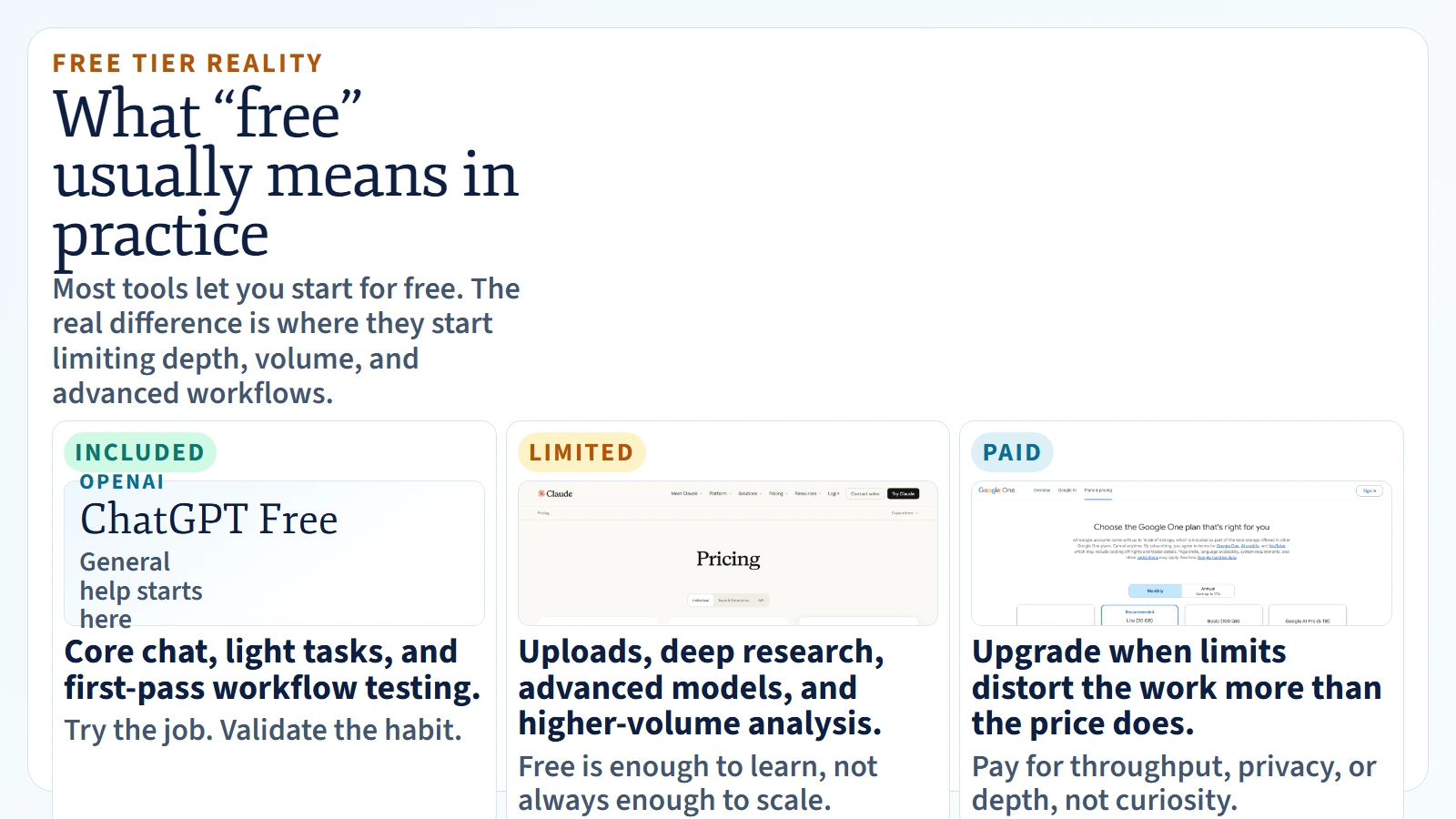 Caption: Most free plans are good for learning and testing. Limits appear when workflows get deeper, broader, or more frequent.
A better research stack than “one tool for everything”
| Research job | Best starting tool | Why |
|---|---|---|
| “Find the current landscape fast” | Perplexity | The workflow starts from search and citations |
| “Help me think through this report” | Claude | Strong long-form reading and synthesis feel |
| “Work from my own notes, docs, and files” | NotebookLM | Purpose-built for source-grounded projects |
| “Search, discuss, refine, then draft” | ChatGPT | Flexible end-to-end workflow |
For higher-stakes research, pair any of these with a verification pass. The safest companion article here is are AI tools accurate, because tool quality and review quality are not the same thing.
Top AI Tools for Coding
Coding is the one category where generic chat tools and purpose-built coding tools separate most clearly.
Best coding picks
| Tool | Best coding use | Why it stands out |
|---|---|---|
| GitHub Copilot | Inline coding assistance and editor-native help | GitHub’s free plan gives a real but capped way to test coding workflows directly inside supported environments |
| Codex / ChatGPT | Repo reasoning, code changes, review, and broader coding tasks | OpenAI’s pricing page lists Codex on the free plan, with expanded capability on higher plans |
| Claude Code / Claude | Codebase understanding and structured coding assistance | Anthropic explicitly lists Claude Code in Pro and keeps useful code generation and execution in the free experience |
GitHub Copilot is still the clearest answer for people asking, “What AI tool should I use inside my editor?” That is because it is a coding product first. Its free plan is limited, but it is real. GitHub explicitly lists 50 agent mode or chat requests per month and 2,000 completions per month, which is enough to test whether AI coding assistance genuinely helps you.
ChatGPT and Claude are broader. They are often better when the task is not just “complete this line” but “help me understand this repo, compare approaches, or refactor this flow.” If you want a deeper breakdown of terminal-based coding agents, see What Are AI CLIs? Codex, Claude Code, and Gemini CLI Explained.
Who should choose what
- Choose GitHub Copilot if you want editor-native help and low-friction code completion.
- Choose ChatGPT or Codex if you want broader coding help across code, reasoning, and files.
- Choose Claude Code if you want a coding workflow that feels more like a careful collaborator than an autocomplete engine.
Top AI Tools for Data Analysis
Data analysis is where marketing pages often overpromise and where free plans become restrictive fastest.
The reason is simple: once you start uploading files, generating charts, running code, or working across large datasets, usage caps matter much more than they do in plain chat.
Best data analysis picks
| Tool | Best data analysis use | Why it stands out |
|---|---|---|
| ChatGPT | Spreadsheet analysis, quick charts, exploratory file work | OpenAI’s pricing page lists limited Data analysis on Free and fuller capability on paid tiers |
| Claude | Explaining tables, summarizing reports, visualizing data, lightweight file analysis | Anthropic explicitly lists data visualization and code execution in the free plan |
| Google AI plans / Gemini + NotebookLM | Research-heavy analysis from mixed files and source collections | Google positions Gemini and NotebookLM around stronger source workflows, larger access tiers, and project-style analysis |
The best question here is not “Which AI tool does data analysis?” Nearly all major tools say they do. The better question is:
Do you need conversational analysis, spreadsheet support, code execution, or a research notebook built around your sources?
That distinction matters because:
- ChatGPT is strong when the analysis is interactive and exploratory.
- Claude is strong when the analysis needs explanation, narrative clarity, and careful synthesis.
- NotebookLM is strong when the input is a source collection rather than a single spreadsheet.
If your work depends on costs, context windows, and large files, understanding AI tokens and context windows will save you money and frustration.
How These AI Tools Are Being Used in Practice
People do not really use “the best AI tool.” They use a stack.
Here is what real-world tool stacking often looks like in practice.
1. Writing stack
- Use ChatGPT or Claude for ideation and outlining.
- Draft the first pass.
- Revise for tone, structure, and clarity.
- Move the final version into human editing.
2. Research stack
- Use Perplexity to scan the landscape and gather candidate sources.
- Use NotebookLM or Claude to work through the documents that matter.
- Use ChatGPT to turn findings into a brief, memo, or explain-it-to-me version.
3. Coding stack
- Use GitHub Copilot inside the editor for inline help.
- Use Codex, Claude Code, or another AI CLI for broader repo work.
- Keep human review in the loop before merge, deploy, or publish.
4. Data stack
- Use ChatGPT or Claude to inspect and explain a file.
- Use NotebookLM when the job is really synthesis across many documents.
- Treat any generated chart or conclusion as a draft until you verify the numbers.
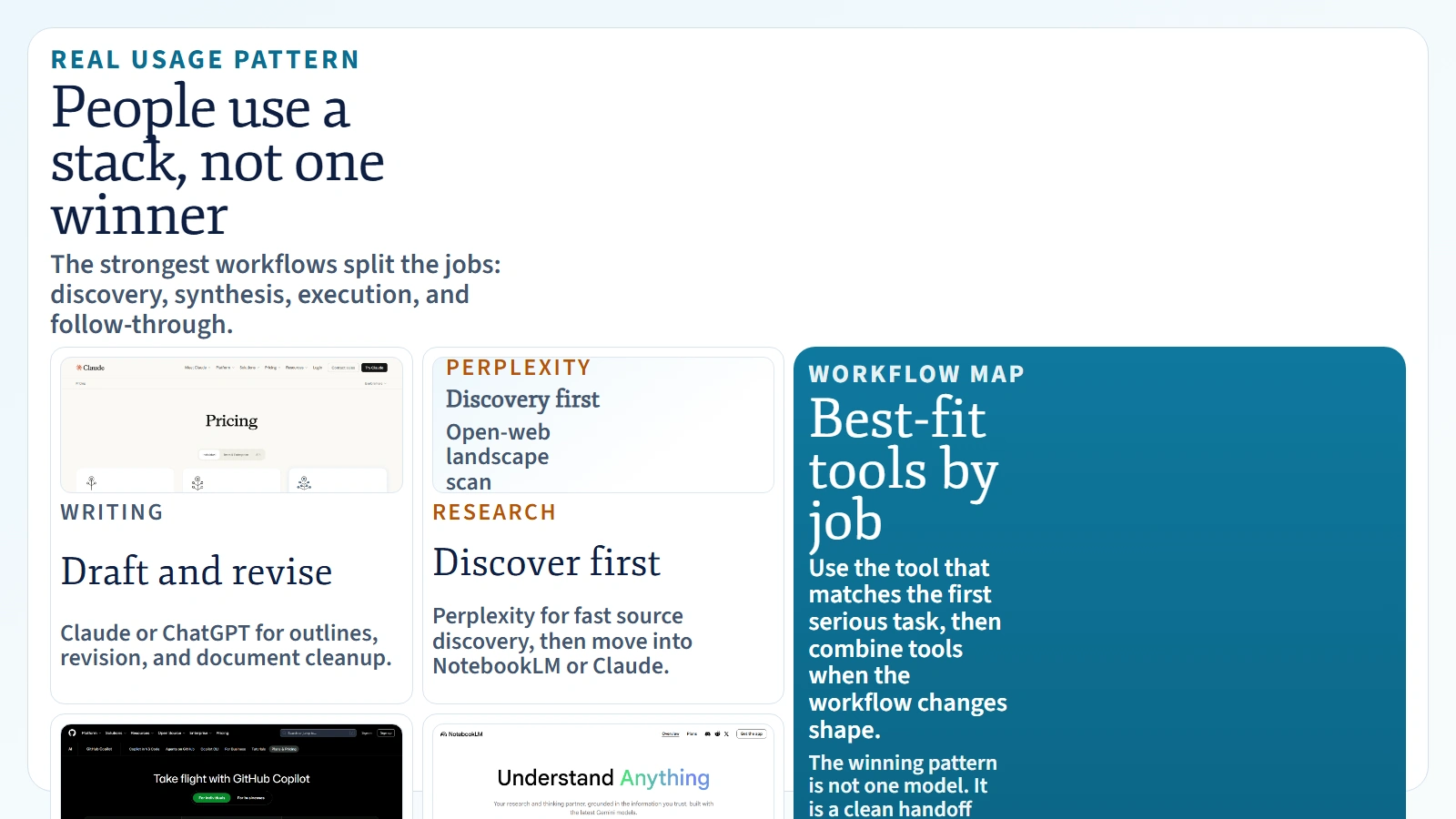 Caption: Most real-world AI workflows use a stack: one tool for discovery, one for synthesis, and one for execution.
This is one reason how a regular person can use AI is a better framing than “Which tool is smartest?” People get value from AI when the tool fits the job and the workflow includes review.
How to Choose the Right AI Tool for Your Workflow
If you are stuck between options, use this decision framework.
Choose based on your first serious job
| If your main job is… | Start with… | Why |
|---|---|---|
| General everyday help | ChatGPT Free | Broadest all-purpose starting point |
| Writing and editing | Claude Free | Strong free writing and document workflow |
| Source-backed research | Perplexity Standard | Fastest route to cited answers |
| Browser-grounded office help | Microsoft Copilot (free) | Good web-grounded assistance with low friction |
| Coding | GitHub Copilot Free | Purpose-built coding workflow |
Then filter with this checklist
- Budget: Do you need a real free tier for more than a week of testing?
- Privacy: Are you uploading sensitive files or work data?
- Workflow shape: Do you need search, documents, code, or analysis?
- Output format: Do you need prose, citations, charts, code, or slides?
- Usage volume: Will free-tier caps break the workflow after a few sessions?
If a tool is impressive but does not fit your real input and output shape, it is the wrong tool.
When to Stay Free and When to Pay
Stay on free plans when:
- you are learning the basics
- you are testing prompt patterns
- your work is light and occasional
- you are still figuring out which category of tool fits you
Upgrade when:
- you rely on the tool weekly, not occasionally
- file uploads and analysis become central
- you need stronger models or higher limits
- you need team admin, privacy, or organization controls
- free caps are shaping your work more than your work is shaping the tool
The wrong time to upgrade is when you are still confused about the workflow. The right time to upgrade is when the value path is already obvious and the limit is now the bottleneck.
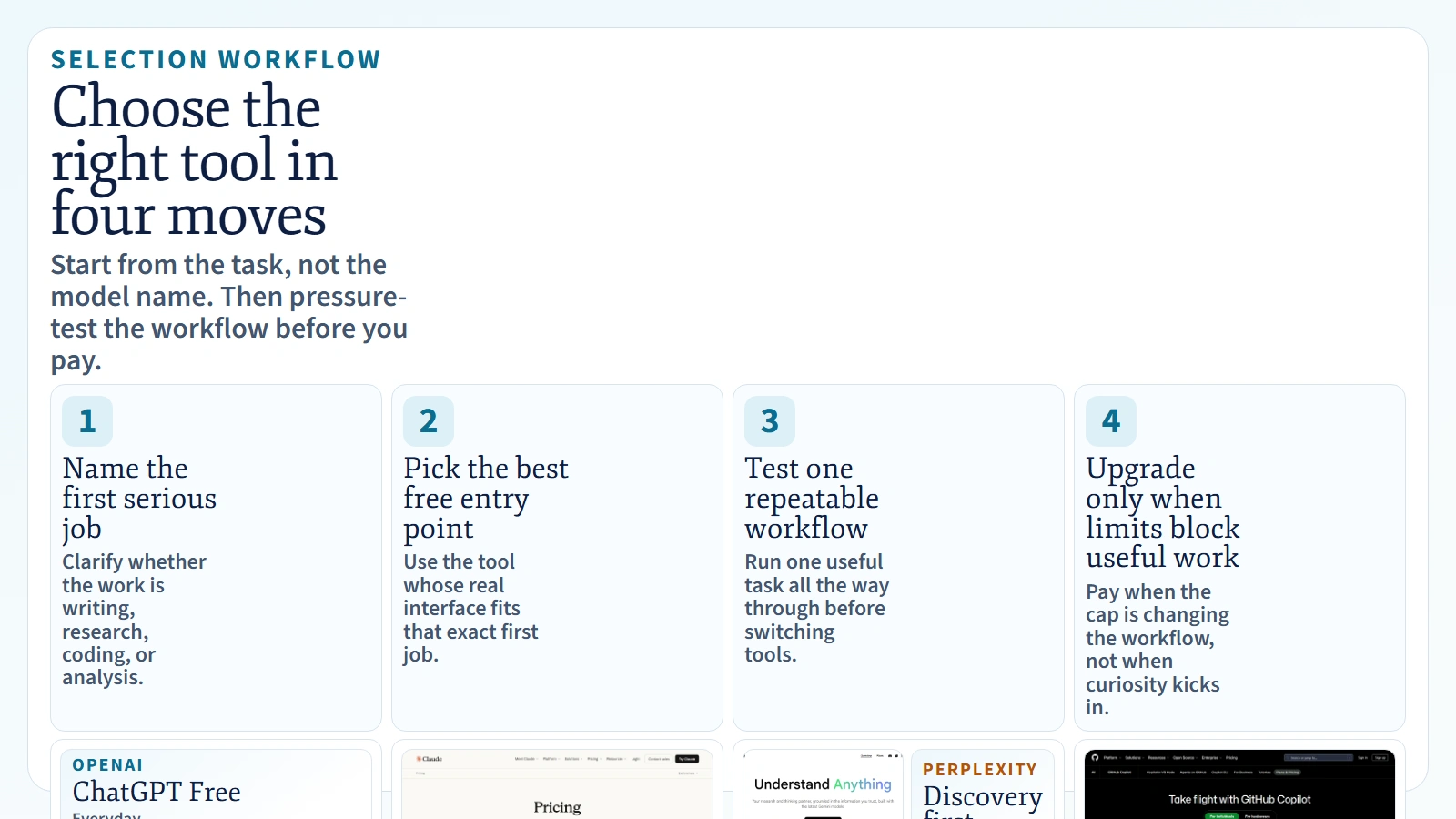 Caption: Choose by job, test one useful workflow, and upgrade only when the limit is clearly the bottleneck.
FAQ
Can you use AI for free in 2026?
Yes. As of April 19, 2026, major products including ChatGPT, Claude, Microsoft Copilot, Perplexity, and GitHub Copilot all offer some form of free access. The limits differ a lot, so “free” does not mean equally capable.
Which AI tool is 100% free?
Some tools have permanent free tiers, but most serious AI products limit advanced features, uploads, or usage on free plans. In practice, the better question is which tool is free enough for your current workflow.
Which AI tool is best for writing?
For most non-technical users, Claude and ChatGPT are the top writing picks. Claude often feels stronger for editing and document work. ChatGPT often feels more flexible for brainstorming and iteration.
Which AI tool is best for research?
Perplexity is one of the best first-stop research tools when you need fast, source-backed answers from the web. NotebookLM is one of the best tools when you want to work from your own sources. ChatGPT sits in the middle as a strong all-purpose research assistant.
Which AI tool is best for coding?
GitHub Copilot is still one of the strongest editor-native coding options. ChatGPT, Codex, and Claude Code become more useful when the job expands into repo understanding, workflow execution, and multi-step coding tasks.
Which AI tool is best for data analysis?
ChatGPT and Claude are two of the strongest general-purpose options for lightweight analysis and explanation. NotebookLM becomes more useful when analysis is really a document-synthesis job rather than a spreadsheet-only job.
Are free AI tools good enough for work?
They are good enough for learning, experimentation, and light workflows. They are often not enough for heavy professional use, especially when the job involves file uploads, advanced models, deep research, or large volumes.