
A marketing team can use AI to turn approved content into draft social posts or newsletter copy. This AI marketing workflow example shows how to compare the complete task before and after. It is a hypothetical exercise, and its sample numbers are not measured business results.
Correction, 15 October 2026: The earlier version presented a named team and precise savings, software costs and return on investment as a case study. We could not substantiate those claims, so we have withdrawn them. The example below uses explicitly hypothetical inputs and does not report a customer outcome. The existing URL remains to preserve links to this page.
The task: turn approved content into channel drafts
For example, imagine a small marketing team preparing a batch of ten short social posts from approved articles. The source material is already approved. Then the AI tool receives only the material the team is allowed to share.
First, a person checks each draft against the source. They correct facts, links, tone and any claim that changes meaning. Then the owner decides what to publish. The tool prepares drafts; it does not approve or publish them.
You can map this workflow before choosing software. Google Search Central asks publishers to check AI-assisted content for accuracy, quality and relevance. The NIST Generative AI Profile offers risk-management guidance for organizations. Neither source proves that this marketing workflow will save time.
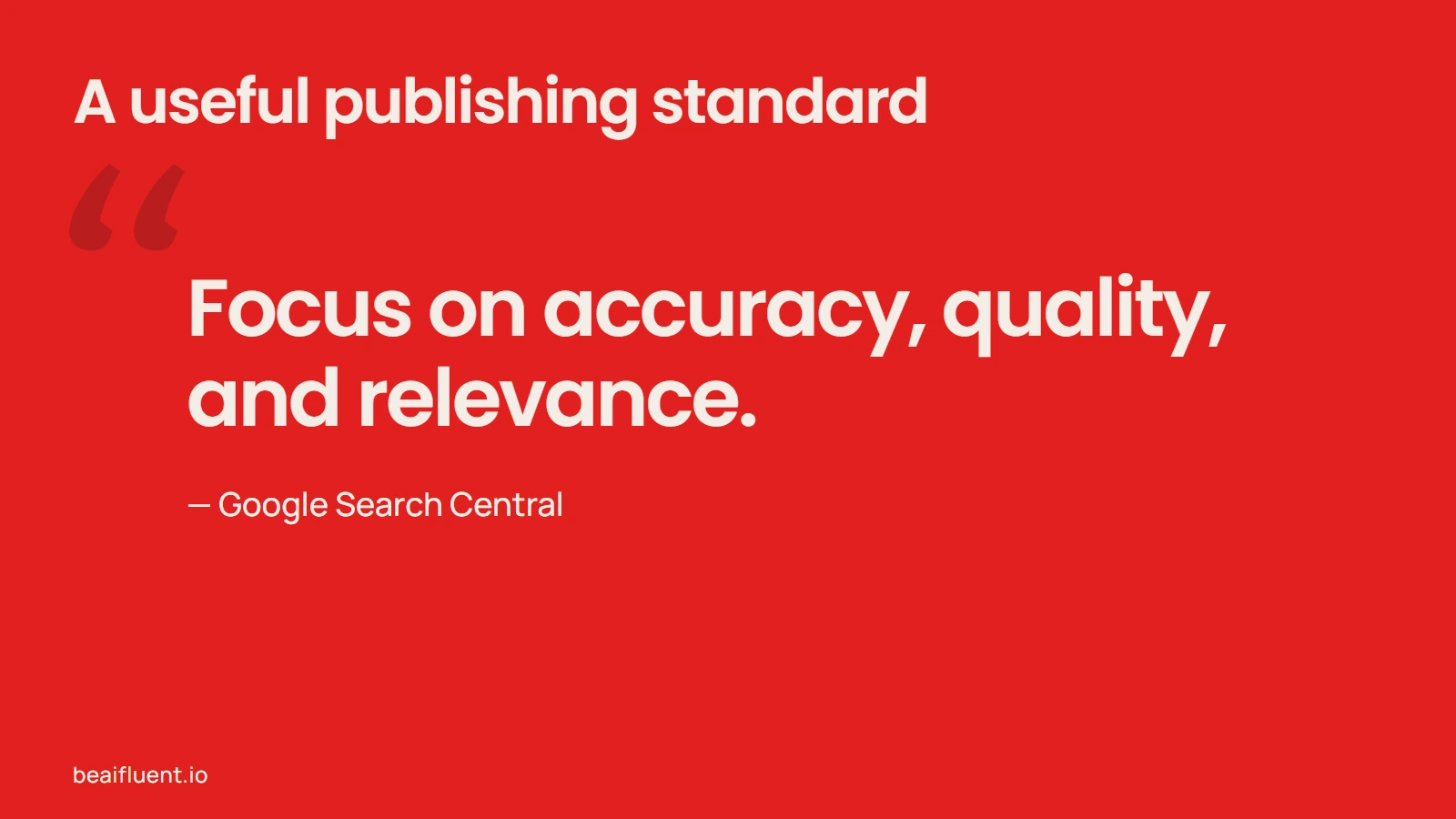
A useful standard for any AI-assisted publishing workflow.
Compare the complete task
The following figures are invented inputs for arithmetic practice. They do not describe a Be AI Fluent customer, a real team or a typical result.
Suppose a person completes those ten short social posts in ten minutes each, including their review and corrections. That is 100 minutes for the batch. By contrast, suppose an assisted process takes four minutes per first draft, three minutes of human review per item, and ten minutes for setup and extra corrections. Its total becomes 80 minutes.
Under those assumptions, the difference is 20 minutes. Still, it is only a possible difference in a hypothetical calculation. If the reviewed output is worse, if the task takes longer, or if the setup burden grows, the workflow has not produced the same result for less effort.
| Illustrative input | Manual process | AI-assisted process |
|---|---|---|
| First preparation or draft | 10 × 10 minutes = 100 minutes | 10 × 4 minutes = 40 minutes |
| Human review | Included in the assumed 10 minutes | 10 × 3 minutes = 30 minutes |
| Extra setup and corrections for this batch | None assumed beyond the ten minutes per item | 10 minutes |
| Example total | 100 minutes | 80 minutes |
Therefore, do not compare an AI first draft with a finished, reviewed manual deliverable. Compare the full task on both sides, including corrections and handoffs.
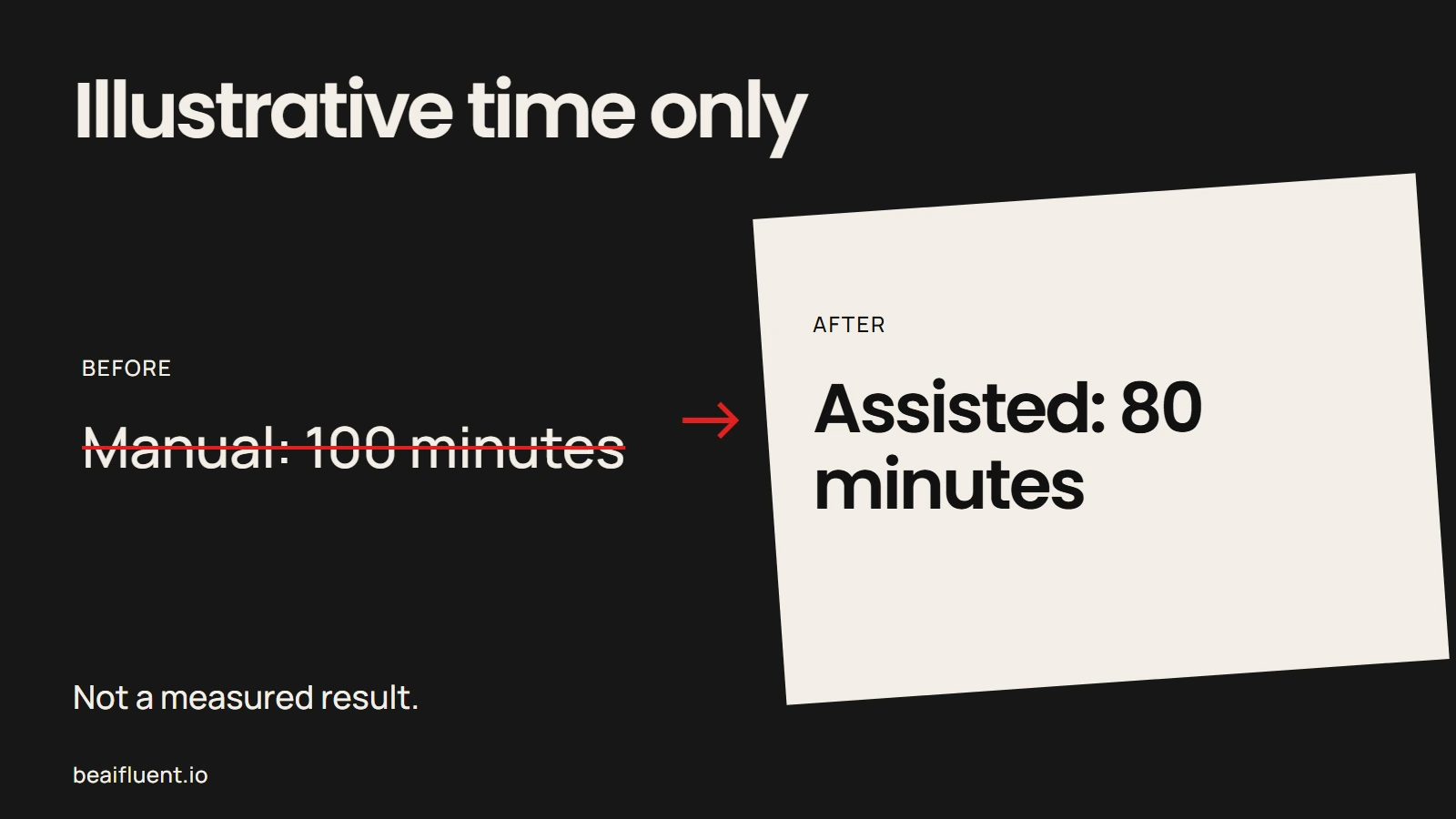
The difference is arithmetic from illustrative inputs, not a measured result.
Count the work that is easy to miss
For the manual process, record preparation, drafting, checking, corrections and handoffs. Similarly, for the assisted version, include the time needed to prepare instructions, supply context, review each answer, fix errors, manage exceptions and maintain the workflow.
Then compare similar tasks. In addition, use the same kind of source material and the same quality bar. If the assisted process needs more editing, count that time. If a person has to reopen the source to confirm every sentence, include that work too.
The total is more useful than a timer on the model’s first response. It tells you whether the process improved, stayed the same or became harder to manage.
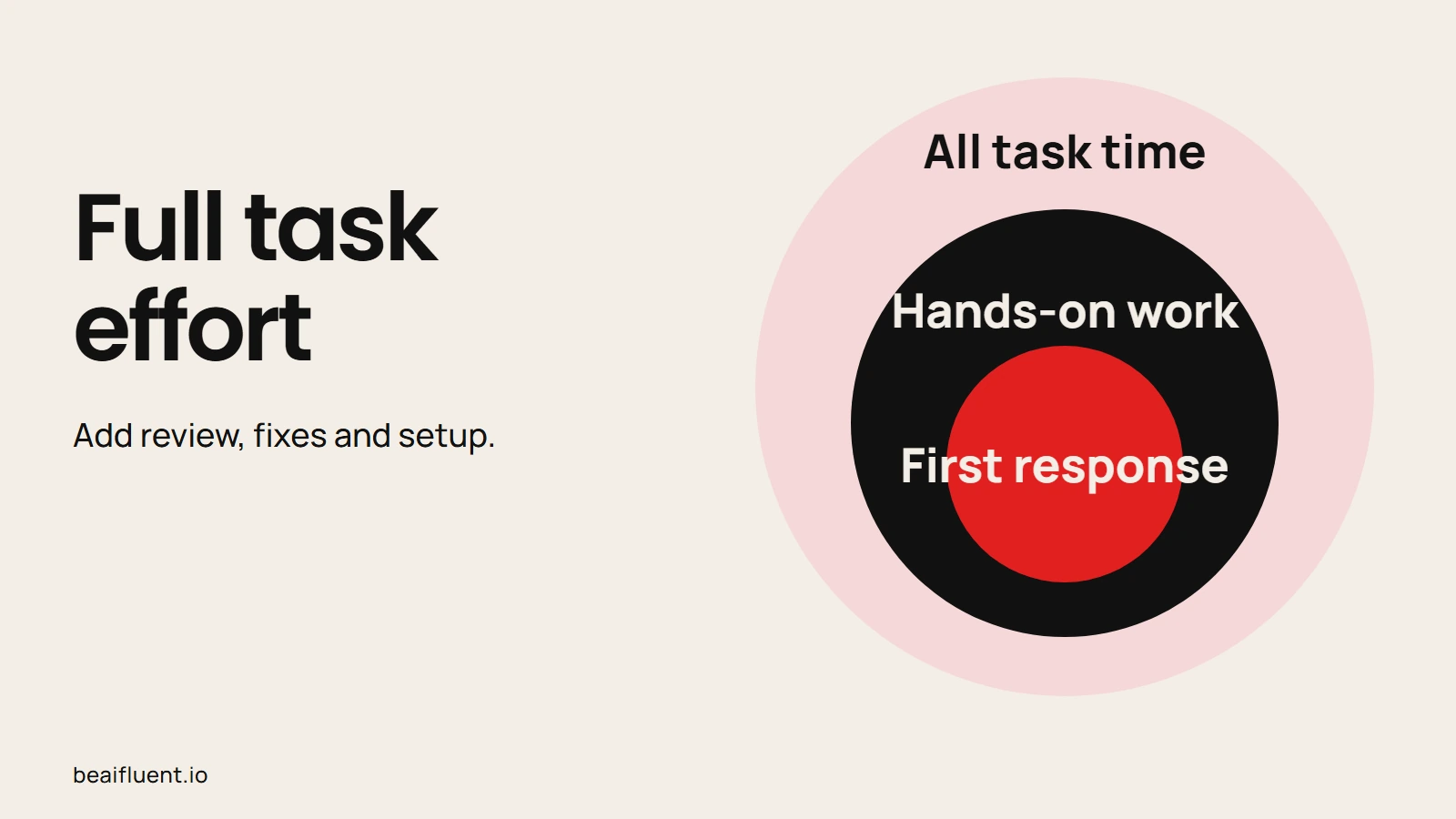
The first response is only one part of total effort.
Run a small, fair test
- Choose one repeated task. Pick work with clear inputs and an output a person can review.
- Record the current process. Note preparation, production, review, corrections and handoffs.
- Use the same quality bar. Define what a finished result must contain before trying a new tool.
- Track the assisted process. Count AI setup, draft time, review, corrections, exceptions and maintenance.
- Compare like with like. Check output quality and total effort for similar work.
- Keep, change or stop. If review effort rises or quality falls, revise the workflow or return to the current process.
Finally, keep the test small enough that a person can check every output. Use approved sample information first. Do not send customer records, confidential plans or personal data to a tool until the business has checked the provider, account settings and data rules.
The Be AI Fluent guide to working with research, notes and meetings shows how to organize an information task before deciding where AI fits. For other business tasks, browse the business automation guide and choose an example that matches the work your team already understands.
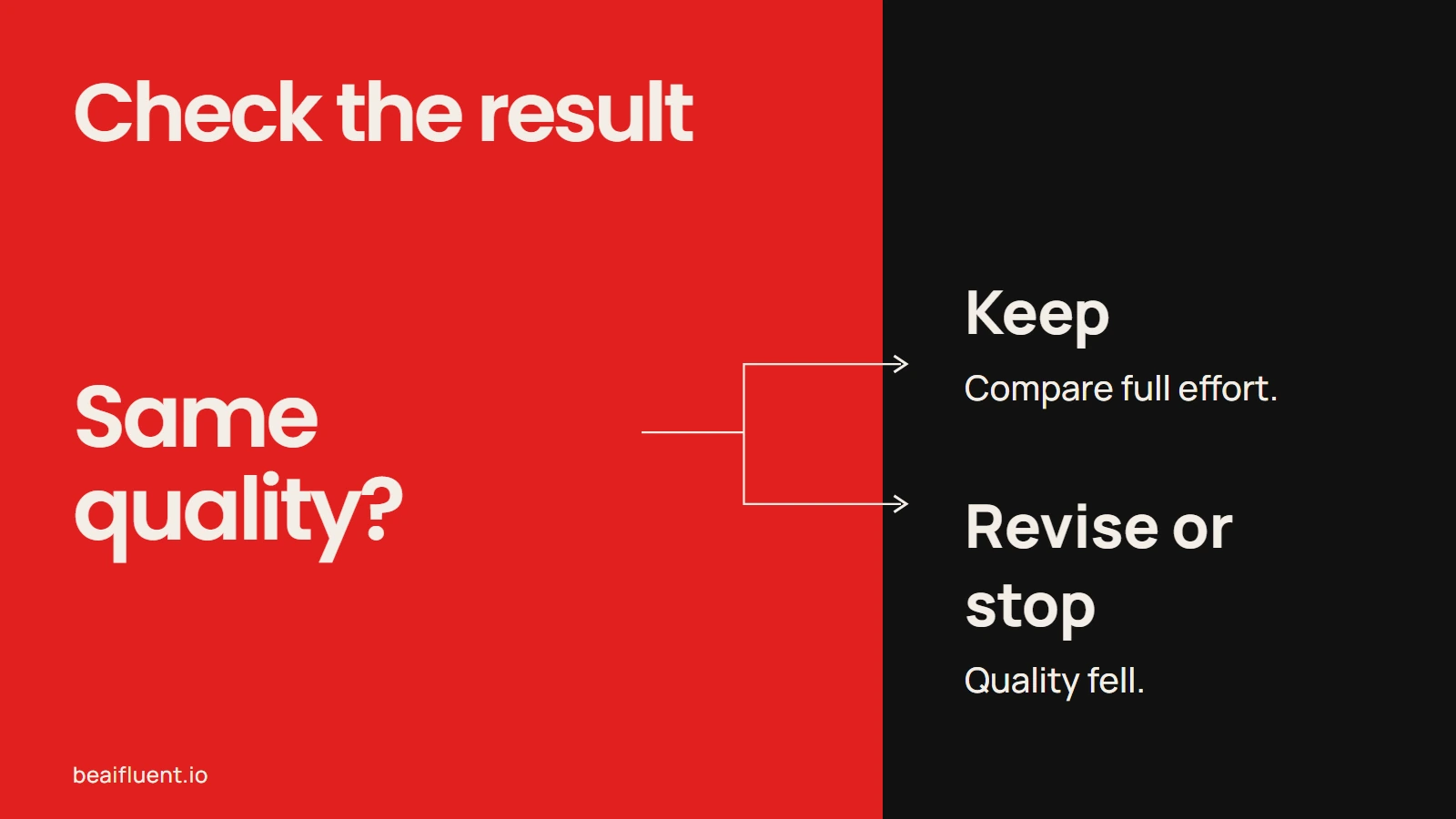
Quality remains part of the test.
Estimate value only after the test
Time alone does not establish financial value. If the task passes its quality checks, estimate the value of the net time difference using your own labor cost. Include preparation, review and corrections in that time comparison. Then account for software fees, initial setup, training and ongoing support without counting the same labor twice.
Keep the result labeled as an estimate. It is not revenue, profit or a guaranteed return. A workflow may still be worthwhile if it reduces delays or makes work easier to check, but record those benefits separately from hours saved.
Frequently asked questions
Is this a real marketing case study?
No. The scenario and figures are explicitly hypothetical. Be AI Fluent has not verified these results with a customer or business team.
Does this example prove that AI saves 20 minutes?
No. The 20-minute difference follows only from the sample inputs shown above. Your result may be smaller, larger or negative.
What should a business measure?
Measure the complete task: preparation, drafting, human review, corrections, exceptions and handoffs. Also check whether the final output meets the same quality bar.
Should a workflow publish content automatically?
Not by default. Keep a person responsible for checking facts, links, tone, permissions and final approval. Automate a handoff only after the team understands what happens when information is missing or wrong.