
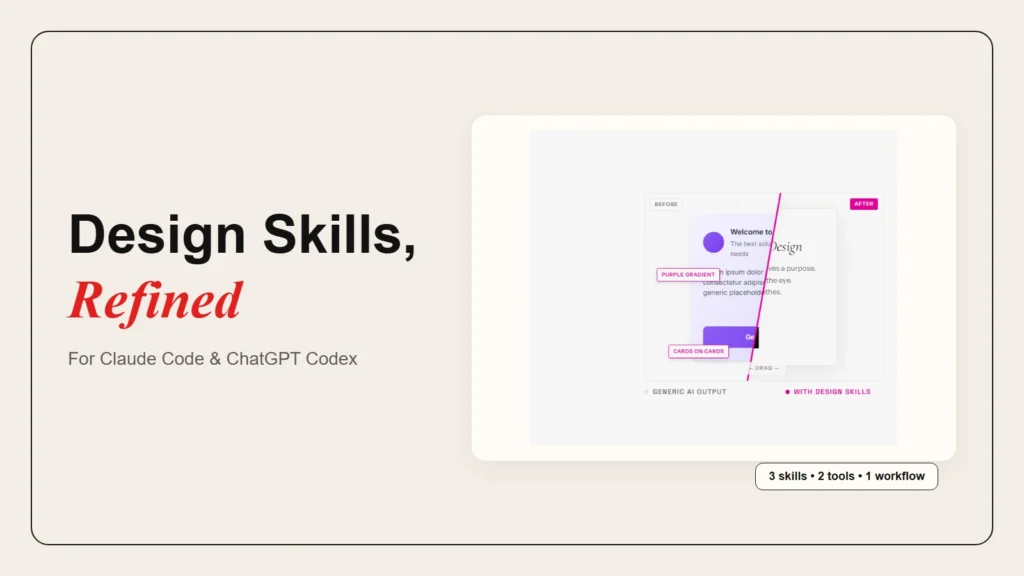
AI coding agents like Claude Code and ChatGPT Codex can generate working code in seconds. However, the interfaces they build often share the same tired look. You have probably seen the pattern before: Inter font, a soft purple gradient, cards stacked inside cards, and generic button labels that say “Get Started.”
This happens because coding agents optimize for speed and correctness, not visual identity. Without guidance, they reach for the same safe defaults they learned from popular templates. The result is technically sound but visually interchangeable with every other AI-generated interface on the web.
The good news is that you can fix this with design skills for Claude Code and ChatGPT Codex. These are custom instruction sets that teach the agent to think like a designer before it writes code. In this guide, you will learn which skills matter most, how they work on each tool, and how to start using them today.
What Are Design Skills for AI Coding Agents?
Design skills are persistent instruction files that shape how an AI coding agent approaches user interface work. They are not one-off prompts. Instead, they live inside your project and load automatically whenever the agent touches frontend code.
A standard prompt tells the agent what to build. A design skill tells the agent how to think about spacing, typography, color, and motion while it builds. For example, a design skill might instruct the agent to avoid overused fonts, commit to a specific palette before writing CSS, or plan the layout on paper before generating components.
The Agent Skills specification is an open standard. According to documentation from Firecrawl, the same skill format works across Claude Code, OpenAI Codex CLI, Cursor, Gemini CLI, and GitHub Copilot. That means a design skill you write for one tool can often work on another without modification.
Standard Prompt vs. Design Skill
| Feature | Standard Prompt | Design Skill |
|---|---|---|
| Lifespan | One conversation | Persistent across sessions |
| Scope | Single task | Every UI task in the project |
| Content | What to build | How to design before building |
| Setup | Type and send | Install once, runs automatically |
Because design skills persist, they save you from repeating the same visual rules every time you start a new feature. They also reduce the back-and-forth fixes that eat up time after the first draft.
Why Default AI Design Output Looks Generic
Most AI coding agents were trained on the same large body of web code. That code includes a lot of Bootstrap, Tailwind defaults, and startup landing pages. As a result, the agents internalized a narrow visual vocabulary.
Paul Bakaus, the creator of the Impeccable design skill, calls this “AI slop.” It shows up as predictable anti-patterns: purple gradients on white backgrounds, Inter or Roboto as the default font, gray text placed on colored cards, and nested card layouts that add visual weight without adding information. Moreover, the Snyk blog notes that Anthropic’s official frontend-design skill was built specifically to combat these repetitive patterns.
However, the problem is not that the agent is lazy. Instead, the agent simply has no taste encoded in its context. A design skill fixes this by giving the agent a curated set of constraints, references, and quality checks to follow.
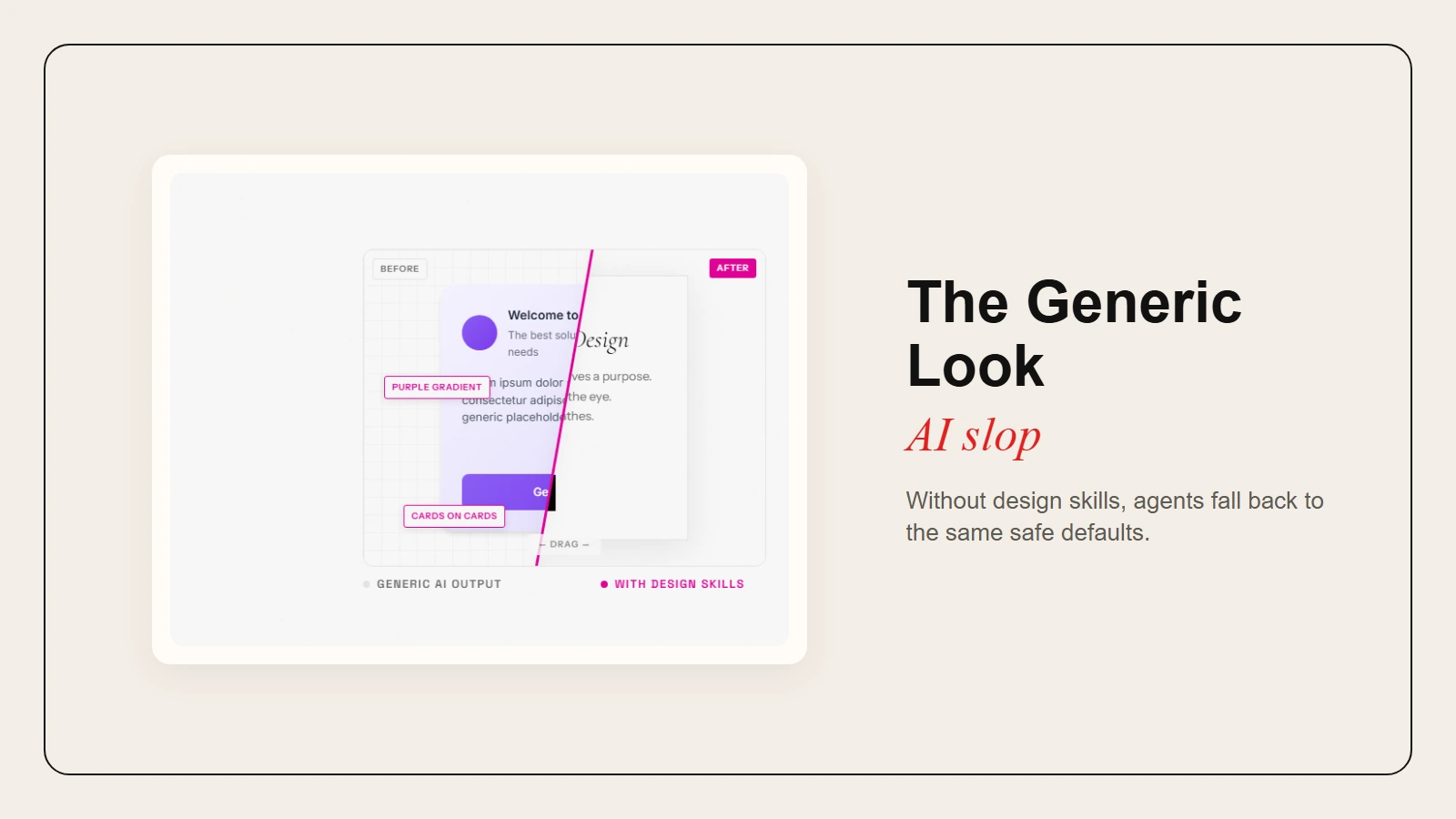 Caption: Without design skills, agents fall back to the same safe defaults.
Top Design Skills for Claude Code and ChatGPT Codex
The following three skills are the most effective starting points for improving design output. They are listed in order of impact, from broad design vocabulary to pre-coding planning.
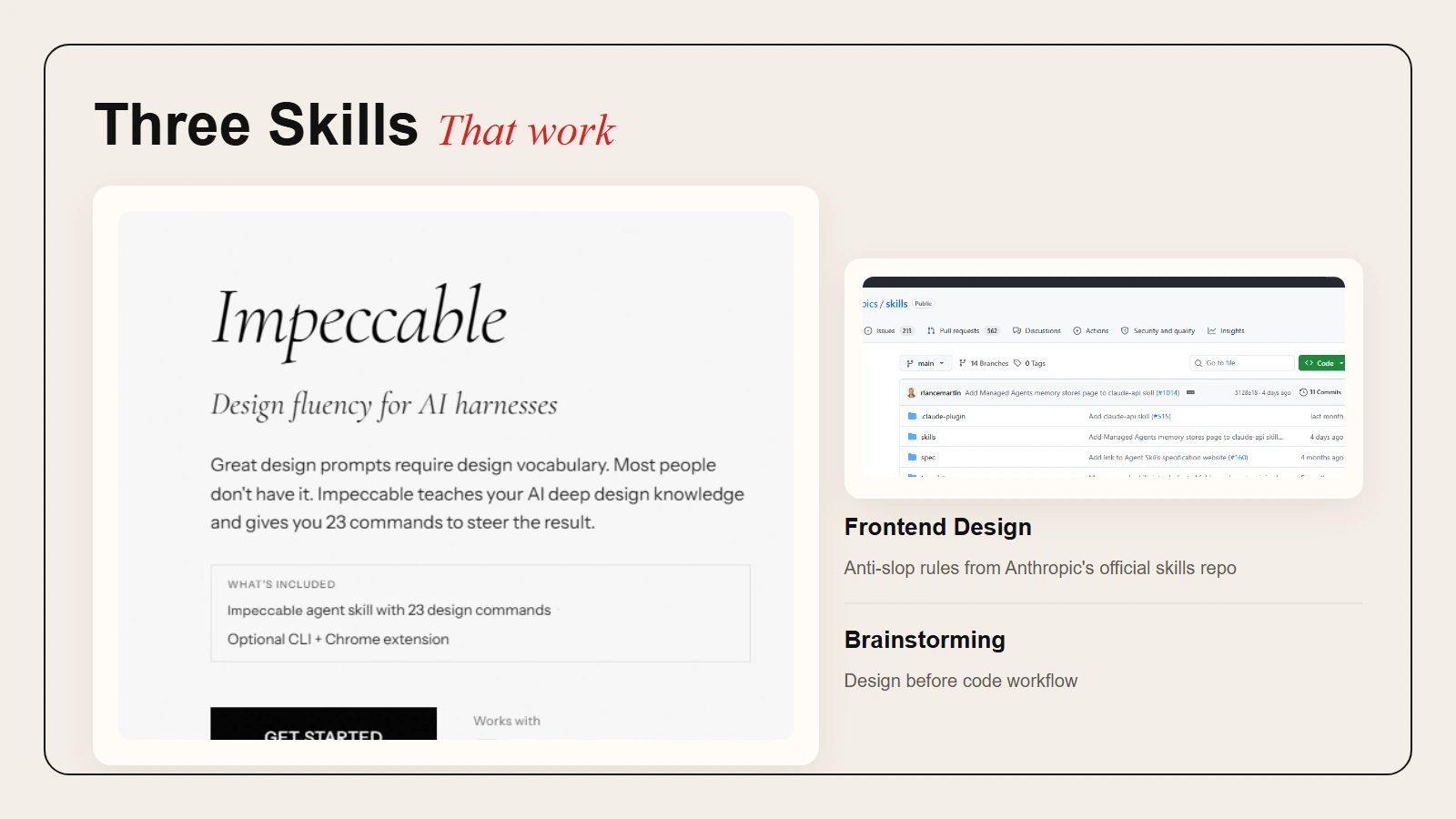 Caption: Impeccable, Frontend Design, and a design-first workflow cover vocabulary, taste, and planning.
1. Impeccable
Impeccable is a cross-provider design skill created by Paul Bakaus. It builds on Anthropic’s original frontend-design foundation and adds eighteen steering commands that give you precise control over the result. Consequently, the skill works with Claude Code, Cursor, Gemini CLI, and Codex CLI.
The core idea is simple: instead of describing what looks wrong in vague terms, you use a command like /typeset, /colorize, or /layout to request a specific design discipline. As a result, each command encodes expert knowledge so the agent knows exactly what to adjust.
Here are the most useful steering commands for everyday UI work. Specifically:
/shape— Plans the UX and UI before any code is written. It runs a short discovery interview and produces a structured design brief./typeset— Fixes typography, including font selection, hierarchy, and weight consistency. It explicitly avoids overused fonts like Inter and Roboto./colorize— Adds strategic color using the OKLCH model instead of default Tailwind palettes./layout— Adjusts spacing, grid choices, and visual rhythm to break away from card-stack monotony./animate— Adds purposeful motion with specific easing curves and timing recommendations./critique— Runs a full UX review using Nielsen’s heuristics and produces a scored report with severity ratings./polish— Performs a final quality pass covering alignment, contrast, interaction states, and edge cases.
Additionally, Impeccable includes a CLI tool that can scan any file, directory, or live URL for anti-patterns. Therefore, it is useful for catching AI slop in code the agent already wrote.
Key takeaway: Impeccable turns design feedback from vague complaints into precise, repeatable commands.
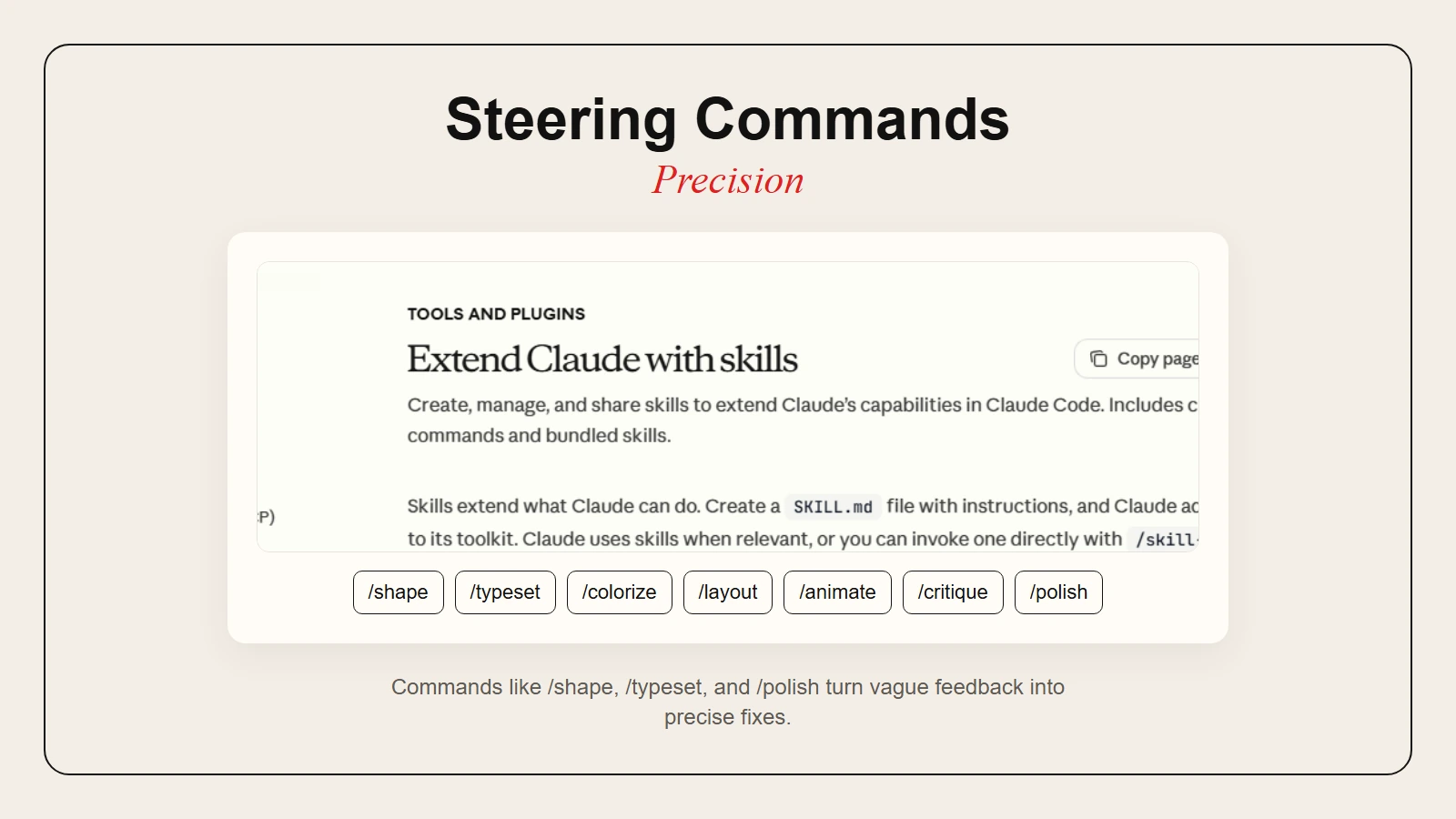 Caption: Commands like /shape, /typeset, and /polish turn vague feedback into precise fixes.
2. Frontend Design (Anthropic Official)
Anthropic maintains an official frontend-design skill in its public skills repository. Notably, it is one of the most widely adopted design skills, with over 110,000 weekly installs across Claude Code, Codex, and Gemini CLI according to Firecrawl.
The skill pushes Claude to make deliberate aesthetic choices before generating code. Specifically, it forces the agent to think through four dimensions:
- Purpose — Who uses this interface and why?
- Tone — What is the specific visual direction?
- Constraints — Which framework, performance budget, and accessibility rules apply?
- Differentiation — What makes this interface memorable instead of generic?
The skill includes explicit bans on overused fonts and colors. Furthermore, it encourages distinctive typography pairings, asymmetrical layouts, and high-impact motion design. Because it is an Encoded Preference skill rather than a Capability Uplift, it does not add new abilities to the agent. Instead, it replaces the agent’s generic defaults with intentional design rules.
Therefore, this skill is especially effective for creative projects like landing pages, marketing sites, and portfolio pieces where visual identity matters more than strict consistency.
3. Brainstorming and Design-First Workflow
The third essential skill is not a single file. Instead, it is a workflow habit: force the agent to plan the design before it writes any code. Fortunately, the Brainstorming skill by Scott Delamater, shared on GitHub Gist, encodes this habit into a structured process.
When activated, the skill requires the agent to complete the following steps:
- Explore the current project context.
- Ask clarifying questions one at a time.
- Propose two to three approaches with trade-offs.
- Present a design and get your approval.
- Write the design doc to the repository.
- Only then transition to implementation.
This matters because the cheapest place to fix a design mistake is before the code exists. In contrast, once HTML and CSS are generated, refactoring visual hierarchy becomes more expensive than planning it upfront.
Similarly, Anthropic’s frontend-design skill encodes this principle by requiring the agent to think through purpose, tone, constraints, and differentiation before coding. Meanwhile, the Superpowers skill collection includes a /brainstorm command that follows a similar path. Whether you use a dedicated skill or a custom prompt, the rule is the same: design first, code second.
Warning: In fact, skipping the design phase is the most common reason AI-generated interfaces feel rushed. Consequently, even a five-minute design brief prevents hours of layout fixes later.
How to Set Up Design Skills on Each Tool
Setting up design skills differs slightly between Claude Code and ChatGPT Codex. However, because both tools support the open Agent Skills standard, the underlying files are often identical. The setup process follows the same three steps on both platforms:
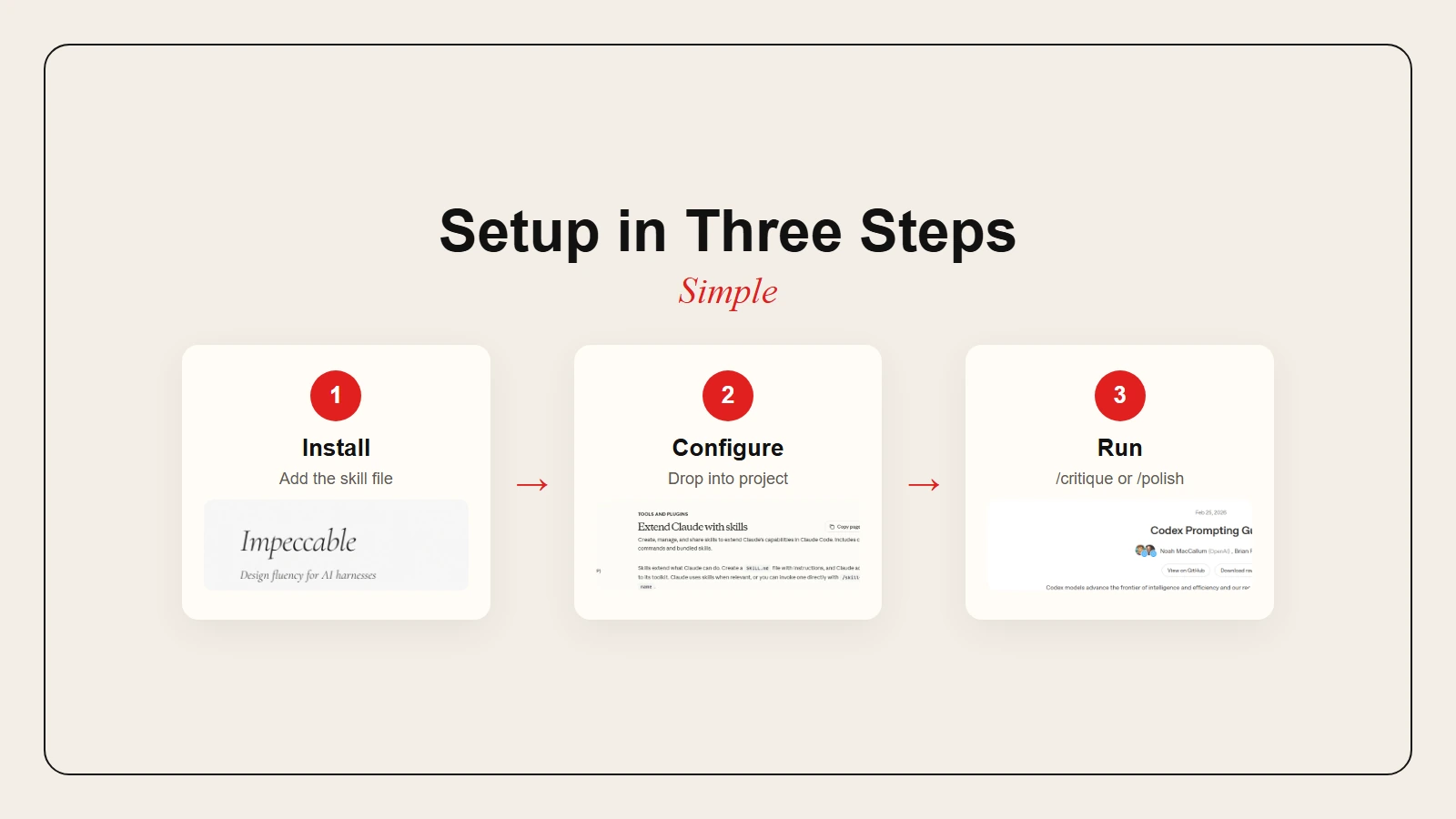 Caption: Install the skill, add it to your project, then run a design check.
Claude Code Setup
Claude Code discovers skills from two locations. Specifically:
- Global skills:
~/.claude/skills/— available across all projects - Project skills:
.claude/skills/inside your repository — shared with anyone who clones the project
To install a community skill like Impeccable, simply run:
npx skills add pbakaus/impeccable
Alternatively, download the SKILL.md file and place it inside .claude/skills/impeccable/. After that, restart Claude Code, and the skill will load automatically when you work on UI tasks.
For project-specific rules, create a .claude/SKILL.md or CLAUDE.md file in your repository root. Then include your design constraints, token usage, and component naming conventions. As a result, Claude reads this file at startup and applies it to every session.
ChatGPT Codex Setup
ChatGPT Codex uses AGENTS.md files for custom instructions. According to OpenAI’s Codex prompting guide, the CLI auto-discovers these files from ~/.codex and from each directory between the repository root and your current working directory. Specifically:
Files are merged in order, with later directories overriding earlier ones. Consequently, each file appears to the model as a user-role message prefixed with its directory path, so the context is always clear.
To add design instructions, follow these steps:
- Create an
AGENTS.mdfile in your repository root. - Write your design rules in plain markdown.
- Start a new Codex session inside the repository.
Additionally, the cloud version of ChatGPT Codex at chatgpt.com/codex reads AGENTS.md from connected GitHub repositories. Therefore, place your design instructions in the repo, and Codex will follow them during autonomous tasks.
Moreover, if you are using the Codex CLI, you can also override system instructions with:
codex --config experimental_instructions_file=path/to/instructions.md
Cross-Platform Tip
Because both Claude Code and Codex CLI support the same SKILL.md format, you can often use a single design instruction file across both tools. For instance, store it in a shared location and symlink it into .claude/skills/ and your AGENTS.md path. As a result, your design rules stay consistent no matter which agent you use.
Before and After: What Better Design Output Looks Like
To see the difference a design skill makes, consider a simple request. For example, imagine asking the agent to “build a landing page for a productivity app.”
Without a design skill, the agent might return a generic layout. For instance, the hero section uses Inter font and a purple-to-blue gradient. Meanwhile, three feature cards sit below, each with a light gray background and a rounded icon. Finally, the call-to-action button says “Get Started” in bold white text. Nothing is broken, yet nothing is memorable either.
With the Frontend Design skill active, the same request produces a different result. First, the agent asks about the target audience and the desired tone. Then it chooses a distinctive font pairing, commits to a cohesive palette using CSS variables, and plans one high-impact motion moment for the page load. As a result, the layout uses asymmetry and generous whitespace instead of equal-width cards. Moreover, the CTA uses specific copy that matches the user’s motivation.
With Impeccable loaded, you can refine the result further. For example, run /critique to get a scored UX review. Next, run /typeset to fix font hierarchy. Finally, run /polish to catch alignment issues and missing interaction states. The final output feels intentional, not accidental.
This transformation is possible because the skills encode design judgment that the agent does not have by default. Although the agent still writes the code, the skill simply tells it what good design looks like.
For a broader workflow that connects design skills to a full production pipeline, see our guide on how to build AI websites that look custom, not AI-generated.
Quick-Start Checklist
Ready to try design skills on your next project? Then use this checklist to get started without getting overwhelmed.
- [ ] Pick your primary tool: Claude Code, ChatGPT Codex, or both.
- [ ] Install one design skill. Start with Impeccable or Anthropic’s frontend-design.
- [ ] Add a design-first rule. Force the agent to present a brief before coding.
- [ ] Test with a small UI request. A hero section or a login form is enough.
- [ ] Run a critique command if available. Note what the agent flags.
- [ ] Iterate the skill instructions based on gaps. Add your brand fonts, colors, or spacing rules.
- [ ] Commit the skill file to your repo so your team gets the same behavior.
- [ ] Review the output for accessibility basics. Check contrast ratios and semantic HTML.
Frequently Asked Questions
Do design skills work for mobile apps, or just websites?
They work for any user interface. In fact, the principles of spacing, typography, and hierarchy apply everywhere. However, you just need to add platform-specific constraints, such as native component names or safe-area rules, to the skill instructions.
Can non-designers write their own design skills?
Yes. In fact, a basic skill can be as simple as a markdown file with five rules: use these two fonts, limit the palette to three colors, avoid nested cards, ensure 4.5:1 contrast ratios, and add focus states to every interactive element. Afterwards, you can expand the file over time as you notice patterns you want to enforce.
Will design skills slow down the coding agent?
They add a short planning step at the beginning. However, that planning usually saves time overall by reducing the number of redesign cycles. Consequently, it is faster to approve a brief than to refactor a full page of HTML and CSS.
Are these skills free?
Most community design skills are free and open source. Although Claude Code and ChatGPT Codex may require paid plans depending on your usage tier and feature access, the skill files themselves do not cost extra.
Can I use the same skill on multiple AI coding agents?
Yes. The Agent Skills specification is adopted by Claude Code, Codex CLI, Cursor, Gemini CLI, and GitHub Copilot. A SKILL.md file written for one tool often works on the others with no changes.
Conclusion
Claude Code and ChatGPT Codex are powerful coding partners, but speed is not the same as quality. Without design guidance, both tools will eventually produce the same generic interfaces you have already seen a hundred times.
The top design skills for Claude Code and ChatGPT Codex solve this by encoding design judgment into the agent’s context. Impeccable gives you a vocabulary of precise steering commands. Anthropic’s frontend-design skill forces deliberate aesthetic choices. And a design-first workflow ensures the planning happens before the code.
Therefore, start with one skill, test it on a small project, and iterate. Better design output is not about giving the agent more instructions. Instead, it is about giving it the right ones.
If you are building a full application, you can connect these design skills to a broader workflow using our guide on how to vibe code an app from idea to deployment.
Sources
- Bakaus, Paul. Impeccable Design Skill. impeccable.style. Accessed April 2026. https://impeccable.style/
- Bakaus, Paul. “pbakaus/impeccable.” GitHub repository. Accessed April 2026. https://github.com/pbakaus/impeccable
- Anthropic. “Extend Claude with skills.” Claude Code Documentation. Accessed April 2026. https://code.claude.com/docs/en/skills
- Anthropic. “anthropics/skills.” GitHub repository. Accessed April 2026. https://github.com/anthropics/skills
- Firecrawl. “Best Claude Code Skills to Try in 2026.” Firecrawl Blog, March 2026. https://www.firecrawl.dev/blog/best-claude-code-skills
- Snyk. “Top 8 Claude Skills for UI/UX Engineers.” Snyk Blog, March 2026. https://snyk.io/articles/top-claude-skills-ui-ux-engineers/
- Delamater, Scott. “Brainstorming Skill for Claude Code.” GitHub Gist, March 2026. https://gist.github.com/scottd3v/1880ed0e96d5d7c6b1981fa3cb5767ef
- OpenAI. “Codex Prompting Guide.” OpenAI Developers Cookbook. Accessed April 2026. https://developers.openai.com/cookbook/examples/gpt-5/codex_prompting_guide
- OpenAI. “Pro Tip: Use a custom system prompt with codex.” GitHub Discussion, November 2025. https://github.com/openai/codex/discussions/7296