
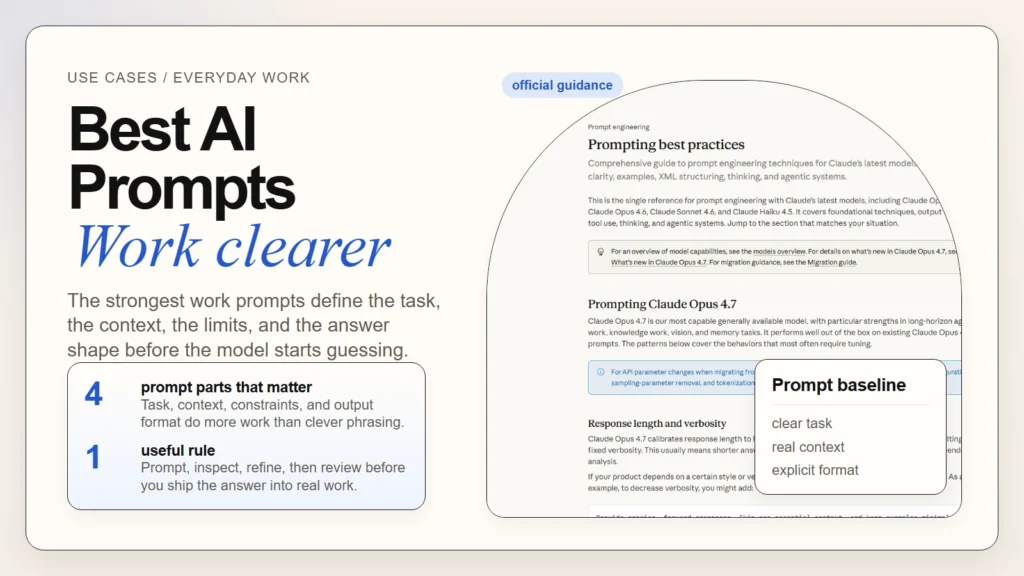
If you want better AI results at work, the answer is usually not a secret prompt. The best AI prompts for everyday work are clear requests that define the task, the context, the constraints, and the output shape. That basic pattern aligns with current official guidance from OpenAI, Anthropic, and Google: be explicit, give helpful context, and iterate instead of expecting one perfect one-shot answer.
This matters because most prompt problems are really instruction problems. People ask the model to “make this better,” “summarize this,” or “help me plan” without telling it who the work is for, what matters most, or how the answer should be returned. If you already understand the basics of using AI but your outputs still feel vague or inconsistent, this article gives you a more repeatable way to prompt for everyday work.
If you are still in the earliest stage, How to Start Using AI as a Complete Beginner is the better first read. This guide assumes you are ready to move from random prompting to a simple system you can reuse.
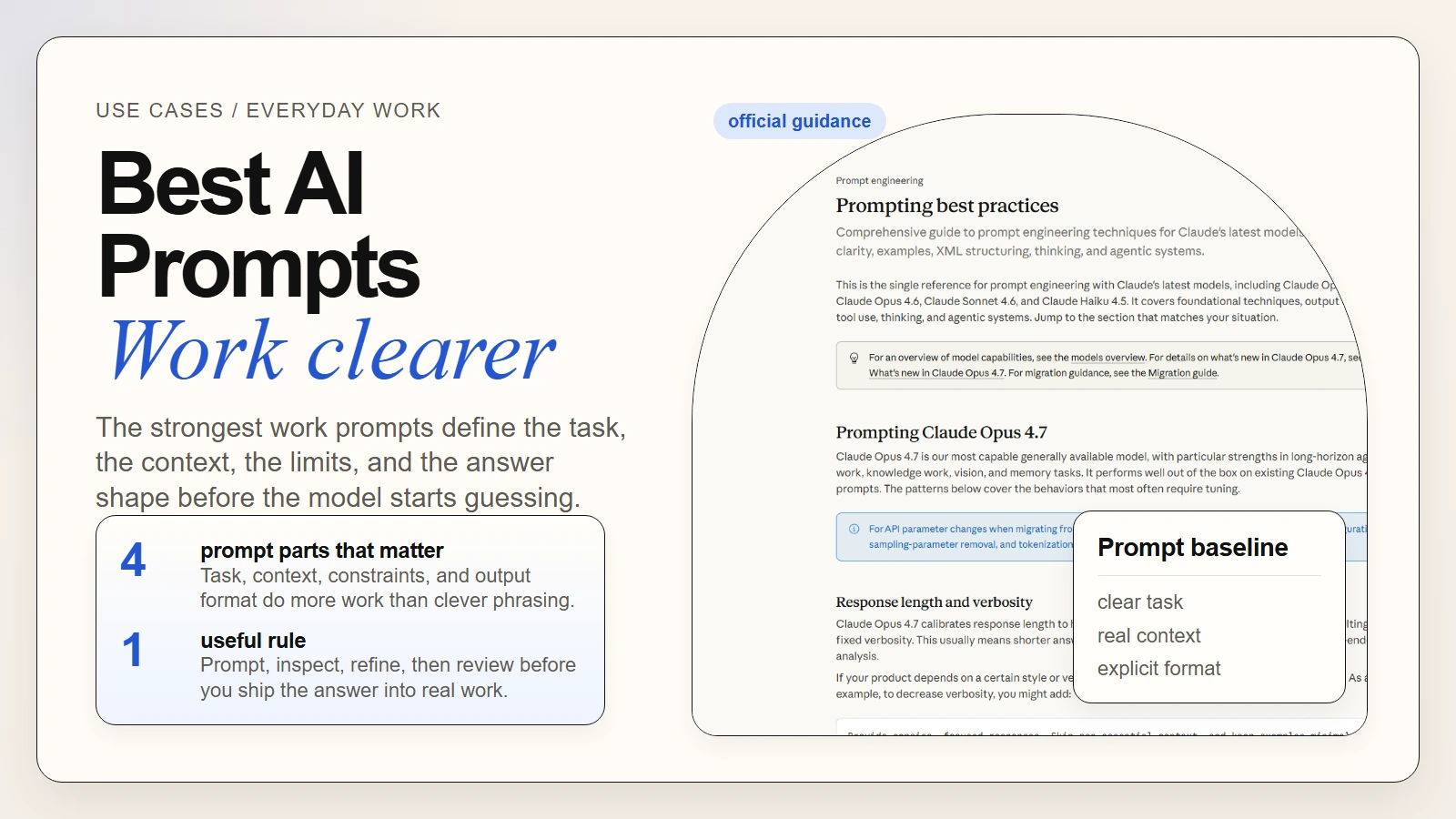 Caption: The strongest work prompts are clear, structured, and easy to refine.
Key Takeaways
- Better prompts usually come from better structure, not more dramatic wording.
- The most reliable baseline is
task + context + constraints + output format. - Everyday work prompts improve when you define the audience, goal, and success criteria up front.
- A weak first result is normal. Prompting is iterative, not magical.
- Reusable prompt templates help most when they are short, editable, and tied to real tasks.
- You still need a human review step for facts, tone, and judgment.
Table of Contents
- What makes an AI prompt useful at work
- A simple prompt formula you can reuse
- Prompt templates for everyday work
- Weak prompts vs strong prompts
- How to iterate when the first answer misses
- Common prompt mistakes beginners make
- A practical prompt checklist before you hit enter
- FAQ
What Makes an AI Prompt Useful at Work
The best workplace prompts do not try to sound technical. They reduce ambiguity. OpenAI’s April 10, 2026 Academy guide says to outline the task, give helpful context, and describe your ideal output (OpenAI). Anthropic’s current prompting guidance says to be clear and direct, use examples when needed, and give Claude a role when that helps focus the response (Anthropic). Google’s Gemini prompting guide makes the same basic case: provide clear and specific instructions, and refine based on results (Google).
That means a useful prompt usually answers a few practical questions before the model starts writing:
- What exact job should the model do?
- What background does it need to know?
- What constraints should it respect?
- What should the final answer look like?
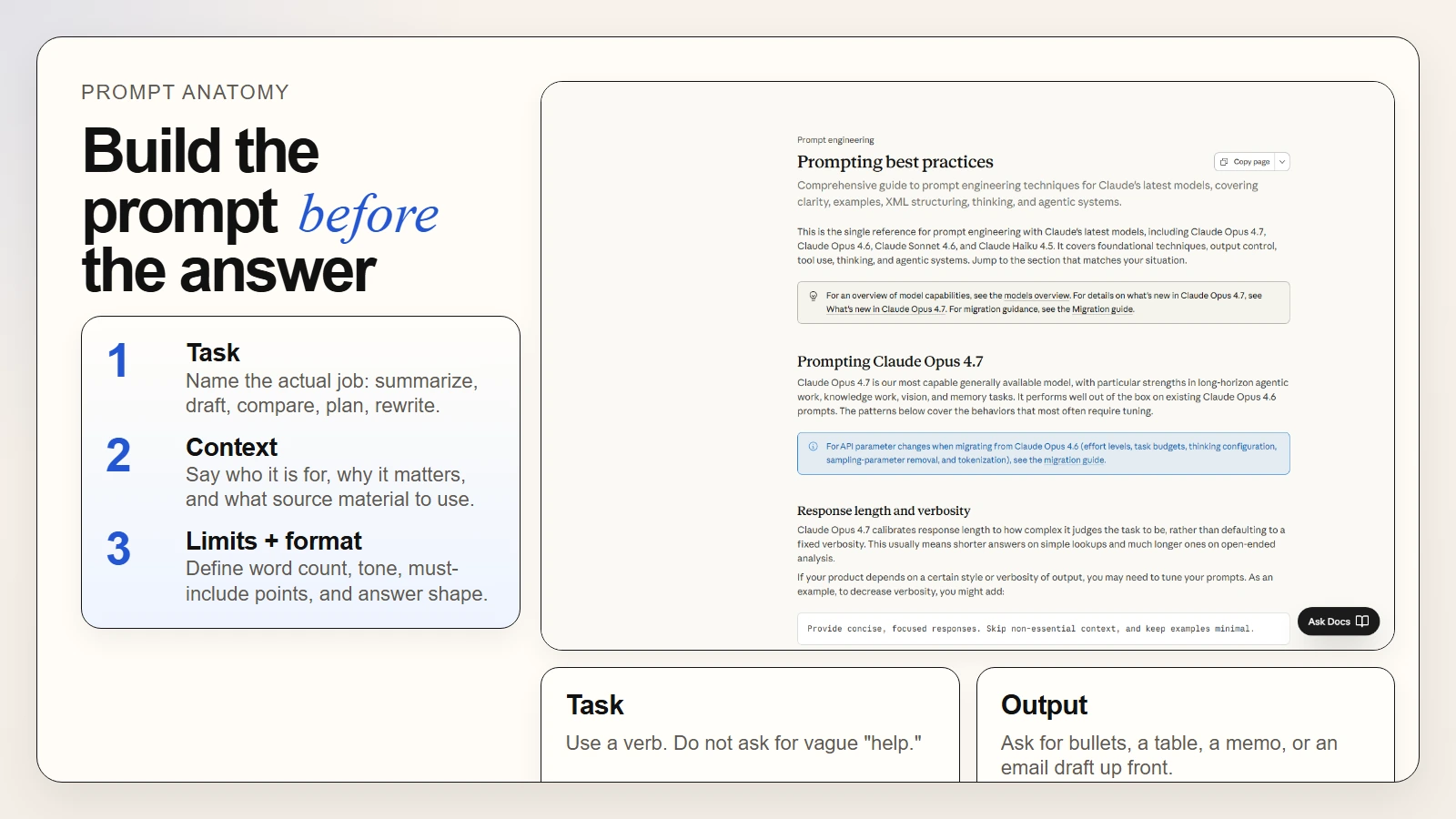 Caption: Strong prompts make the job, context, limits, and answer shape visible before generation starts.
Here is the difference in plain English:
| Prompt quality | What it sounds like | Likely result |
|---|---|---|
| Weak | “Help me with this report.” | Generic summary, unclear purpose, wrong level of detail |
| Better | “Turn these notes into a one-page internal update.” | More focused, but still may miss tone or structure |
| Strong | “Turn these notes into a one-page internal update for senior leaders. Use headings for progress, risks, and next steps. Keep it under 300 words and flag anything that needs verification.” | Clearer structure, stronger prioritization, easier review |
The reason this works is simple: most work has a real audience and a real consequence. A memo is not the same as slide copy. A team update is not the same as a customer email. OpenAI’s writing guide explicitly frames writing support as Plan -> Draft -> Revise -> Package and notes that format, audience, and next-step clarity matter (OpenAI).
A good prompt does not try to impress the model. It tries to remove the decisions the model should not have to guess.
If you want the larger workflow view, How to Use AI Workflows for Research, Notes, Meetings, and Planning shows how prompting fits inside a repeatable system rather than sitting alone as a one-off trick.
A Simple Prompt Formula You Can Reuse
You do not need a huge framework to improve everyday prompts. A short reusable formula is enough for most office work:
Task + Context + Constraints + Output Format
This formula works because it matches the structure recommended across the official guidance already cited:
- OpenAI: task, context, ideal output
- Anthropic: explicit instructions, structure, and role or examples when needed
- Google: clear instructions, step-by-step direction where useful, and iterative refinement
The four parts
| Part | What to include | Quick example |
|---|---|---|
| Task | The action you want done | “Summarize,” “draft,” “rewrite,” “compare,” “plan” |
| Context | Background, audience, and source material | “This is for a manager who needs a fast update” |
| Constraints | Limits, priorities, and rules | “Keep it under 150 words and do not invent facts” |
| Output format | The shape of the answer | “Return a table with owners, deadlines, and risks” |
A reusable base template
Task:
[What do you want the AI to do?]

Context:
[Who is this for, what is the situation, and what source material should it use?]

Constraints:
[Length, tone, exclusions, must-include points, and anything it must not do]

Output format:
[Bullet list, table, email draft, summary, outline, action plan, etc.]
Example: from vague to useful
Weak prompt
Summarize these meeting notes.
Better prompt
Summarize these meeting notes for a busy manager.

Constraints:
- Keep it under 200 words
- Pull out only the most important decisions and next steps
- If ownership is unclear, say that clearly

Output format:
- 3 key points
- 3 action items in this format: Task | Owner | Deadline

Notes:
[paste notes]
This is also why reusable templates help. Templates do not make prompting robotic. They stop you from forgetting the same important context every time.
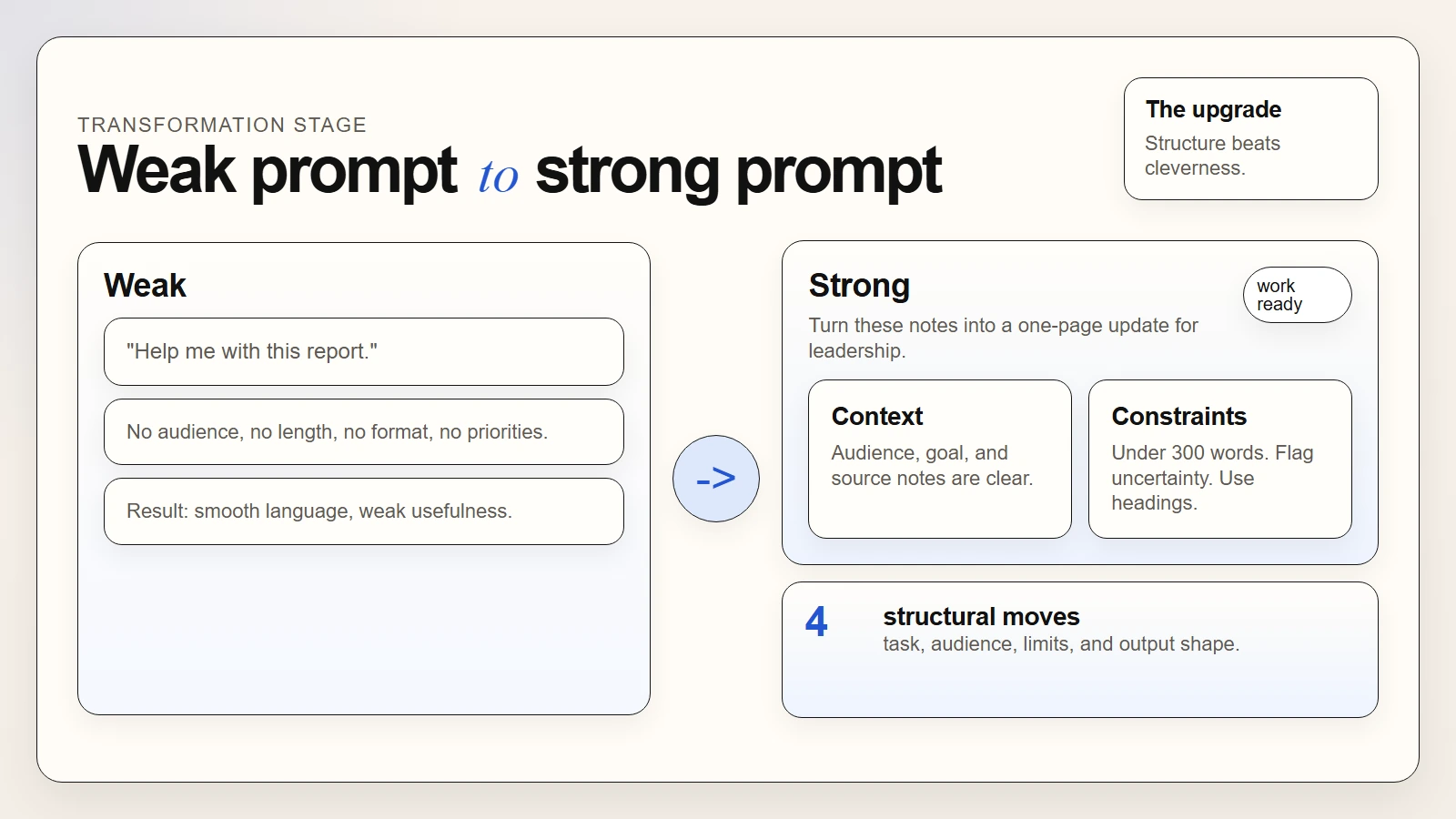 Caption: Most prompt improvements are structural: role, purpose, constraints, and output shape.
Prompt Templates for Everyday Work
The best AI prompts for everyday work are the ones you can use again next week with minor edits. Keep them plain, task-specific, and easy to adapt.
1. Email rewrite prompt
Use this when the message is already drafted but hard to scan.
Rewrite this email so it is clear, professional, and concise.

Context:
- Audience: [who will read it]
- Goal: [what should happen after they read it]

Constraints:
- Keep it under [120] words
- Remove filler and internal jargon
- Preserve the core meaning

Output format:
- Subject line
- Final email draft

Draft:
[paste]
2. Meeting notes to action plan
Use this when you need decisions and next steps, not a wall of summary text.
Turn these meeting notes into a practical action plan.

Context:
- Audience: project team
- Goal: create a follow-up with clear accountability

Constraints:
- Do not invent missing details
- Flag unclear ownership
- Keep the summary brief

Output format:
1. 4 key decisions
2. Action items as: Task | Owner | Deadline | Dependency
3. Open questions

Notes:
[paste]
3. One-page internal update
Use this for leadership summaries or cross-functional updates.
Turn these notes into a one-page internal update for leadership.

Context:
- Audience: senior leaders
- Goal: explain progress, risks, and next steps quickly

Constraints:
- Keep it under 300 words
- Use plain language
- Do not overstate certainty

Output format:
- Progress
- Risks
- Next steps

Notes:
[paste]
4. Weekly planning prompt
Use this when your task list is messy and unprioritized.
Organize this task list into a practical weekly plan.

Context:
- I am balancing normal work, follow-ups, and one deeper project

Constraints:
- Group by urgency and effort
- Flag anything that should be delegated
- Do not overload any one day

Output format:
1. Urgent this week
2. Important but not urgent
3. Delegate or defer
4. Proposed 5-day work plan

Task list:
[paste]
5. Brainstorming with limits
Use this when you want options without endless fluff.
Give me 5 realistic options for [topic].

Context:
- Audience: [who this is for]
- Goal: [decision, campaign, presentation, workflow idea]

Constraints:
- Keep the ideas practical
- Avoid repeating the same concept
- Include one sentence on tradeoffs for each option

Output format:
- Option name
- Why it works
- Main downside
If your main use case is writing, How to Use AI for Writing and Editing: Best First-Draft Workflows goes deeper on how to turn these prompt patterns into a draft-and-revision workflow.
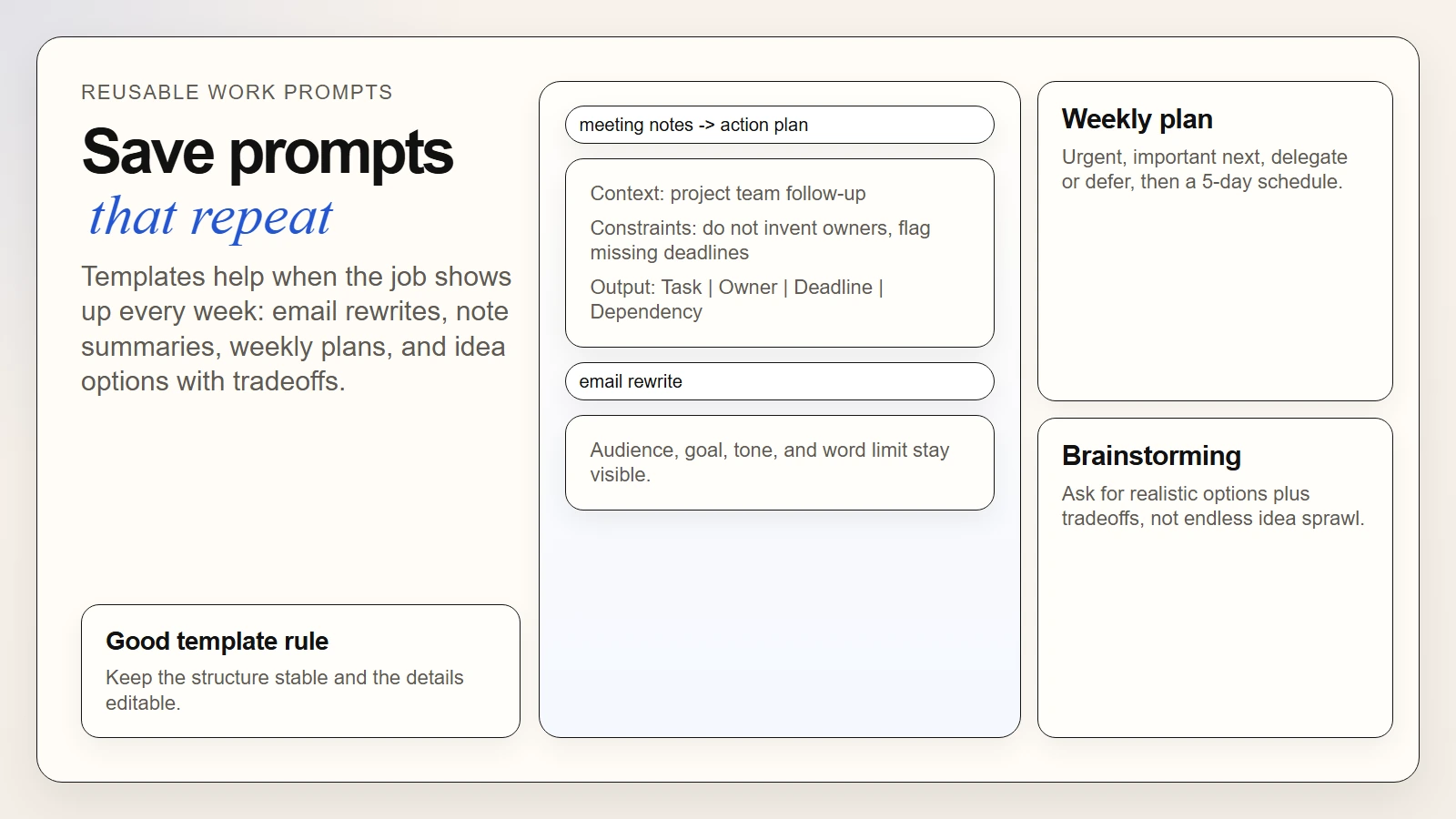 Caption: Prompt templates help most when they stay close to recurring work and preserve the same useful structure.
Weak Prompts vs Strong Prompts
Most prompt advice becomes clearer when you compare bad versions to better ones.
Example 1. Summarizing notes
Weak
Summarize this.
Strong
Summarize these notes for a team lead who needs a fast decision update.
Keep the summary under 150 words.
List the top 3 decisions and the top 3 next actions.
If the notes do not support a conclusion, flag the uncertainty instead of guessing.
Example 2. Drafting an email
Weak
Write an email about the delay.
Strong
Draft a client email about a two-week project delay.
Tone: calm and direct.
Do not sound defensive.
Explain the reason briefly, confirm the revised timeline, and end with one clear next step.
Keep it under 180 words.
Example 3. Planning a week
Weak
Help me plan my week.
Strong
Use this task list to build a realistic 5-day plan.
Prioritize deadlines first, then important but flexible work.
Flag any task that should be delegated.
Return:
- Monday to Friday schedule blocks
- Top 3 priorities
- Risks or overload points
The stronger versions work better because they reduce missing assumptions. They tell the model what matters, what to avoid, and what final shape is useful.
How to Iterate When the First Answer Misses
One of the biggest beginner mistakes is expecting the first draft to be perfect. Prompting is iterative by design. Google’s prompt guidance explicitly says prompt engineering is iterative, and OpenAI’s writing guide recommends focused revision passes instead of one vague “make it better” request (Google, OpenAI).
Here is a simple refinement loop that works for most everyday tasks:
- Check the first answer for the main failure. Was it too vague, too long, too generic, wrongly formatted, or missing key context?
- Change the instruction, not just the tone. Add the missing audience, constraint, or output requirement.
- Preserve what worked. If the structure was good but the tone was off, keep the structure and revise the tone.
- Ask for one targeted improvement at a time. “Shorten this by 25% and make the next step clearer” is better than “improve this.”
- Run a final human check. Review facts, claims, tone, and anything sensitive before using the output.
A good refinement pattern
| If the problem is… | Add or change… |
|---|---|
| Too generic | Audience, purpose, and must-include specifics |
| Too long | Word limit and prioritization rule |
| Wrong format | Exact structure: table, bullets, memo, FAQ, email |
| Sounds too confident | Instruction to flag uncertainty and avoid unsupported claims |
| Misses key details | Source material and explicit must-include points |
Prompt iteration is not failure. It is the normal way you turn a broad request into a reliable workflow.
If you are getting polished but questionable answers, pair this habit with Are AI Tools Accurate?. Prompt quality improves usefulness, but it does not remove the need for verification.
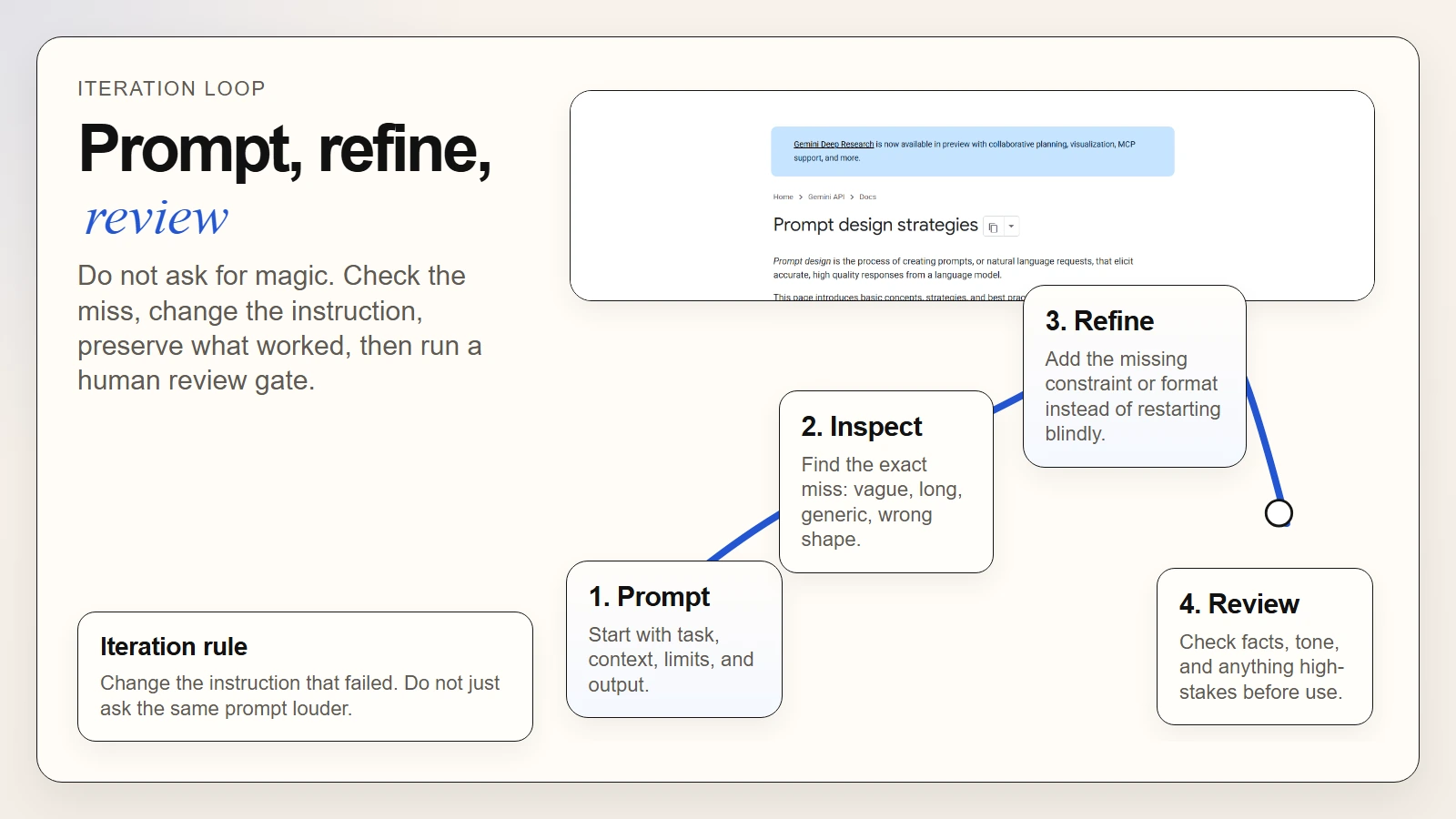 Caption: Prompting works best as a loop: prompt, inspect, refine, and review.
Common Prompt Mistakes Beginners Make
Weak prompting habits are predictable. That is good news because they are fixable.
1. Asking for help without defining the job
“Help me with this” leaves too much open. Start with a verb: summarize, compare, rewrite, plan, draft, or extract.
2. Hiding the audience
An executive summary, a team handoff, and a customer update should not sound the same. Say who the output is for.
3. Forgetting the constraint
If length, tone, accuracy, or confidentiality matters, say it. Do not assume the model knows your working standard.
4. Requesting a format too late
If you need a table, checklist, or action list, ask for it in the first prompt. Do not wait until after the model gives you the wrong shape.
5. Treating smooth language as proof of quality
A fluent answer can still be weak, incomplete, or wrong. If you need a stronger baseline on this, What Generative AI Can and Cannot Do and How Can a Regular Person Use AI? both reinforce the same point: AI is useful support, not automatic authority.
6. Never saving the prompts that worked
If a prompt gives you a reliable result for a recurring task, save it as a template. That is how you move from experimentation to a real workflow.
A Practical Prompt Checklist Before You Hit Enter
Before sending a prompt for real work, use this short review:
- Is the task clear?
- Did I say who the output is for?
- Did I include the source material or background it needs?
- Did I define the output format?
- Did I set any important constraints like length, tone, or must-include items?
- Did I tell the model not to guess if information is missing?
- Am I prepared to review the output before I send, share, or publish it?
A simple decision rule
Use this when choosing how much detail to add:
| Task type | How much prompt detail you need |
|---|---|
| Low-stakes brainstorming | Light structure is usually enough |
| Email rewrite | Medium detail for audience, tone, and length |
| Internal update or summary | Medium to high detail for format and priorities |
| Research-backed or high-stakes work | High detail plus a manual review gate |
The goal is not to write giant prompts for everything. It is to give enough structure for the job at hand.
FAQ
What is the best prompt formula for everyday work?
For most people, the best prompt formula is task + context + constraints + output format. It is simple enough to remember and flexible enough to work for writing, planning, summarizing, and brainstorming.
Why do my AI prompts still sound generic?
Usually because the prompt leaves key decisions open. Add the audience, purpose, constraints, and desired structure. If the output is still generic, refine the prompt based on the specific failure you saw.
Should I use very long prompts?
Only when the task needs that much context. Many everyday prompts improve with a compact structure rather than a giant instruction block. The right amount of detail depends on the risk and complexity of the task.
Are prompt templates worth saving?
Yes, especially for recurring work such as email rewrites, note summaries, planning, and structured updates. Templates reduce setup time and make your results more consistent.
Can a good prompt guarantee a correct answer?
No. A better prompt can improve relevance and format, but it does not remove the need to verify facts or review judgment-sensitive output.
Conclusion
If you want to use the best AI prompts for everyday work, focus less on clever wording and more on clear structure. The strongest prompts tell the model what job to do, what context matters, what limits to respect, and what the final answer should look like.
That is the practical upgrade most people need. Better prompting is not a collection of tricks. It is the habit of giving better instructions and refining them based on the result.
Start with one recurring task this week, turn it into a reusable template, and keep a review step at the end. That is how prompting becomes a real work skill instead of a random experiment.