
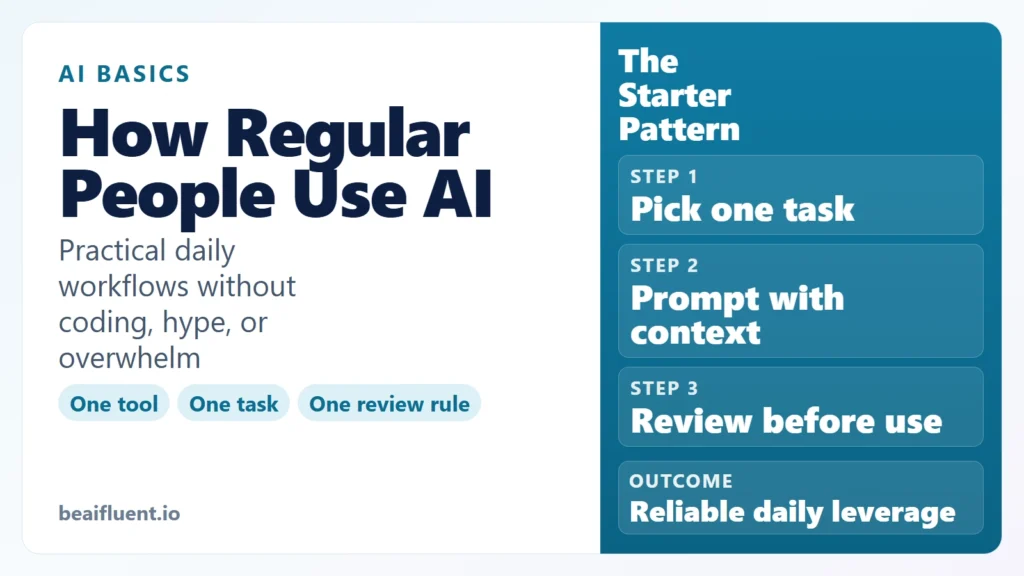
How Can a Regular Person Use AI?
If you are asking how can a regular person use AI, the short answer is simple: use AI as a helper for everyday tasks you already do, such as drafting emails, summarizing notes, planning your week, learning faster, and organizing information. You do not need to code, build models, or become an AI expert first. You need one tool, one clear task, and one review habit.
Most people overcomplicate this. They think AI only matters for engineers or full-time creators. In reality, regular people get the most value from small, repeatable workflows: turning rough notes into clean summaries, turning ideas into outlines, and turning long information into clear next steps.
This guide shows exactly how regular people can use AI in daily life and work, which tasks to start with, where AI helps most, where it fails, and how to use it safely.
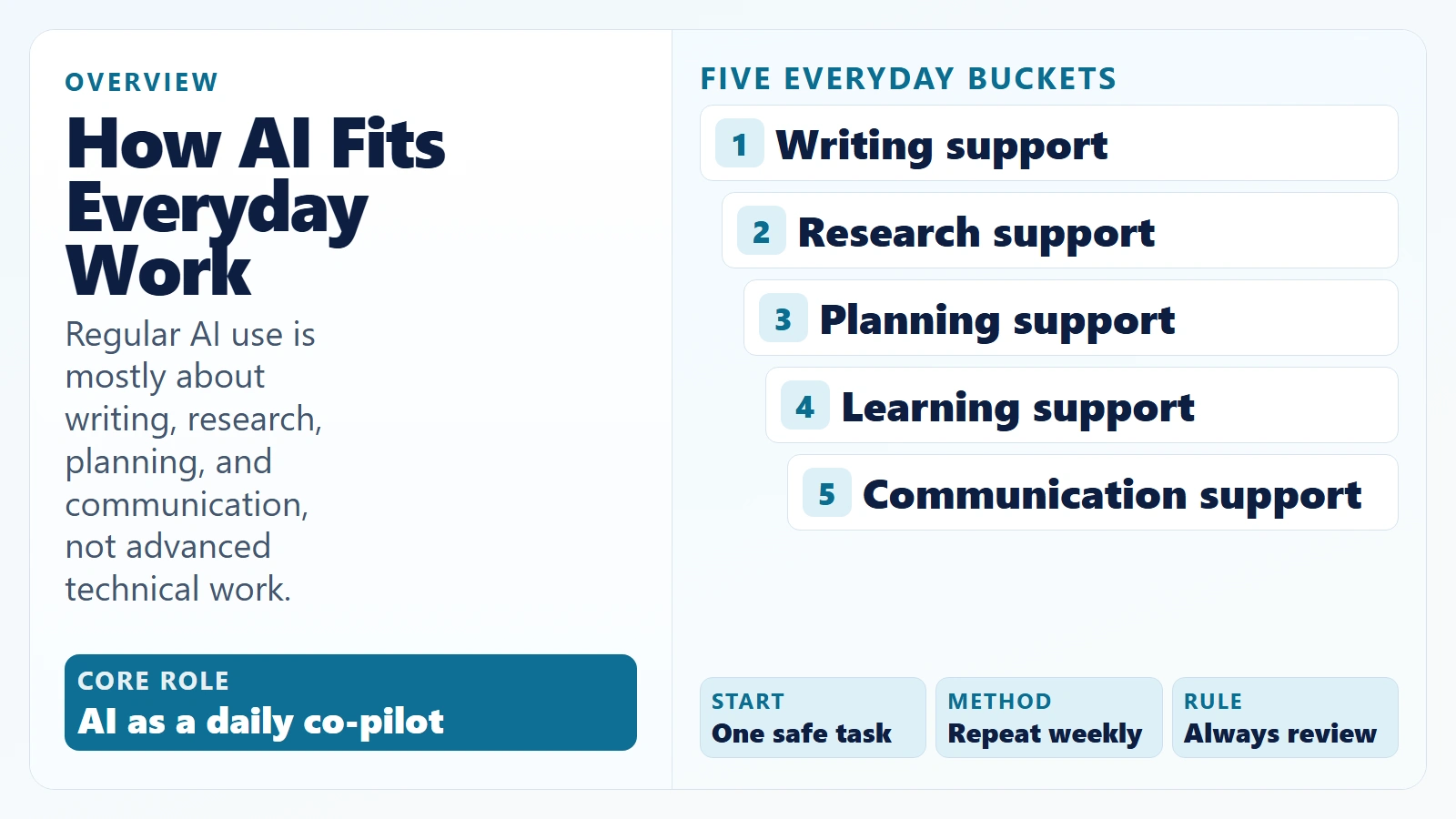
Caption: Regular AI use is mostly about writing, research, planning, and communication, not advanced technical work.
Key Takeaways
- A regular person can use AI today for writing, research, planning, learning, and admin tasks.
- The best beginner path is
1 tool + 1 task + 1 review rulefor 7 days. - AI works best as a first-draft and structure tool, not as a final authority.
- You should verify facts, protect private data, and keep a human review step.
- Small weekly workflows create more value than random one-off prompts.
Table of Contents
- What Does AI Use Look Like for a Regular Person?
- 10 Practical Ways a Regular Person Can Use AI
- A Simple 7-Day Starter Plan
- Where AI Helps Most and Where It Fails
- How to Use AI Safely in Everyday Work
- Copy-Paste Prompt Templates for Regular People
- FAQ
What Does AI Use Look Like for a Regular Person?
A regular person uses AI the same way they use a calculator or spell-check: as support for work that still needs human judgment. You keep ownership of decisions, and AI handles parts that are repetitive, messy, or time-consuming.
For most beginners, useful AI work falls into five buckets:
- Writing support: drafts, rewrites, summaries, and tone adjustments.
- Information support: summarize long text, compare options, extract key points.
- Planning support: create checklists, action plans, and timelines.
- Learning support: explain complex topics in plain language, generate practice questions.
- Communication support: prepare meeting notes, status updates, and presentations.
This is why AI is practical for normal people. The value is not “AI replaces your job.” The value is “AI helps you finish routine cognitive work faster and more clearly.”
According to the Microsoft and LinkedIn 2024 Work Trend Index, 75% of knowledge workers reported using AI at work, and 66% of leaders said they would not hire candidates without AI skills. Those figures do not mean everyone must become technical. They mean baseline AI capability is becoming part of normal professional competence.
10 Practical Ways a Regular Person Can Use AI
If you want concrete examples, start here. These are beginner-safe, high-value tasks that work for most non-technical users.
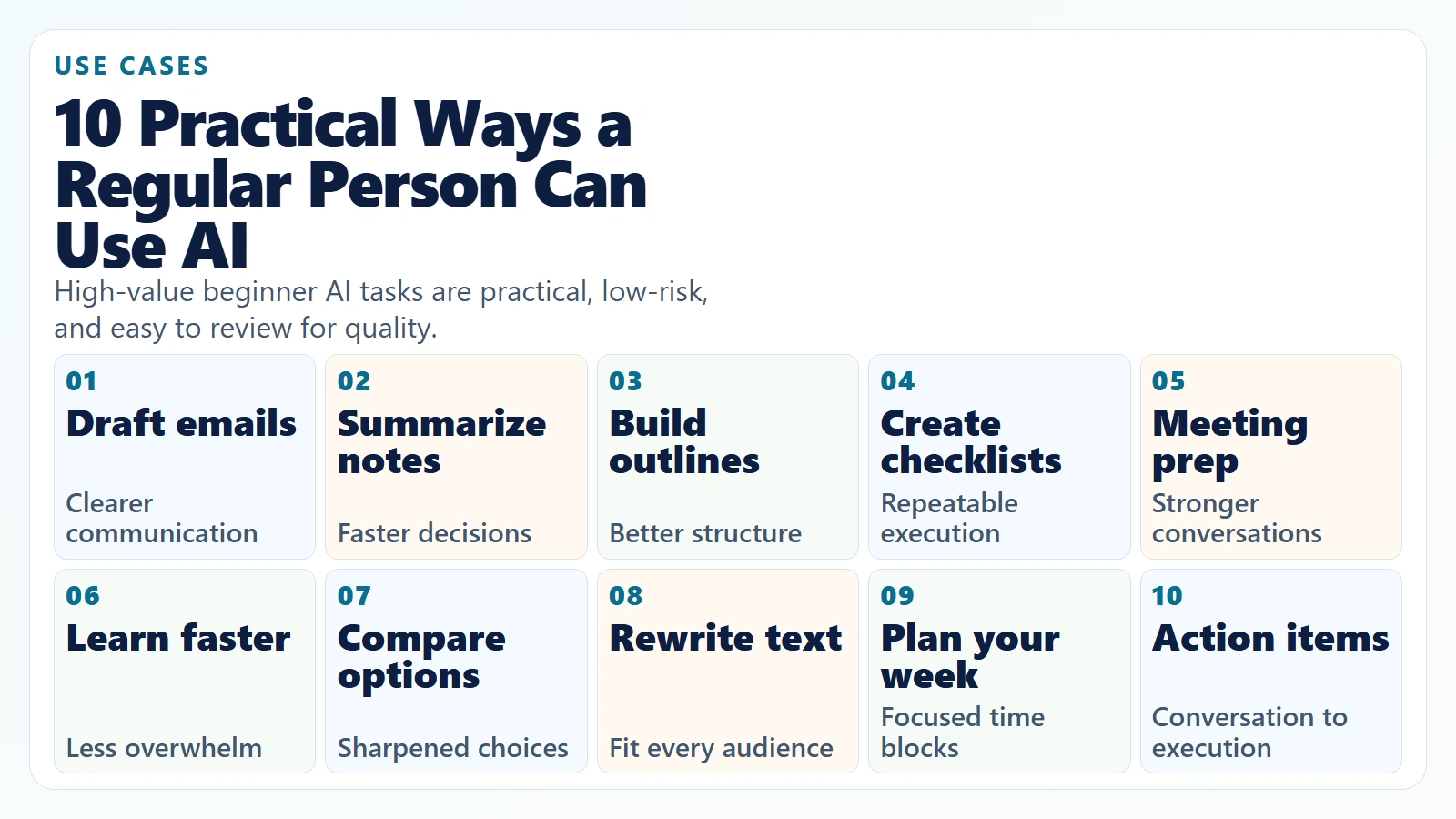
Caption: High-value beginner AI tasks are practical, low-risk, and easy to review for quality.
1. Draft and polish emails
Give AI your rough message and ask for 3 versions: concise, neutral, and warm. This is useful when you need to communicate clearly but do not want to spend 20 minutes rewriting phrasing.
2. Summarize long notes or documents
Paste meeting notes, lecture notes, or long reports and ask AI to return:
5key points3decisions3next actions with owners and deadlines
This turns raw text into action quickly.
3. Turn ideas into structured outlines
If your thoughts are scattered, ask AI for an outline with H2 and H3 sections. This helps with presentations, reports, blog drafts, proposals, or study plans.
4. Create checklists for repeat tasks
Ask AI to build a checklist for recurring work, such as onboarding steps, weekly reporting, or event preparation. Then edit once and reuse it every week.
5. Prepare for meetings faster
Share your agenda and ask AI to suggest:
- talking points
- key questions
- possible objections
- follow-up email draft
This improves clarity before high-stakes conversations.
6. Learn new topics in plain language
Ask AI to explain a complex topic at “beginner level,” then “intermediate level,” then “real-world examples.” This staged format reduces overwhelm and helps retention.
7. Compare options before buying or deciding
You can ask AI to compare tools, courses, services, or software based on your criteria, budget, and timeline. Then verify the key claims and pricing from official sources before deciding.
8. Rewrite text for different audiences
One draft can become multiple versions:
- executive summary for leadership
- plain-language version for non-technical teammates
- short social post for external sharing
AI is especially good at this transformation step.
9. Build a weekly plan from scattered tasks
Paste all pending tasks and ask AI to group them by:
- urgent this week
- important but not urgent
- delegated or postponed
Then convert the output into a calendar block plan.
10. Turn meeting notes into an action plan
Ask AI to extract actions in this format:
Task | Owner | Deadline | Dependency
For regular people in modern work, this is one of the most practical AI workflows because it moves from conversation to execution.
A Simple 7-Day Starter Plan
If you want to build confidence without burnout, use this starter routine.
Day 1: Pick one tool and one task
Choose one general tool (for example ChatGPT, Claude, or Gemini) and one safe task like email rewriting.
Day 2: Repeat the same task
Do not switch tools yet. Consistency beats novelty in week one.
Day 3: Improve prompt clarity
Add context, audience, and desired format. Compare results.
Day 4: Add one review rule
Example rule: “I will verify every factual claim before sharing.”
Day 5: Save your best prompt template
Create a reusable prompt so you stop starting from zero.
Day 6: Try a second task
Add one more use case, such as summarizing notes.
Day 7: Review what actually saved time
Track three metrics:
- minutes saved
- output quality (1-5)
- confidence level (1-5)
After one week, most regular users already see clear gains on routine tasks.
Where AI Helps Most and Where It Fails
One reason beginners lose trust is unrealistic expectations. AI is strong in some areas and weak in others.
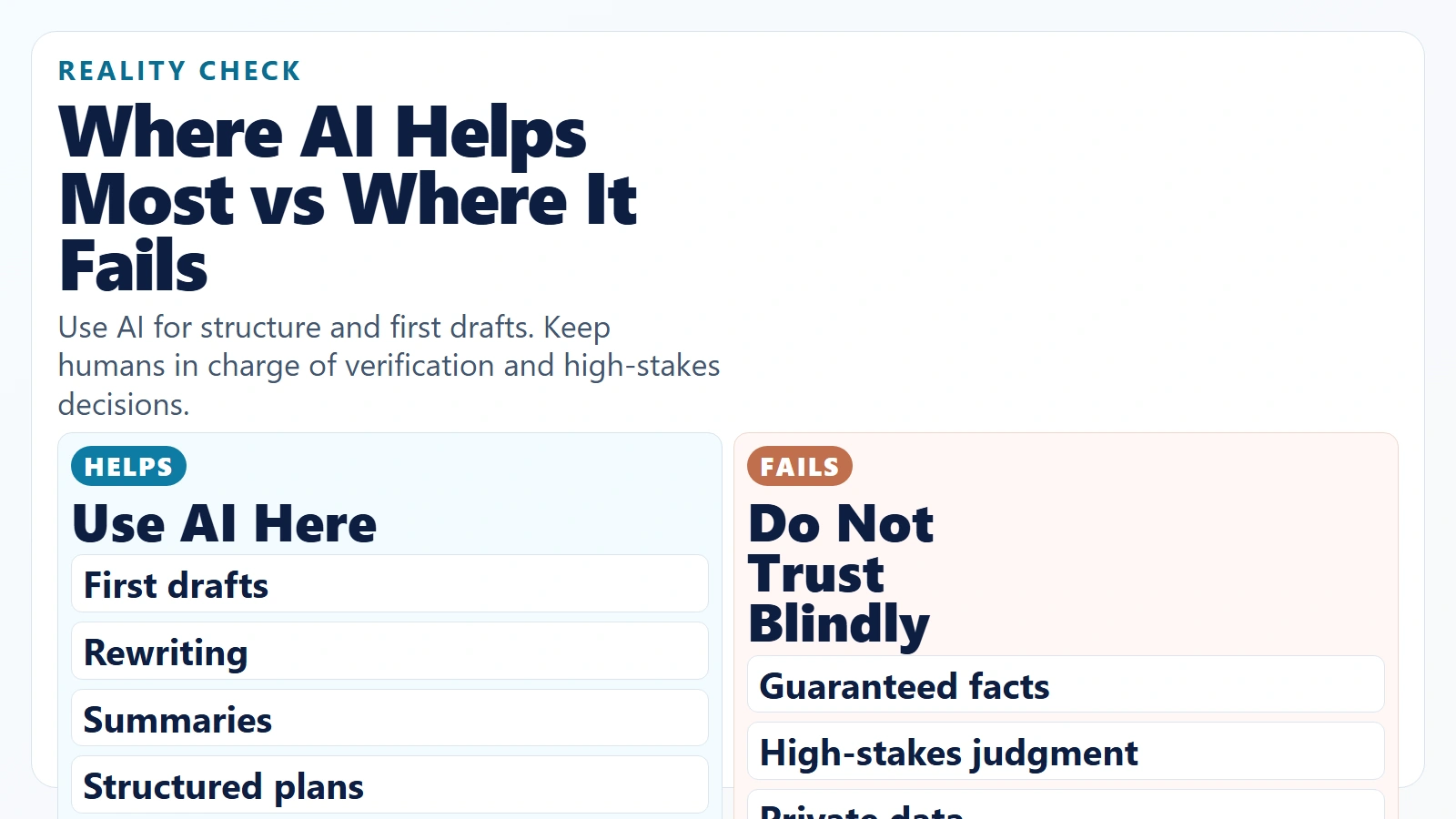
Caption: Use AI for structure and first drafts. Keep humans in charge of verification and high-stakes decisions.
Where AI helps most
- First drafts and structure
- Language clarity and rewriting
- Summarization and synthesis
- Brainstorming options
- Turning unstructured text into organized outputs
Where AI often fails
- Guaranteed factual accuracy without verification
- Nuanced legal, medical, or financial judgment
- Context-specific decisions with missing data
- Sensitive communication without human review
- Work requiring exact source citations when none are provided
According to the OECD Skills Outlook 2023, adaptability and practical digital skills are central to workforce resilience. In plain terms, the winning approach is not blind trust or total rejection. It is learning when AI is a useful assistant and when human expertise must lead.
How to Use AI Safely in Everyday Work
If you want top-notch outcomes, quality control matters as much as prompt quality.
The 5-point everyday AI safety checklist
- Data safety: never paste private, confidential, or regulated information unless policy allows it.
- Fact safety: verify factual claims using trusted primary sources.
- Decision safety: treat AI as input, not final authority.
- Context safety: provide enough context so outputs are not generic.
- Output safety: review tone, logic, and completeness before sending.
The 3-step trust test before you use AI output
- Can I explain this output in my own words?
- Can I verify the key claims quickly?
- Would I attach my name to this without edits?
If any answer is “no,” revise before use.
For a practical baseline on risk-aware AI use, review the NIST AI Risk Management Framework (AI RMF 1.0).
Copy-Paste Prompt Templates for Regular People
The easiest way to use AI consistently is with short templates. These are beginner-safe and practical.
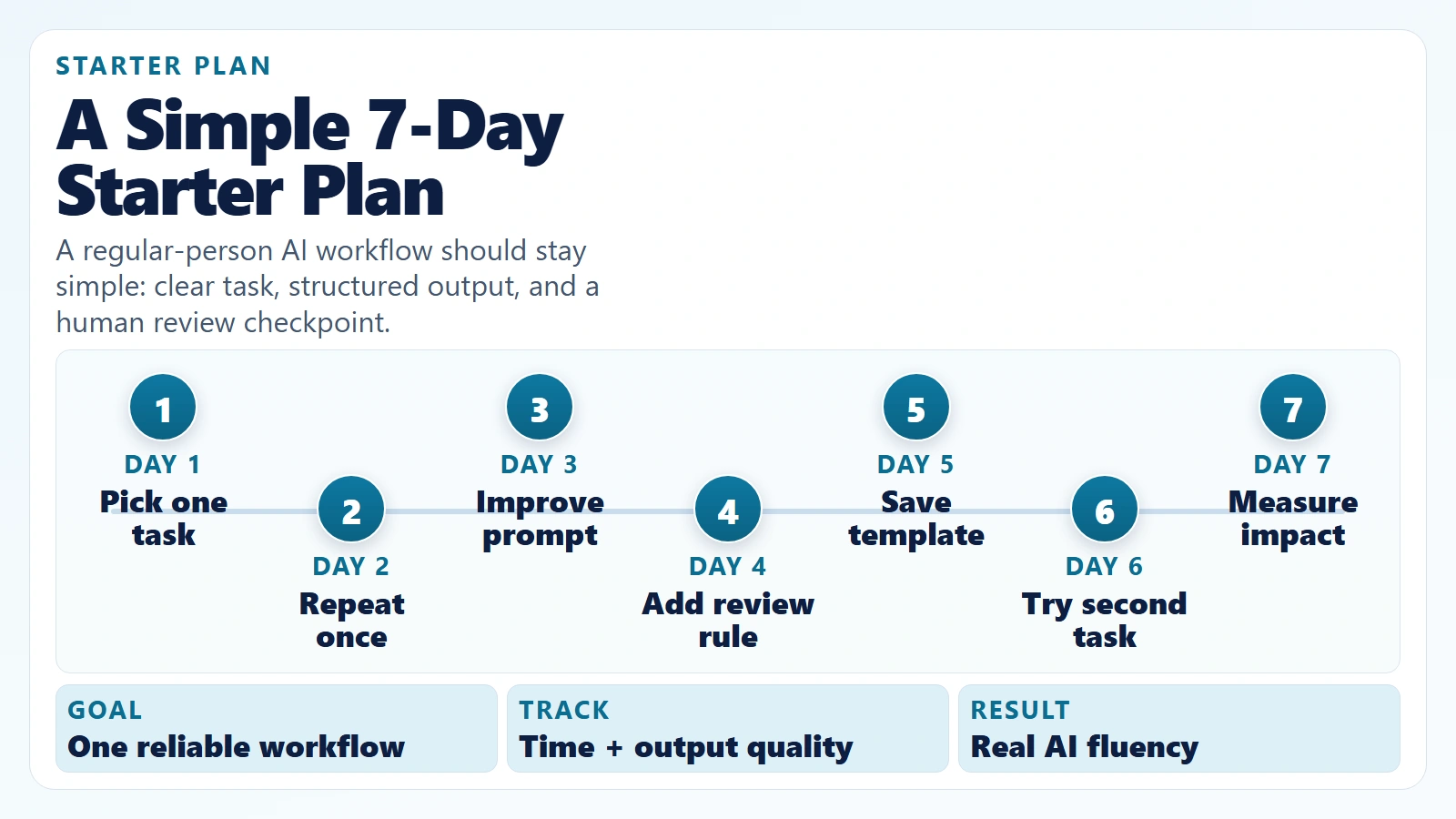
Caption: A regular-person AI workflow should stay simple: clear task, structured output, and a human review checkpoint.
Template 1: Email rewrite
Rewrite this email to be clear, professional, and concise.
Audience: [who will read it]
Goal: [what I want them to do]
Tone: [neutral/warm/formal]
Limit to [120] words.
Draft: [paste text]
Template 2: Meeting summary to action plan
Summarize these notes into:
1) top 5 key points
2) decisions made
3) action items in this format: Task | Owner | Deadline
Keep the language simple and specific.
Notes: [paste]
Template 3: Learning accelerator
Explain [topic] at three levels:
1) beginner (8th-grade level)
2) intermediate
3) practical real-world examples
Then give me 5 quiz questions with answers.
Template 4: Weekly planning
I will paste my task list.
Group tasks into:
- urgent this week
- important next
- can delegate
Then propose a 5-day plan with estimated time blocks.
Task list: [paste]
Template 5: First-draft article or report outline
Create a structured outline for [topic].
Audience: [who]
Goal: [inform/persuade/teach]
Include:
- H1
- 6 to 8 H2 sections
- key points per section
- FAQ ideas
Keep it practical and beginner-friendly.
Why This Matters for Career and Daily Life
The real advantage of AI for regular people is leverage. You do not need to be the best writer, organizer, or researcher in the room to produce strong work. You need a repeatable process that upgrades your baseline output quality.
Even a modest gain of 30 minutes saved per workday becomes about 2.5 hours per week. Over 4 weeks, that is 10 hours redirected to deeper work, learning, or recovery. Small workflow improvements compound.
If you are still wondering how can a regular person use AI, think less about futuristic automation and more about reliable everyday support. Start with one workflow you can repeat every week.
FAQ
Can a non-technical person really use AI effectively?
Yes. Most high-value use cases for regular people do not require coding. Writing support, summarization, planning, and learning workflows are all accessible with basic prompt skills and a review habit.
What is the best first AI tool for a regular person?
Any reputable general-purpose AI assistant is fine for week one. The best first tool is the one you will actually use consistently for a practical daily task, not the one with the most features.
How often should I use AI as a beginner?
Aim for short, consistent practice. 10-15 minutes per day for 7 days is usually better than one long session per month because repetition builds prompt and review skills faster.
Is it safe to use AI for work tasks?
It can be safe for many tasks if you avoid sensitive data, verify important claims, and keep human review in the loop. High-stakes legal, financial, medical, or compliance decisions should never rely on AI alone.
Will using AI make me less skilled?
It depends on how you use it. If AI replaces thinking, quality drops. If AI handles low-value drafting and you focus on judgment, verification, and decision-making, your overall effectiveness usually improves.
Conclusion
How can a regular person use AI? By using it as a practical co-pilot for everyday cognitive tasks: drafting, summarizing, organizing, planning, and learning. The goal is not to automate your whole life. The goal is to remove friction from repeat work while keeping human standards for quality and accuracy.
Start small, stay consistent, and keep a review step. If you do that for one week, you will already be ahead of most people who only read about AI but never build a real workflow.
Sources
- 2024 Work Trend Index: AI at Work Is Here. Now Comes the Hard Part – Microsoft and LinkedIn
- OECD Skills Outlook 2023: Skills for a Resilient Green and Digital Transition – OECD
- NIST AI Risk Management Framework (AI RMF 1.0) – National Institute of Standards and Technology